Get the best Android VPN
ExpressVPN gives you one-tap Android VPN protection with a lightweight build that spares your battery
- Protect your data on public Wi-Fi with strong encryption
- Hide your IP address from snoopers and limit ISP monitoring
- Block trackers across every app on your device, not just your browser
30-DAY MONEY-BACK GUARANTEE FOR FIRST-TIME USERS
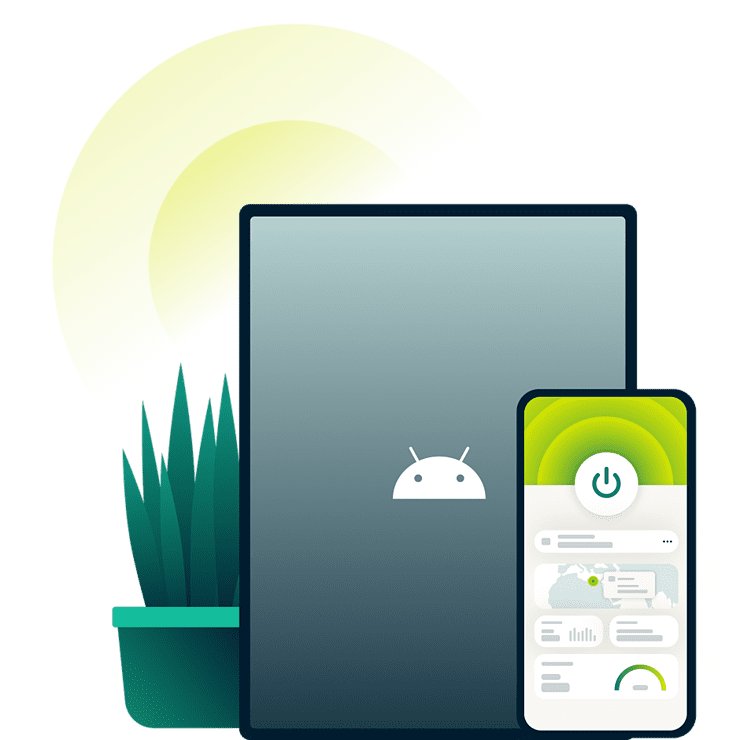








Get a secure VPN for Android in minutes
Download the app, log in, and start browsing with more protection easily
-
Step1

Download the Android VPN app
Get ExpressVPN’s app for Android from Google Play or our APK page and install it
-
Step 2
Sign in and connect to a server
Open the app, sign in, and connect to a fast VPN server near you
-
Step 3

Hide your browsing data from your ISP
Browse with powerful VPN encryption, keeping your activity more private
Why you need a VPN on Android
Limit ISP eavesdropping, secure your traffic on public Wi-Fi, and browse globally
-
Protect your data on public Wi-Fi
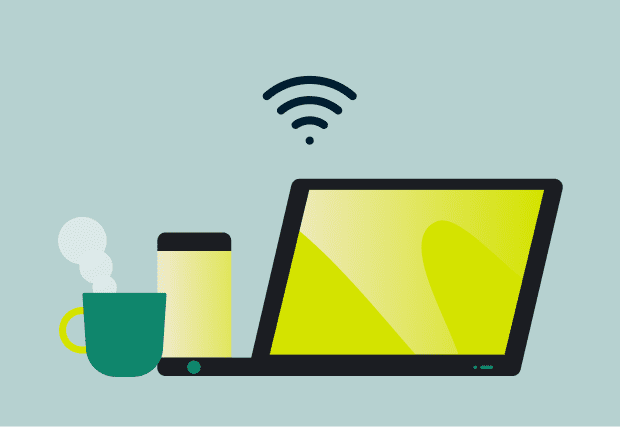
When you’re checking your email or logging into your bank account on public Wi-Fi, your putting your data at risk. Anyone could potentially intercept unencrypted traffic with the right tools. A VPN wraps your connection in strong encryption, making your activity significantly harder to read, even on networks you don't control.
-
Hide your IP address and avoid surveillance

Your ISP can see every site you visit and can slow down certain types of traffic, like streaming or gaming, without you knowing why. A VPN encrypts your traffic, so your ISP can see you're using a VPN but can't see what you're actually doing online. It also hides your IP address from the sites you visit. What you do is your business, not theirs.
-
Access your local content libraries safely abroad

You’re traveling, and suddenly, you lose access to your favorite shows when your IP location changes. With a VPN, you can keep using your accounts the way you’re used to by connecting to a VPN server in your home region. Your subscriptions can stay safely accessible while you see the world.
Why ExpressVPN is the best option for Android
Fast speeds, stronger privacy, and simple, mobile-first protection

More than just standard protection
Standard or free Android VPNs typically stop at encryption. ExpressVPN goes further: our Advanced and Pro plans come with Advanced Protection features like Threat Manager, which blocks known malicious trackers and malicious domains, both in-browser and in apps.
Meanwhile, the built-in Ad Blocker removes intrusive ads when you browse. Your Android VPN service works quietly in the background every time you go online.

High-speed servers in 105 countries
If your VPN doesn’t have fast servers near you, your connection starts dragging when browsing, streaming, or gaming. ExpressVPN runs 10Gbps and 40Gbps servers across 170+ locations in 105 countries.
There are plenty of options close by that can keep up with your pace, even if others are using the VPN alongside you. Want the fastest server near you? Turn on Smart Location to find it automatically.

Trusted no-logs policy
A top-tier VPN only earns the title if it protects your data on its own systems as well. ExpressVPN follows a strict no-logs policy, verified through regular independent audits by KPMG, PwC, and more.
Our TrustedServer technology runs on RAM-only servers. Nothing is ever written to a hard drive, and all remaining server data is gone the moment a server reboots.

Lightway protocol
A mobile-first VPN has to deal with the way phones work in real life, including battery drain, network switching, and sudden drops. Our fast Lightway protocol does just that.
Its lean Rust codebase is more efficient than older protocols, so the VPN consumes less processing power and battery life. When you switch networks or lose signal, Lightway also reconnects fast so your protection picks back up with minimal disruption.

Help with restrictive networks
Some networks can restrict your VPN activity via firewall blocks, which can make free VPN options for Android struggle. ExpressVPN uses automatic obfuscation on all servers, disguising VPN traffic as regular HTTPS web traffic.
This makes it much harder for networks to flag and block your VPN traffic. Your ExpressVPN connection on Android is more likely to work well in environments where other apps usually show cracks.
Advanced privacy features for mobile
Protect data during drops, choose what the VPN covers, and more
-
Internet Kill Switch and DNS leak protection
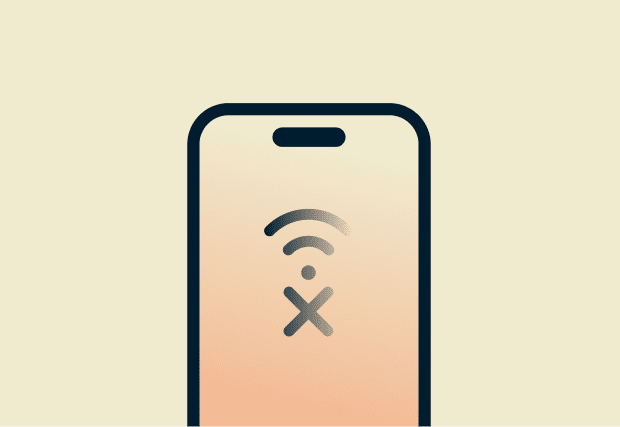
If your connection drops due to bad Wi-Fi or network switching, the encrypted tunnel “falls out”, leaving your data wide open. But our Internet Kill Switch pauses all internet traffic on your Android device until the tunnel is back up. Plus, it covers IPv4, IPv6, and DNS requests simultaneously (protecting you from potential DNS leaks). Your activity stays protected during connection outages.
-
Split tunneling: Choose which apps use the VPN

You may not need every app to send traffic inside the encryption tunnel: your banking app can stay protected while a delivery app uses your actual IP location. With ExpressVPN’s split tunneling feature, you can choose which apps use the VPN and which connect directly. You get privacy where you want it while letting other apps run normally without affecting connection speeds or functionality.
-
Dedicated IP option for consistent connectivity
Some apps and services (like secure business portals and gaming apps) expect a consistent IP address and may flag frequent changes. With a dedicated IP address add-on (included in Pro subscriptions), you get a VPN IP address that’s assigned only to you— and not even ExpressVPN can trace it back to you. You get more consistent access for services that require a fixed IP, without giving up the benefits of VPN. Dedicated IP servers are limited to specific locations.
Beyond the basics: Why a dedicated Android VPN app is better
You get 24/7 live chat support, cross-device coverage, and a native Android app
Android has a basic VPN buried in its menus, but it doesn’t work on its own. You still need to use a VPN service, and setting it up is a tedious process. With ExpressVPN, you just open the Android app, tap Connect, and browse.
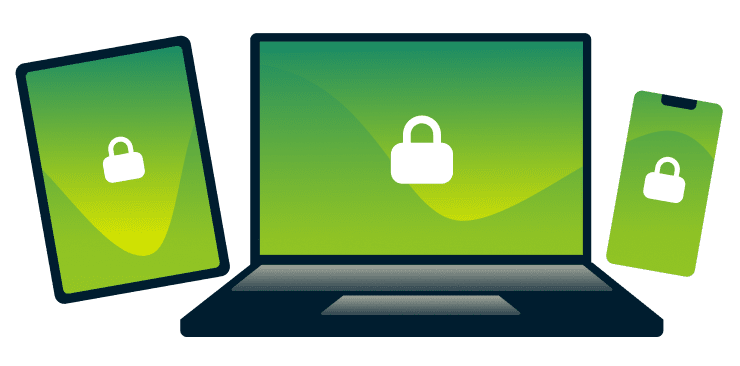
We also offer 24/7 human support over live chat, plus the freedom to cover 10-14 devices simultaneously with a single subscription, depending on tier. You can easily protect your Android phones and tablets, and other devices (even if they’re on iOS or Windows), instead of leaving each device as its own unprotected island.
What people are saying about ExpressVPN
Don’t take our word for it, top-tier publications and happy customers choose us daily
-
#1 Best VPN 2026
Best Gaming VPNExpressVPN is the best Gaming VPN right now, thanks to its impressive speeds, excellent privacy protections and expansive global network of servers.

-
Editor’s Choice Award 2026
ExpressVPN’s expansive network and dedication to staying on the forefront of encryption tech earn it an award.

-
#1 Best VPN for the U.S. 2026
ExpressVPN is the best VPN for the U.S. right now. It has VPN servers in every American state, excellent security, and a simple user interface.

-
The fastest VPN
ExpressVPN is the fastest VPN I’ve found. It shows you the fastest server you can connect to, and a list of alternative servers. Or, you can let it choose for you. It’s affordable and worth it.
Christopher Gilmer


-
Great for travel & access
Does exactly what it's supposed to. Using it while travelling is great, accessing international websites for purchases is great, doesn't lag internet speed too much. Peace of mind and super easy to use.
Sam H.


-
Extremely reliable
ExpressVPN provides extremely reliable service that will keep you and your personal information safe. ExpressVPN is the perfect all around VPN service for your network security needs.
Dirt_Reynolds
-
Protects all devices
Just want to say, I have used ExpressVPN for over 10 years. On my phone, computers, and even on my home router. You guys are the very best!
OneDarkSeed

-
Excellent value
One of the major names in virtual private network (VPN) services, ExpressVPN offers a lot to consumers at face value.
MacHash

-
Post-quantum encryption
Backed by bleeding-edge post-quantum encryption technology, Express has landed a firm spot on our best VPNs list.
Carles Dijous






FAQ: VPN for Android
All of your burning questions about Android VPN functionality, answered
Does Android have a built-in VPN?
Yes, Android includes built-in VPN support, but it isn’t a full VPN app for Android. You still need a VPN subscription. ExpressVPN gives you access to a global service, 24/7 support, and one-tap protection that make your Android VPN much easier (and safer) to use every day.
Do I need a VPN if I only use mobile data?
Yes. On mobile data, your carrier can still see traffic patterns and apply content-based throttling. ExpressVPN encrypts your traffic, making your activity harder to inspect and helping avoid content-based caps across both Wi-Fi and mobile networks.
How does a VPN hide my data from my ISP?
A VPN encrypts your traffic before it leaves your phone, making it harder for your ISP to inspect what you do online. ExpressVPN uses 256-bit AES encryption, so your ISP can see you're using a VPN but can't see your specific activity.
Can I use ExpressVPN on Android TV and tablets?
Yes. ExpressVPN works across Android phones, tablets, and Android TV, so one subscription covers more than a single screen. A single subscription protects up to 14 devices simultaneously, depending on tier, which is one reason many users see it as the best VPN for Android.
Is it safe to use a VPN for mobile banking?
Yes, especially on public Wi-Fi, where snooping and interception are bigger risks. ExpressVPN puts your banking data inside an encrypted tunnel, giving you a safer way to handle sensitive activity on an Android phone.
How do I set up and manage a VPN on Android?
Learning how to set up a VPN on Android or how to use a VPN on Android is simple: just download ExpressVPN, sign in, and tap Connect. It's also easy to turn off the VPN from the app when you need to.
Is a free VPN enough for Android?
Usually not. A free VPN for Android may come with weaker privacy, slower performance, or fewer protections than a paid option. ExpressVPN is built for people who want the best VPN for Android, not just the cheapest one.
Try ExpressVPN for Android risk-free
Secure your Android use with risk-free, vetted privacy
Safeguard your Android devices with ExpressVPN
- Secure your data with strong encryption
- Get one-tap protection with a simple Android app
- Order risk-free with a 30-day money-back guarantee*
*Contact support to request a refund. Limited to first-time subscribers. Purchases through the App Store are handled by Apple, and refunds are at their discretion.





