
VPN for Disney Plus: Stream privately without content-based throttling
Watch Disney+ movies and Marvel hits with a Disney Plus VPN that supports 4K streaming
- Secure your account information on any network with robust encryption
- Stream Disney Plus securely on the go with apps for all your devices
- Try ExpressVPN with Disney+ with our risk-free guarantee*
30-DAY MONEY-BACK GUARANTEE FOR FIRST-TIME USERS









How to use ExpressVPN with Disney Plus
Get the VPN that works with Disney Plus in 3 simple steps
-
Step 1

Sign up and install the app
Sign up for ExpressVPN risk-free* and download the app for your device.
-
Step 2
Connect to a server location optimized for streaming
Sign in and tap to connect to a VPN server location near you.
-
Step 3

Open Disney+ and begin streaming
Open Disney+ and stream with enhanced privacy and security.
Why use a VPN with Disney Plus?
Avoid slowdowns on your Disney+ streams and keep your information secure

Stop content-based ISP throttling and buffering
Internet providers may slow down your internet speeds, based on your online activity. This content-based throttling causes your Disney+ shows to buffer, lag, or drop in quality.
A VPN service encrypts your internet traffic, so your ISP can’t identify streaming activity. This stops targeted slowdowns, maintaining speeds so episodes and movies play with fewer interruptions.
Stream securely on public Wi-Fi networks
Streaming Disney+ on Public Wi-Fi is risky. These networks often lack encryption, exposing your logins and payment details to snoops and attackers on the same network.
A Disney Plus VPN prevents personal data interception, and a kill switch stops login credentials from leaking during brief connection interruptions. So you’re protected when switching Wi-Fi networks, and your real IP address and browsing activity are never exposed, even for a moment.

Access Disney+ on restricted local networks
Some workplaces, campuses, and shared Wi-Fi networks limit access to streaming sites. That can prevent Disney+ from connecting when you try to watch during a break.
The best Disney Plus VPNs use server obfuscation to disguise VPN traffic as regular internet activity. This helps you connect privately to streaming platforms, so you can sign in to Disney+ during your downtime and pick up where you left off.
Troubleshooting if Disney Plus is not working
Resolve Disney+ connection issues without missing your show
-
Switch server locations to refresh your connection
If you can’t access Disney+ while using a VPN, switching server locations in your home country can help. The app won’t connect properly if the IP address has been flagged or if your location doesn’t match your usual Household location.
Changing servers gives you a fresh IP address and resets the connection to Disney+. Or use ExpressVPN’s Smart Location to automatically select the fastest server nearby, helping you quickly access your account as usual.
-
Check for app updates and clear cache
Outdated app data can interfere with your connection, stopping Disney+ from loading properly. First, check for updates to both the Disney+ app and the ExpressVPN app to make sure you’re using the latest versions.
Next, disconnect ExpressVPN and clear the cache in the Disney+ app. This removes stored session data that can cause authorization or loading issues. Then reconnect ExpressVPN, reopen Disney+, and try streaming again. If problems persist, contact our 24/7 support to troubleshoot issues so you’re not stuck guessing.
What to look for in a Disney Plus VPN
Choose a VPN that supports 4K streaming without compromising your privacy

Unlimited bandwidth for 4K streaming
Long movies, back-to-back episodes, and 4K video quality use a lot of data. Some VPNs limit bandwidth which causes buffering, drops in quality, or playbacks to stop mid-episode.
ExpressVPN’s unlimited bandwidth lets you stream Disney+ in high quality without worrying about caps or slowdowns. Settle in for a Pixar marathon or a full season binge knowing your VPN won’t interrupt the experience.

Strict no-logs policy and privacy audits
When you stream Disney+, your activity can be logged or shared by some VPN services for advertising or analytics. A quality VPN won’t collect or sell this data.
ExpressVPN protects your privacy with a strict no-logs policy that’s regularly independently audited. This means your viewing activity isn’t collected or shared with third parties, giving you greater confidence when streaming Disney+ at home or on shared networks.
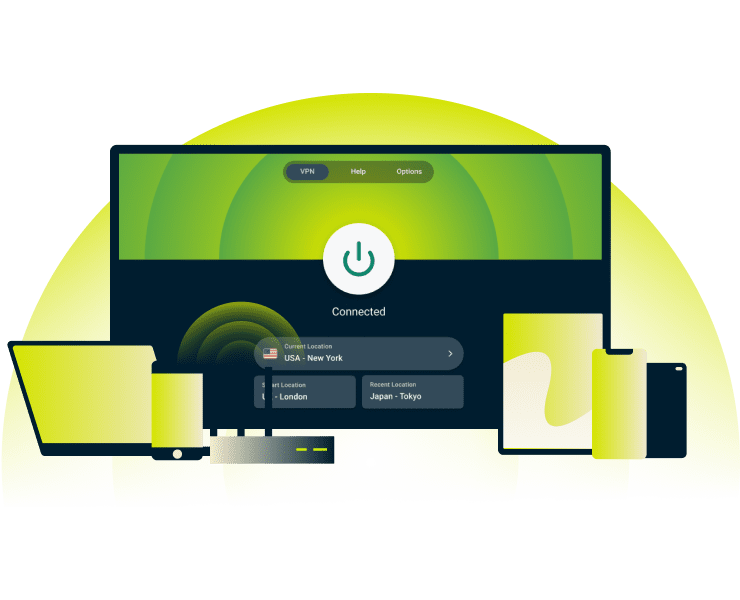
Apps for all your streaming devices
Disney+ lets multiple family members stream at once, so you need a VPN that works across all your devices. Look for one with apps for phones, tablets, smart TVs, and streaming sticks.
ExpressVPN has apps for all your devices so there aren’t any gaps in protection. You can keep everyone in your household streaming Disney+ with enhanced online privacy.
ExpressVPN features built for streaming
Choose a VPN that won’t slow down your Disney+ streams
Proprietary Lightway protocol for faster connections
ExpressVPN’s Lightway protocol connects in a fraction of a second. Fast connections and stability matter most on mobile devices and tablets, where switching networks can disrupt playback, or when watching live channels like Disney Junior.
The efficient design of Lightway means it uses less processing power than traditional VPN protocols. This keeps your connection more stable for streaming Disney Plus on any network.

Servers in 105 countries with 10Gbps and 40Gbps speeds
Whether you’re at home or traveling, ExpressVPN has servers in 105 countries, so you can easily connect to a nearby server for lower latency streaming. This means, if you’re on holiday abroad, you can still catch up on your favorite show by logging into your account from home.
Our high-capacity servers easily handle heavy streaming traffic. When Disney+ releases new movies or launches a series, and millions of people start watching at the same time, your stream isn’t disrupted by VPN congestion.
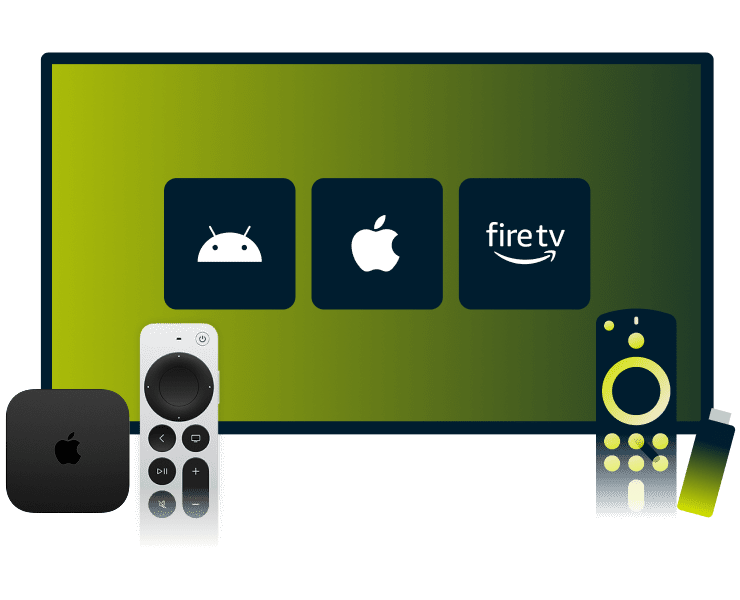
Dedicated app for Apple TV and Fire TV Stick
Watching Disney+ more securely on the big screen shouldn’t be complicated. ExpressVPN’s dedicated apps for Apple TV, Android TV, and Fire TV Stick protect your streams directly on the device, with simple setup.
Designed for TV use, our apps let you connect, disconnect, or switch servers with your remote in seconds. So you stay in control of your streaming experience without moving from the couch, and get VPN protection without needing any extra devices.
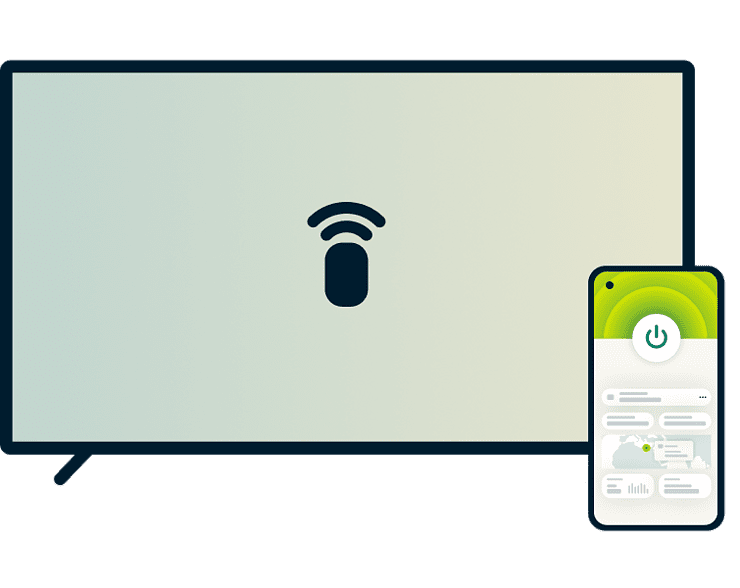
MediaStreamer for game consoles and older TVs
Some older smart TVs, or brands like LG and Samsung, don’t always support VPN apps. ExpressVPN’s MediaStreamer supports these devices, so you can watch Disney+ across more screens in your home.
While MediaStreamer doesn’t apply VPN encryption, it provides IP location flexibility so family movie nights aren’t limited by what devices you can use.
Can I use a free VPN for Disney Plus?
A free VPN might seem like an easy shortcut when paying for Disney+
The hidden costs of free VPNs
Free VPNs can sell your browsing and streaming activity to make money. Your Disney+ viewing habits can be shared with third parties to build advertising profiles.
ExpressVPN manages its entire server network using TrustedServer technology, which never writes data to disk. Combined with our strict no-logs policy, your Disney+ streaming and browsing activity stay private. We don’t collect any data, so nothing can be shared or sold.

Why free VPNs often cause buffering and errors
With small server networks and low-capacity infrastructure, free VPNs are more likely to struggle with Disney+. When too many users share the same servers, congestion builds. This leads to buffering, drops in video quality, or playback errors. In some cases, the app fails to load altogether.
ExpressVPN’s high-capacity server network is designed to handle heavy streaming demand. That means fewer interruptions and more time enjoying Disney+ shows and movies.
Frequently asked questions
All your VPN Disney Plus questions answered
Does Disney Plus work with a VPN?
Yes, Disney+ works with reputable VPNs. Free VPNs have small server networks and a limited pool of IP addresses that can be flagged by streaming services. ExpressVPN’s large global server network with regularly refreshed IP addresses is designed for the reliable performance needed for 4K streaming.
Why is my VPN not working with Disney Plus?
Common causes of a Disney Plus VPN not working include restricted IP addresses, outdated apps, cached data, or network and protocol limitations. Update your apps, clear the Disney+ cache, and switching servers often resolves the issue. If not, ExpressVPN’s 24/7 live chat can help troubleshoot and optimize your settings for streaming.
Will a VPN slow down my streaming speed?
A VPN's encryption adds a small amount of overhead, which can slightly affect speeds. ExpressVPN’s high-capacity 10Gbps and 40Gbps servers and Lightway protocol minimize this impact. In terms of content-based ISP throttling, a VPN can actually improve your streaming experience by keeping speeds more consistent.
Is it legal to use a VPN with Disney Plus?
Yes, it’s legal to use a VPN with Disney+. A VPN helps protect your privacy and security while you stream. However, you should always follow Disney Plus’s terms of service, as a VPN is not intended to bypass regional restrictions or other usage rules.
How much data does Disney Plus use?
Disney+ data usage depends on the video quality you're using: SD uses ~0.7 GB/hour, HD ~2 GB/hour, and Automatic (up to 4K) ~7.7 GB/hour. ExpressVPN doesn’t impose data caps, so you can stream at your preferred quality without worrying about VPN limits. Just keep your ISP’s allowance in mind.
Can I use a free Disney+ VPN?
Yes, but free VPNs can struggle with Disney+ due to crowded servers, leading to buffering or failed connections. They may also collect and sell user data. ExpressVPN uses high-capacity servers to support reliable streaming and a strict no-logs policy for better privacy.
Try ExpressVPN for streaming risk-free
Try ExpressVPN for Disney Plus today with our 30-day money-back guarantee*. One subscription covers up to 14 simultaneous devices.
*Limited to first-time subscribers. Contact support to request a refund. Purchases through the App Store are handled by Apple, and refunds are at their discretion.





