Safari VPN: Fast, secure & private browsing on Mac
Give Safari the privacy protection it’s missing with a VPN built for Apple devices
- Optimized for macOS and Apple Silicon for efficient, reliable performance
- Protect your connection on public Wi-Fi with strong encryption
- High-capacity 40Gbps servers help keep Safari fast and responsive
30-DAY MONEY-BACK GUARANTEE FOR FIRST-TIME USERS









Get a VPN for Safari in minutes
Install ExpressVPN and browse, work, and stream with added privacy
-
Step 1

Download the ExpressVPN app
Sign up for ExpressVPN and download the app for your MacOS desktop or laptop, iPhone, or iPad.
-
Step 2
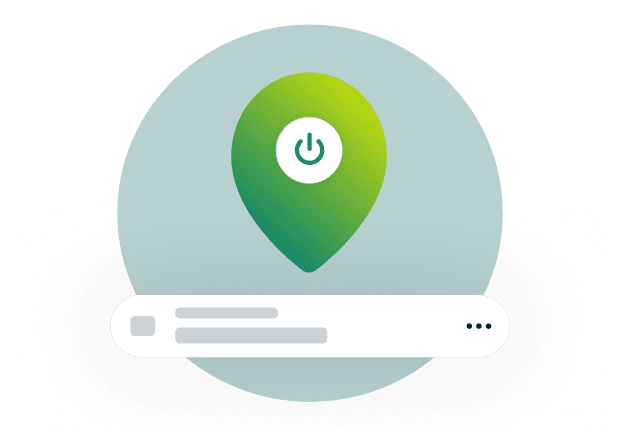
Choose a server location on the app
Click or tap to connect to a secure VPN server. Choose from 170+ servers in 105 countries.
-
Step 3

Browse on Safari with enhanced privacy
Browse on Safari with an encrypted connection that helps keep your activity more private.
Why you need a VPN for Safari
Upgrade Safari’s Private Browsing with the comprehensive protection and flexibility of a VPN
-
Mask your IP address on Safari

Safari Private Browsing doesn’t hide your IP address from the sites you visit. Websites can identify your general location, and use your IP to track your browsing activity. A VPN masks your IP address from apps and websites, so you can browse and shop on Safari with less risk of being tracked.
-
Protect your privacy on public Wi-Fi networks
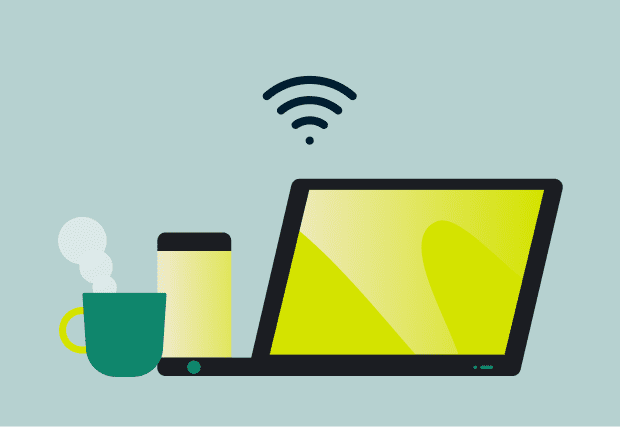
Using public Wi-Fi can expose your data to snoopers.
Safari alone doesn’t protect your connection. A Safari VPN encrypts your traffic, so it’s harder for others on the same network to intercept your data in transit. Log in, work, and browse without hesitation on shared networks.
-
Access your local content libraries safely abroad

When traveling, your streaming and social platforms don’t always show your usual content library. This interrupts how you normally watch content in Safari. A VPN lets you connect to servers in your home region, so your experience reflects where you're from, not where you are.
What makes ExpressVPN the best VPN for Safari?
Choose a Safari VPN designed to perform on Apple devices

Fast and efficient Lightway protocol
Older VPN protocols can add extra processing overhead, which may slow down your connection. ExpressVPN’s Lightway protocol is designed for speed and efficiency to help reduce that impact.
Its lightweight design helps keep your connection responsive, even when you’re multitasking on your Mac. It also reconnects quickly when you switch between Wi-Fi and mobile data on your iPhone or iPad.
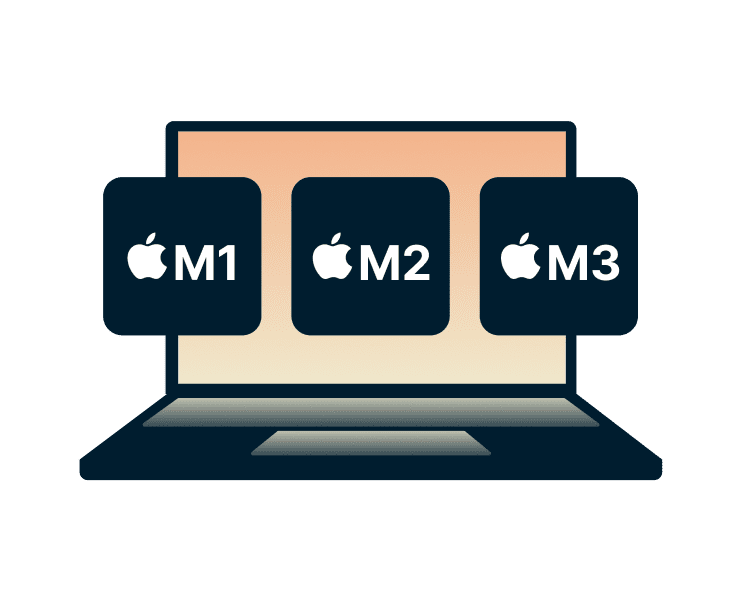
Optimized for macOS and Apple Silicon
Browse, stream, and multitask on Safari without your VPN getting in the way. ExpressVPN is designed to run quietly in the background, so your devices stay responsive throughout the day.
It’s optimized for macOS, including Apple Silicon Macs (M1, M2, and M3), and iOS 15 and above—with efficient performance that minimizes battery drain and system load while you browse.
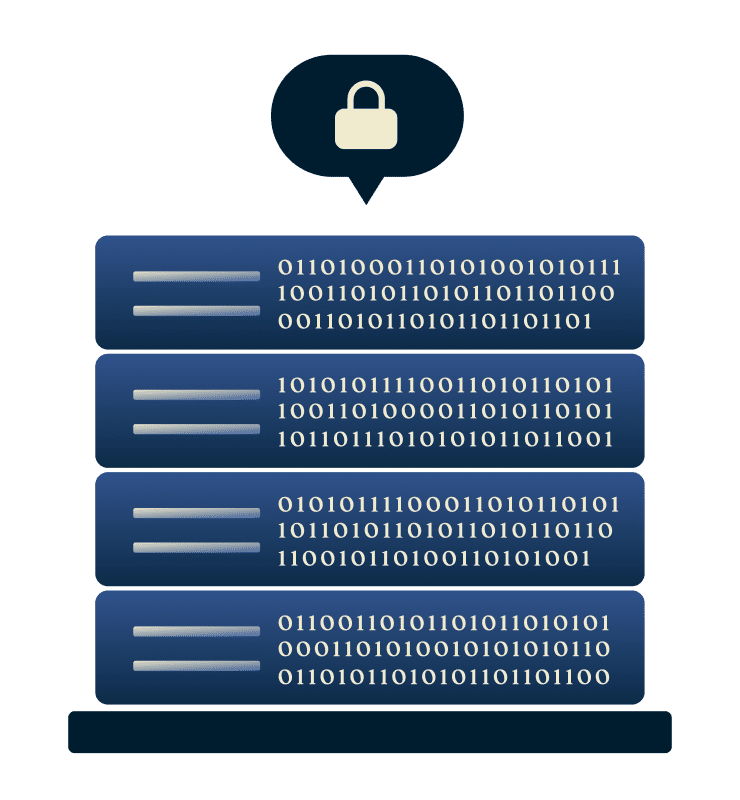
Trusted no-logs privacy
What you do online, on Safari or elsewhere stays yours. ExpressVPN encrypts your traffic with 256-bit AES encryption and follows a strict no-logs policy, backed by regular independent audits by firms like PwC and KPMG.
Our servers run on RAM only, so no data is written to a hard drive. Our TrustedServer technology ensures that when a server reboots, no data is left to recover.

High-capacity servers worldwide
Avoid slowdowns caused by crowded VPN servers. ExpressVPN uses high-capacity 10Gbps and 40Gbps servers spread around the world to reduce the chance of server load impacting your connection.
With a wide choice of 170+ server locations across 105 countries, you can connect to options closer to you for more efficient routing. That can help maintain consistent performance when browsing on Safari.
Does Safari have a built-in VPN?
No. iCloud Private Relay helps in Safari, but a ExpressVPN covers what’s left exposed
iCloud Private Relay vs. a top-tier VPN
| Safari iCloud+ Private Relay | ExpressVPN | |
|---|---|---|
| Safari browsing | Hides your IP address and encrypts DNS requests inside Safari | Encrypts all online traffic across Safari and masks your IP address, includes DNS leak protection |
| App activity (e.g., email, weather, social apps) | Not protected; other apps connect directly using your real IP address | All apps and system traffic share the same VPN protection |
| Background app and syncing traffic | Your IP address may be exposed when syncing photos, messages, or backups | Keeps syncing traffic encrypted for privacy, even in the background |
| Additional privacy tools | Tracker blocking, IP address masking, and encryption protects Safari browser traffic only | Advanced Protection blocks ads, trackers, and malware, Internet Kill Switch prevents data leaks, and private DNS for all device traffic |
| Email privacy | Not included | ExpressMailGuard creates email aliases to keep your real email address private when signing up to services online |
| Device coverage | Limited to Apple devices with an active iCloud+ subscription | Protects up to 14 devices at once with one subscription*, covers your Apple devices and more |

Why you need more than just "Private Browsing"
Safari’s Private Browsing stops your browser from saving browsing history, cookies, and form data, but this protection only applies locally. Your IP address can still be visible, and your internet provider may still be able to see the sites you visit.
ExpressVPN adds network-level protection by encrypting your traffic. This hides your browsing activity from your ISP and network admins, and masks your IP address from your apps and the sites you visit.
When Safari’s privacy features can’t help
Safari’s privacy features don’t always work on restricted networks. iCloud Private Relay may be blocked or unavailable, leaving your Safari traffic unprotected.
ExpressVPN is designed to adapt to changing network conditions, with multiple protocols to help maintain a connection. This can help you stay protected on shared office Wi-Fi or hotel networks. If you run into any issues, support is available 24/7 to help you troubleshoot.
What people are saying about ExpressVPN
Happy customers choose ExpressVPN for privacy and speed
-
#1 Best VPN 2026
Best Gaming VPNExpressVPN is the best Gaming VPN right now, thanks to its impressive speeds, excellent privacy protections and expansive global network of servers.

-
Editor’s Choice Award 2026
ExpressVPN’s expansive network and dedication to staying on the forefront of encryption tech earn it an award.

-
#1 Best VPN for the U.S. 2026
ExpressVPN is the best VPN for the U.S. right now. It has VPN servers in every American state, excellent security, and a simple user interface.

-
The fastest VPN
ExpressVPN is the fastest VPN I’ve found. It shows you the fastest server you can connect to, and a list of alternative servers. Or, you can let it choose for you. It’s affordable and worth it.
Christopher Gilmer


-
Great for travel & access
Does exactly what it's supposed to. Using it while travelling is great, accessing international websites for purchases is great, doesn't lag internet speed too much. Peace of mind and super easy to use.
Sam H.


-
Extremely reliable
ExpressVPN provides extremely reliable service that will keep you and your personal information safe. ExpressVPN is the perfect all around VPN service for your network security needs.
Dirt_Reynolds
-
Protects all devices
Just want to say, I have used ExpressVPN for over 10 years. On my phone, computers, and even on my home router. You guys are the very best!
OneDarkSeed

-
Excellent value
One of the major names in virtual private network (VPN) services, ExpressVPN offers a lot to consumers at face value.
MacHash

-
Post-quantum encryption
Backed by bleeding-edge post-quantum encryption technology, Express has landed a firm spot on our best VPNs list.
Carles Dijous






Frequently asked questions
What you need to know about using a Safari VPN
Does Safari have a VPN?
No, Safari doesn’t include a built-in VPN. If you have an iCloud+ subscription, you can use Private Relay, which adds a layer of privacy for Safari browsing only. A VPN like ExpressVPN protects all internet traffic on your Apple devices, not just Safari browsing, for more comprehensive coverage.
Are there free VPN extensions for Safari?
Safari doesn’t support VPN extensions. You can add a degree of privacy on Safari with Private Relay, but only if you have an iCloud+ subscription. To protect both your Safari traffic, and your full connection, ExpressVPN's apps for macOS, iPhone, iPad, and more provide device-wide protection.
How do I get a VPN on Safari?
Unlike other browsers, VPN extensions for Safari aren’t fully supported. You need to install a VPN app on your Mac or other Apple devices. With ExpressVPN, download the app, sign in, and connect in seconds. Your Safari traffic, and everything else on your device, benefits from automatic protection.
Does a VPN for Safari work on iPhone?
Yes. With the ExpressVPN app for iOS, your Safari browsing on iPhone is protected automatically, along with all other internet traffic. Just tap to connect and secure your data across apps, whether you’re browsing, streaming, or using public Wi-Fi on the go.
How do I change my VPN location in Safari?
Safari doesn’t let you change your location, it simply uses your current network. With ExpressVPN, you can choose from 170+ server locations worldwide directly from the app. Switch locations in seconds and continue browsing in Safari without interrupting your session.
Why isn’t my Safari working with a VPN?
If Safari isn’t loading properly, try switching VPN server locations, reconnecting, or checking your internet connection. Clearing your browser cache can also help. ExpressVPN’s automatic protocol selection is designed to keep connections stable, helping you browse more reliably across different networks.
Is Safari Private Relay the same as a VPN?
No. iCloud Private Relay routes Safari traffic through two relays to improve privacy, but it only works in Safari and doesn’t cover all internet activity. A VPN like ExpressVPN encrypts all traffic on your device, offering broader, more consistent protection across apps and browsers.
Try ExpressVPN for Safari risk-free
Upgrade your privacy on Mac, iPhone, and more with a Safari VPN
Everything you need to protect your Safari browsing, plus coverage beyond the browser.
Sign up for ExpressVPN with a 30-day money-back guarantee*.
*Available for new customers only. Contact our support team to request a refund. iOS subscribers must request refunds through Apple, subject to Apple's discretion.





