Get the best Safari VPN and complete your Apple experience
Fill Safari's privacy gaps for even better online protection across Mac, iPhone, and iPad
- Get total device connection security, including on Safari, in one tap
- Use public Wi-Fi safely without relying on iCloud Private Relay
- Leave trackers in the dark and browse privately on Safari
30-DAY MONEY-BACK GUARANTEE FOR FIRST-TIME USERS
What is a Safari VPN and why do you need one?
Technically, it protects your browser activity against surveillance, but Safari doesn’t support VPN extensions
What does a Safari VPN do?
You can use a VPN app for macOS and iOS instead of a browser extension to get full protection across all device traffic. The app will:
- Encrypt your browser traffic to prevent third parties like ISPs, network admins, and hackers from seeing what sites you visit
- Hide your real IP address and location from the websites you visit for your safety and privacy
- Reduce risks when logging into banking and online shopping accounts over unsecured public Wi-Fi networks
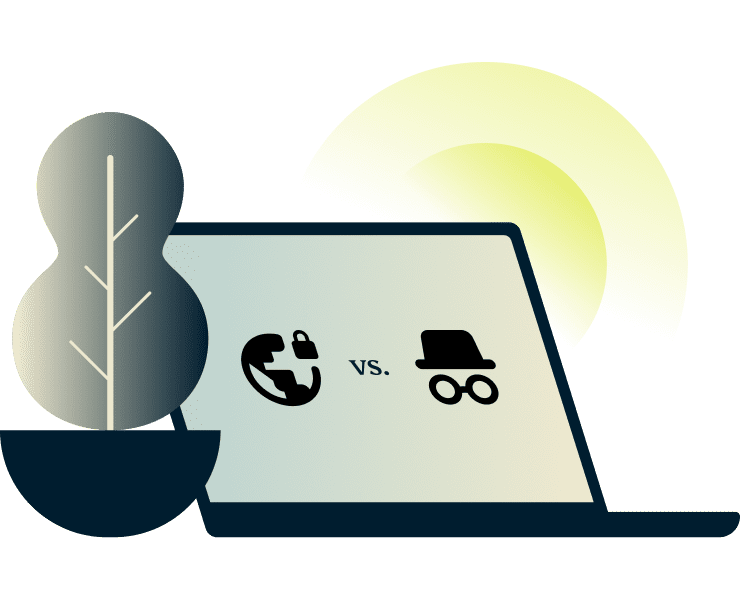
A Safari VPN vs. Safari Private Mode
A VPN for Safari:
Encrypts your internet traffic, so you can browse, download, and stream privately. A VPN also masks your IP address with one from a different location of your choice, no matter what apps or sites you use.
Safari Private Mode: Hides your browsing history from other people who use your device. It stops Safari from saving your search history, autofill data, and cookies. Your internet provider, network admin, and the websites you visit can still see where you are and what you're doing.
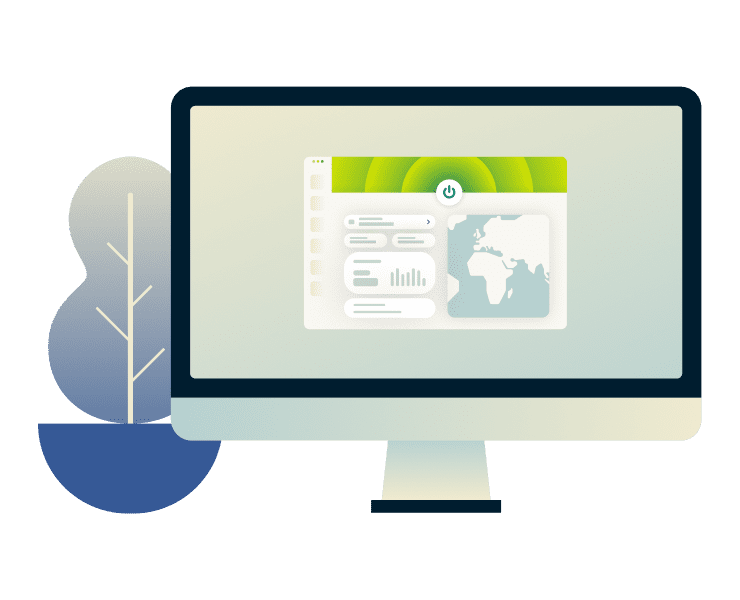
How does ExpressVPN work with Safari?
Even though having a Safari VPN extension isn’t possible, you can download the ExpressVPN app to protect all your browsing data, including in Safari.
When you connect to an ExpressVPN server, it creates an encrypted tunnel between your device and the internet. That means everything you do in Safari, including searches, web surfing, and downloads, is hidden from hackers and other third parties.
The good news is, it doesn’t just work with Safari—the VPN covers every app and connection on your device.
ExpressVPN features that do the heavy lifting
Distinct ExpressVPN qualities that elevate your Apple experience

Connect globally, browse like a local
Explore an expansive digital melting pot with ExpressVPN servers in 113 countries.
Connect to our global server network from right where you are and enjoy greater control over your browsing freedom. Whether you're at home or traveling, you’ll have the correct tool to safely navigate the internet on Safari using different IP locations.
Security that stays ahead of online threats
Stay safe from hackers, trackers, and snoops with security that’s monitored and upgraded frequently.
ExpressVPN uses 256-bit AES encryption to protect your data. It’s the same standard trusted by security experts and governments. Our apps for iOS and Mac also come with Threat Manager, which blocks trackers and malicious websites, and an ad block feature.
Lightway protocol, designed for raw speed
Connect quickly and enjoy high-quality streaming and gaming without connection slowdowns.
Our proprietary Lightway protocol is built for speed and stability, even on spotty networks or when switching between Wi-Fi and mobile data. It connects in milliseconds, draws less battery power, and uses less network data than other VPN protocols.
Leak protection and a kill switch secure your data
Security essentials protect your IP address, location, and activity from being exposed, even when your connection drops.
Even if your connection drops unexpectedly, the Internet Kill Switch blocks all internet traffic until the VPN protection is restored. DNS leak protection also works behind the scenes to keep your data safe while you’re using Safari.

Unlimited bandwidth for non-stop browsing
Stream, scroll, and download as much as you want, on as many as 14 devices simultaneously.
ExpressVPN gives you unlimited bandwidth on every server, so you’re never capped, throttled, or cut off. Whether you're binge-watching, video calling, or browsing all day, your connection stays fast and free from restrictions.
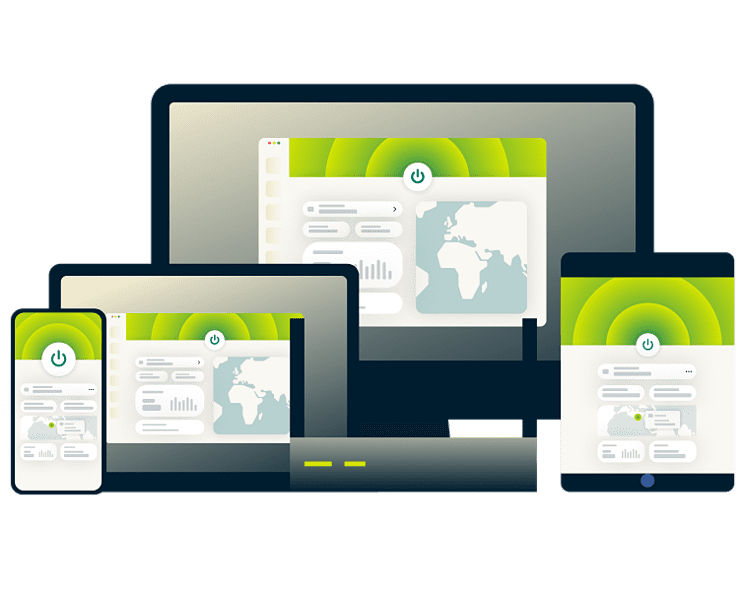
1-Click connection with easy setup
Just download the app, sign in, and tap the power button to connect to a server.
Our VPN apps for macOS and iOS let you launch ExpressVPN on startup and connect to the last used location. These automations are easy to set up and provide instant enhanced privacy across your Mac, iPhone, and iPad.
How to set up ExpressVPN for Safari on Apple devices
Get a secure connection within seconds to browse, play, and work safely on the go
-
![Macos Vpn]()
macOS
1 Download the ExpressVPN app for MacSign up for ExpressVPN then download the macOS app from the macOS App Store.
2 Sign in and connect With 1 clickSign in, select a server or just click the On button to let the app choose the best one available.
3 Browse in Safari privately and securelyBrowse as usual with ExpressVPN running in the background.
-
![Ios Vpn]()
iOS
1 Install the ExpressVPN appSign up for ExpressVPN and download the app from the App Store. It's fast, lightweight, and built for iOS.
2 Log in and set up the VPN profileOpen the app, sign in and let ExpressVPN add a VPN configuration.
3 Tap to connect, browse as usualChoose a server or tap the On button to let the VPN select the best server for you.

The 4 pillars that make ExpressVPN the best for Safari
Built and tested to match the privacy, performance, and polish Apple users expect
-
![Macos Ios@2x]()
Designed to work smoothly on macOS and iOS
Sick of clunky apps that don’t work smoothly with your Mac or iPhone?
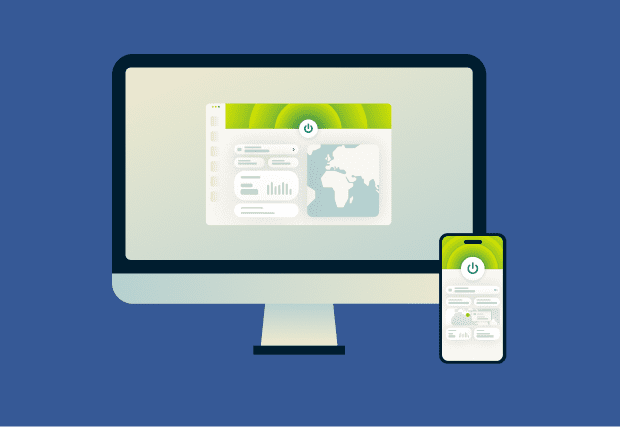
ExpressVPN is designed to belong in your Apple ecosystem with extras like Siri Shortcuts for voice-activated connections and a quick-access widget.
One app. One tap. Full protection that feels right at home on your Apple devices.
-
![Trusted By Millions@2x 10]()
Tried and trusted globally so you can use it confidently
Read too many reviews and now you’re not sure which VPN actually delivers?
For over a decade, ExpressVPN has kept its 4+ star rating on the Apple App Store and is ranked as an Editor’s Choice by TechRadar. It’s trusted by those who value privacy.
When privacy matters, you’re not guessing. You’re using a VPN millions rely on.

-
![Audited Protection@2x 14]()
Independently audited and verified no-logs policy
How do you know for sure your VPN doesn’t keep any activity logs?
Leading independent firms regularly audit our no-logs policy and TrustedServer system, confirming that your activity, IP address, and browsing data are never stored.
Your connection stays private by default—and it’s verified, not just a claim.
-
![24 7 Support@2x 13]()
24/7 Customer support from real people when you need it
Often feel alone after hitting a tech snag late at night?
ExpressVPN’s support team is available 24/7 via live chat and email to answer your installation and connection questions, no matter your time zone, device, or browser.
You’re never left on your own, and you’ll always talk to someone who can help.

A paid VPN for Safari vs. a free VPN
When it comes to your privacy, “free” can cost more than you think
Free VPNs Often Come With Limitations
Most free VPNs come with heavy limits:
- Few servers that tend to be overcrowded
- Limited bandwidth and data restrictions
- Slow server speeds
- Unreliable connections on poorly managed networks
- Blacklisted IP addresses
Worse, many free VPNs log your activity and sell your data to stay afloat. What seems free can end up costing you your privacy and security.
Paid VPNs offer strong privacy and support
ExpressVPN doesn’t cut corners. We offer:
- A large network of 10Gbps and 40Gbps servers with no restrictions
- IP address management to avoid access problems
- Regular independent audits to verify our no-logs policy
- Live chat support provided by an actual human being
- Extra features, such as parental controls and ad blocking
You get dependable protection and peace of mind whether you’re browsing from home, a hotel, or on public Wi-Fi.

ExpressVPN is designed for speed, reliability, and peace of mind
ExpressVPN is optimized to work quietly in the background and support high bandwidth activity. Our Lightway protocol supports high-speed connections without sacrificing encryption strength or draining system resources.
You can also enable Threat Manager and the ad blocker to prevent invasive scripts from loading and slowing things down.
iCloud Private Relay vs. ExpressVPN
Apple’s iCloud Private Relay is a great feature, but it’s inadequate against real online threats
What is Apple’s Private Relay?
Think of iCloud Private Relay as Apple’s built-in privacy filter for Safari. When you browse the web in Safari, Private Relay encrypts your DNS requests and web traffic so your internet provider can’t see which websites you're visiting.
It also hides your IP address by routing your traffic through two separate relays; one from Apple, one from a third party. So, no single entity sees both who you are and where you're going.
It’s a step towards more privacy, but it only works in limited situations, and only in Safari. Privacy experts have also raised concerns about the third party having access to traffic data.
Why Private Relay is not a full VPN
Private Relay is like putting a tinted film on one window in your house. A VPN is like reinforcing every door and window with locks, alarms, and blackout shades.
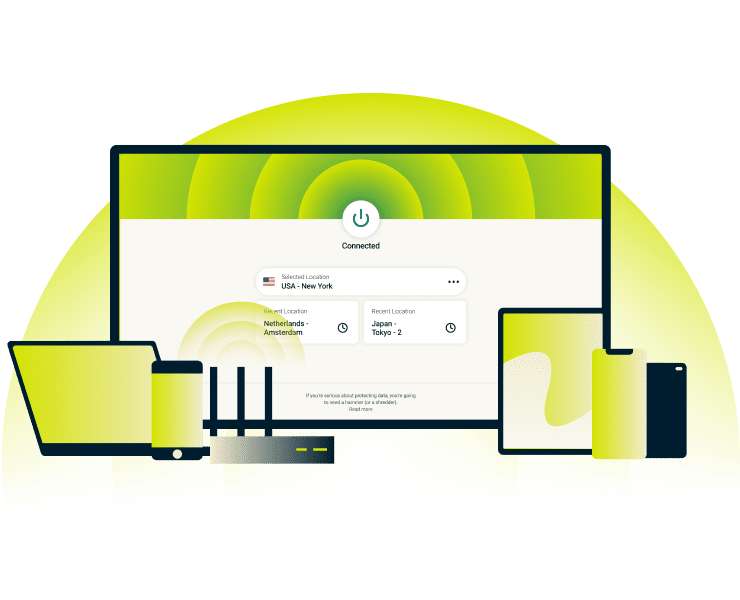
Private Relay only works in Safari and a select few Apple apps. It doesn't protect what you do in other browsers, email clients, social apps, or streaming services. It doesn’t encrypt your entire device’s traffic or offer key features like a kill switch, IP location control, or DNS leak prevention.
ExpressVPN covers your whole device. All apps, all data, all the time. You also get to choose your IP location and benefit from additional privacy and safety features.
When should you use a Safari VPN instead
Private Relay gives you a little extra privacy, but only in Safari, and only in certain scenarios. If you’re serious about protecting your personal data, a VPN gives you coverage you can count on.
Use a VPN instead when:
- You’re on public Wi-Fi and want to keep your data safe from hackers
- You’re using apps outside of Safari, like banking, messaging, or streaming platforms
- You want to hide your IP address across all traffic for your privacy, not just in your browser
- You need privacy on all devices, not just Apple ones
- You want added protection from DNS leaks, data exposure, and connection drops
Unlike Private Relay, a VPN doesn’t rely on specific apps or networks. It protects you at the system level—automatically and completely.
Customers’ satisfied experience with ExpressVPN
Millions of people can’t be wrong about our VPN for Safari and Apple devices
Saya memasang ExpressVPN di semua perangkat saya - ponsel, laptop, tablet, AppleTV,dll., dan sangat menyukainya.


* Contoh ulasan dari pelanggan kami yang paling puas
Mendapatkan akun di @expressvpn kemarin. Keputusan jitu untuk berwisata keluar negeri!
@D_Geiger

* Contoh ulasan dari pelanggan kami yang paling puas
Dengan kinerjanya yang konsisten dan keamanan yang andal, ExpressVPN adalah VPN terbaik.

* Kadang-kadang kami membayar situs ahli untuk referensi pelanggan
FAQ on VPN for Safari
You’ve got questions? We’ve got answers
Does Safari have a built-in VPN?
No, Safari itself does not have VPN functionality. iPhones come with a built-in VPN, but you still need to subscribe to a VPN service to use it—and will have to set up yourVPN connection manually. The ExpressVPN app is easy to install, connects to a server of your choice with just one click, and will secure all your traffic data, including your Safari browsing.
How do I get a VPN on Safari?
Safari doesn’t support VPN browser extensions, but you can still protect your Safari traffic by using ExpressVPN's apps for iOS and maOS. Just download the app on your Mac, iPhone, or iPad, connect with one tap, and all your Safari activity will automatically be encrypted and given a new IP address from the location of your choice. No extra setup required.
How do I enable VPN on Safari?
If you would like to use a VPN on Safari, you have two options: You can either download a high-quality VPN app or manually configure an existing VPN connection on your Apple device via its built-in VPN feature.
Follow the steps outlined on this page to get ExpressVPN and protect your activity on Safari.
Is Safari Private Relay the same as a VPN?
No, Private Relay and a VPN are not the same. Private Relay only works in Safari and hides limited parts of your browsing activity. ExpressVPN encrypts your entire internet connection across all apps and browsers, not just Safari. It also gives you more privacy features, like IP masking, location control, and DNS leak protection.
What’s the safest VPN for Safari?
ExpressVPN is trusted by millions of customers to protect their browsing, making it one of the safest VPNs for Safari. It shields your online traffic with 256-bit AES encryption and our proprietary Lightway protocol so no one can see your activity or sensitive information (such as during online banking).
How can I use a VPN on Safari iPhone?
To use a VPN on Safari for iPhone, just install the ExpressVPN app. Once you open the app and connect, all your internet traffic, including Safari browsing, is automatically encrypted. There’s no need for a Safari extension. The VPN runs in the background and protects everything you do online.
Why isn’t my Safari working with a VPN?
There are a few reasons why your Safari might not be working with a VPN. It's possible that your VPN is not on or that your VPN is blocked by your network administrator. There could also be a problem with your internet connection or VPN server. For help, contact the support team.
Is there a free VPN for Safari?
Although free VPNs and proxy services for Safari exist, they aren't recommended as they don't offer the same privacy and security benefits of a paid VPN. Many do not work as advertised, some may even sell your data, and most will leave your connection more vulnerable to cyber attacks.
Does a VPN hide my Safari browsing history?
A VPN does not hide your Safari browsing history stored on your device. Safari saves it locally. A VPN encrypts traffic in transit, preventing ISPs or network admins from seeing visited sites. Websites, accounts, and search engines can still log activity separately. Clearing history requires browser settings, not VPN controls.
Global VPN Server Network in 113 Countries for Safari Users
Tighten your online security on all your Apple devices, no matter where you go
Experience the Best Safari VPN
- Protect your connection on Safari and every other app with one tap
- Get faster, more private browsing with a powerful but lightweight VPN protocol and blocking features
- Enjoy peace of mind on any network—at home, on mobile data, and on public Wi-Fi