Protect your browsing with the best VPN Chrome extension
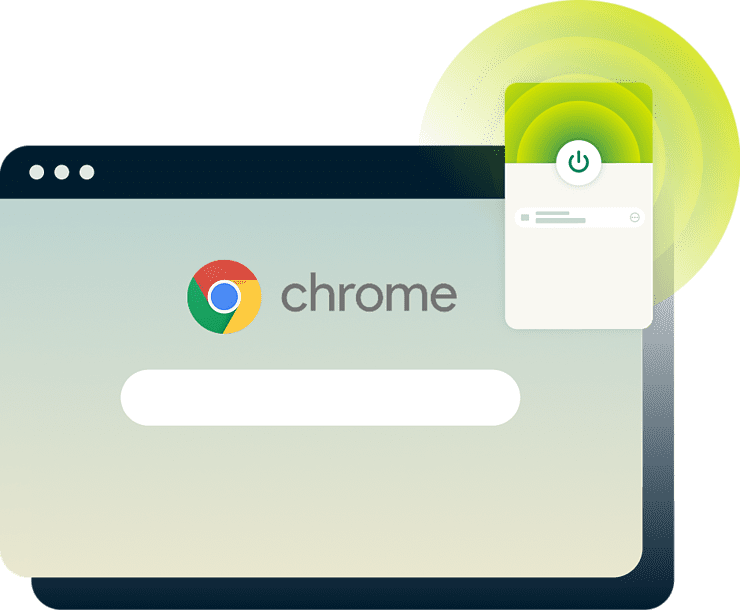
Get one-click VPN protection on Chrome, or use it as a remote control for device-wide connection coverage
- Avoid content-based ISP throttling and limit ISP monitoring
- Access high-speed 40Gbps servers across 113 countries
- Browse with enhanced privacy on public or monitored networks
-

IPHONE/IPAD -

Android -

Windows -

Mac -

Linux -

Router -

Smart TV -

Game console
Get the ExpressVPN Chrome extension in minutes
Easily set up our VPN extension for Chrome with full-device protection
-
Step1
Add the VPN extension to Google Chrome
Find the VPN extension in the Chrome Web Store.
-
Step 2
Sign in with your ExpressVPN credentials
Create an ExpressVPN account here or through the extension.
-
Step 3
Connect to a server and browse privately
Choose a fast server from 214 locations across 113 countries.
24/7 customer support via live chat and email
Why you need a VPN for Chrome
Chrome alone can expose your IP address, location, or browsing activity
-

Hide your browsing from your ISP
Your ISP can see most of what you do online. A VPN for Chrome encrypts your traffic, so ISPs can’t detect the contents of your traffic. This can help reduce "random" slowdowns caused by content-based throttling.
-

Secure your traffic on public Wi-Fi
When you use public Wi-Fi, other users could intercept your personal data. VPN encryption secures your device’s traffic, making network snooping much harder.
-

Access local accounts safely while traveling
If you open Chrome while traveling, what you see online changes with your IP address. Connect through a VPN server in your home region and your usual sites should work as expected.
Chrome VPN extension vs. VPN app: Which do you need?
An extension covers your browser; the full VPN protects your whole device
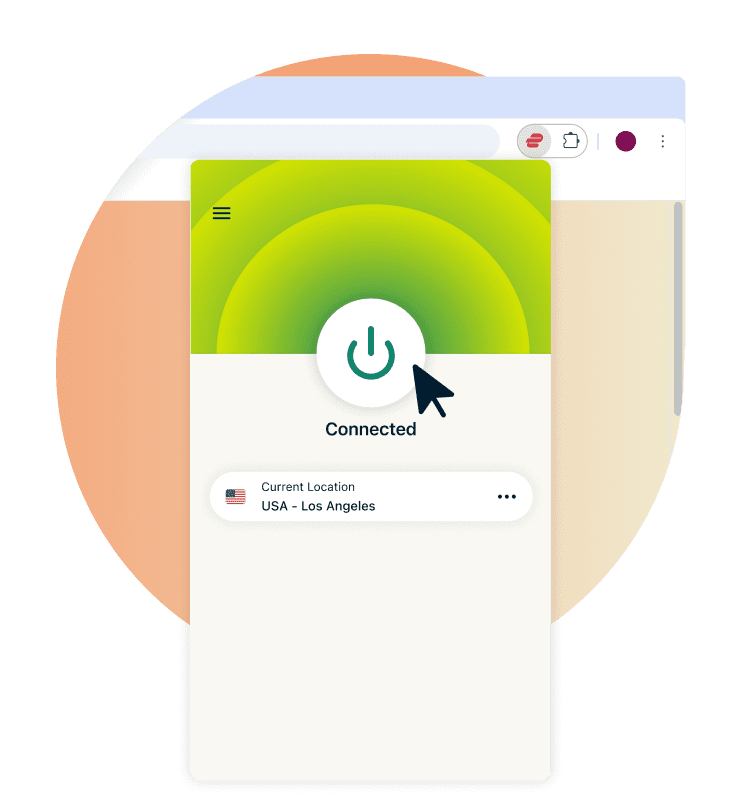
Lightweight browser protection for daily use
You may want the main privacy benefits of a VPN in Chrome, but with total ease-of-use, very little setup, and one-click protection.
With a light footprint, the ExpressVPN extension (in Proxy Mode) gives you browser-only encryption and hides your IP address from websites and third parties. If your privacy needs start and end with the browser, this is enough.
Full device coverage with the ExpressVPN app
With only the extension, your laptop or desktop PC is still sending out unsecured data via emails, banking, or delivery apps. Pair it with the ExpressVPN desktop app, and the extension enters Remote Control mode.
In this mode, it acts as a dashboard for the app, which encrypts your traffic device-wide. It also includes advanced features, like the Internet Kill Switch, which kicks in if your connection drops and pauses all traffic until the VPN tunnel is back up.
Use both for maximum security
Even if the desktop app secures your whole connection, your browser may still leak valuable data (like your physical location or IP address) in various ways. By pairing the ExpressVPN app with the Chrome extension, you cover your bases better.
The extension directly manages WebRTC blocking and HTML5 geo-spoofing within Chrome, while the app takes care of other leak-prevention methods. You browse with more protection from device and browser-based vulnerabilities—the best of both worlds.
Choose the best VPN for Chrome
Get browser-specific privacy with access to a fast, global server network
-

10Gbps and 40Gbps server network
Your Chrome browsing can slow down when thousands of users start crowding a low-capacity VPN server. ExpressVPN gets ahead of this issue with high-capacity 10Gbps servers, with many locations upgraded to 40Gbps. ExpressVPN’s Chrome extension lets you stream, browse, and download without falling apart under load. Even if thousands of others are using the VPN alongside you.
-

Strong encryption and a trusted no-logs policy
You use Chrome for searches, sign-ins, messages, and other personal things you’d never want others to have easy access to, least of all us. ExpressVPN honors your trust, securing your data with 256-bit AES encryption, paired with an independently verified no-logs policy. Our TrustedServer technology ensures our servers run on RAM only, so no data persists beyond a reboot. Nothing stored means nothing to share.
-
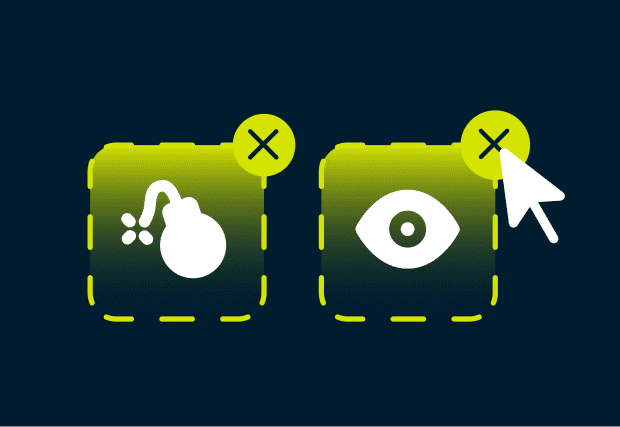
Advanced Protection features that go beyond encryption
You search for a product on Chrome, and it follows you everywhere with tracker-heavy ads and shady links. When you pair the extension with the app, ExpressVPN reduces tracking with advanced protection features. An ad blocker stops ads across apps and websites, while our tracker blocker filters out trackers and malicious domains. You can browse with fewer interruptions and reduced exposure to tracking.
-

WebRTC and HTML5 location leak protection
Chrome's WebRTC technology can expose your real IP address even if you use the VPN app, because the leak happens at the browser (not network) level. ExpressVPN’s extension closes that gap, blocking WebRTC requests directly in Chrome. It also includes HTML5 geo-spoofing, which stops sites from using the browser's location API to see your real location. What the VPN app can't reach inside the browser, the Chrome VPN extension covers.
Total control: Customize your Chrome VPN experience
Switch locations and confirm your privacy without leaving Chrome

Swap virtual locations with a single click
When you need to change locations on Chrome, it shouldn’t mean opening another app to dig through settings. Our VPN service puts 214 locations across 113 countries in one convenient dropdown menu in the extension. Switch in seconds and keep doing what you opened Chrome to do.

Use Smart Routing to choose which tabs stay private
You check your bank in one tab, track a delivery in another, but not all of them need the VPN to be on. In Proxy Mode, ExpressVPN’s Smart Routing lets you set rules for specific websites: some go through the VPN, others bypass it. You browse the way you need to without constantly toggling VPN protection.

Verify your privacy: Is your VPN working?
You can connect, pick a server and still won't be able to tell if it's actually working. Use ExpressVPN’s IP lookup tool: the IP address showing should match the VPN location you selected. Run a WebRTC and DNS leak check too, and you'll quickly know the app and extension are doing their job.
What users and top-tier publications say about ExpressVPN
Don’t just take our word for it; see what our customers have to say
-
#1 Best VPN 2026
Best Gaming VPNExpressVPN is the best Gaming VPN right now, thanks to its impressive speeds, excellent privacy protections and expansive global network of servers.

-
Editor’s Choice Award 2026
ExpressVPN’s expansive network and dedication to staying on the forefront of encryption tech earn it an award.

-
#1 Best VPN for the U.S. 2026
ExpressVPN is the best VPN for the U.S. right now. It has VPN servers in every American state, excellent security, and a simple user interface.

-
The fastest VPN
ExpressVPN is the fastest VPN I’ve found. It shows you the fastest server you can connect to, and a list of alternative servers. Or, you can let it choose for you. It’s affordable and worth it.
Christopher Gilmer


-
Great for travel & access
Does exactly what it's supposed to. Using it while travelling is great, accessing international websites for purchases is great, doesn't lag internet speed too much. Peace of mind and super easy to use.
Sam H.


-
Extremely reliable
ExpressVPN provides extremely reliable service that will keep you and your personal information safe. ExpressVPN is the perfect all around VPN service for your network security needs.
Dirt_Reynolds
-
Protects all devices
Just want to say, I have used ExpressVPN for over 10 years. On my phone, computers, and even on my home router. You guys are the very best!
OneDarkSeed

-
Excellent value
One of the major names in virtual private network (VPN) services, ExpressVPN offers a lot to consumers at face value.
MacHash

-
Post-quantum encryption
Backed by bleeding-edge post-quantum encryption technology, Express has landed a firm spot on our best VPNs list.
Carles Dijous






FAQ
Quick answers on Chrome’s built-in protections, free VPN extensions, and more
Does Google Chrome have a built-in VPN?
No, it only has an HTTPS-only mode, not a real VPN in Google Chrome. If you’re comparing VPN extensions for Chrome or you're looking for the best VPN for Chrome, ExpressVPN adds IP masking, encrypted browser traffic, and global server choice.
Is there a free VPN for Chrome that is safe?
Usually not. One free VPN was even caught silently taking screenshots of every page its 100,000+ users visited, including banking and personal data. ExpressVPN's Chrome extension gives you audited protection and a verified no-logs policy. Gambling on a free VPN for Chrome can cost you.
How do I turn off my VPN in Chrome?
Click the ExpressVPN icon in your toolbar and hit Disconnect. If you’re figuring out how to change VPN locations in Chrome, the same control lets you switch servers or turn it off for specific tabs without affecting your VPN-secured tabs and downloads in Chrome.
Will a Chrome VPN extension hide my IP address?
Yes. A VPN Chrome extension replaces your visible IP address with the server’s IP. Our VPN for Chrome also blocks WebRTC and HTML5 leaks that can expose your real IP address in the browser. If you’re learning how to use a VPN with Chrome safely, connect first, then confirm the visible IP matches the server you chose.
Try ExpressVPN for Chrome
Safeguard your Chrome use with a simple, third-party-verified, no-logs VPN
- Full-device privacy with the extension plus the app
- 24/7 support, with coverage for 10 to 14 devices on one subscription