
Best Crunchyroll VPN: Stream anime fast & securely
Watch anime without content-based ISP throttling and "VPN detected" errors
- Stream reliably on Crunchyroll with high-speed servers in 105 countries
- Connect quickly to HD-quality streams using the Lightway protocol
- Get 24/7 live support from ExpressVPN’s experts
30-DAY MONEY-BACK GUARANTEE FOR FIRST-TIME USERS









How to stream Crunchyroll with a VPN
Get set up in minutes and stream Crunchyroll safely, with stable playback
-
Step 1

Download ExpressVPN for your device
Subscribe to ExpressVPN and download the app on your device.
-
Step 2
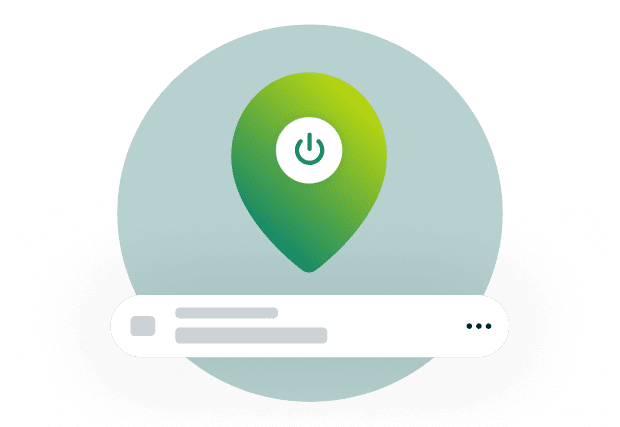
Connect to a secure server location
Connect to a nearby server from our extensive VPN server network.
-
Step 3

Start streaming anime without interruptions
Open Crunchyroll and start streaming reliably with our high-speed VPN service.
Resolve Crunchyroll VPN bans and access errors
Get back to streaming when Crunchyroll shows “VPN detected” or won’t load
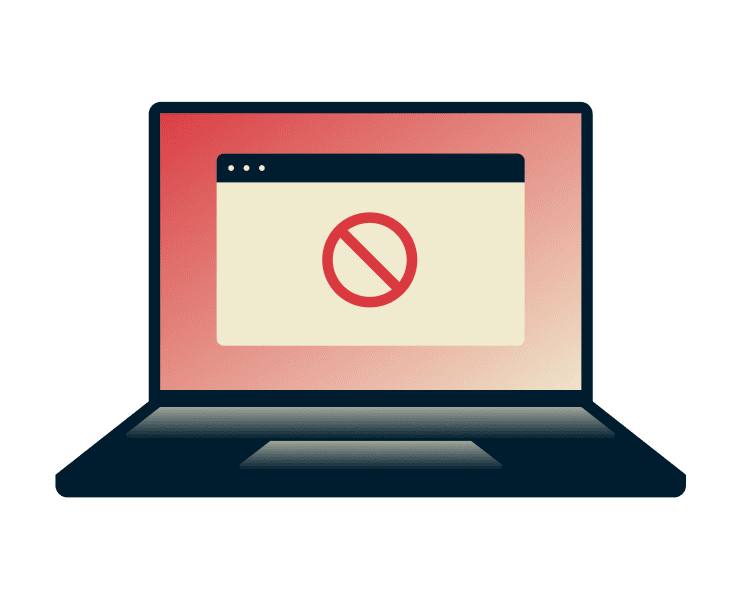
Why you might see a “video not available” or ban error
Nothing cuts a binge short faster than a “video not available” or “IP banned” error. The service may be restricting the VPN IP address you’re using, or your cookies and cached data may not match after switching networks or locations. Clearing your app or browser cache and cookies should help resolve this.

How ExpressVPN helps you avoid detection
Endless errors and retries are infuriating. ExpressVPN's automatic obfuscation kicks in on restrictive networks—like university, hotel, or office Wi-Fi—so your VPN connection stays stable without extra setup. With servers in 105 countries, you can quickly connect to one in your home country.

Fixing connection issues if Crunchyroll won’t load
Crunchyroll may load slowly, freeze, or fail to start even when you’re not seeing a ban message. In many cases, the issue is a stuck session or local playback conflict. Try clearing out your cache and cookies. If that still doesn’t do the trick, update the app and disable browser extensions.
Why use a VPN for Crunchyroll?
Stream with more privacy and reliability, even on Wi-Fi and mobile

Stop content-based ISP throttling on high-bandwidth streams
Crunchyroll streams can buffer or drop in quality even if you’ve got a solid internet subscription. In many cases, the problem isn’t your device; it’s your ISP slowing you down based on specific usage, also known as content-based throttling.
A Crunchyroll VPN helps keep streaming reliable by masking your traffic inside an encrypted tunnel. Your ISP can’t see that you’re streaming video and won’t slow down your connection.

Stream privately on school or public Wi-Fi
Trying to watch anime at school can feel like an uphill battle. Often, on public Wi-Fi or school Wi-Fi, the network can monitor traffic and apply broad filters that cut your streaming short.
A VPN for Crunchyroll encrypts your connection. The network may know you’re using a VPN, but won’t see the specifics of the sites or services you use, like Crunchyroll. Of course, network admins have final say-so on what’s allowed.
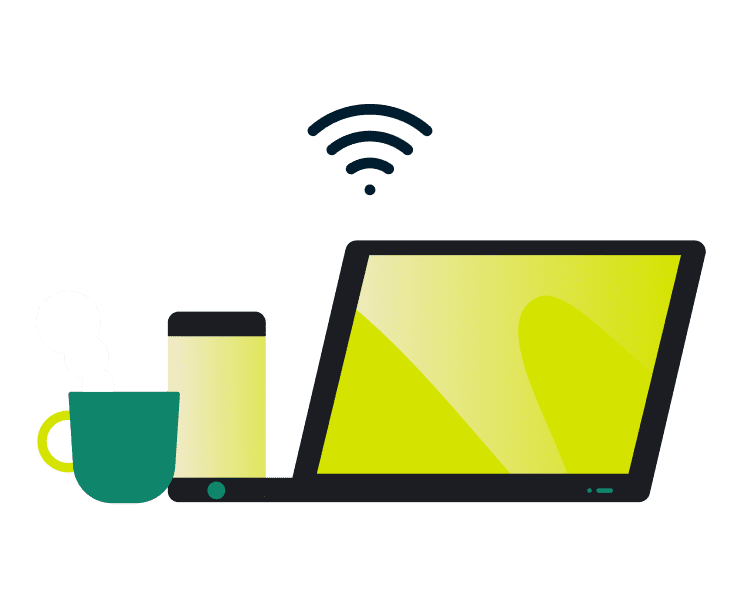
Secure your data while watching on mobile
Public Wi-Fi at cafés and airports can expose your connection to people monitoring the network. Hackers on public Wi-Fi can intercept your login credentials or session tokens to hijack your account via unencrypted data.
A strong Wi-Fi VPN encryption protects you from this, preventing hackers from stealing your data or tracking your online activity. And if you change networks mid-session, a kill switch blocks traffic until the VPN reconnects.
Best VPN locations for Crunchyroll
ExpressVPN makes it easy to find a fast, convenient server near you
-
Global coverage in 105 countries

Crunchyroll’s catalog can vary by country. If you’re traveling abroad, losing access or not being able to watch the next episode after a cliffhanger can be heartbreaking. ExpressVPN’s server coverage in 105 countries across 170+ locations gives you access to a wide variety of high-speed servers to get back to streaming quickly, and on your terms.
-
Finding the fastest server with Smart Location
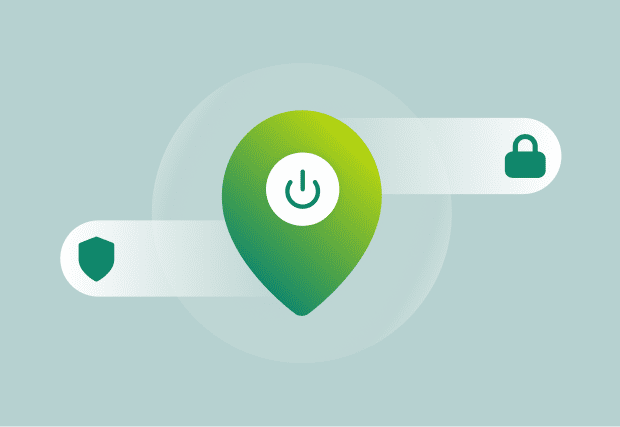
Manually guessing the best VPN location for Crunchyroll wastes time and can lead to constant buffering. ExpressVPN’s Smart Location takes this off your hands by automatically choosing an optimized server based on server speed, latency, your current location, and network conditions. This will let you get back to streaming Crunchyroll instead of testing locations one by one until you get lucky.
Why ExpressVPN is the top choice for anime
Get faster connections, broader device support, and real-time help when you need it
Lightway protocol for instant video loading
Slow connects and dropouts can turn your streaming experience into a slideshow. Lightway is ExpressVPN’s proprietary high-speed protocol, designed for fast connections and stable performance. Stream more reliably, get fewer drops, and re-connect quickly and safely if you change networks on mobile.

Works on Smart TVs, consoles, and phones
Many VPNs limit your streaming by letting you connect only a single device. ExpressVPN runs on what you use, like Windows, Mac, Linux, iOS, Android TV, and more. Use a single subscription to protect multiple devices—up to 14 at the same time. You can enjoy anime securely on your whole tech stack.
24/7 support to keep you streaming
If you’re staring at an error message after switching servers, clearing your cache and cookies, etc, you may need extra help. Our 24/7 live chat support helps you find fixes faster with real-time troubleshooting from ExpressVPN experts. There’s always a helping hand when you need one.
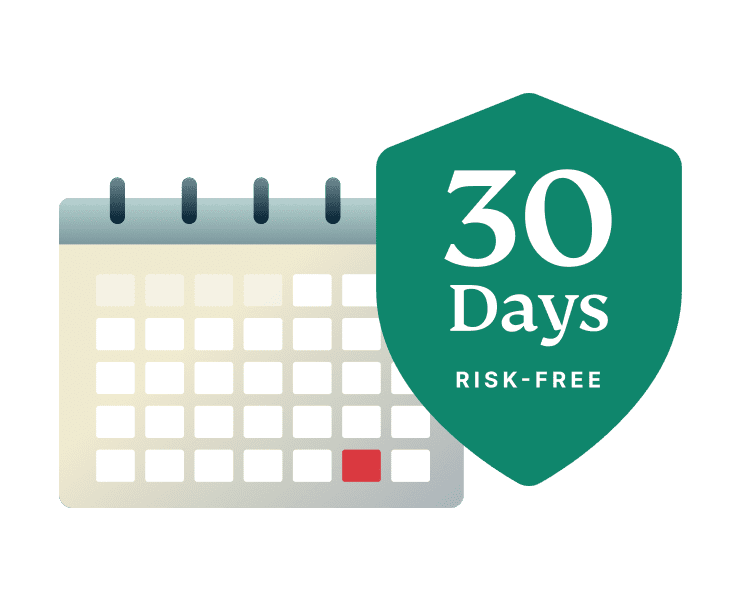
Try us risk-free for 30 days
Committing to a VPN subscription when you know it directly improves your Crunchyroll experience is easy. ExpressVPN makes it even simpler with our 30-day money-back guarantee* for first-time users. Try it risk-free for a month while you get faster, more stable, and more secure anime streaming.
*30-day money-back guarantee for first-time customers only. Contact support to request a refund. iOS refunds are at the discretion of Apple.
What people are saying about ExpressVPN
See what our happy customers have to say
-
Absolutely fantastic. It was the perfect solution for connectivity issues in a game I've been playing recently.
J B


-
ExpressVPN is the perfect all around VPN service for your network security needs.
Dirt_Reynolds


-
ExpressVPN is the fastest VPN I've found. It shows you the fastest server you can connect to, and a list of alternate servers.
Christopher Gilmer
-
#1 Best VPN 2026 & Best Gaming VPN
ExpressVPN is the best Gaming VPN right now, thanks to its impressive speeds, excellent privacy protections and expansive global network of servers.

-
Editor’s Choice Award 2026
ExpressVPN’s expansive network and dedication to staying on the forefront of encryption tech earn it an award.

-
#1 Best VPN for the U.S. 2026
ExpressVPN is the best VPN for the U.S. right now. It has VPN servers in every American state, excellent security, and a simple user interface.

-
 Rated 4.4 out of 5
 -
 Rated 4.7 out of 5






FAQs about Crunchyroll and VPNs
Get your questions about Crunchyroll VPN answered here
Is it legal to use a VPN with Crunchyroll?
In most countries, it’s perfectly legal to use a VPN while streaming on Crunchyroll. ExpressVPN helps you stream Crunchyroll with added privacy like encryption and IP address masking. You still have to local rules and Crunchyroll’s terms of service.
Will a VPN slow down my anime streaming?
It can, but picking the best VPN location for Crunchyroll, usually a nearby server, helps keep speeds steadier. ExpressVPN auto-finds the best spot with Smart Location, and supports fast performance with the Lightway protocol—even on Wi-Fi or mobile.
Can I use a free VPN for Crunchyroll?
You can, but free services often recycle crowded IPs, which can trigger a Crunchyroll VPN ban or “VPN detected” errors. ExpressVPN uses a high-speed, global server network with regularly refreshed IPs in 105 countries, which is why many users consider it the best VPN for Crunchyroll.
Get the best streaming experience for anime
Stream Crunchyroll with fewer errors, less throttling, and advanced privacy features
Keep Crunchyroll running with fewer interruptions
- Stream reliably with a fast, global server network
- Watch anime on up to 14 devices with one subscription
- Order risk-free with a 30-day money-back guarantee*
*30-day money-back guarantee for first-time customers only. Contact support to request a refund. iOS refunds are at the discretion of Apple.





