



To use our apps and configurations, please sign up for an ExpressVPN account first.
This guide will show you how to download and install the ExpressVPN app on your device. ExpressVPN is free to download, but you will need to have an ExpressVPN subscription to use the VPN and the additional included features.
The download and installation steps vary for different devices. Refer to the section corresponding to your device below.
Download and install ExpressVPN on Windows, Mac, or Linux
1. Sign into your account
Go to the ExpressVPN account dashboard. If prompted, enter your ExpressVPN email and click Send Code.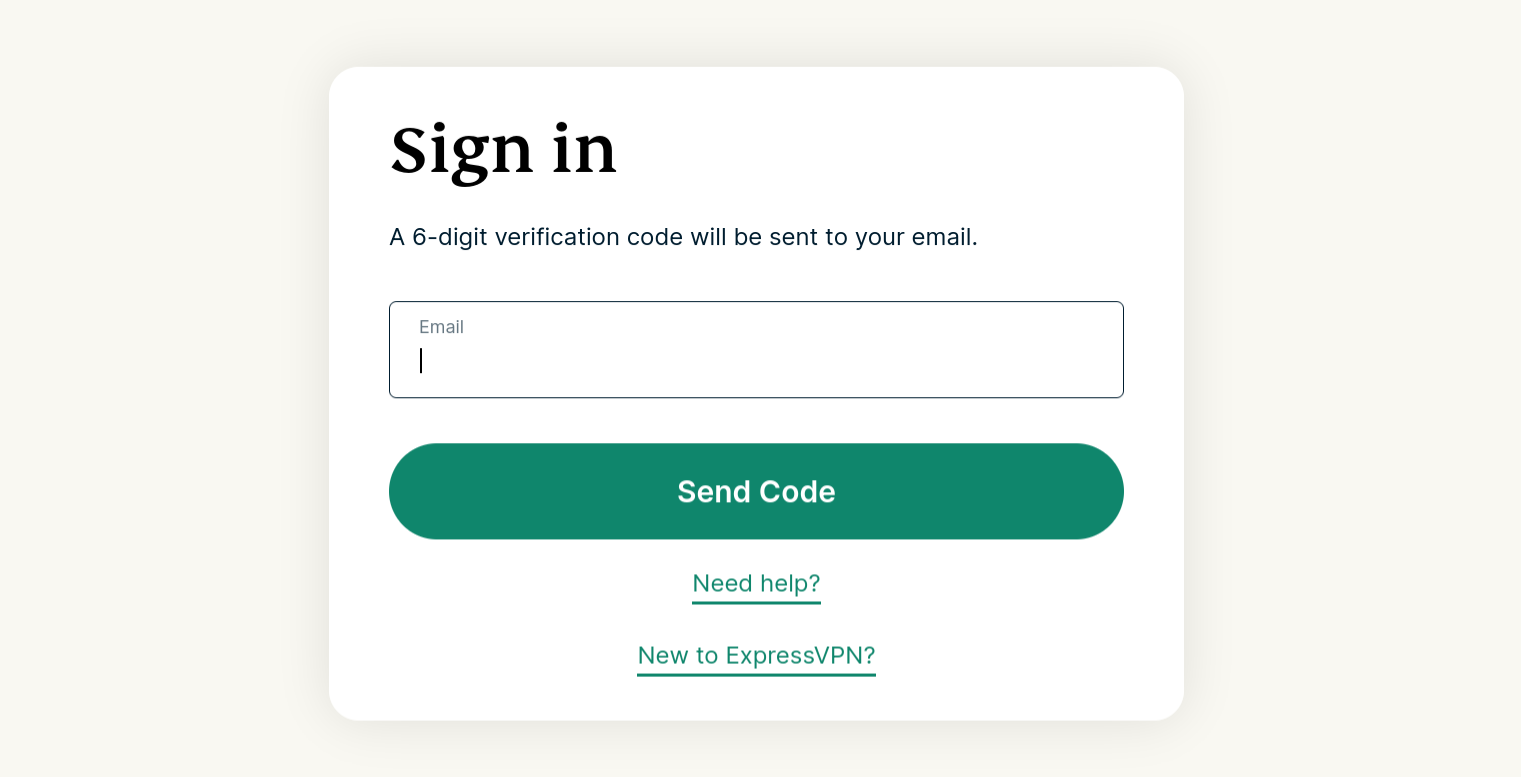
Enter the verification code sent to your email to confirm.
2. Download the VPN app
From the menu on the left, expand ACCOUNT, then click Set Up Devices.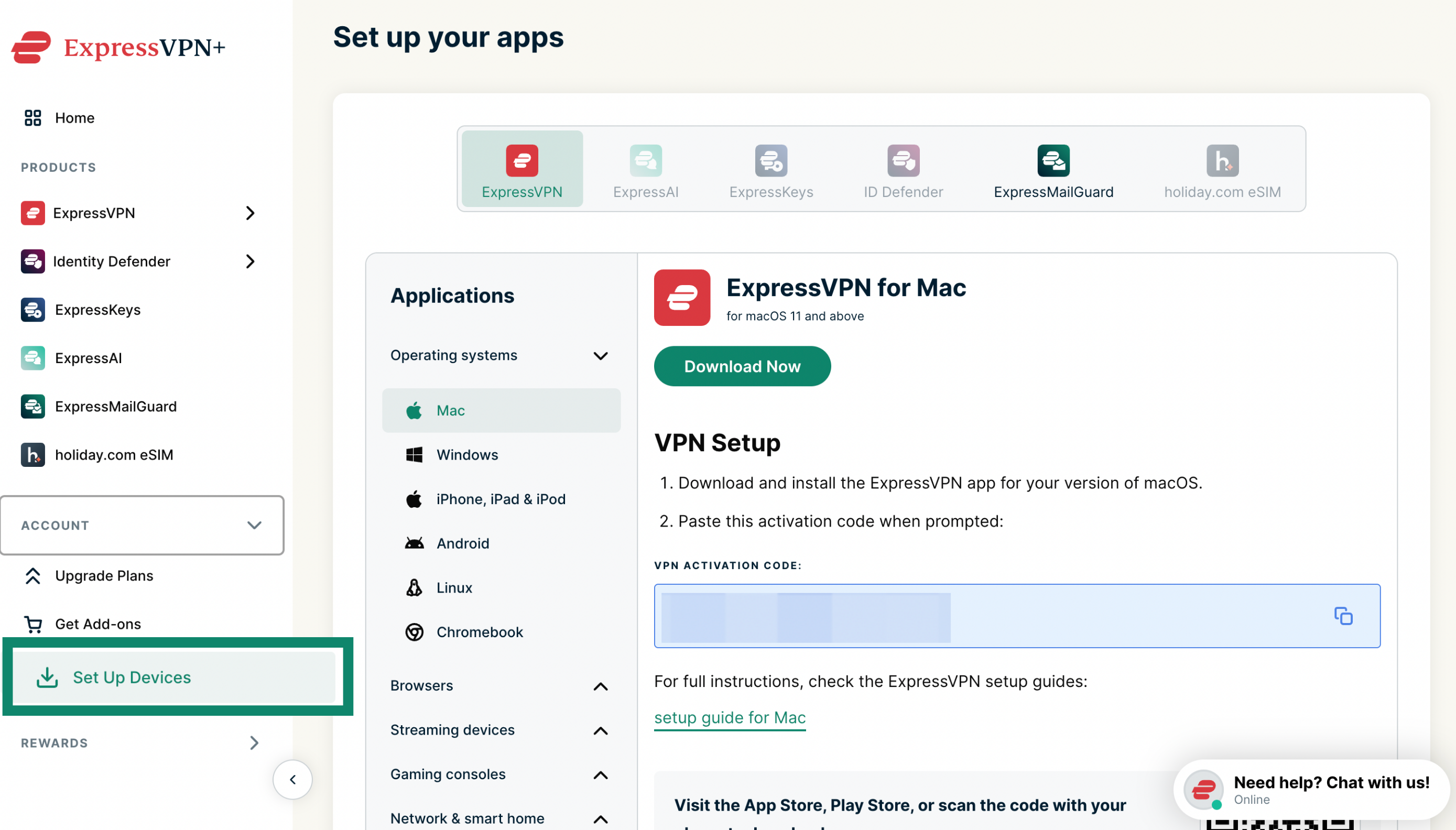
Under Applications > Operating systems, select Windows, Mac, or Linux depending on your device, then click Download Now.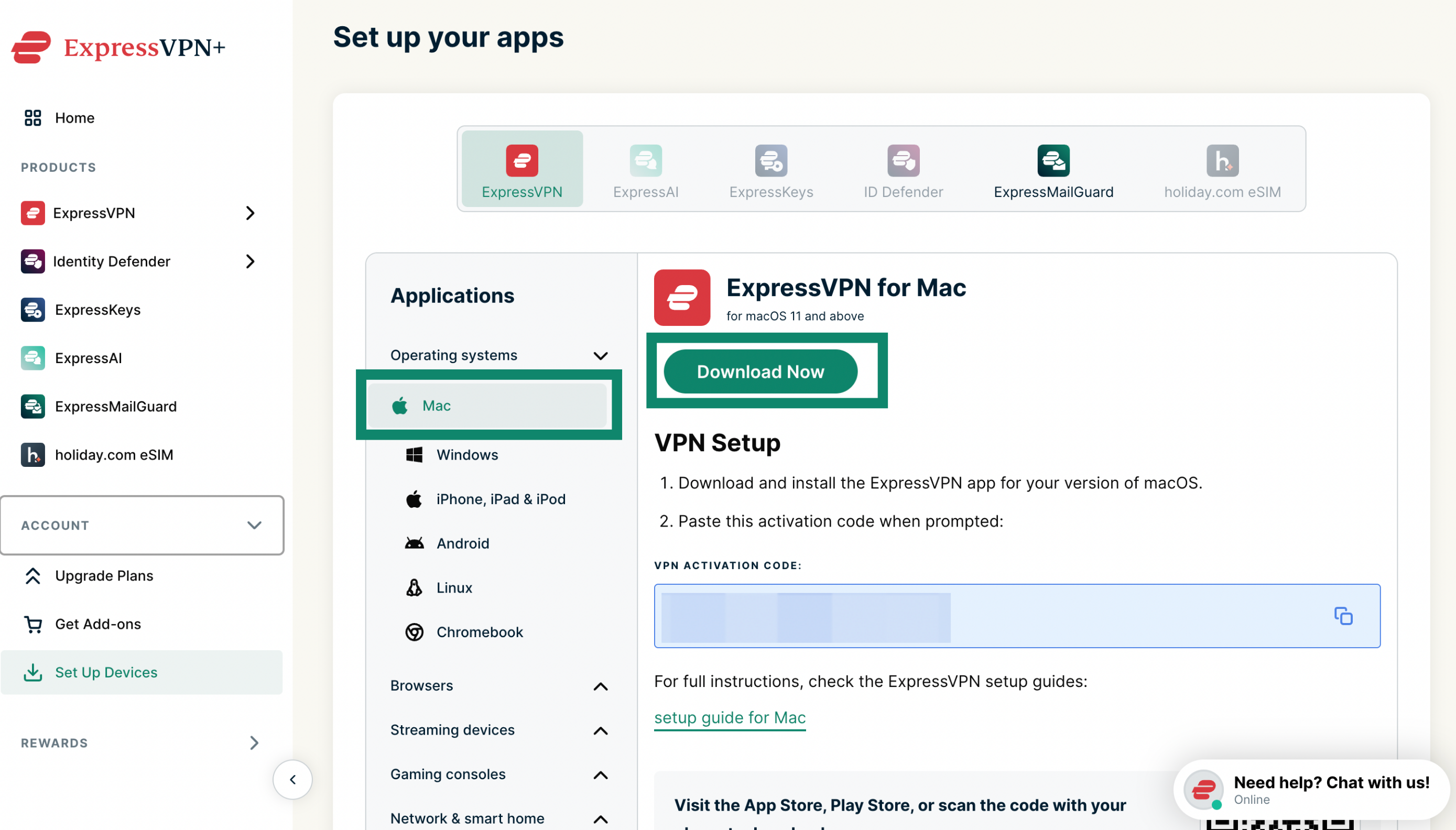
Keep this browser window open. You will need the activation code for the setup later.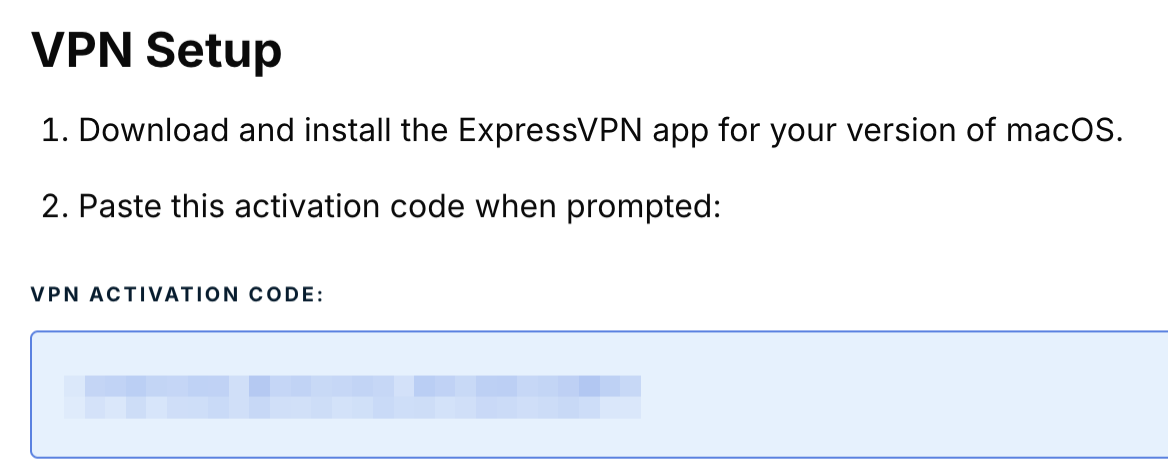
3. Set up the VPN app
Refer to the setup instructions for:
Need help? Contact the ExpressVPN Support Team for immediate assistance.
Download and install ExpressVPN on Android
The following steps apply to Android mobile devices and Android-based devices such as Chromebook.
1. Download the VPN app
In the Google Play Store or Galaxy Store, search for ExpressVPN. Tap Install.
2. Set up the VPN app
Refer to the setup instructions for ExpressVPN for Android.
Need help? Contact the ExpressVPN Support Team for immediate assistance.
Download and install ExpressVPN on iOS
1. Download the VPN app
In the App Store, search for ExpressVPN. Tap Get.
2. Set up the VPN app
Refer to the setup instructions for ExpressVPN for iOS.
Need help? Contact the ExpressVPN Support Team for immediate assistance.
How to sign in to ExpressVPN on any device
To sign in to ExpressVPN on these devices, you will need:
- Your email address
- The activation code (for the ExpressVPN app for Windows, Mac, Linux, or routers)
If you have issues activating the ExpressVPN app, refer to this troubleshooting guide.
Need help? Contact the ExpressVPN Support Team for assistance.