
VPN for Xbox: Play safer and with more control
Play with confidence on 40Gbps servers with a premium, secure Xbox VPN
- Avoid ISP throttling and maintain performance during your gaming sessions
- Protect your Xbox from DDoS attacks and unwanted access
- Set up via a PC hotspot or a Fortify router with built-in ExpressVPN capabilities
30-DAY MONEY-BACK GUARANTEE FOR FIRST-TIME USERS

ExpressVPN for Xbox consoles
Play with enhanced privacy on any Xbox console
-
![Protect Browser And Beyond@2x 5]()
Works with Xbox Series X, Series S, One, and 360
Whether you’re looking for a VPN for Xbox Series X or any other model, ExpressVPN’s systems is designed to enhance your online gaming experience. It works to improve your privacy and connection reliability across the latest consoles and older generations.
You get consistent performance with all popular titles, using a router or hotspot VPN setup.
-
![All Devices Protected@2]()
Easy setup across devices and platforms
Setting up ExpressVPN is simple and safe. Connect your Xbox to the VPN through your PC or a Fortify router with built-in ExpressVPN capabilities. One subscription covers up to 14 devices, but Fortify lets you protect up to 86 devices simultaneously.
Need help? Our 24/7 live support team is always there to guide you.


Get an Xbox VPN with ExpressVPN in 3 easy steps
Method 1: Use a Fortify VPN router
-
![How to sign up for ExpressVPN]()
-
![Check Router Model@2x]()
Step 2
Set up your router
Set up your router and activate your complimentary ExpressVPN subscription.
-
![Get Expressvpn Now Gaming]()
Step 3
Connect and start gaming securely
Connect your Xbox to the router, select a VPN server, and start gaming.


Method 2: Share a VPN connection from your PC
-
![How to sign up for ExpressVPN]()
Step 1
Get your VPN router
Start your ExpressVPN subscription with a 30-day money-back guarantee*.
-
![Vpn For Iphone Android Windows Mac Linux@2]()
Step 2
Choose your setup method
Download ExpressVPN to your Windows PC and log in with your VPN account.
-
![Enjoy Safer Connection Gaming]()
Step 3
Connect and start gaming securely
Link your console to your chosen setup, pick a server location, and game securely.

Method 3: Use MediaStreamer (smart DNS) for enhanced console compatibility
-
![How to sign up for ExpressVPN]()
Step 1
Get your VPN router
Start with ExpressVPN and a 30-day money-back guarantee*.
-
![Xbox Cloud Gaming Vpn]()
Step 2
Configure MediaStreamer
Follow our step-by-step setup guides to use MediaStreamer on your Xbox One or Xbox 360.
-
![Vpn Encryption@2x 4]()
Step 3
Start gaming or streaming
Start gaming or streaming with your smart DNS connection.

Why use a VPN for Xbox gaming
Focus on your game, the Xbox VPN handles speed, stability, and privacy

Improve connection stability and speed
When your internet slows or your ping spikes, even your best skills can’t keep up. Encryption hides your activity from your internet provider, helping you avoid content-based ISP throttling.
With a vast server network, ExpressVPN lets you choose your preferred IP location. You can also let Smart Location pick the fastest option automatically. Our 40Gbps servers support stable and responsive gameplay, so you can focus on your moves.
Stay protected from DDoS attacks
Online matches can get intense. A DDoS attack can knock you offline mid-game, costing your progress and spoiling your gaming session.
ExpressVPN hides your real IP address behind our servers, so attackers can’t target you directly. With DNS leak protection and IPv6 leak protection, your connection stays secure. Game confidently, knowing malicious players can't knock you offline.

Maintain privacy on shared or public networks
Public or shared Wi-Fi is convenient, but it’s rarely private. In places like dorms or hotels, anyone on the same network could see more than you’d like.
ExpressVPN uses 256-bit AES encryption, the best standard on the market, to keep your connection safe from snoopers. Internet Kill Switch ensures your data stays protected even if your VPN connection is interrupted, so you can game without worrying who's watching.
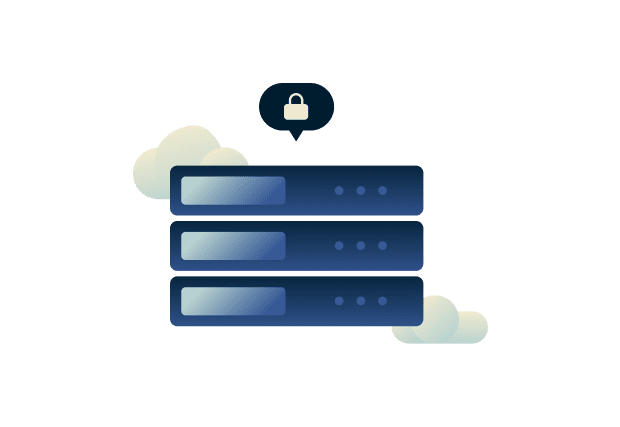
Connect to game servers with more freedom
It’s frustrating when you can’t play on the same servers as friends from abroad. An Xbox VPN can help by connecting you to a server in the location of your choice, giving you the flexibility to connect where your games and teammates are.
Choose from any of ExpressVPN’s 214 server locations globally, with reliable infrastructure near major gaming hubs and unlimited bandwidth on servers that can maintain fast connection speeds.
Xbox Game Pass, Cloud Gaming, and VPN use
Use Xbox Game Pass and Cloud Gaming while you game, stream, or travel

Can you use a VPN for Xbox Game Pass?
Yes. ExpressVPN works with Game Pass when used responsibly and in compliance with provider terms. This lets you safely access your game library and preferred streaming accounts while traveling.
Does a VPN support Xbox Cloud Gaming?
Yes. Xbox Cloud Gaming works best on a stable, reliable connection. With ExpressVPN’s global network of high-speed 40Gbps servers, you maintain consistent performance, making it easier to stream games over the internet. For optimal cloud gaming performance, connect to a server close to your physical location.
Free VPNs vs. ExpressVPN on Xbox
Why settle for free VPNs? Get the speed, security, and reliability of ExpressVPN

Consistent speed and low latency
Free VPNs can slow things down. Many impose data caps, or rely on overloaded servers that can’t handle gaming traffic. That means lag, endless loading screens, and sudden disconnects just when the competition gets going.
ExpressVPN gives you unlimited bandwidth and high-speed servers. Powered by our custom Lightway protocol, it balances speed and security so your sessions stay fast, stable, and reliable.
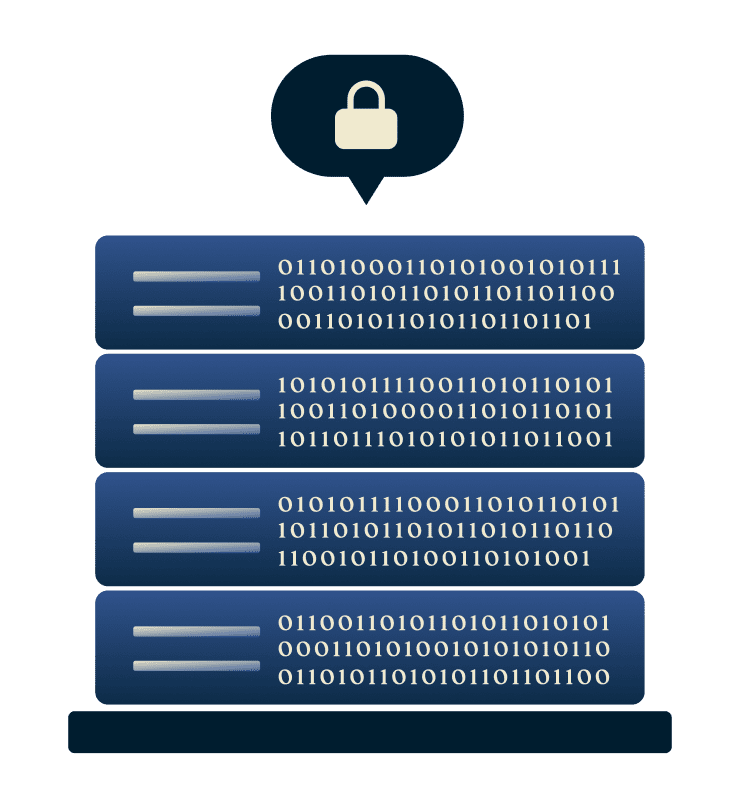
Trusted security and data protection
When privacy matters, using a free VPN can be risky. Some log your data, inject ads, or expose you to malware that can weaken your security. With ExpressVPN, your connection is kept safe with advanced security protection.
Our strict no-logs policy means your activity isn’t recorded or shared—ever. For full transparency, our Trust Center explains the technology, audits, and privacy practices that keep your data private and your devices secure every time you connect.

Wide device compatibility
Free VPNs often cover only a few devices, leaving your console unprotected or forcing you to juggle separate subscriptions. ExpressVPN simplifies things with apps for all your devices and easy setup options for consoles, Smart TVs, and more.
For full-home coverage you can use the plug-and-play Fortify router that comes with ExpressVPN installed. This will protect up to 86 devices on your Wi‑Fi while counting as just one active device on your ExpressVPN subscription.

Transparent pricing and risk-free trial
Free Xbox VPNs come with hidden trade-offs: slow speeds, missing features, or no support when you need it most. ExpressVPN makes things simple with clear pricing and round‑the‑clock live chat support.
All new customers benefit from our 30‑day money‑back guarantee*, giving you time to try it with zero risk.
*Users who purchased their subscriptions through the Apple App Store (iTunes) or the Google Play Store do not have access to the ExpressVPN 30-day money-back guarantee. Instead, users can request refunds through the App Store or Play Store, at Apple’s or Google’s discretion.
What gamers say about ExpressVPN on Xbox
Join the happy customers enjoying fast, protected gameplay on Xbox
@expressvpn I was able to get the service i needed for gaming 10/10 all platforms thx well worth service i needed!


Wow, @expressvpn thank you for the stable connection, allowing me to stream and game with minimal issues on my rural connection! First #vpn to do that well for me.

Yeet! Yup. Its the fastest VPN I’ve ever used to date. I dont even bother switching it off for gaming anymore. Hardly notice it.

FAQ
Quick answers to help you get started with an Xbox VPN
Can you use a VPN on Xbox?
Yes. While Xbox consoles don't support VPN apps directly, you can connect through a VPN-enabled router, Windows hotspot, or MediaStreamer. With ExpressVPN, you get trusted privacy, reliable speeds, and strong protection for every device on your network, including your Xbox.
Is VPN on Xbox bannable?
Using a VPN for privacy and security on Xbox is not against Microsoft's terms. However, using a VPN to purchase games from other regions to exploit price differences can result in account bans. Always use VPNs responsibly and comply with Xbox's policies and individual game terms of service.
How does VPN setup differ by console model?
All Xbox models work with ExpressVPN, but the setup depends on your method. You can use the Fortify router, a PC connection for full VPN protection, or MediaStreamer for DNS-only support.
Does MediaStreamer offer the same privacy as a VPN?
No. MediaStreamer boosts streaming compatibility and speed but doesn’t encrypt your traffic or hide your IP address. For enhanced security, protection from DDoS attacks, or privacy on shared networks, a full ExpressVPN connection through a router or desktop hotspot is the better choice.
Will a VPN affect my Xbox connection speed?
ExpressVPN is built for fast, reliable connections, and in many cases it can even reduce slowdowns caused by activity-based ISP throttling. Your final speed depends on your network, but ExpressVPN’s gaming optimized servers and fast Lightway protocol helps you maintain consistent performance while you play.
What’s the difference between a VPN and Smart DNS?
A VPN like ExpressVPN encrypts your internet traffic, hides your IP address, and protects your privacy. Smart DNS (like MediaStreamer) only changes your DNS for streaming, providing fast content access without encryption or IP masking.
How to get a VPN on Xbox?
To use ExpressVPN on your Xbox, you can configure the VPN on your PC and connect your console to it via a hotspot. Alternatively, use the Fortify router with ExpressVPN built in for an easy setup.
Try ExpressVPN for Xbox risk-free
Play on your terms with privacy, speed, and protection for every Xbox session
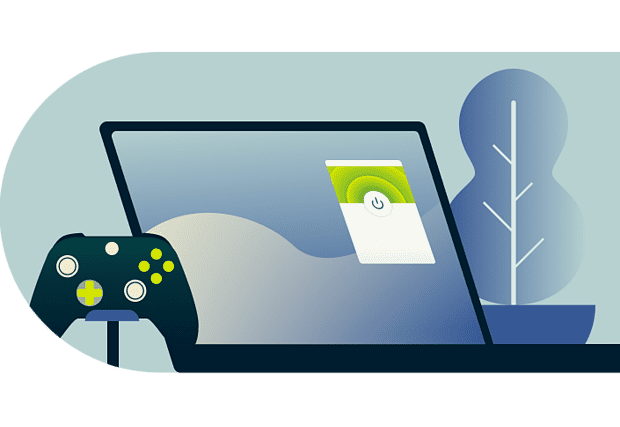
With the best VPN for Xbox, you feel confident knowing your connection is private and your gaming stays steady wherever you play. Try it risk-free with the 30-day money-back guarantee* for all new customers and experience the difference.
*Users who purchased their subscriptions through the Apple App Store (iTunes) or the Google Play Store do not have access to the ExpressVPN 30-day money-back guarantee. Instead, users can request refunds through the App Store or Play Store, at Apple’s or Google’s discretion.







