
- #1 Best VPN 2026*

Minecraft VPN:
Secure your connection
Play Minecraft with unlimited bandwidth and built-in privacy for long sessions
*ExpressVPN helps support expert review sites through an affiliate program that compensates them for referrals.

-

IPHONE/IPAD -

Android -

Windows -

Mac -

Linux -

Router -

Smart TV -

Game console
How to play Minecraft with ExpressVPN
Download your Minecraft VPN and start creating in minutes
-
Step 1

-
Step 2
Select a server location
Choose a VPN server location nearby for better speeds.
-
Step 3
Play with enhanced privacy
Open Minecraft and explore with a secure gaming VPN.
Why a VPN is your best Minecraft companion
Run through survival worlds with extra online protection
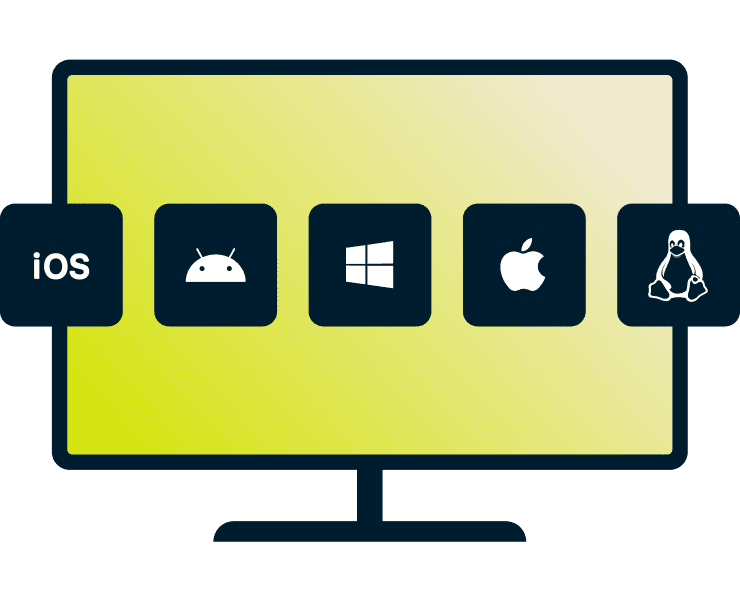
Consistent protection across Bedrock and Java editions
Whether you’re a Bedrock player on mobile or a Java player on PC, third parties, like network admins, can monitor your connection activity.
ExpressVPN supports major platforms including Windows, macOS, Linux, Android, and iOS, so you can keep your VPN protection consistent across the devices and versions you play on.

Avoid app-based ISP throttling during large downloads
Many ISPs detect and throttle specific traffic types like large game downloads, making them take much longer than expected.
ExpressVPN encrypts your traffic, which prevents your ISP from identifying specific activity, reducing the chances of your modpacks and world file downloads being selectively slowed.
Protect your account on shared networks
Library, café, and school Wi-Fi networks often lack strong security, leaving your login credentials vulnerable to interception by others on the same network.
ExpressVPN’s 256-bit AES encryption protects your device’s connection, helping keep your Minecraft and Microsoft credentials secure when you play on public Wi-Fi.
Why ExpressVPN is the best VPN for Minecraft
Play Minecraft with a VPN built to keep up as you build and explore across servers and networks
-

Play with shorter interruptions
Even a brief network change or drop can disconnect you from a Minecraft server you’ve spent hours on.
ExpressVPN’s Lightway protocol is designed to pause your traffic and reconnect quickly, meaning less time stuck on reconnect screens and more time building.
-

Stable connections to multiplayer servers
Large Minecraft hubs host players from all over the world, but your connection path can affect how responsive the game feels.
Rerouting your traffic through a VPN server near the hub can help improve your connection stability. ExpressVPN has servers in 214 locations across 113 countries, giving you plenty of options.
-

Add a layer of privacy on public servers
On some servers, your IP address may be visible to admins or others with access. That visibility can open the door to DDoS attacks.
A Minecraft VPN masks your real IP address behind the VPN server’s IP address. This makes it harder for outsiders to target your connection directly while you explore servers, trade, host community events, or join competitive games.
Free VPNs vs. ExpressVPN: Protecting your creations
Minecraft sessions demand more than free VPNs can deliver

Large Minecraft servers often block IPs linked to spam or abuse, and free VPNs tend to recycle a small pool of addresses, which makes those filters more likely to trigger.
ExpressVPN has a large network, with regularly refreshed IP addresses across all our servers. This gives you access to a broad range of IP addresses, greatly reducing the chance of running into the blocks that are common with free VPNs.
High-resolution textures and shaders look incredible, but they can take a lot of bandwidth to download. Free VPNs often limit bandwidth or cap data, leaving you stuck halfway through a pack install.
ExpressVPN comes with unlimited bandwidth. You can download and apply even the most detailed resource packs, without worrying about hitting a cap.

Some free VPNs rely on ads or data collection to support their services, raising privacy concerns. ExpressVPN follows a strict no-logs policy, meaning we do not keep records of your browsing activity.
Regular independent audits verify these practices, and the results are detailed in our Trust Center.
-

Up to 40Gbps server capacity
-

Servers in 113 countries
-

Ultra-fast Lightway
-

Optimized for gaming
What people are saying about ExpressVPN
See why our satisfied customers choose ExpressVPN
-
#1 Best VPN 2026
Best Gaming VPNExpressVPN is the best Gaming VPN right now, thanks to its impressive speeds, excellent privacy protections and expansive global network of servers.

-
Editor’s Choice Award 2026
ExpressVPN’s expansive network and dedication to staying on the forefront of encryption tech earn it an award.

-
#1 Best VPN for the U.S. 2026
ExpressVPN is the best VPN for the U.S. right now. It has VPN servers in every American state, excellent security, and a simple user interface.

-
The fastest VPN
ExpressVPN is the fastest VPN I’ve found. It shows you the fastest server you can connect to, and a list of alternative servers. Or, you can let it choose for you. It’s affordable and worth it.
Christopher Gilmer


-
Great for travel & access
Does exactly what it's supposed to. Using it while travelling is great, accessing international websites for purchases is great, doesn't lag internet speed too much. Peace of mind and super easy to use.
Sam H.


-
Extremely reliable
ExpressVPN provides extremely reliable service that will keep you and your personal information safe. ExpressVPN is the perfect all around VPN service for your network security needs.
Dirt_Reynolds
-
Protects all devices
Just want to say, I have used ExpressVPN for over 10 years. On my phone, computers, and even on my home router. You guys are the very best!
OneDarkSeed

-
Excellent value
One of the major names in virtual private network (VPN) services, ExpressVPN offers a lot to consumers at face value.
MacHash

-
Post-quantum encryption
Backed by bleeding-edge post-quantum encryption technology, Express has landed a firm spot on our best VPNs list.
Carles Dijous






FAQs
Get the answers to your VPN Minecraft questions
Can I get banned from Minecraft servers for using a VPN?
Minecraft itself doesn’t ban VPNs, and you can use them to enhance privacy and security. However, actions like harassment, cheating, or breaking server rules while using a VPN can result in an IP address ban. Always follow server rules and use a VPN responsibly.
How do I find the best VPN server for Hypixel?
Hypixel servers are primarily located in North America, so choosing a nearby VPN server often gives you the lowest latency. ExpressVPN has a large network with servers across the U.S. giving you multiple options to test and find a lower latency connection when joining Hypixel matches or busy lobbies.
Does a VPN help with "Connection Timed Out" errors?
Sometimes, yes. These errors can happen when your connection to the Minecraft server becomes unstable or packets are lost along the route. Switching to a different VPN server can create a more efficient path to the server, which may reduce latency and connection interruptions.
Can I use a VPN for Minecraft on Xbox or PlayStation?
Yes. Consoles don't support VPN apps directly, but you can easily secure your connection by sharing a VPN connection from your Mac or PC. Once connected, your Xbox or PlayStation sends its traffic through the VPN while you join servers and play Minecraft with enhanced privacy and security.
Does a VPN hide my IP from server owners?
Yes. When you connect through a VPN, your traffic is routed through the VPN server, so Minecraft servers see the VPN server’s IP address instead of your real one. This helps keep your home IP address private when joining multiplayer servers.
Try ExpressVPN for Minecraft
- Secure and stable Minecraft VPN with no data limits
- Protect your IP address to avoid DDoS attacks








