




Need a VPN or DNS for your device?
Get ExpressVPN NowOne ExpressVPN account. All devices.
Get Apps for Free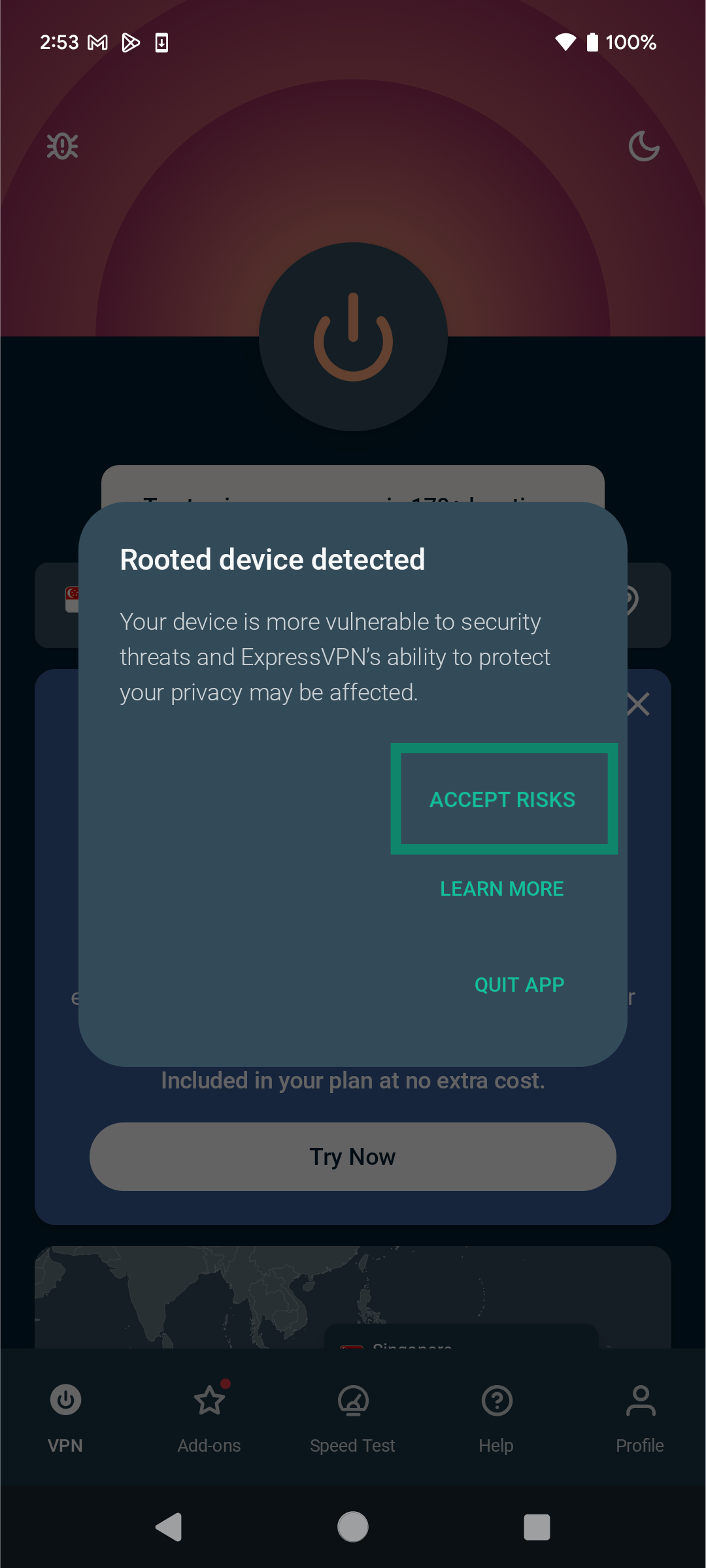 The ExpressVPN app for Android will warn you if you are using a rooted device. Rooting a device disables some of its essential, built-in security features, making your phone less secure and more vulnerable to attacks. This also impacts ExpressVPN’s ability to protect your privacy and security.
To keep your device secure, we recommend you do the following:
- Disable root access in the specific root manager app you used.
- If this is not possible, restore the original firmware of your Android device.
Need help? Contact the ExpressVPN Support Team for immediate assistance.