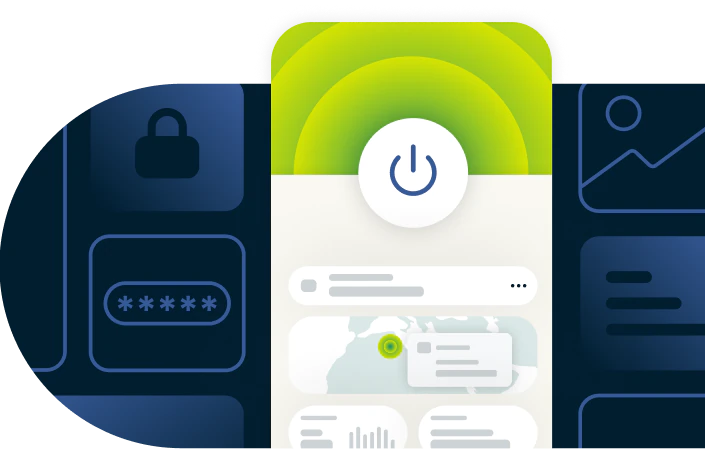
Download a VPN app for every device
Secure, fast, and reliable VPN protection across all your devices, backed by a verified no-logs policy
- Get up and running instantly with one-click setup across devices
- Download from verified, secure installers with step by step guidance
- Try premium VPN features with a 30-day money-back guarantee
Start Your Risk-Free Trial Download Windows VPN
30-day money-back guarantee*
*for first-time users
How to download a VPN in 3 simple steps
Download ExpressVPN and get comprehensive online protection in minutes
-
![How to sign up for ExpressVPN]()
Step 1
Sign up for ExpressVPN
Choose a subscription tier and sign up with our 30-day money-back guarantee.*
-
![Download App@2x 4]()
Step 2
Download the ExpressVPN app for your device
Download the app and log in. ExpressVPN is available for Android, iOS, Windows, macOS, and more.
-
![Get A Private Ip Address@2x 1]()
Step 3
Connect to a VPN server location
Select the VPN server location of your choice. Connect, and start browsing with a private IP address.

VPN downloads for all platforms
Get the latest VPN app downloads for all your devices
VPN for Windows
Get fast, flexible VPN protection on Windows 10 and 11. Download ExpressVPN for PC and take advantage of features like Lightway Turbo—our fastest protocol yet—and split tunneling to choose which websites and apps use the VPN.
Our app supports both 32-bit and 64-bit Windows systems. For newer Copilot+ PCs, get the ARM64 version for optimal performance.
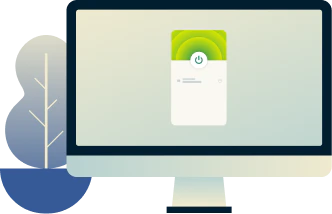
VPN for Mac
ExpressVPN’s app for Mac runs natively on Apple Silicon (M1, M2, M3) and is optimized for macOS High Sierra (10.13) and above.
It operates quietly in the background, providing reliable protection with post-quantum encryption by default, while maintaining fast speeds. Secure your MacBook, iMac, or Mac mini and browse safely across any network.

VPN for Linux
ExpressVPN’s Linux GUI app combines strong protection with full customization. It provides robust encryption and different VPN protocol options, while built-in security tools keep you safe from additional threats and data leaks.
The app supports 64‑bit (x86_64) systems and is officially compatible with Ubuntu 20.04+, Debian 10+, Fedora 37+, Arch, Linux Mint 20+, and Raspberry Pi OS 10+.
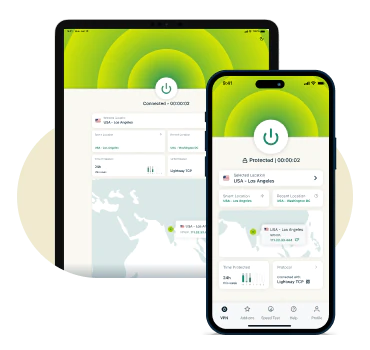
VPN for iOS and iPadOS
Our iOS app works on iOS 15 or above, and supports iPhones and iPads, including iPad Pro, Air, and Mini models. Use the built-in speed test to find the fastest server for streaming, browsing, or gaming, and connect with 1 tap.
Download ExpressVPN for iOS from the App Store to start your free seven-day trial, or sign up on our website to get the 30-day money-back guarantee for first-time customers.
*ExpressVPN’s money-back guarantee is limited to first-time customers. All refunds for ExpressVPN subscriptions through iOS are at the discretion of Apple.
VPN for Android
ExpressVPN for Android keeps your data secure wherever you go. Download it easily from the Google Play Store or install the VPN APK directly from the ExpressVPN website—useful for Huawei devices or regions with limited Play Store access.
Compatible with Android 14 through to Lollipop, it works efficiently on Vivo, Samsung, Google Pixel, OnePlus, Huawei, and other mobile devices.
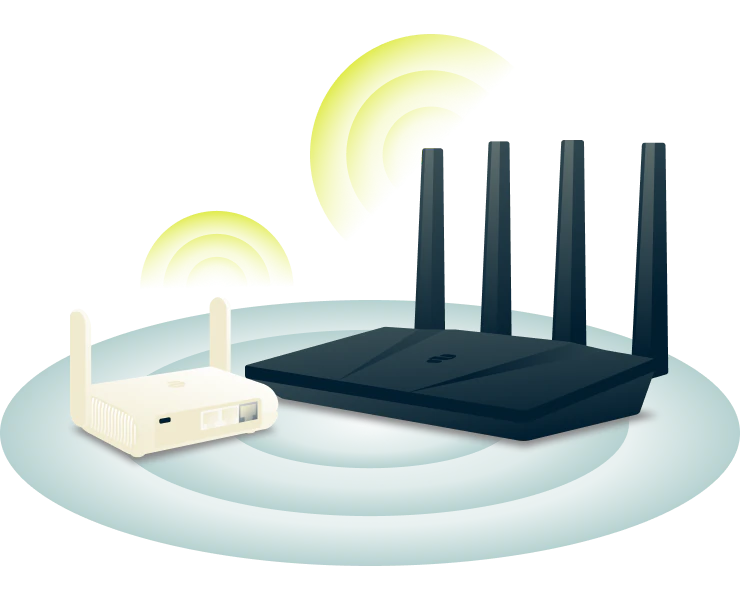
VPN for routers
Want to easily extend VPN protection to every device on your network? You can use Aircove*, ExpressVPN's pre-configured router that works right out of the box.
It counts as one device connection on your subscription while protecting unlimited devices on your network. This includes smart TVs, gaming consoles, and IoT devices that can't run VPN apps.
*Aircove requires an active ExpressVPN subscription to provide VPN protection.

VPN for smart TVs
Download a VPN that works with a wide range of smart TVs and streaming devices, including Samsung, Apple TV, Fire Stick, Chromecast, Roku, Nvidia Shield, Android TV, and more.
Install the ExpressVPN app directly, or use the MediaStreamer DNS to change your IP address on devices that don’t support VPN apps. Our step-by-step guides make setup simple.
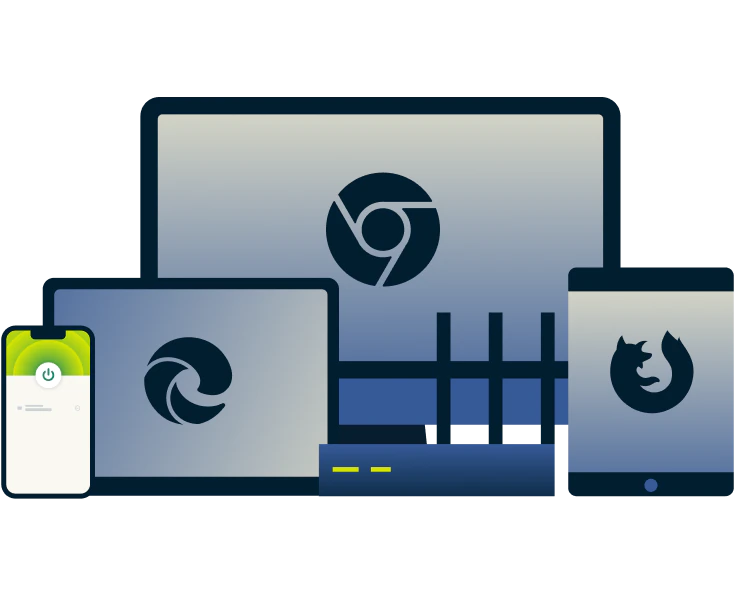
VPN browser extensions (Chrome, Firefox, and more)
Control your VPN protection directly from your browser with 1 click. Change your virtual location, block WebRTC leaks, and browse privately.
Most VPN browser extensions only protect browser traffic. ExpressVPN’s extensions for Chrome, Firefox, Edge, Brave and Safari act as a remote control for the full desktop app, securing all traffic on your device at once.
Note: Only download ExpressVPN from our official website or your device’s app store — fake VPN apps and spyware do exist. If you have questions about how to download ExpressVPN, contact our support team directly.
What is a VPN and why it matters
Protect your data and access your preferred local and international accounts safely
-
![Multiple Devices@2x]()
How a VPN protects your online privacy
A VPN encrypts your internet connection and hides your real IP address. It prevents hackers, ISPs, and third parties from seeing what you do online and keeps websites and apps from tracking your location through your IP address. Additional security features from ad blocking to parental controls let you customize your online protection.
-
![Fast Location@2x]()
Key functions of a VPN app
Beyond privacy, a VPN lets you safely access your favorite websites and services worldwide. With Smart Location, ExpressVPN automatically connects you to the best server for speed and reliability and offers one-click setup so you can browse and stream privately via your preferred accounts, and work securely from home or abroad.

What you get with ExpressVPN
Experience top-tier protection and performance with ExpressVPN

Servers in 105+ countries and the Lightway protocol
ExpressVPN offers 10Gbps servers in 105+ countries, regularly maintained to optimize performance and ensure fast, reliable connections.
Combined with our proprietary Lightway protocol, it provides secure and fast access across all your devices. Our apps are intuitively easy to use and keep your VPN connection stable when switching between Wi-Fi and mobile networks.
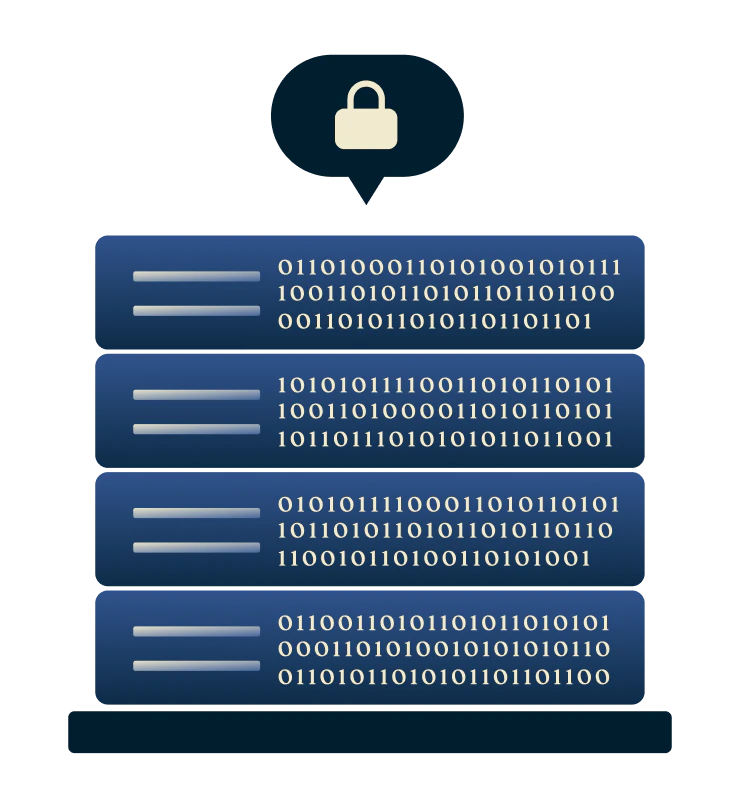
Trusted no-logs policy and independently audited security
ExpressVPN follows a strict no-logs policy, independently audited by firms like KPMG and PwC. This ensures your connection and online activity remain private, secure, and protected whenever you download and use the VPN app.
Our TrustedServer technology uses RAM-only servers that automatically wipe data with every reboot, so not even we can see what you do online.

Advanced encryption and privacy
Worried about hackers or snoops accessing your data?
ExpressVPN secures every connection with industry-leading 256-bit AES encryption and post-quantum-secure protocols, protecting you from both current and future cyber threats. Each VPN server assigns a private IP address, keeping your online identity and general location hidden.
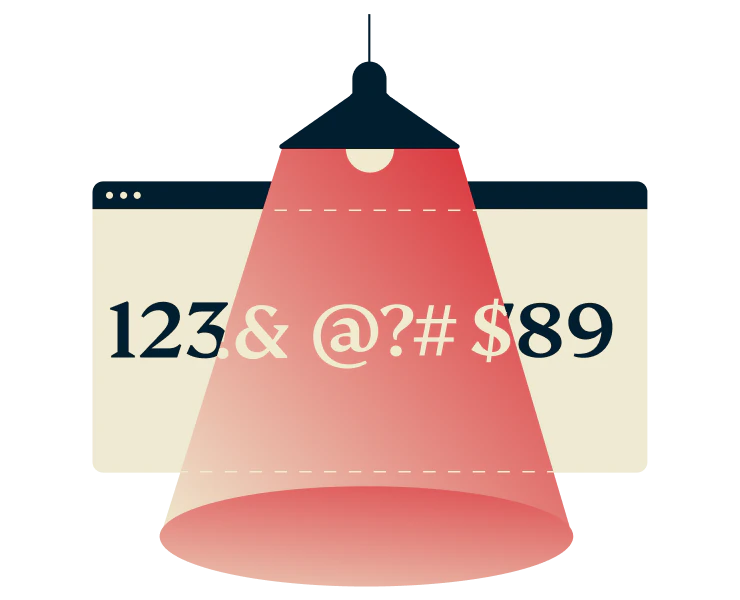
Private DNS on every server
A VPN alone isn’t always enough. DNS or IPv6 leaks can still reveal the websites you visit.
ExpressVPN’s Private DNS on every server routes all your requests through internal, private DNS servers instead of public ones. It also blocks IPv6 leaks, adding an extra layer of protection to keep your real IP address and browsing activity hidden from third parties.

Block ads and trackers
Protect yourself from ads, trackers, and online threats that follow you across the web.
ExpressVPN’s ad blocker prevents many unwanted ads from loading and collecting your data. Threat Manager blocks tracking scripts and connections to known malicious websites, phishing domains, and unsafe apps—keeping your devices secure and giving you peace of mind.
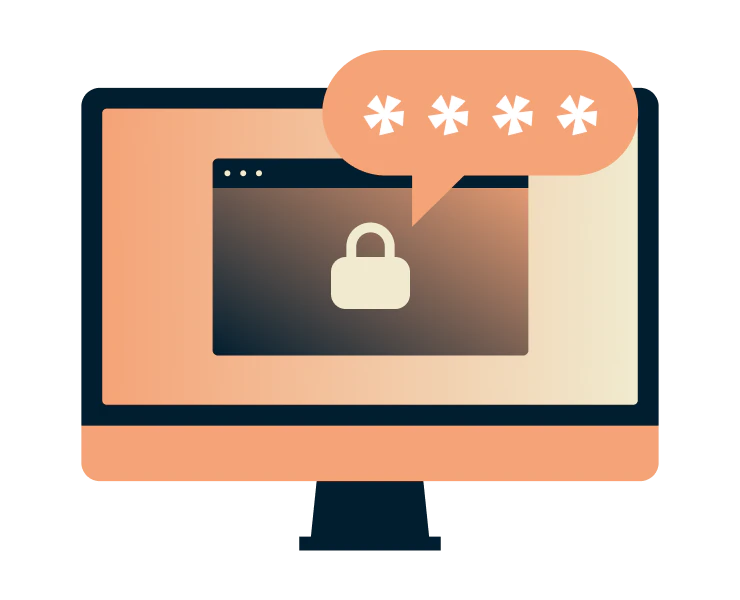
Manage passwords securely
Tired of forgetting passwords or juggling multiple logins?
Keys, ExpressVPN’s password manager, makes it simple.
With zero‑knowledge encryption, only you can access your vault. Store unlimited passwords, credit cards, and secure notes while generating strong passwords and monitoring exposed credentials. All with a single tap.

Works on up to 14 devices at once
Secure up to 14 devices simultaneously with a single ExpressVPN subscription. Download the VPN to your phones, tablets, computers, smart TVs, and more with intuitive native apps.
For network-wide coverage, our router options provide an affordable solution, protecting the whole household while counting as just 1 connection.
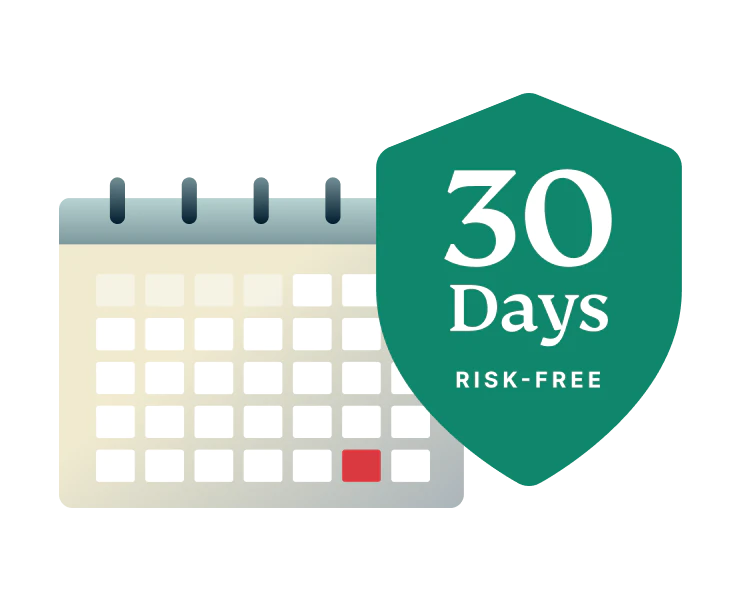
Risk-Free Trial with 30-Day Money-Back Guarantee
Try ExpressVPN risk-free with our 30-day money-back guarantee for first-time customers. If you’re not fully satisfied, simply request a refund via customer service.
Need help? Our 24/7 multilingual support team is ready to assist via live chat or email with setup, troubleshooting, or any issues you may have.
Refunds for Apple App Store subscriptions must be requested directly through Apple.
Is it safe and legal to download a VPN?
Stay protected, private, and compliant with ExpressVPN
-
![Advanced Protection@x]()
VPN use and local regulations
VPNs are legal in most countries and are widely used by businesses and individuals to protect their online privacy, secure their data at home or on public Wi-Fi, and safely access websites and platforms.
Keep in mind VPN use is subject to local laws, so always stay informed and comply with regulations wherever you travel.
-
![Protect Browser And Beyond@x]()
Tips for safe VPN downloads
Only download ExpressVPN from our website or official app stores to ensure verified, safe installers.
Our step-by-step setup guides make installation simple and fast. And 24/7 live chat and email support are ready to help whenever you need assistance.
What people are saying about ExpressVPN
Discover why our satisfied customers use ExpressVPN
I have ExpressVPN on all my devices - phone, laptop, tablet, AppleTV, etc., and absolutely love it.


* A sample of reviews from our most satisfied customers
Got an account with @expressvpn yesterday. Great decision for traveling out of the country!
@D_Geiger

* A sample of reviews from our most satisfied customers
With its consistent performance and reliable security, ExpressVPN is the best VPN out there.

* We sometimes pay expert sites for customer referrals
FAQs: Downloading a VPN
Find answers to commonly-asked questions about VPNs
How do I download a VPN?
Downloading ExpressVPN is simple and secure. Choose a subscription tier, then download the app for your device from the official ExpressVPN website or verified app store. Open the app, sign in, and connect to a server to start browsing safely and privately.
Is it legal to use a VPN?
Yes. VPNs are legal in most countries and widely used by individuals and businesses to protect data, even in restrictive regions. While VPNs help secure online activity, they do not legalize unlawful actions—illegal activity remains illegal whether or not a VPN is used.
Do I need a VPN on my phone?
As mobile devices handle more banking, browsing, and messaging, using a VPN is essential to protect your data, especially on public Wi-Fi. Stream video and music on the go with the same access and privacy you have at home, keeping your entertainment and online activity secure at all times.
How do I choose a VPN?
Trust is key when choosing a VPN. A reliable provider is transparent about privacy, independently audited, avoids storing personal data, and consistently supports online privacy. After trust, select a VPN based on features like server locations, device compatibility, and unlimited bandwidth to meet your needs.
Is it safe to download a VPN?
Yes, as long as you use trusted sources. Download ExpressVPN only from our official website or app stores to ensure verified, secure installers and start protecting your privacy immediately.
Does a VPN affect download speed?
If your ISP throttles your connection, a VPN can actually improve speeds. ExpressVPN, consistently ranked among the fastest VPNs worldwide, maintains fast, reliable performance. While VPNs can sometimes reduce speed, ExpressVPN users often experience little to no difference, and get secure browsing without sacrificing performance.
How much does a premium VPN cost?
ExpressVPN offers flexible subscription tiers, with longer-term options providing the best value. Every option includes the same premium features: 10Gbps servers across 105+ countries, 256-bit AES encryption, unlimited bandwidth, and 24/7 support. First-time customers can try ExpressVPN risk-free with our 30-day money-back guarantee.
Try ExpressVPN risk-free for 30 days
First-time subscribers can try all our premium features risk-free with our 30-day money-back guarantee*.