



This guide explains how to upgrade or downgrade your ExpressVPN subscription from the ExpressVPN+ dashboard.
Jump to…
What happens after changing your subscription?
How to upgrade your ExpressVPN subscription
How to downgrade your ExpressVPN subscription
Which ExpressVPN products are included in your subscription?
What happens after changing your ExpressVPN subscription tier?
ExpressVPN offers three tiers of subscriptions: Basic, Advanced, and Pro. You can learn more about what each tier includes in our guide to available subscriptions.
Depending on the tier you change to, you may gain or lose access to certain products and features. For example, downgrading from the Pro plan to the Basic plan removes access to products such as ExpressAI and Identity Defender (available for U.S. users only). Downgrading can also limit how you can use a product or feature, such as ExpressMailGuard.
Will I be charged immediately when changing my subscription?
Whether you are charged immediately depends on the value of the remaining time on your current subscription and the price of the new plan you select.
If the remaining value of your current subscription exceeds the cost of the new plan:
- You will not be charged immediately.
- Your current subscription will remain active until its expiry date.
- You will retain access to the features included with your current tier until the expiry date.
- Your new plan will be charged and a new billing cycle will begin at the next renewal date.
If the remaining value of your current subscription is less than the cost of the new plan:
- You will be charged for the new subscription immediately, with a prorated credit applied for the remaining value of your current subscription.
- Your subscription will change immediately.
- You will gain access to the features of the new tier immediately.
- Your new billing cycle will begin immediately.
Note: In some cases, selecting a lower-tier plan or shorter subscription term may still result in an immediate charge if the remaining value of your current subscription is lower than the price of the new plan.
You will always see whether charges apply before confirming the change during checkout.
Need help? Contact the ExpressVPN Support Team for immediate assistance.
How to upgrade your ExpressVPN subscription
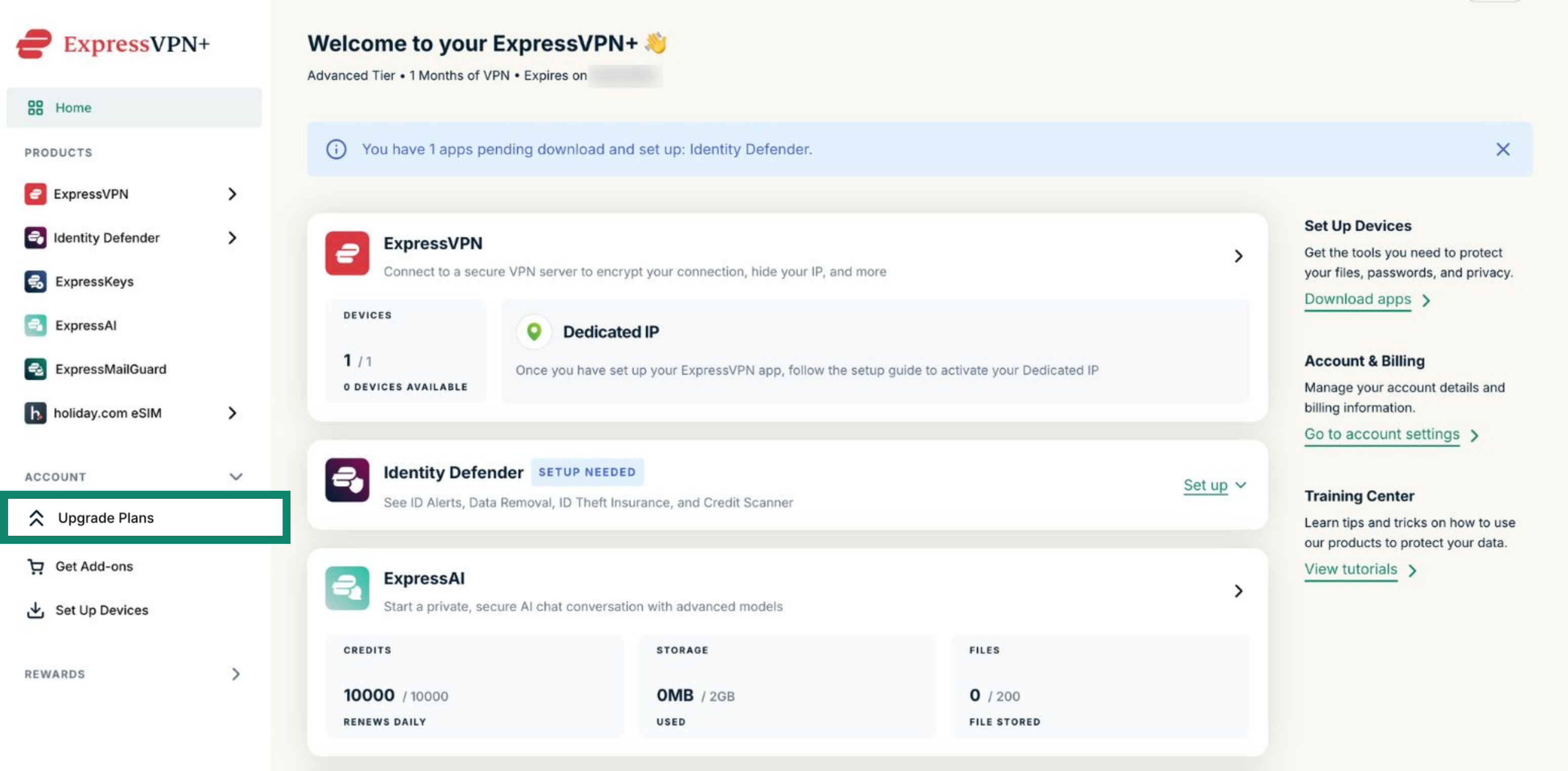
- Log into your ExpressVPN+ dashboard.
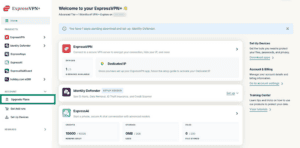
- Under Account, select Upgrade Plans.

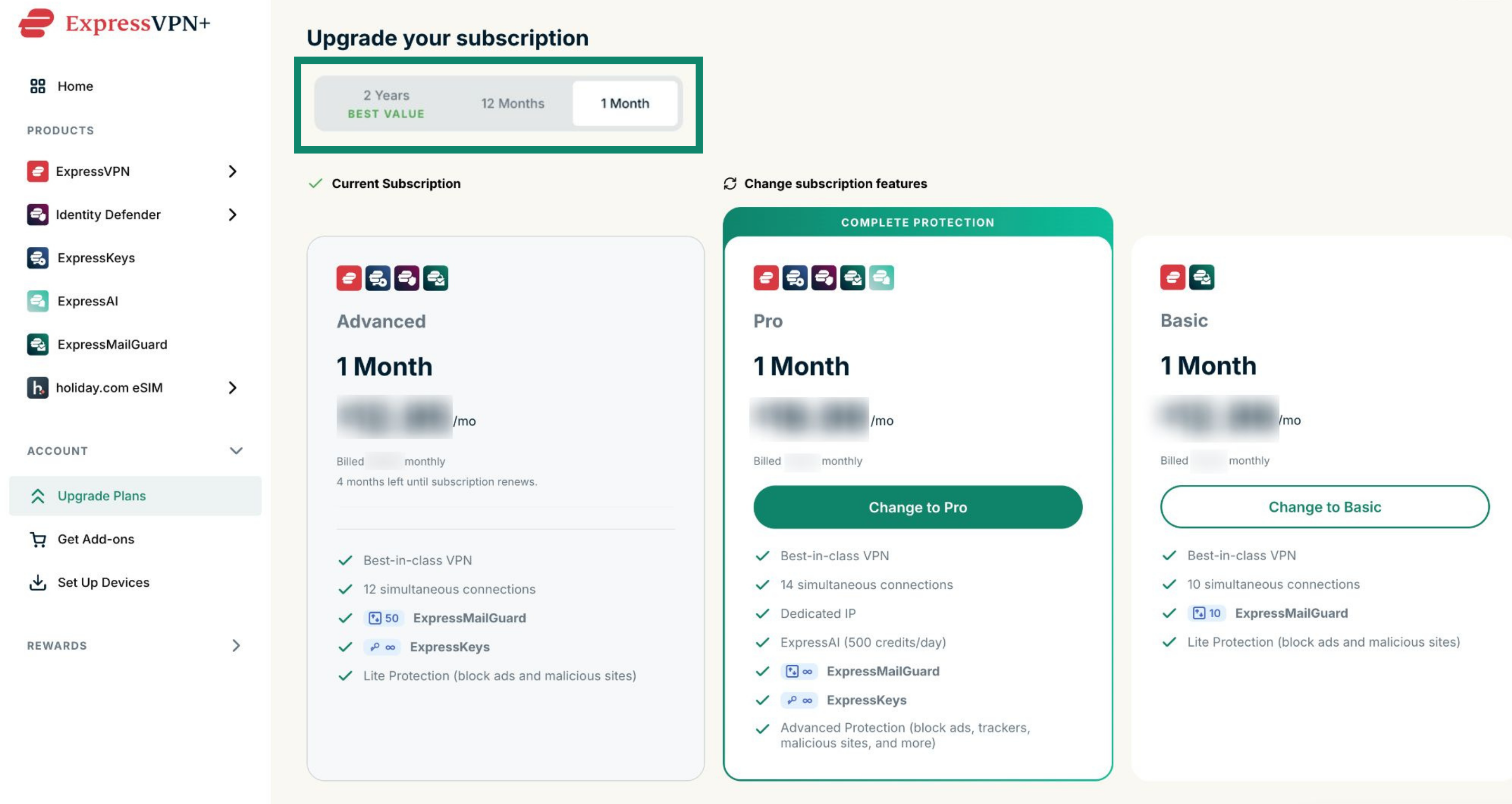
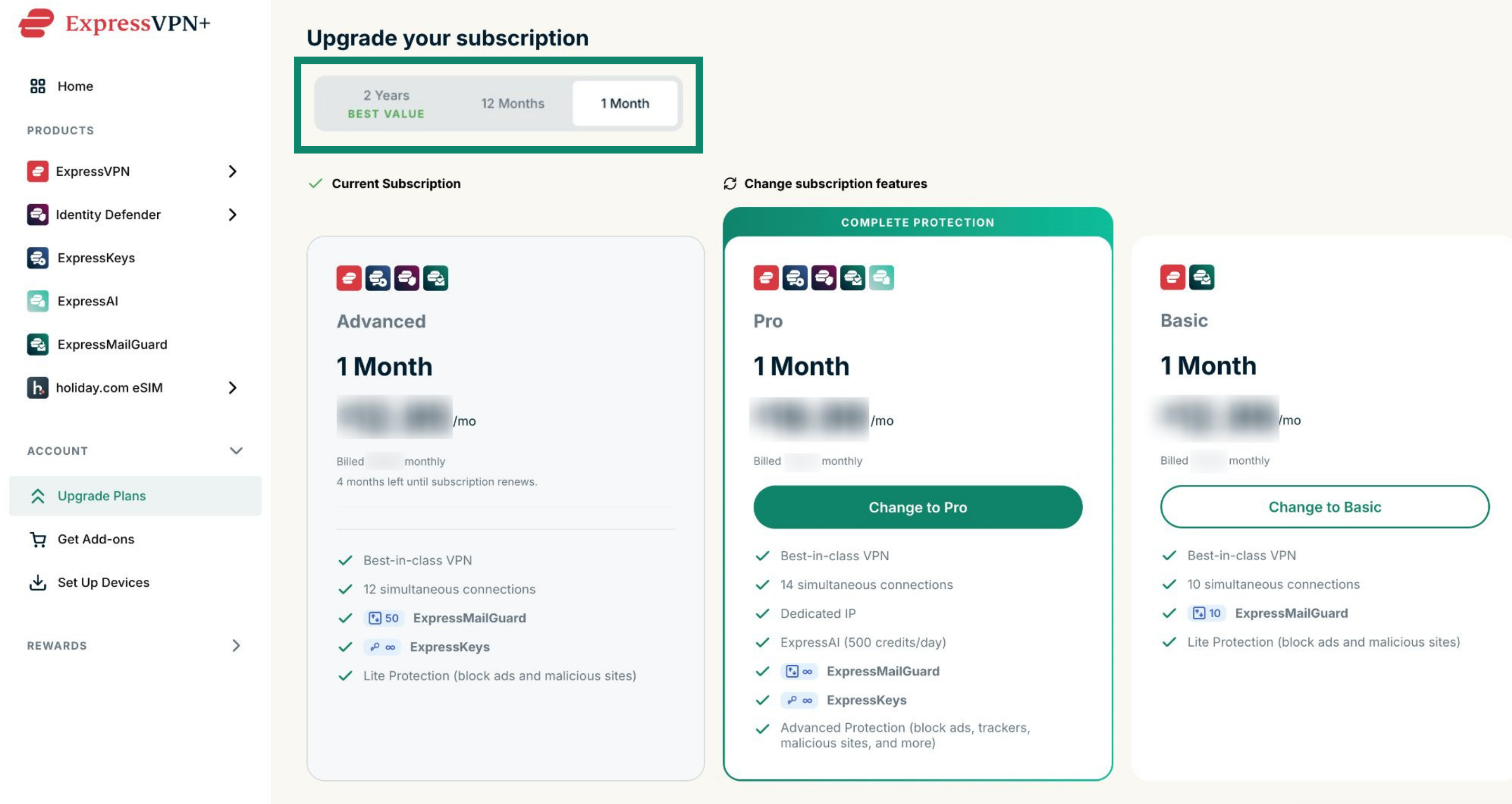
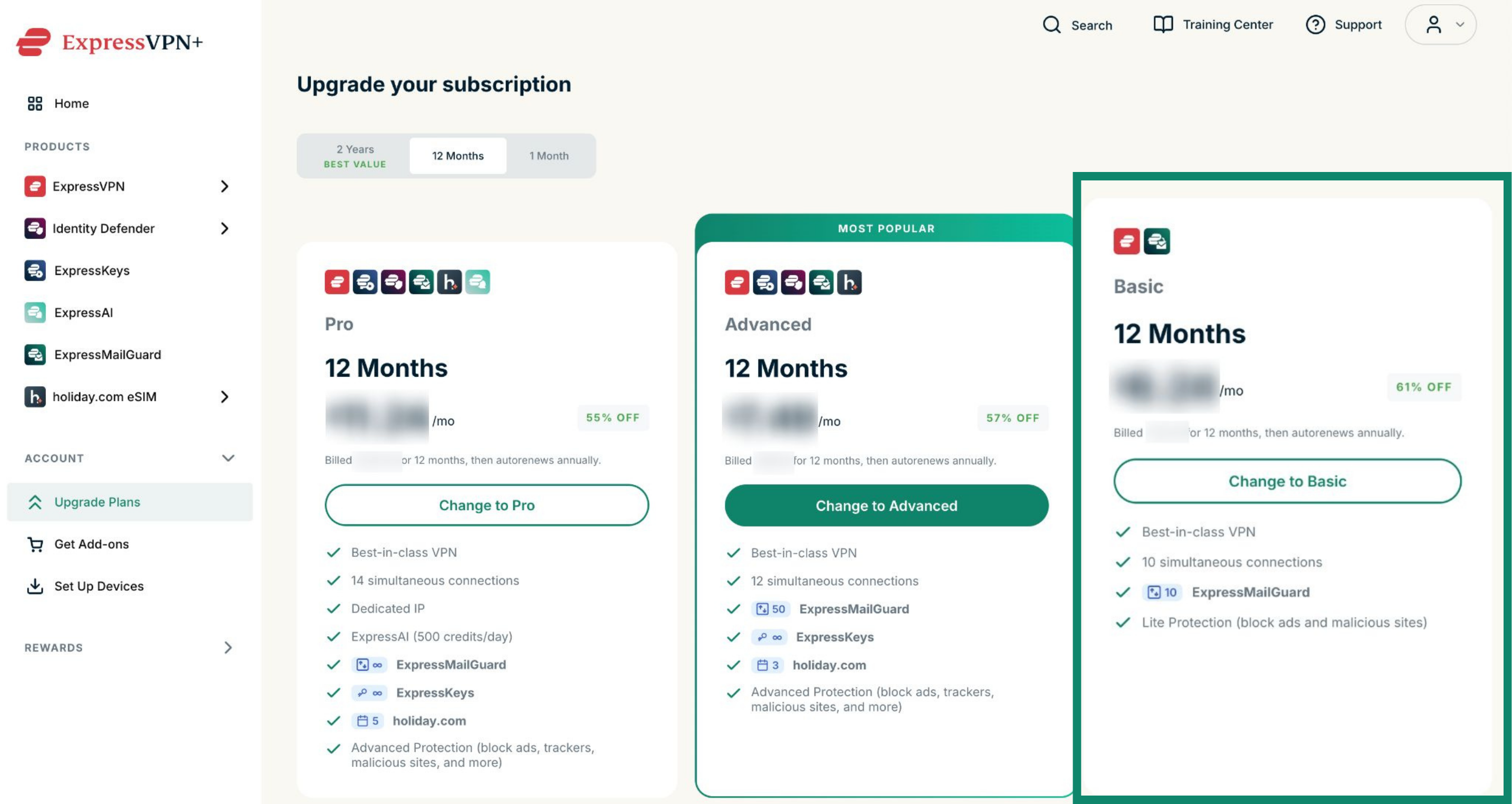
- Review the available subscriptions and included features. You can use the tabs to filter different subscriptions, for example, by 12 months or 1 month.
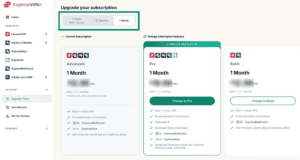

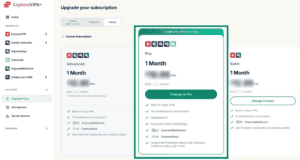
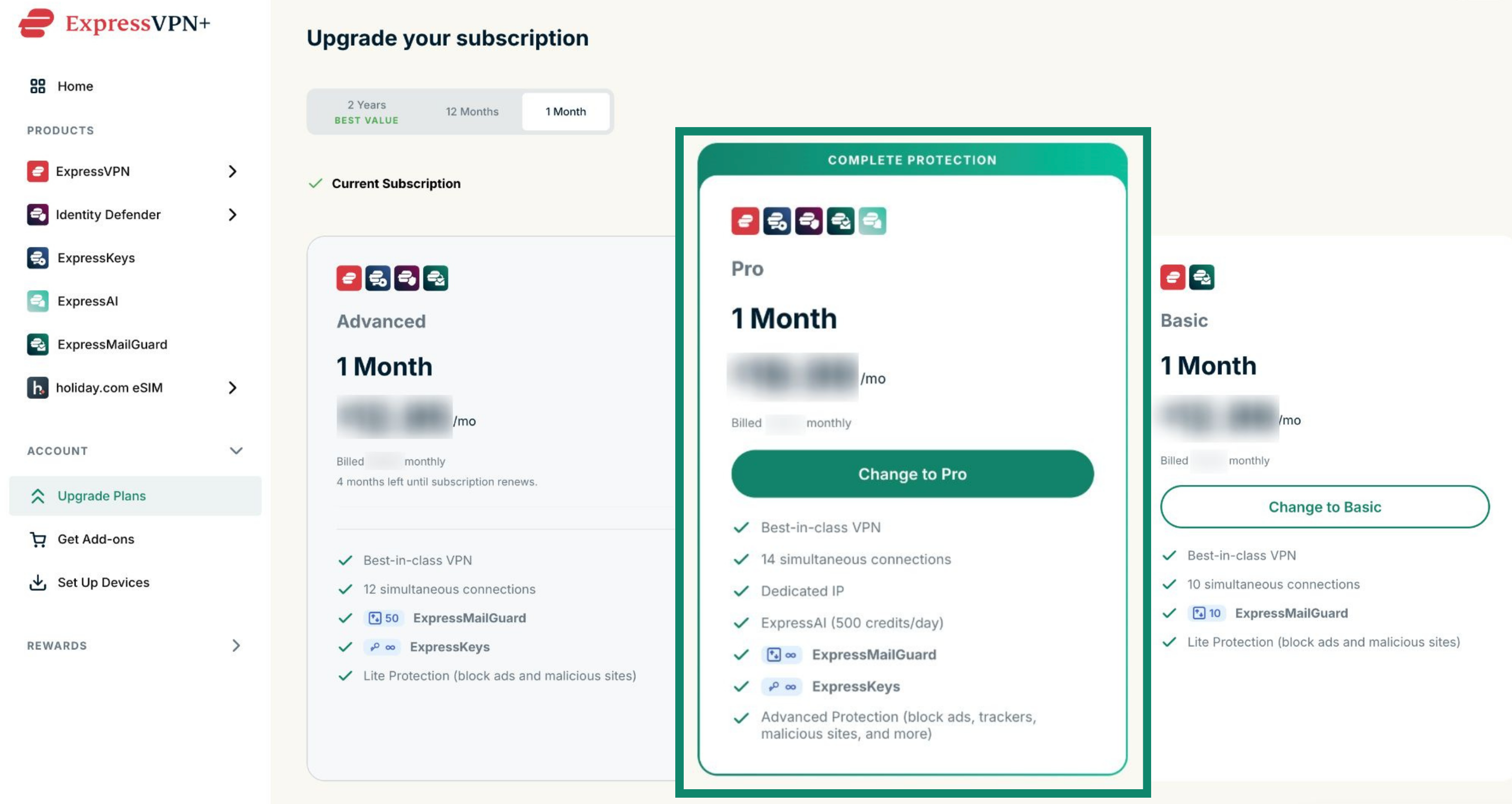
- Select the option you would like to upgrade to.
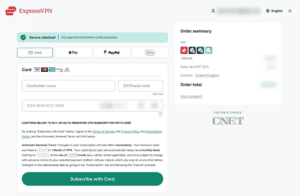
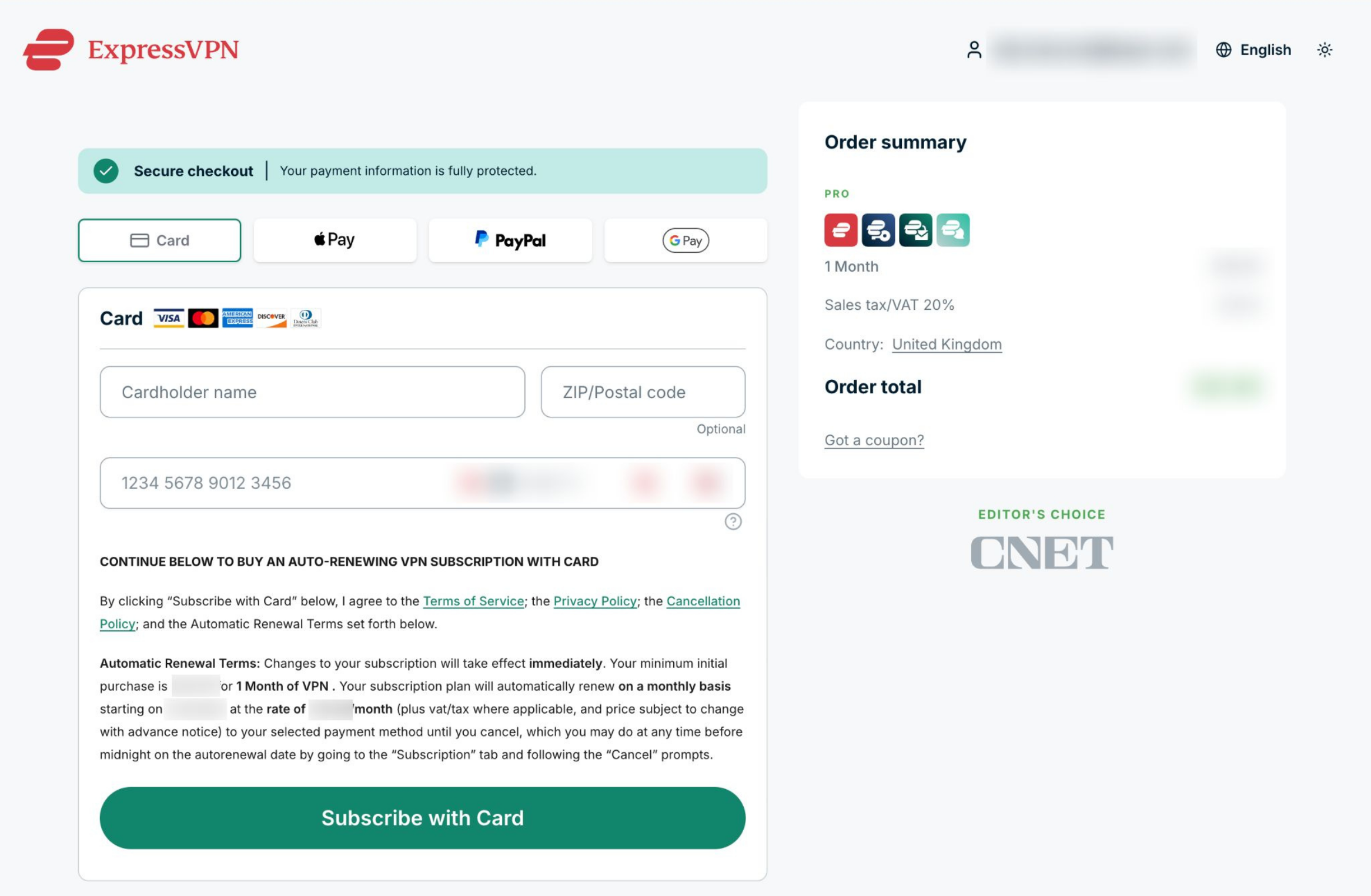
- Choose your payment method, enter your payment details, and click Subscribe with [payment method] to upgrade your subscription.

Need help? Contact the ExpressVPN Support Team for immediate assistance.
How to downgrade your ExpressVPN subscription plan
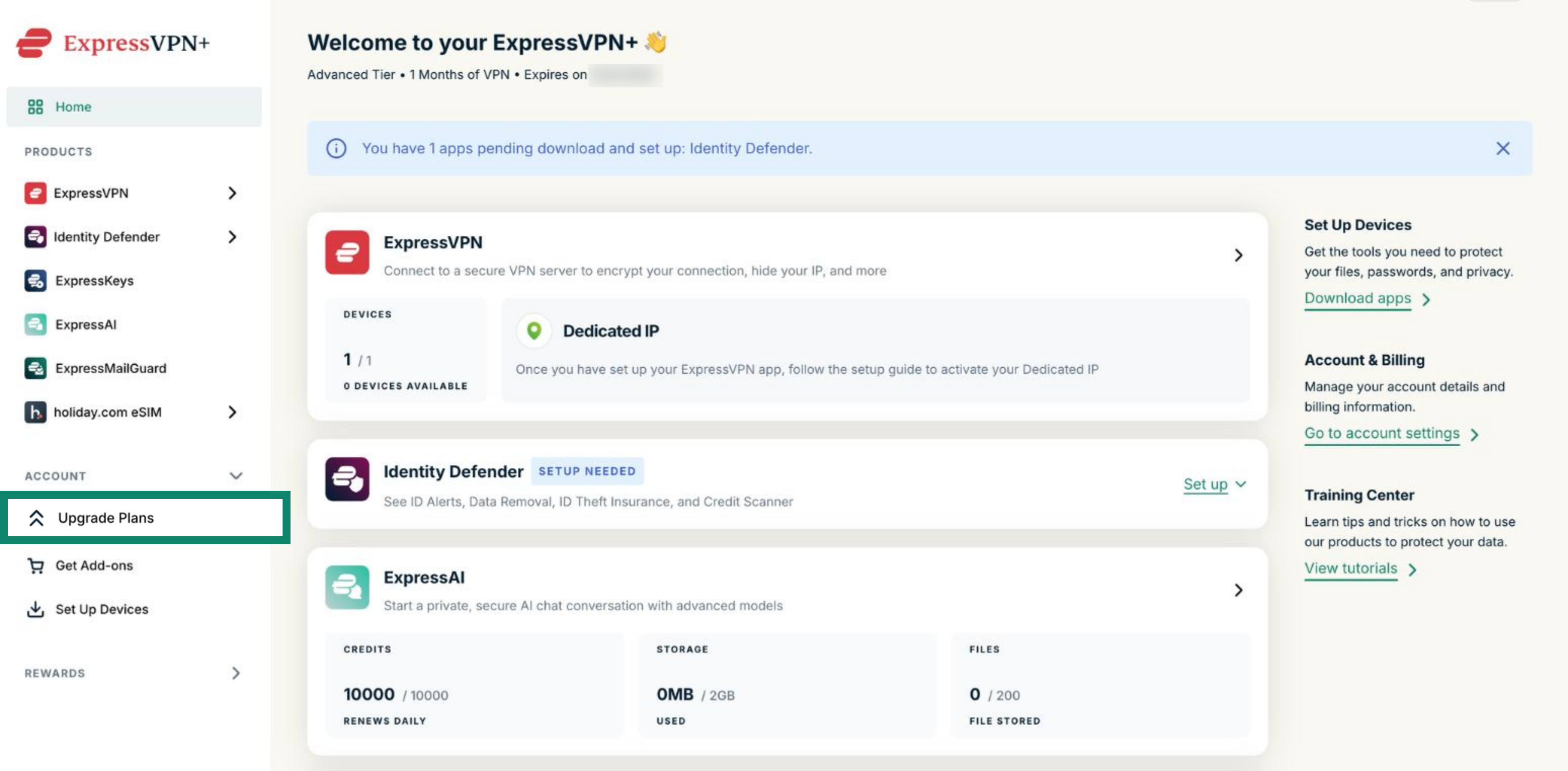
- Log into your ExpressVPN+ dashboard.
- Under Account, select Upgrade Plans.
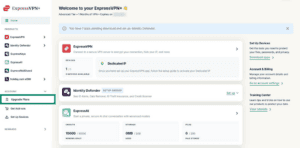
- Review the available subscription plans and included features. You can use the tabs to filter different subscriptions, for example, by 12 months or 1 month.
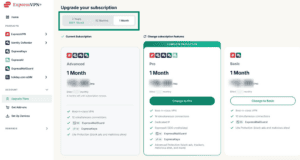
- Select the plan you would like to downgrade to.
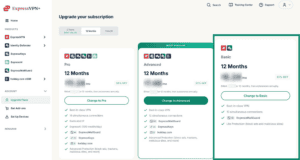
- Choose your payment method, enter your payment details, and click Subscribe with [payment method] to downgrade your subscription.
Need help? Contact the ExpressVPN Support Team for immediate assistance.
Which ExpressVPN products are included in your subscription plan?
Depending on your plan and region, your subscription may include access to the following:
- ExpressKeys: A password manager that helps you securely store, manage, and autofill passwords across your devices. To get started, see the setup guides for iOS, Android, and Chrome (browser extension).
- Identity Defender (U.S. only): An identity protection service that includes features such as identity alerts, credit monitoring, and data broker removal. To get started, see how to set up Identity Defender.
- ExpressAI: Private AI tools and assistant features available through your ExpressVPN+ dashboard. To get started, see how to access ExpressAI.
- ExpressMailGuard: A private email forwarding service that helps reduce spam and protect your inbox by generating email aliases. Read the getting started guide for ExpressMailGuard to set it up.
- holiday.com eSIM: A travel eSIM service for mobile data abroad. Learn more in our holiday.com eSIM FAQs.
You can use the same ExpressVPN account credentials to sign into all of these apps and services.
Need help? Contact the ExpressVPN Support Team for immediate assistance.