




Need a VPN for Linux?
Get ExpressVPN Now
Love ExpressVPN? Want a free month?
Refer a Friend NowIf you can’t connect to the internet, it is possible that you are using a proxy server. This guide will show you how to disable proxy settings in Chrome on Linux.
A proxy server is an intermediary between your computer and the internet. It is often used to hide your real location and helps you access websites that would otherwise be blocked. However, proxies do not offer the same privacy protections as a VPN. If you are using ExpressVPN, there is no need to run a proxy on top of the VPN connection.
Preliminary check
If you suspect a system-wide proxy setting is preventing you from browsing the internet, try to disable proxy settings in Chrome.
Go to Terminal, then enter the following:
google-chrome --no-proxy-server
Launch Chrome to see if you can access the internet.
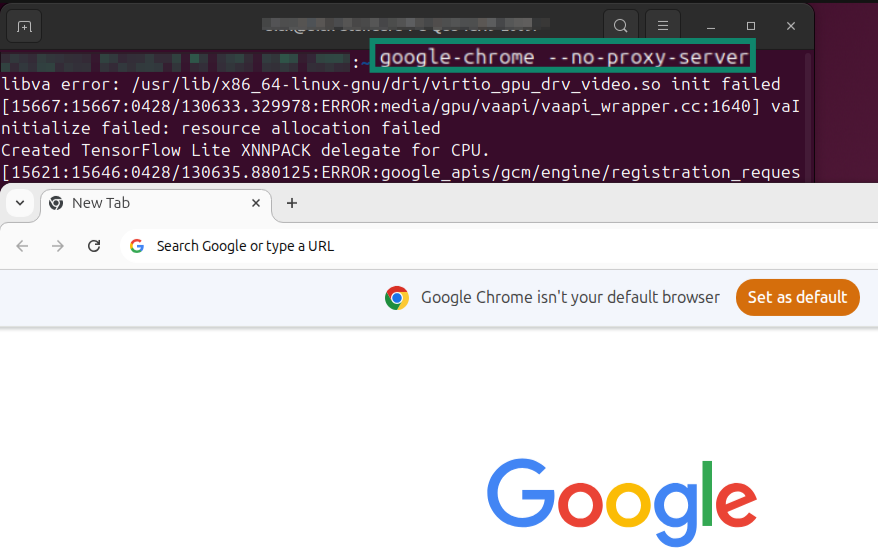
If you are able to access the internet again, follow these steps to disable proxy on Chrome permanently, or disable your global proxy settings.
Jump to…
Disable proxy settings on Chrome
Disable global proxy settings
Disable proxy settings on Chrome
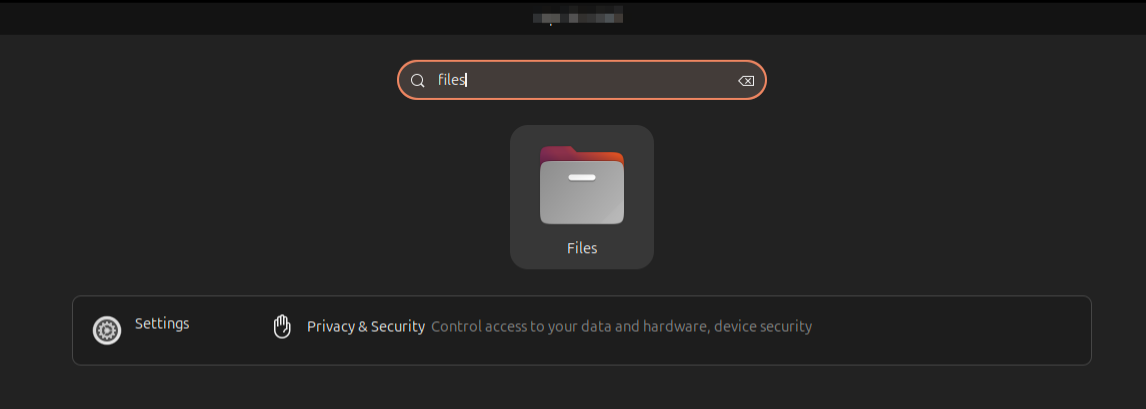
- On your desktop search bar, type Files.
- Select Files.


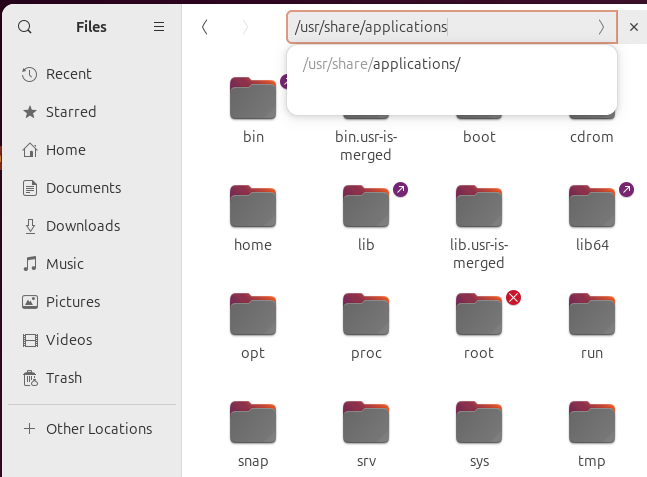
- In the Files search bar, type in /usr/share/applications and press Enter.
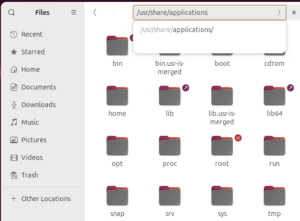

- Locate com.google-chrome.desktop, then copy and paste it to your desktop.
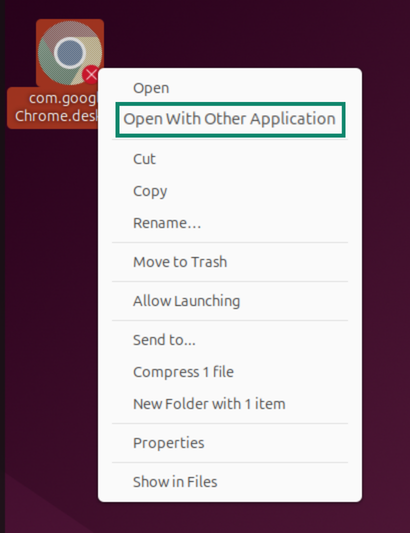
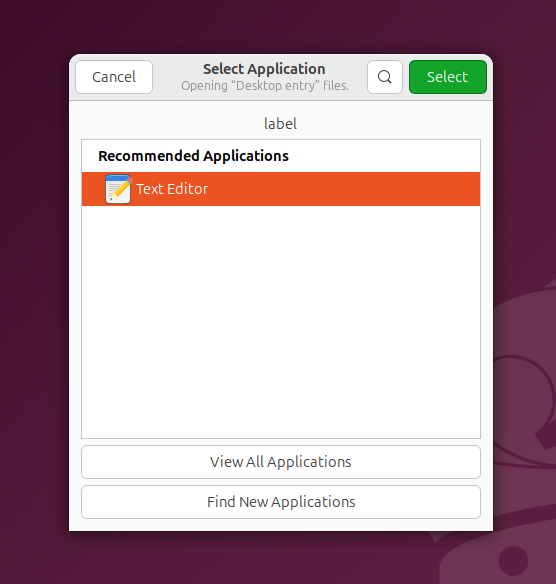
- Right-click com.google-chrome.desktop, then click Open With Other Application.
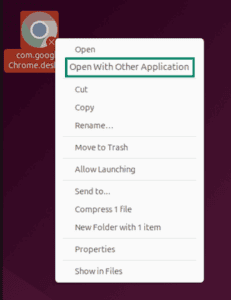

- Select Text Editor, and then click Open


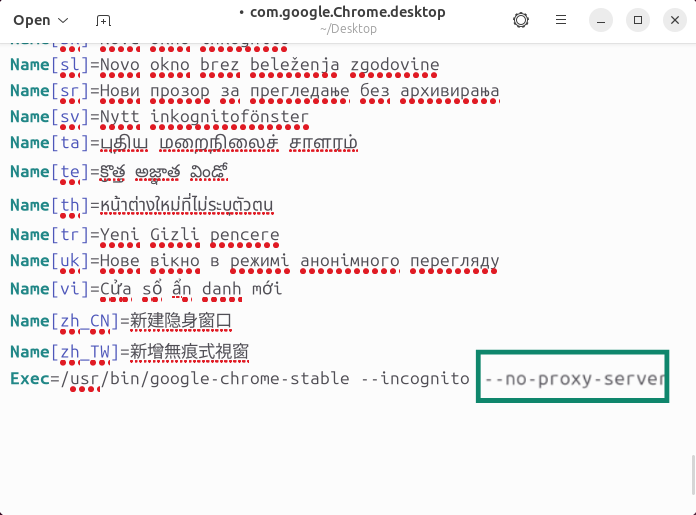
- Scroll to the bottom, then add the following to the line that starts with Exec:
–no-proxy-server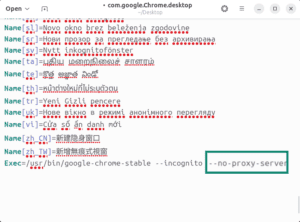

- Save the file.
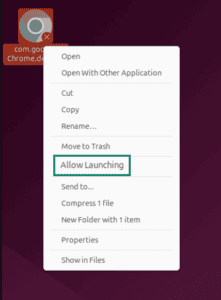
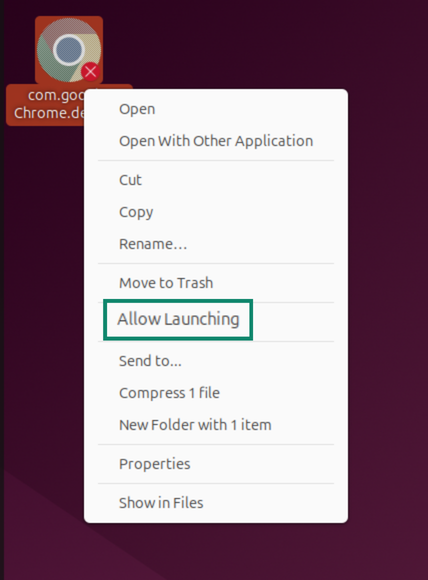
- Right-click com.google-chrome.desktop, then select Allow Launching.

You should be able to launch Google Chrome as normal.
Need help? Contact the ExpressVPN Support Team for immediate assistance.
Disable global proxy settings
Alternatively, you can disable your global proxy settings.
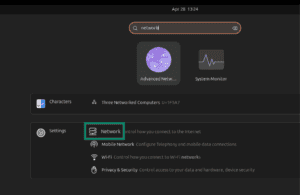
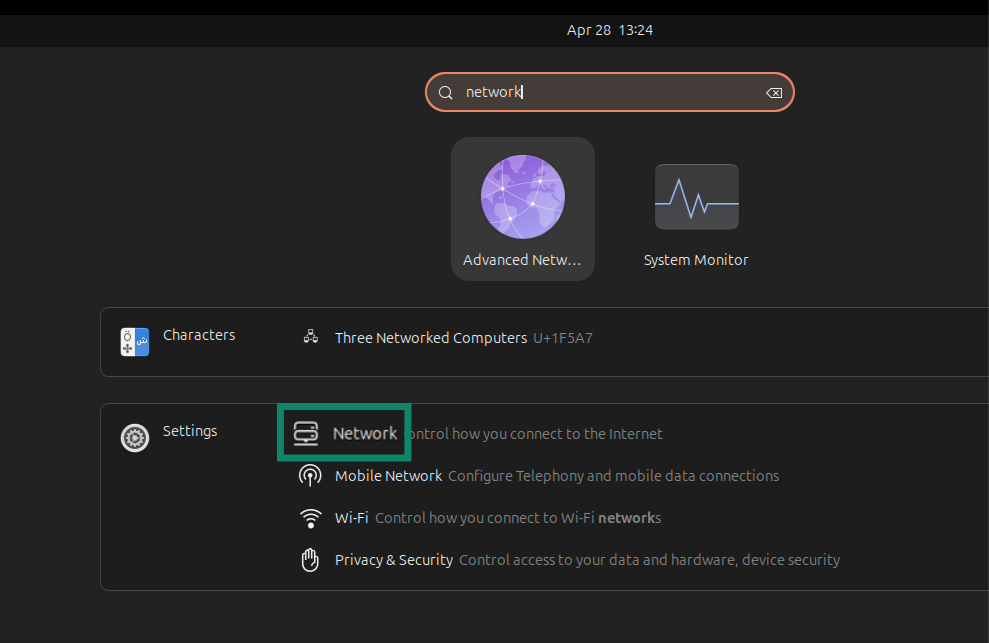
- On your desktop search bar, type Network.
- Select Network.

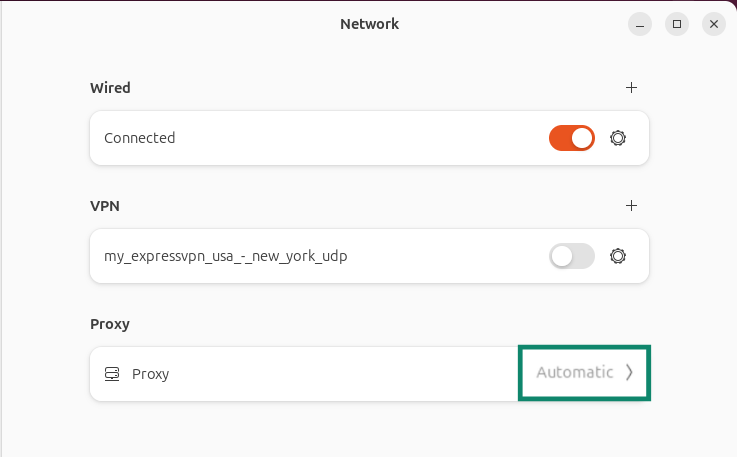
- Select Network Proxy.
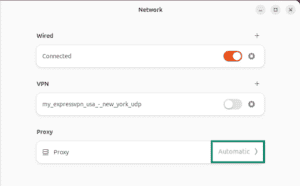

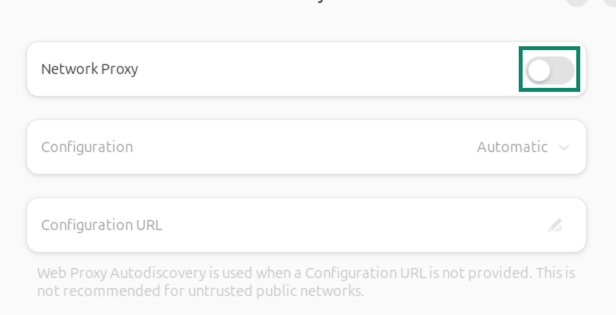
- Toggle Network Proxy off.
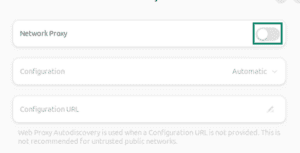

- Close the window.
Need help? Contact the ExpressVPN Support Team for immediate assistance.