Phishing kits: How they work and how to stay safe


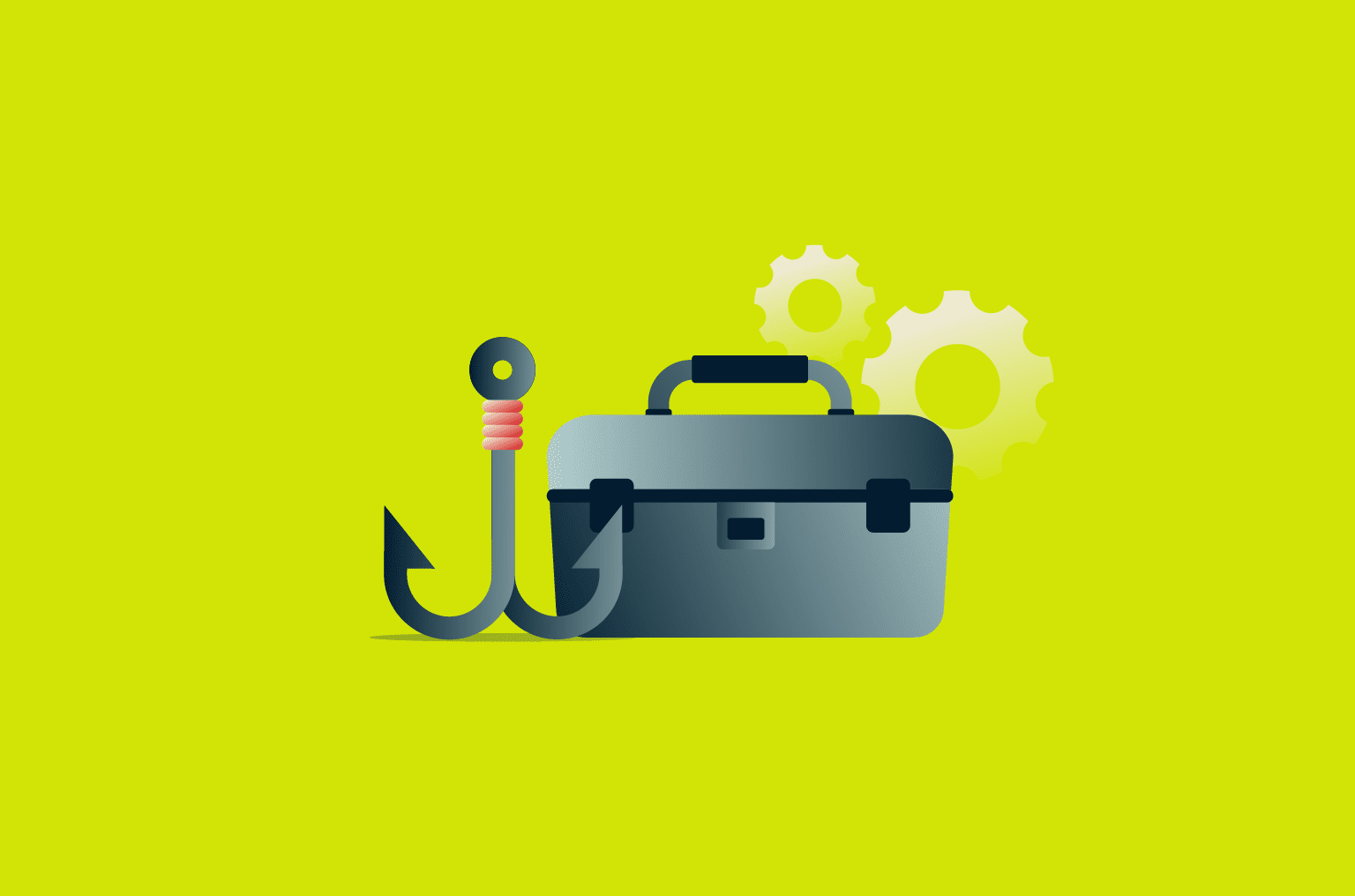
Phishing kits are prepackaged collections of resources that enable attackers to quickly create phishing campaigns without advanced technical skills. Combined with the rise of AI technologies, these kits have lowered the barrier to entry for cybercrime and contributed to a surge in more frequent and convincing phishing attempts.
This guide focuses on the role phishing kits play in modern phishing campaigns, the risks they introduce, and the practical steps that can help reduce exposure and improve protection against phishing attempts.
What is a phishing kit?
A phishing kit is a ready-made set of software tools that allows malicious actors to orchestrate phishing attacks with minimal technical knowledge and effort. Rather than being built from scratch for every campaign, phishing kits provide elements that are reused across multiple phishing attempts.
These kits have become easier to obtain and are being used at a greater scale. One industry report from the security awareness training company Hoxhunt found that the availability of ready-to-use phishing kits on dark web marketplaces increased by 50%, while a separate analysis by IBM shows that individual kit deployments are reaching larger groups of potential victims as they are redeployed across longer-running campaigns.
This growth has happened alongside the wider use of AI-generated content, which phishing kit builders are beginning to use to create more convincing phishing messages.
Common components of phishing kits and their risks
Phishing kits vary in sophistication, but they generally bring together a small set of capabilities that support phishing activity at scale. These include:
- Ready-made content that imitates legitimate services: The risk is that users often rely on visual cues to judge authenticity, and convincing look-alike pages can cause people to trust a phishing page and enter sensitive information before realizing anything is wrong.
- Tools that collect sensitive information entered by victims: Once collected, the data can be used to access real accounts, reused across other services, or abused for fraud and follow-on attacks, meaning a single mistake can have lasting consequences.
- Built-in support for reaching victims at scale: The ability to distribute phishing content reduces the effectiveness of single-layer defenses and increases the likelihood that phishing attempts reach someone who will interact with them.
Beyond content and distribution capabilities, some phishing kits include features that help campaigns run longer and avoid disruption. These can include basic management controls that make it easier to monitor or adjust a campaign once it is active, as well as measures intended to reduce early detection by security tools.
More advanced kits are also maintained over time, with updates that keep content visually aligned with real services. All of these elements increase the likelihood that phishing attempts continue to reach users before they are identified and blocked.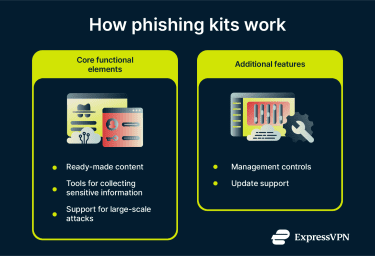
Phishing-as-a-Service (PhaaS) models
PhaaS applies a service delivery model to phishing kits. Instead of downloading and managing a kit themselves, attackers pay a PhaaS provider that runs the phishing infrastructure on their behalf. This further reduces the technical burden on attackers and makes some of the more complicated attacks accessible to them.
However, the PhaaS model is also useful for defenders. Some organizations use PhaaS platforms to run internal phishing simulations as part of security awareness and training programs. In these cases, simulated phishing emails are used to test defenses and educate employees, with clear authorization and oversight.
How AI tools are changing phishing kits
AI tools are increasingly being used in phishing campaigns, including those built around phishing kits. While phishing tactics are not new, generative AI can make certain elements of these campaigns easier to create and adapt.
Instead of relying on static templates bundled with a kit, operators can use generative AI to create tailored emails and align them to the specific service being spoofed, the target’s industry, or even current events. This may increase the likelihood that the victim will trust the message and follow the link to the kit’s cloned login page.
AI can also make it easier to adapt campaigns in real time. Messaging can be updated instantly to reflect branding updates, localized for different regions, or adjusted to align with emerging news or seasonal themes. This could reduce the lifespan problem older kits faced, where reused templates became easier to recognize and block.
Finally, AI can increase operational speed. Phishing kits with AI capabilities can offer several message variations and refine them quickly, allowing campaigns to be tested and adjusted without manually rewriting content. This can make phishing campaigns more scalable, even if the underlying techniques remain the same.
How phishing kits target victims
Phishing kits enable attackers to target victims through various techniques, such as:
URL obfuscation
Rather than linking directly to a suspicious domain, some phishing kits disguise malicious URLs to make them appear legitimate. This can involve masking links behind buttons, using link shorteners, typosquatting, or using open redirects on trusted platforms to bounce victims through to the phishing page. These techniques make URLs harder for both users and security tools to flag as suspicious.
QR code phishing (quishing)
Instead of embedding a clickable link in a phishing email, which many security filters are trained to detect, the phishing kits embed a QR code. When the victim scans it, they're taken to a fake login page. This typically happens on a mobile device, which tends to have fewer security controls than a corporate desktop environment, which might use technologies like URL filtering, proxy inspection, and endpoint detection.
Abuse of legitimate services
Phishing kits increasingly route attacks through trusted platforms, such as file-sharing or project collaboration tools, rather than purpose-built fake websites. Because the emails originate from verified, legitimate domains, they're far more likely to clear email security filters and earn the victim's trust.
Adversary-in-the-middle (AiTM) attacks
AiTM phishing kits act as a proxy between the victim and the real website. As the victim enters their credentials and completes multi-factor authentication (MFA), the kit passes that information to the legitimate site in real time, capturing the session cookie in the process. This allows the attacker to take over the session and access the account even if the victim's password is later changed.
Precision-validated targeting
Some phishing kits are built to reveal a fake login page only when the visitor's email address matches a pre-loaded list of targets. Anyone outside that list, including security researchers, is redirected to a harmless site, with no indication that a phishing operation was ever there. This makes the attack significantly harder to discover and investigate.
Risks and potential impact of phishing kits
Phishing kits pose serious risks to both individuals and organizations, including: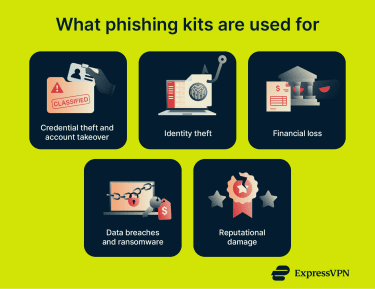
Credential theft and account takeover
The goal of many phishing kits is to steal login credentials. Once an attacker has a victim's username and password, they may be able to access accounts directly or sell that access to other criminals. Because many people reuse passwords across multiple services, a single successful phishing attack can also lead to multiple compromised accounts across entirely unrelated platforms.
Identity theft
Phishing kits often collect far more than just login credentials. Personal details such as names, addresses, dates of birth, and financial information could be collected from a single interaction with a fake login page, if entered by the victim. Attackers may be able to use this information to open fraudulent accounts, apply for credit, or impersonate the victim in ways that can take months or years to fully unravel.
Financial loss
Phishing kit attacks carry significant financial consequences for both individuals and organizations. For businesses, losses can include fraudulent transactions, recovery costs, and regulatory fines. For individuals, the damage can range from small unauthorized charges to significant sums lost to wire fraud, particularly in attacks where the victim is impersonated or manipulated into transferring money directly.
Data breaches and ransomware
Stolen credentials obtained through phishing kits are frequently used as a launchpad for broader attacks. Once inside a network, attackers could move laterally, exfiltrate sensitive data, or deploy ransomware. For organizations, the consequences may extend beyond the initial breach and compound the damage.
Reputational damage
For organizations, a successful attack that exposes customer data or results in fraudulent communications being sent from a company's domain can seriously damage trust. Customers, partners, and regulators all take notice when a breach becomes public, and rebuilding confidence may take longer than recovering from the technical damage itself.
How to spot phishing attacks linked to phishing kits
Phishing kits don’t change the basics of phishing; they just make scams easier to copy and scale. So, phishing kit attacks have the same red flags as standard phishing scams.
Common warning signs of phishing
- Use of urgent language: Phishing messages often try to rush you into acting fast by using subject lines and wording that suggest a serious problem, a deadline, or an immediate consequence. Real companies can send urgent alerts, but they typically won’t pressure you into clicking a link or sharing sensitive information on the spot.
- Ask for sensitive information: A strong red flag is a message asking for passwords, payment details, security codes, or government ID information. If a message requests private data unexpectedly or asks you to “confirm” it through a link, treat it as suspicious.
- Generic greetings: Sometimes phishing messages avoid using your real name or specific account details and rely on greetings like “Dear customer.” Legitimate services may still use generic greetings sometimes, but vague language combined with a request to act is a common warning sign.
Recognizing phishing emails and fake websites
Phishing emails and fake websites aren’t always full of spelling mistakes. Some look polished. The difference is usually in the details, especially the link destination and how the page behaves.
- URLs that look slightly wrong: Phishing sites often use lookalike domains that are easy to miss at a glance, such as small misspellings or extra words added to a brand name. Some scams also use characters that resemble real letters to make a domain look legitimate.
- Login pages with no real navigation: Some phishing pages push you straight into entering credentials, with little else to do on the site. Links like “Help,” “Support,” or “Contact” may be missing, or be present but non-functional.
- Don’t rely on the lock icon alone: Hypertext Transfer Protocol Secure (HTTPS) and the padlock symbol only mean the connection is encrypted. Attackers can still use HTTPS on malicious domains, so the lock icon isn’t proof that a site is legitimate.
How to protect yourself from phishing kits
Phishing kits still rely on one thing: getting you to click, sign in, or share information. The steps below help you reduce the chances of that happening and limit the damage if it does.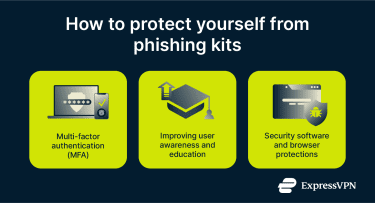
Using multi-factor authentication (MFA)
Using MFA adds an extra layer of protection to your bank accounts, social media accounts, and credit or debit cards. Even if the attacker gains access to your login credentials, MFA makes it much more difficult to break into your account.
Improving user awareness and education
Stay informed about common phishing red flags, evolving scam tactics, and important safety measures, and spread the word among your friends and family, and ask them to do the same.
Additionally, ensure that you maintain healthy online practices. For instance, you can improve your email security by choosing unique passwords that are difficult to crack, adding two-factor authentication (2FA), and avoiding using the same password across multiple websites.
Security software and browser protections
While personal vigilance is your strongest defense against phishing kits, third-party security tools, such as a browser’s built-in phishing protection and extensions, can help you out.
- Google’s Safe Browsing: Google Chrome’s Safe Browsing analyzes data from the sites you visit and warns you if any of them have been flagged for phishing. It also alerts you about suspicious extensions and downloads.
- Use blockers: Many security tools now offer blockers that prevent your device from communicating with malicious addresses. For example, ExpressVPN’s Threat Manager can help reduce exposure by blocking requests to servers associated with trackers and known harmful websites, based on a regularly updated blocklist.
- Using antivirus and endpoint protection: Most modern antivirus software uses web and URL filtering to check the websites you visit against a database of malicious links. These tools may also leverage heuristic and behavioral analysis to look for phishing behaviors and block the URL based on its actions.
- Password managers: The autofill feature in password managers automatically inputs your passwords on known websites. However, it may not work on spoofed domains because it doesn’t recognize them. While not a confirmed detection method, an autofill failure can serve as an important warning sign.
FAQ: Common questions about phishing kits
How do phishing kits work?
A phishing kit is a bundle of tools required to carry out a successful phishing attack. Advanced phishing kits may also come with features that can track victims and monitor their campaigns in real time.
What is PhaaS?
Phishing-as-a-Service (PhaaS) is a subscription-style model where attackers pay a monthly or annual fee to access a phishing kit that’s regularly being updated and maintained.
What are the most common signs of a phishing attack?
One of the most common signs of a phishing attack is the use of urgent language that demands immediate action on your part, as well as a request to click on a link or download a file.
What should you do if you fall for a phishing scam?
If you fall for a phishing scam, change your account passwords and enable multi-factor authentication (MFA). If passwords to your financial accounts have been compromised, you should contact your bank.
If you’ve incurred financial loss or become a victim of identity theft, you can report the incident to local authorities. In the U.S., consider reporting phishing scams to the Federal Trade Commission (FTC) or the FBI’s Internet Crime Complaint Center (IC3).
Take the first step to protect yourself online. Try ExpressVPN risk-free.
Get ExpressVPN