



This guide explains what to do if you notice an ExpressVPN charge you don’t recognize or weren’t expecting. In many cases, the charge is related to subscription auto-renewal or another active ExpressVPN account.
Jump to…
Check for a pre-authorization hold
Check auto-renewal details
Check your payment invoices
Check for other ExpressVPN accounts
Submit a refund request
Check for a pre-authorization hold
If you recently added or updated a payment card on your account and see a $1 charge, it may be a temporary pre-authorization hold. This is a standard card verification step and not an actual charge. The $1 will be released automatically, typically within a few business days.
If the $1 hold has not been released after that period, contact the ExpressVPN Support Team for immediate assistance.
Check auto-renewal details
The charge may be from the automatic renewal of your ExpressVPN subscription.
Subscriptions purchased with a credit card, PayPal, Apple Pay, and Google Pay automatically renew unless renewal is disabled before the current subscription period ends.
To review your subscription and billing information:
- Go to My Subscription.
- If prompted, sign into your account.
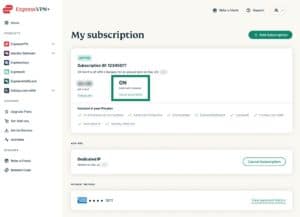
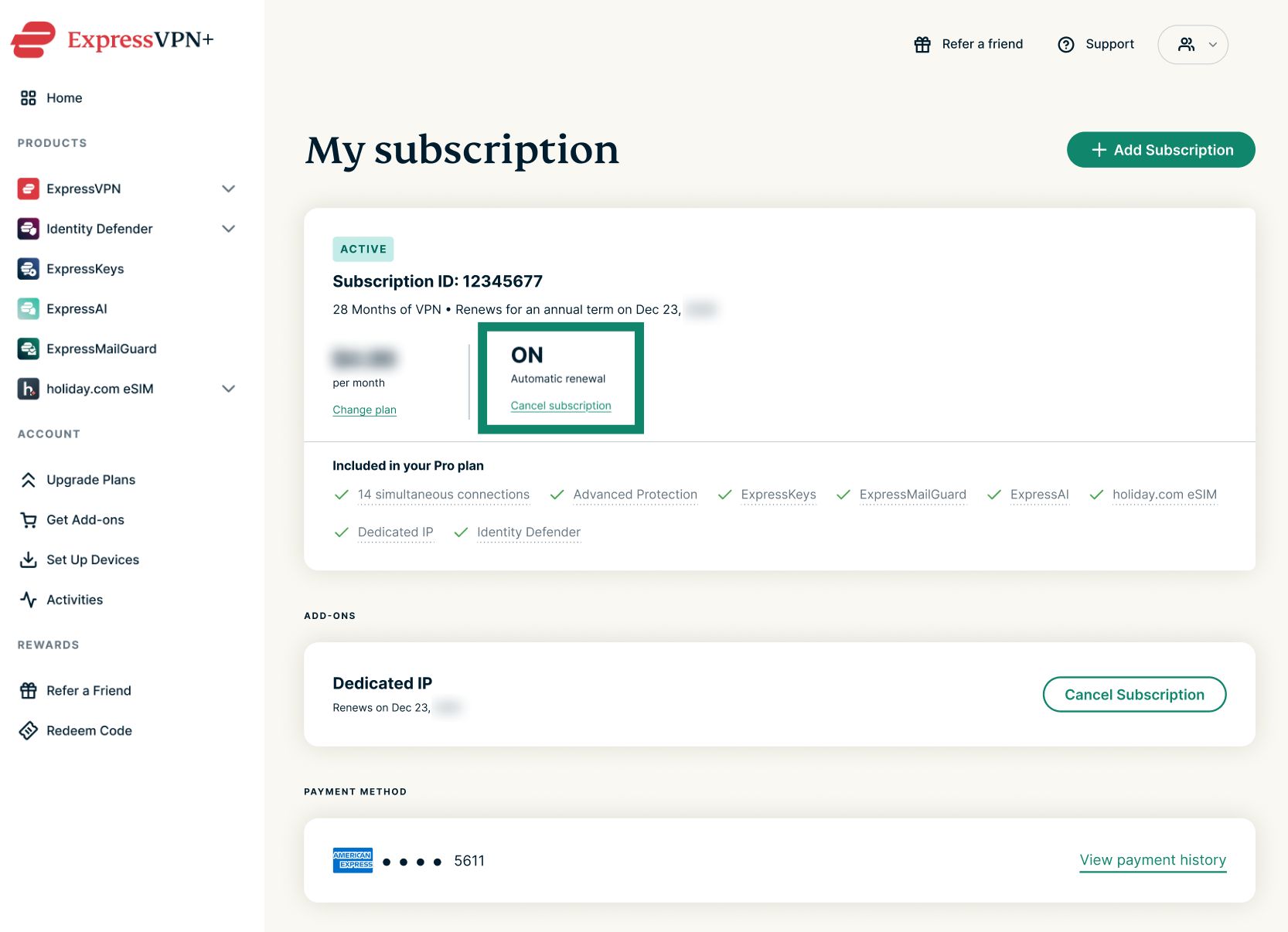
- Check the auto-renewal status under any subscriptions marked as ACTIVE. If auto-renewal is enabled, you’ll see it marked as ON.

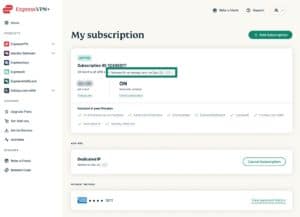
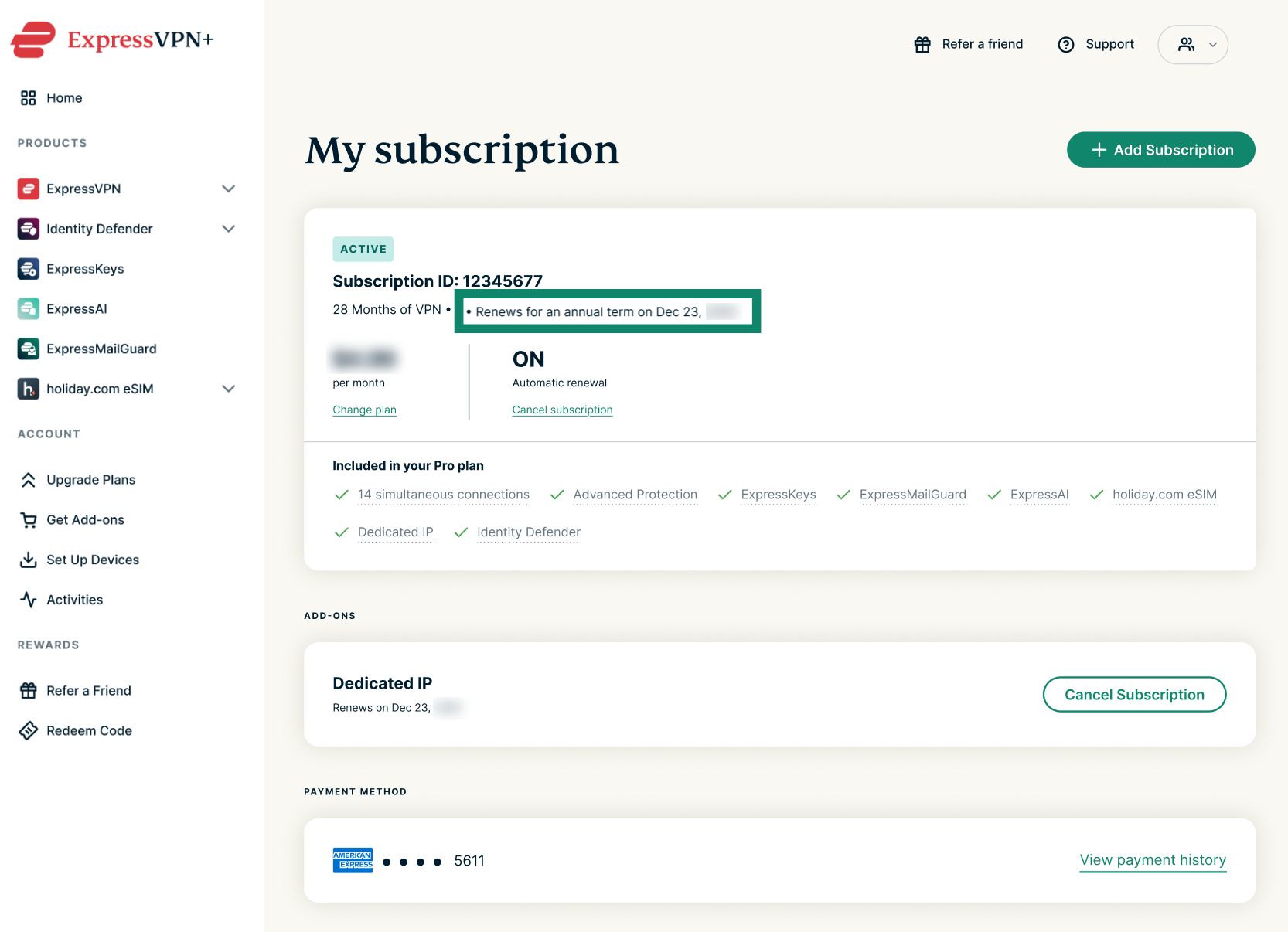
- If auto-renewal is on, you can check the renewal date in the same dashboard.
If automatic renewal is the cause of the unexpected charge and you’d prefer to renew manually in the future, you can turn off automatic renewal.
Need help? Contact the ExpressVPN Support Team for immediate assistance.
Check your payment invoices
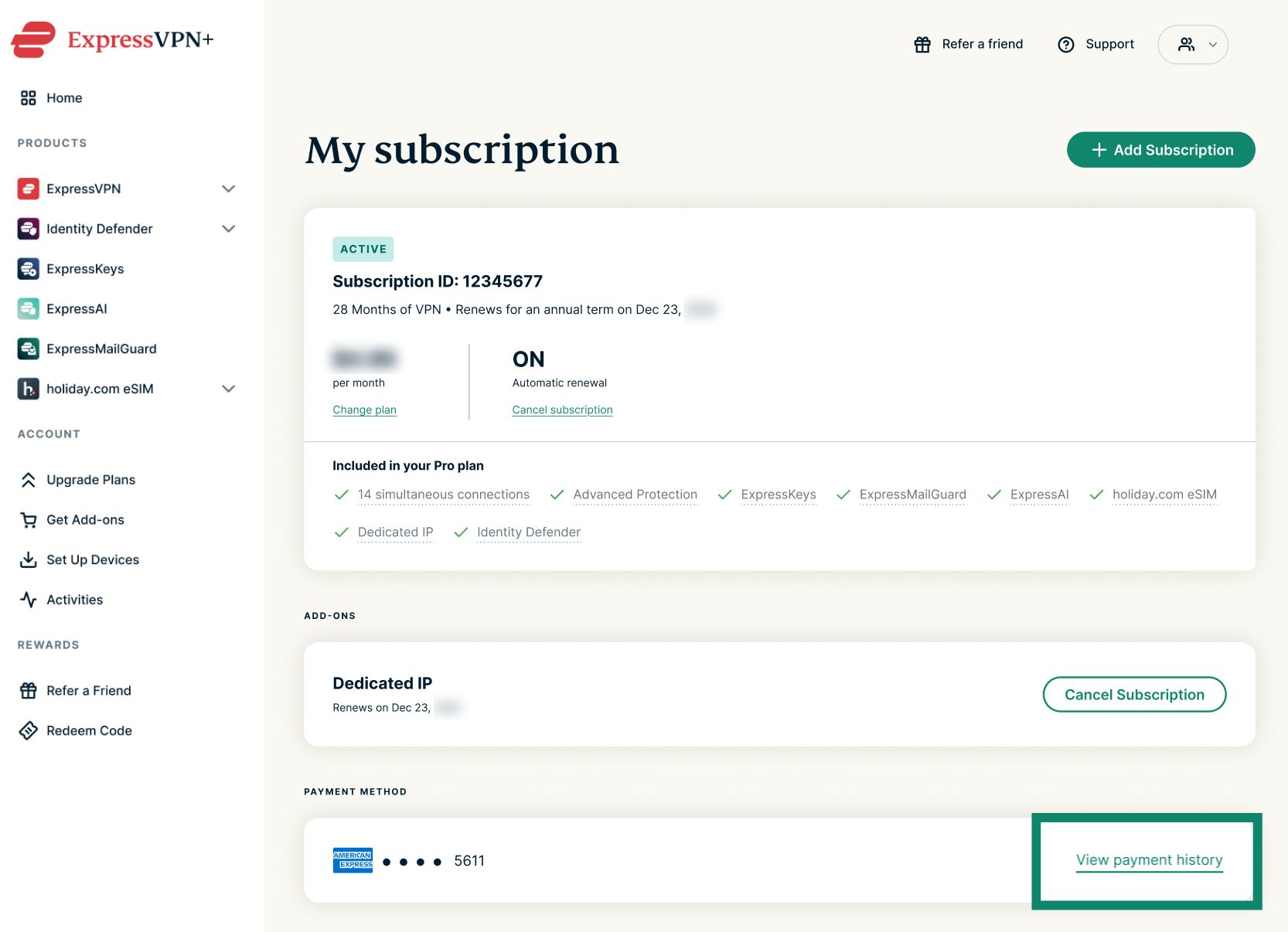
- On the My subscription page, select View payment history to view a history of charges on your account.
- Check the dates and amounts to understand if they align with the unexpected charge on your account.

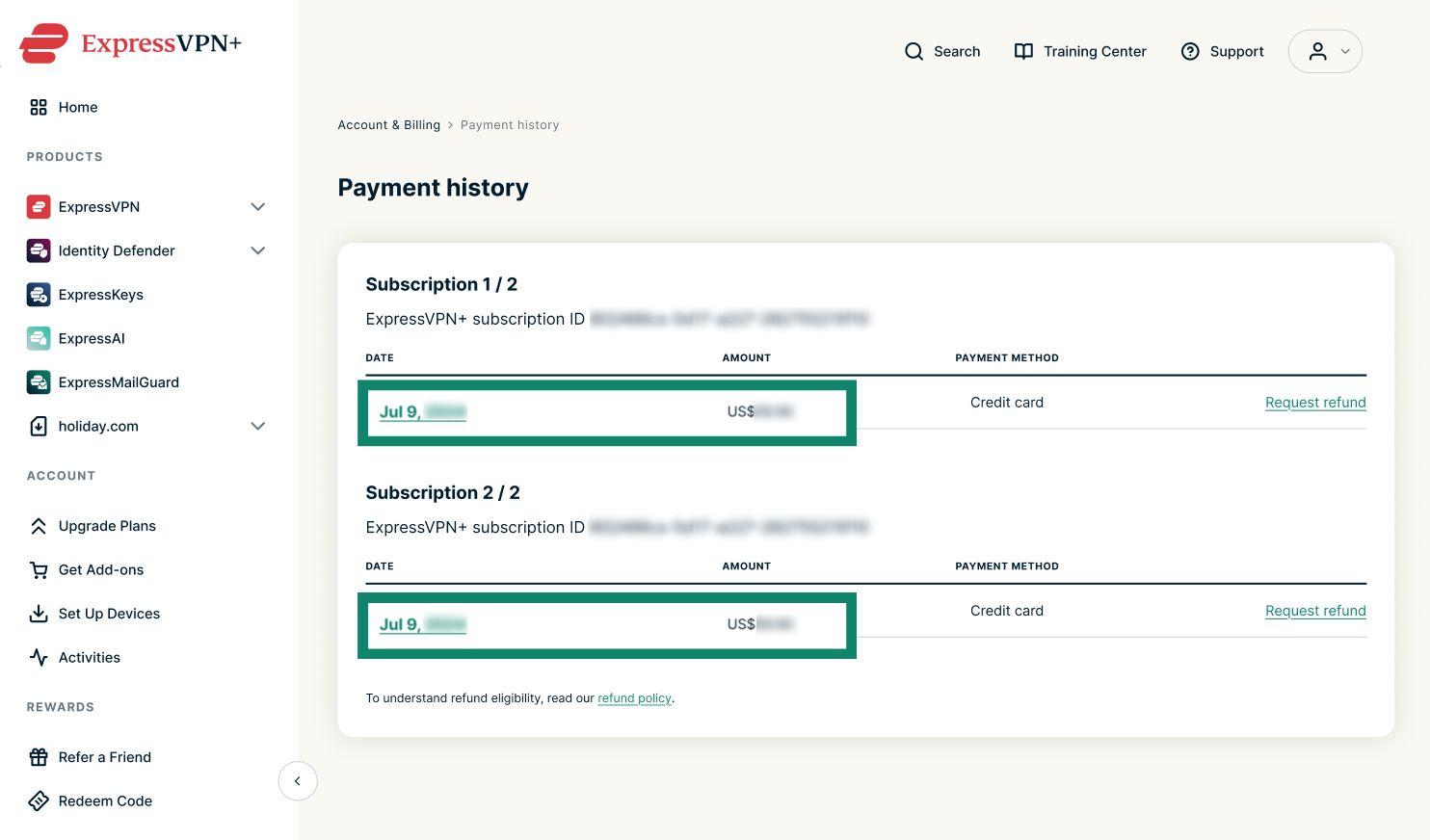
From here, you can also download your ExpressVPN subscription payment invoices.
Need help? Contact the ExpressVPN Support Team for immediate assistance.
Check for other ExpressVPN accounts
If you don’t see the charge in your payment history, it may be linked to a different ExpressVPN account associated with another email address you use.
Try signing in to your ExpressVPN+ dashboard using any email addresses that may have been used to purchase an ExpressVPN subscription.
Once signed in, review the subscription status and payment history for each account.
Need help? Contact the ExpressVPN Support Team for immediate assistance.
Submit a refund request
If auto-renewal is off and you don’t recognize the charge after reviewing your subscription payment invoices, you can submit a refund request. Your case will be reviewed by the support team.
Need help? Contact the ExpressVPN Support Team for immediate assistance.