




What can a VPN do?
Show Me
5 ways to use your VPN
See Them NowDevices that are incompatible with the ExpressVPN app can be manually configured to run a VPN. This guide will show you how to find the credentials and server addresses you need for manual configuration setups.
To find credentials you need for manual VPN setups:
- Go to the ExpressVPN manual configuration setup page.
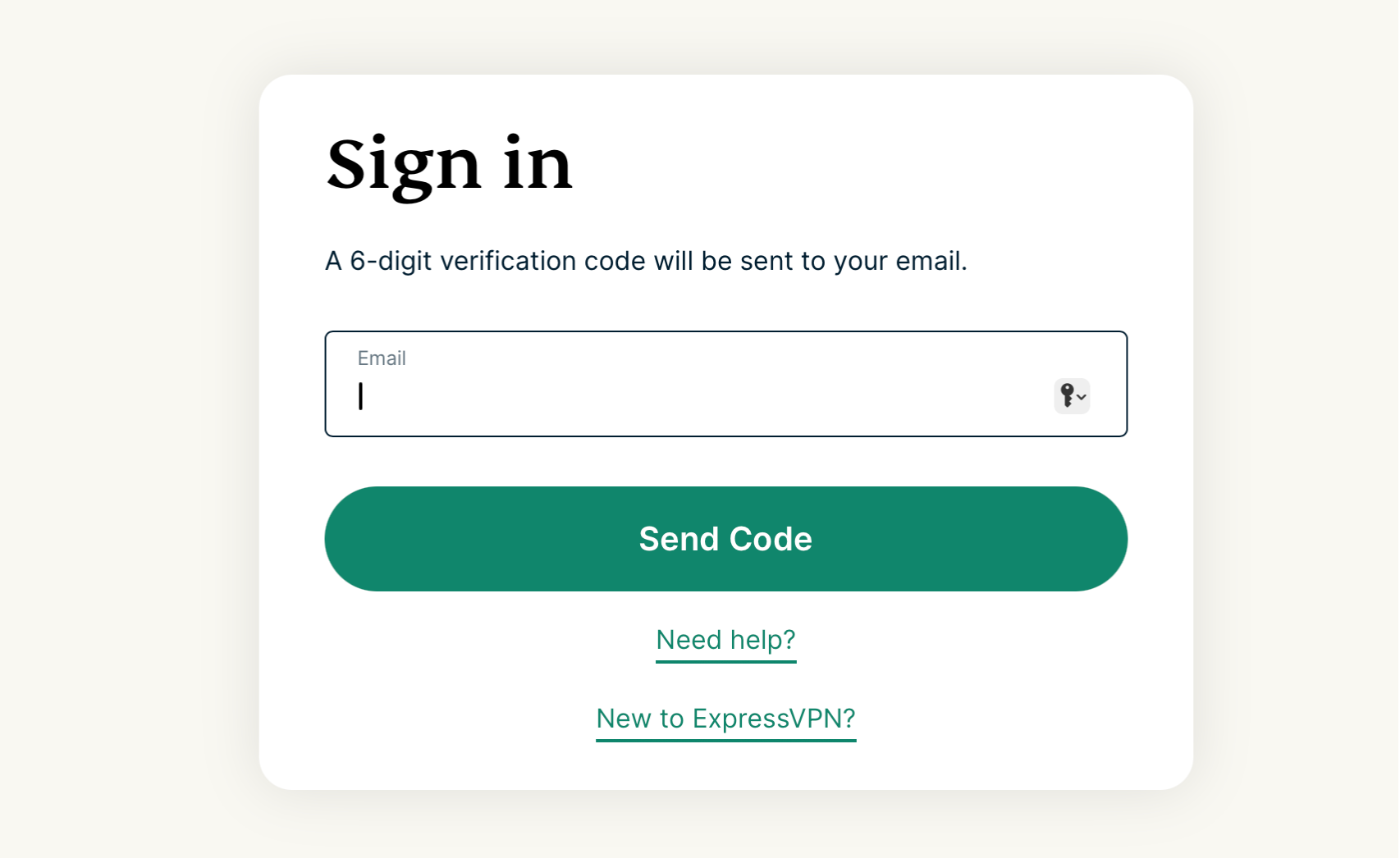
- If prompted, enter your email address and select Send Code.


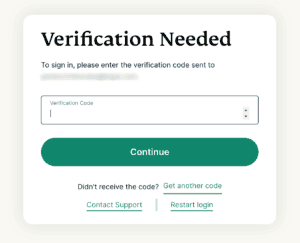
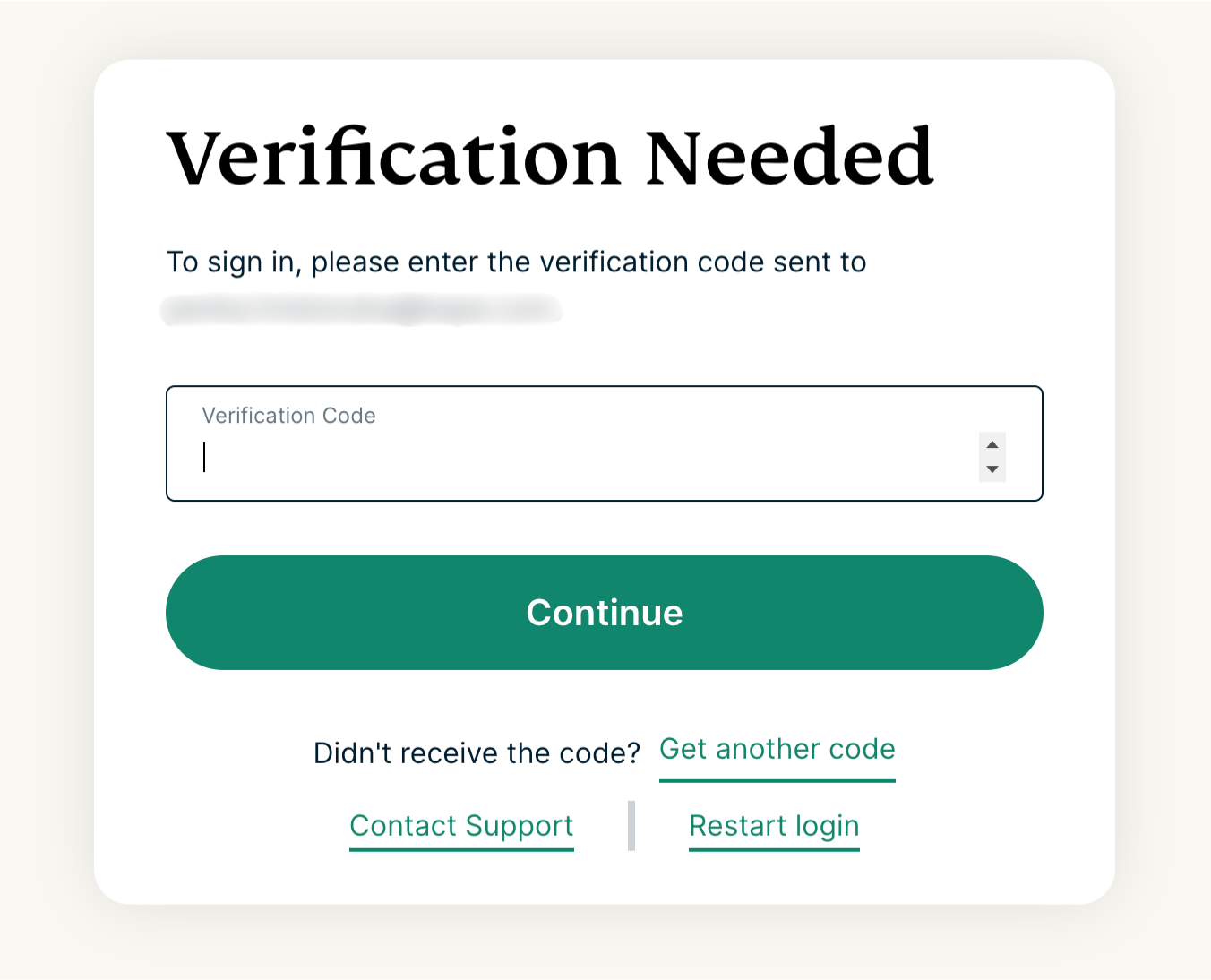
- Enter the verification code that is sent to your email, then select Continue.

- If prompted, enter your email address and select Send Code.
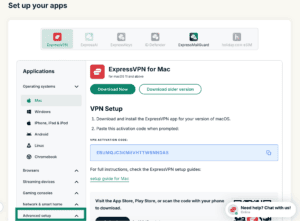
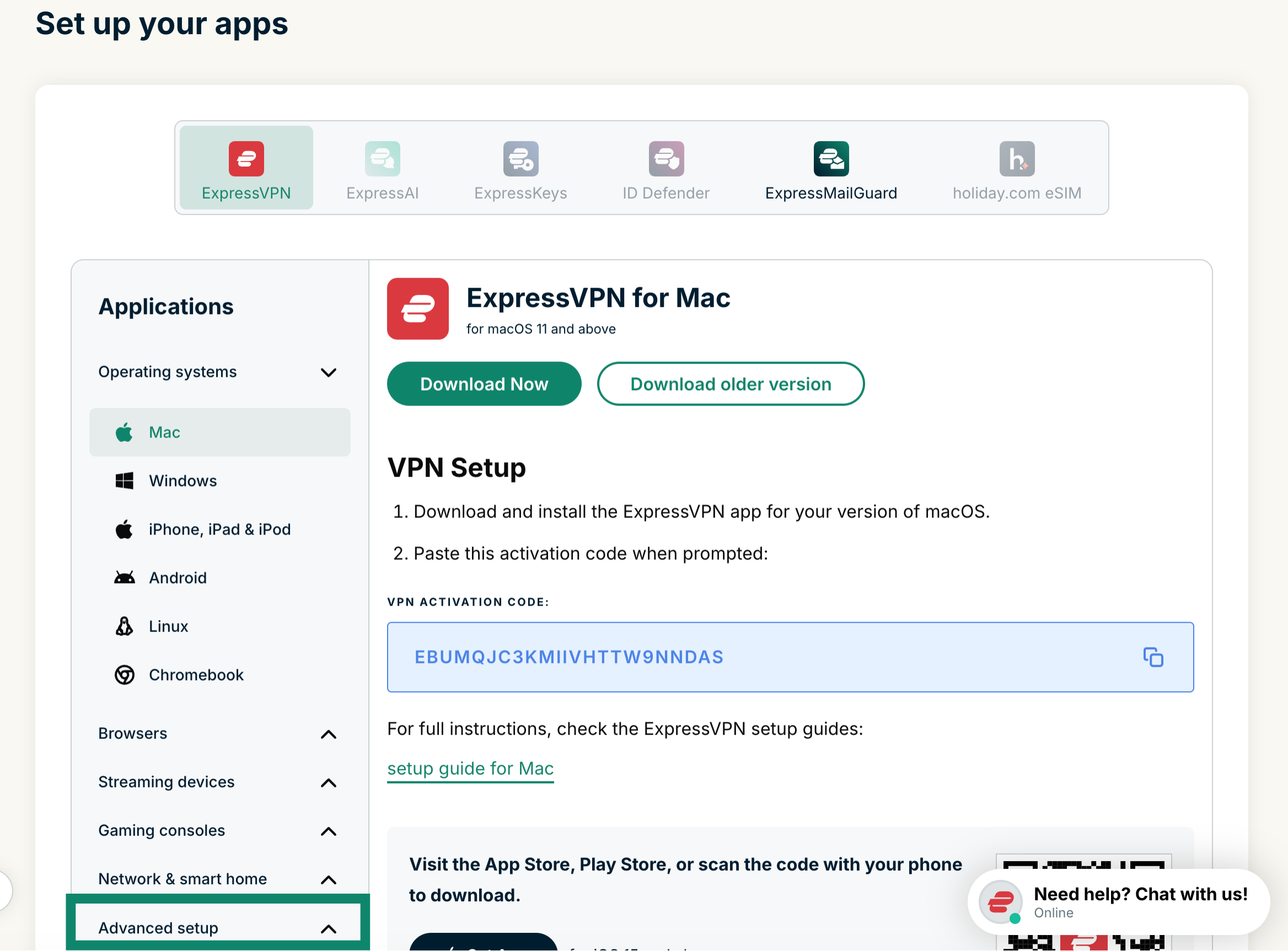
- Click Advanced setup under Applications.

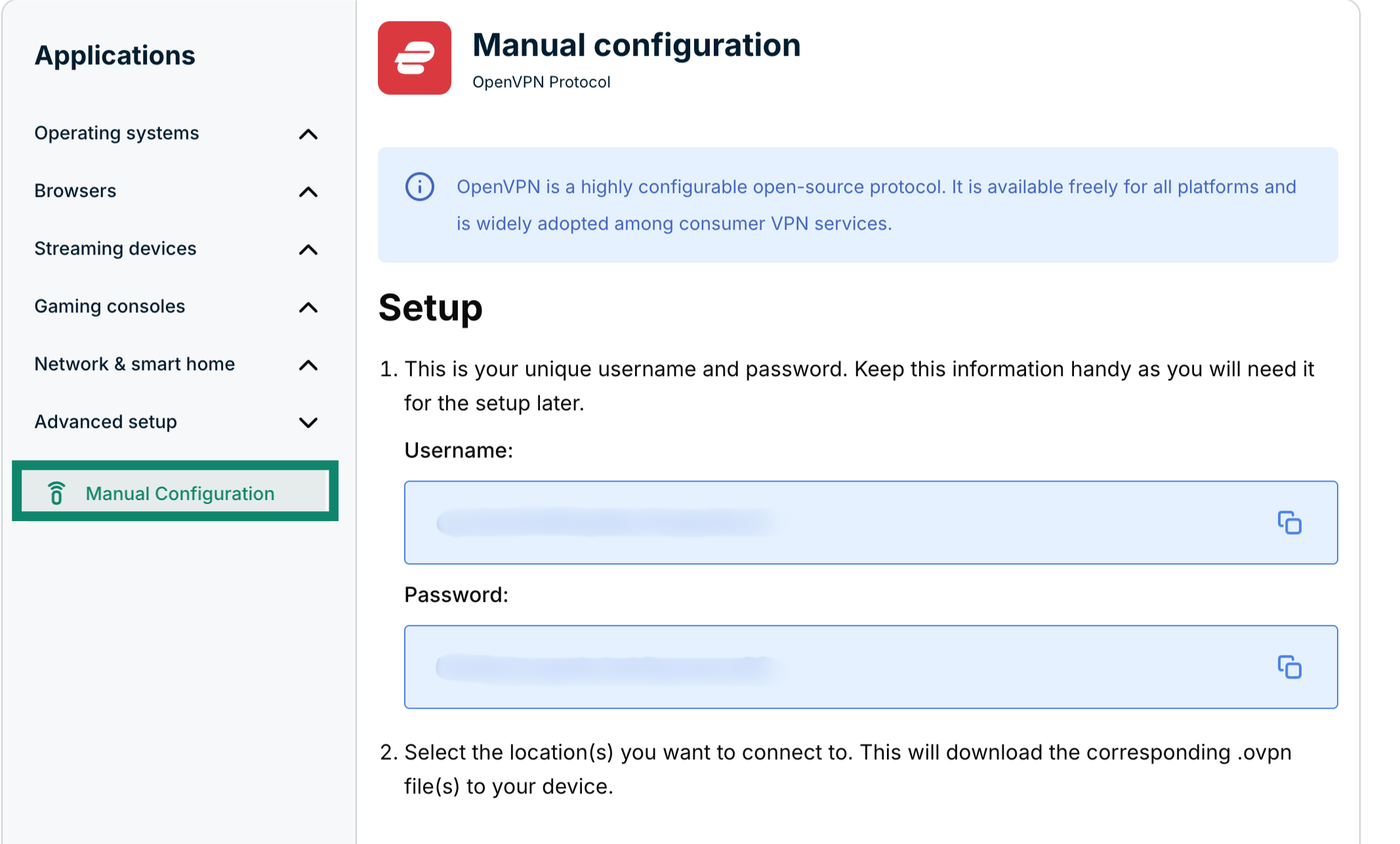
- Click Manual configuration.


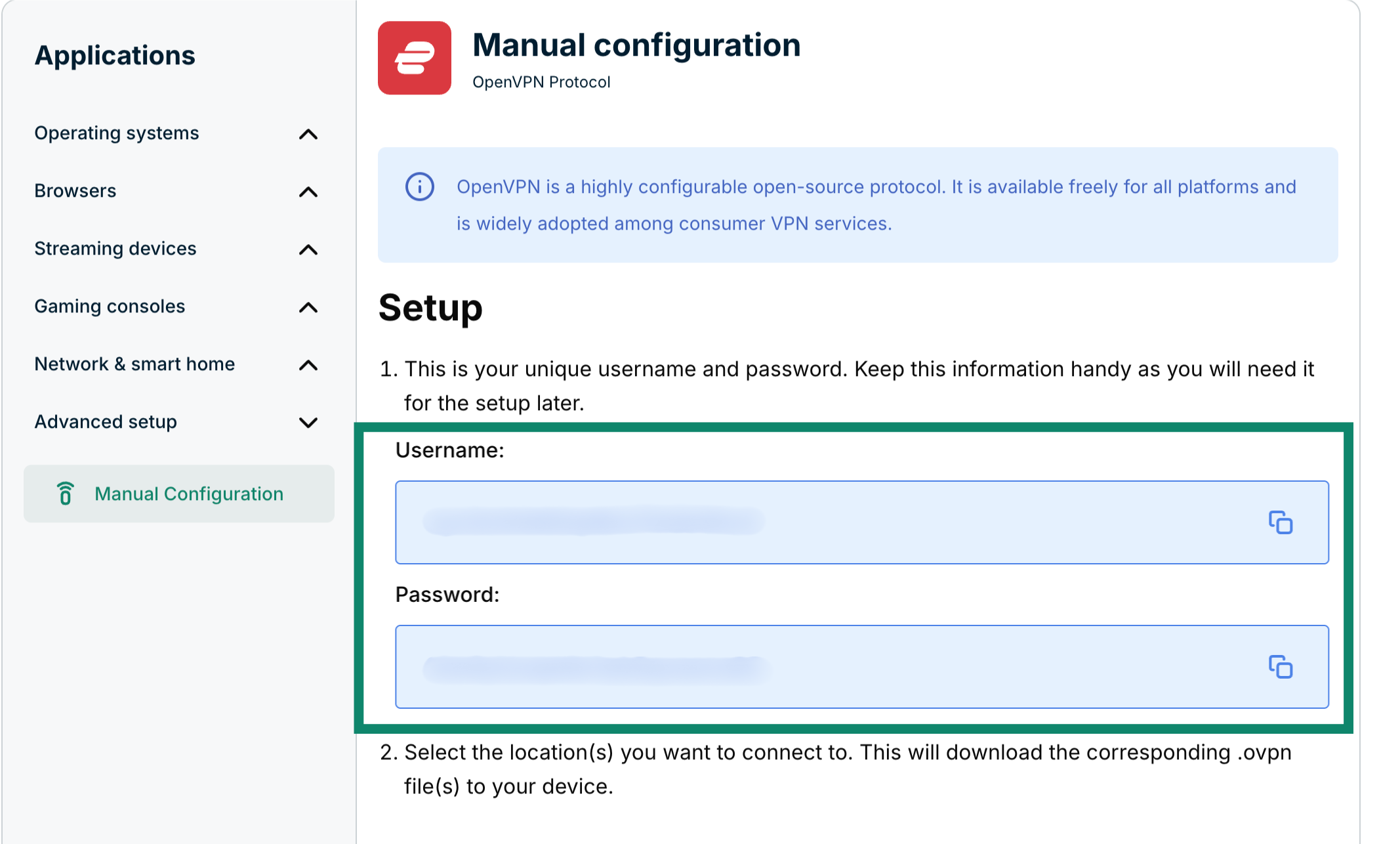
- You’ll see your username and password on the right side under Setup in step 1.

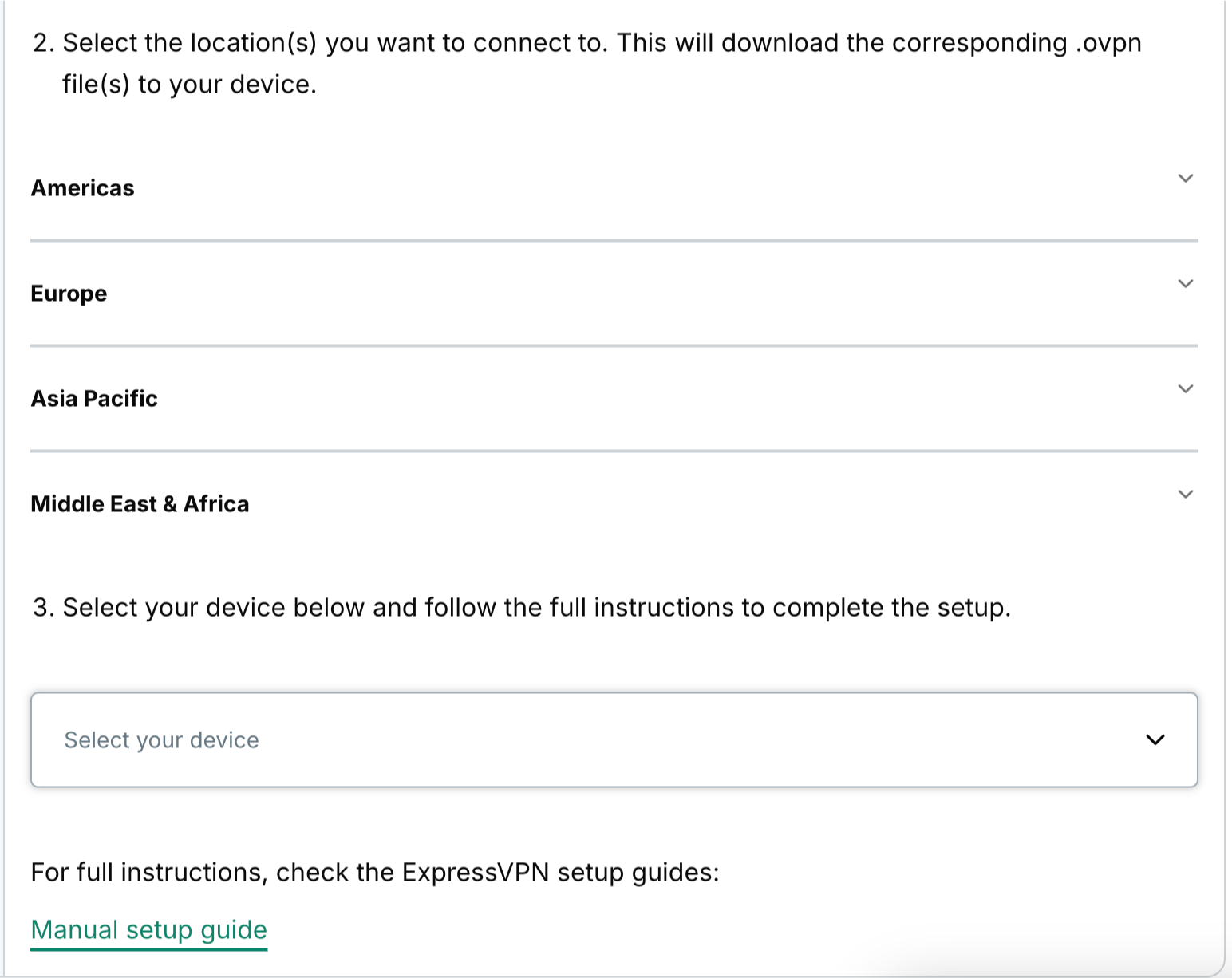
- Scroll down to step 2 to see the available regions. Click a region to open a dropdown menu and see the available locations.


- Click a location and the file will start downloading automatically.


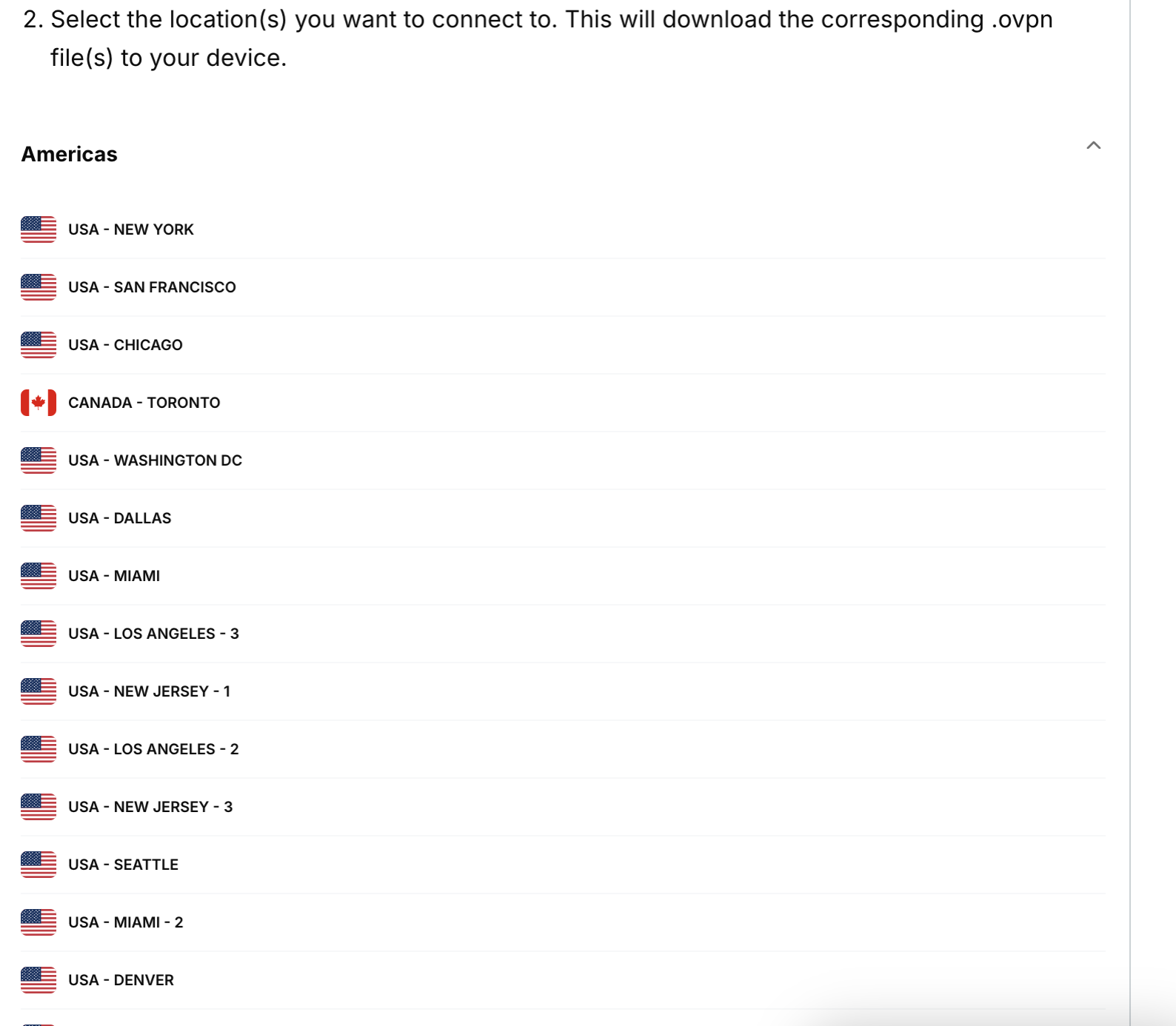
Keep this browser window open during the manual configuration setup process for ease of reference.
Need help? Contact the ExpressVPN Support Team for immediate assistance.