



This guide explains what Dedicated IP for Teams is and how to connect to your assigned Dedicated IP in the ExpressVPN app.
Jump to…
What is Dedicated IP for Teams?
Find your Dedicated IP for Teams
Connect to your Dedicated IP for Teams
What is Dedicated IP for Teams?
Dedicated IP for Teams is a VPN location assigned to you by your organization’s Teams admin. Unlike a regular VPN location, your dedicated IP uses the same IP address each time you connect. It’s only available to your team members.
Your Teams admin manages dedicated IPs, including assigning users and selecting locations.
Need help? Contact the ExpressVPN Support Team for immediate assistance.
Find your Dedicated IP for Teams
To find your assigned Dedicated IP and its location, sign into your ExpressVPN account dashboard.
On the dashboard, find the Connect to Dedicated IP for Teams banner. Here, you can view your assigned Dedicated IP location and IP address.
If you have more than one Dedicated IP location assigned to you, click the arrow (>) next to the map to view your other locations and IP addresses.
You can now connect to your Dedicated IP location in the ExpressVPN app.
Note: If you’re an admin looking for your dedicated IP, refer to this guide: How to find my Dedicated IP for Teams IP addresses.
Need help? Contact the ExpressVPN Support Team for immediate assistance.
Connect to your Dedicated IP for Teams
- ExpressVPN app for Mac
- ExpressVPN app for Windows
- ExpressVPN app for Android
- ExpressVPN app for iOS
- ExpressVPN app for Linux
Read this guide to turn off Advanced Protection features in the ExpressVPN app.
Once you’ve completed the steps above, you can connect to your Dedicated IP location.
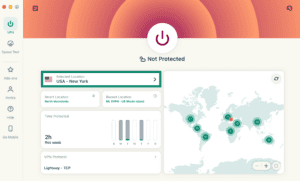
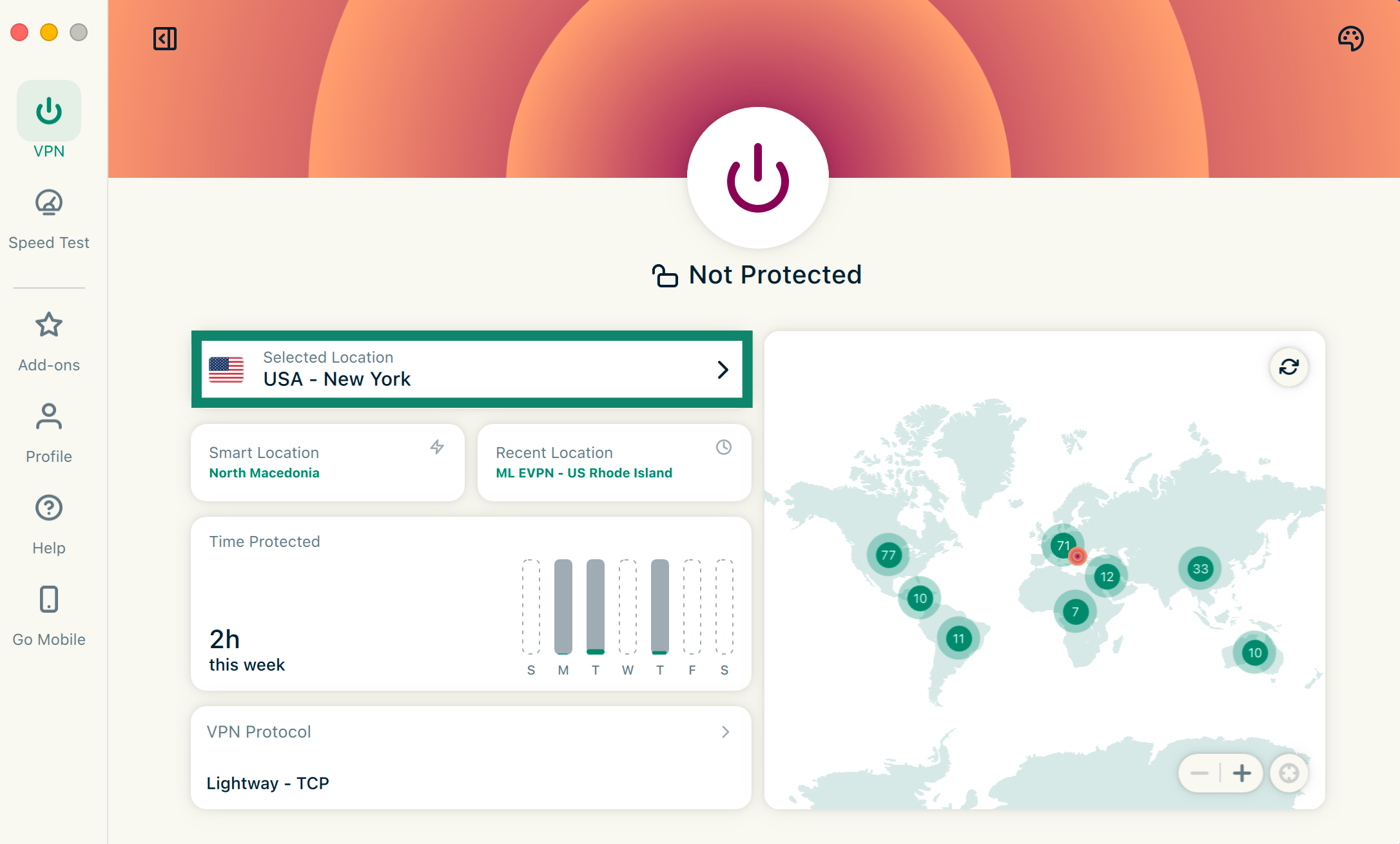
- Open the ExpressVPN app and tap Selected Location.

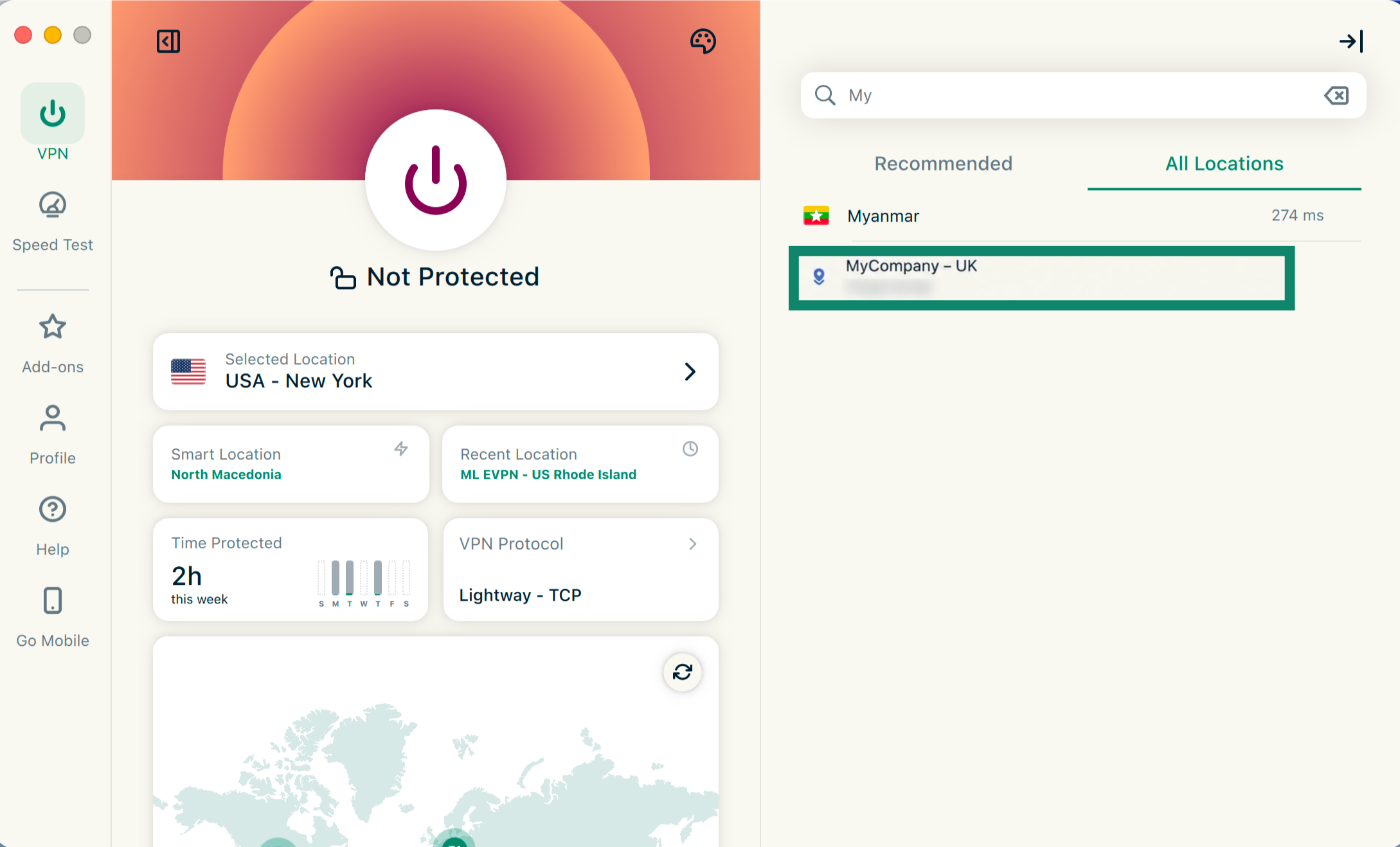
- In the server list, use the search bar to locate the dedicated IP location.
- The location will appear using the name your admin assigned to it, such as “MyCompany – UK.”
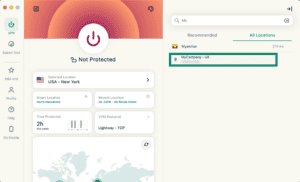

- Click the dedicated IP location in the list to connect.
Can’t connect to your assigned dedicated IP? Read our troubleshooting guide: Dedicated IP for Teams location isn’t working.
If you don’t see your assigned Dedicated IP location in the ExpressVPN app, contact your Teams admin for support.
Need help? Contact the ExpressVPN Support Team for immediate assistance.