



If you are trying to install ExpressVPN on Windows 10 or 11 and see an “Installation Failed” error, the cause and fix depend on the Windows build you are running.
This guide will help you determine which Windows build you are running and walk you through the steps needed to resolve the issue.
Note: If you are using Windows 7, 8, or 8.1, follow the instructions here to download and install the right version of the ExpressVPN Windows app for your device.
Jump to…
How to fix the error on Windows 10 1903 or below
How to fix the error on Windows 10 1909 or higher
If the issue persists
Determine your Windows build
The Windows build is a compilation of the OS code at a specific point in time. To check which Windows build you are currently running, use one of the following methods:
Method 1: Use the Run utility (quickest)
- Press the Windows key + R to open the Run utility.
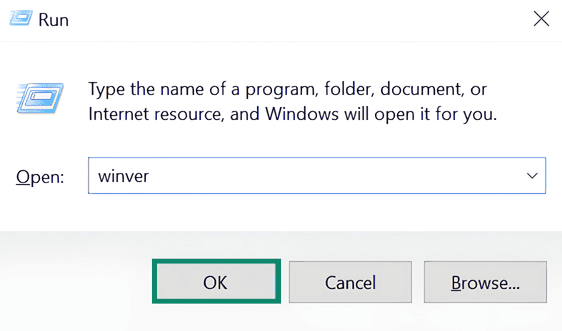
- Type winver in the Run utility and click OK.

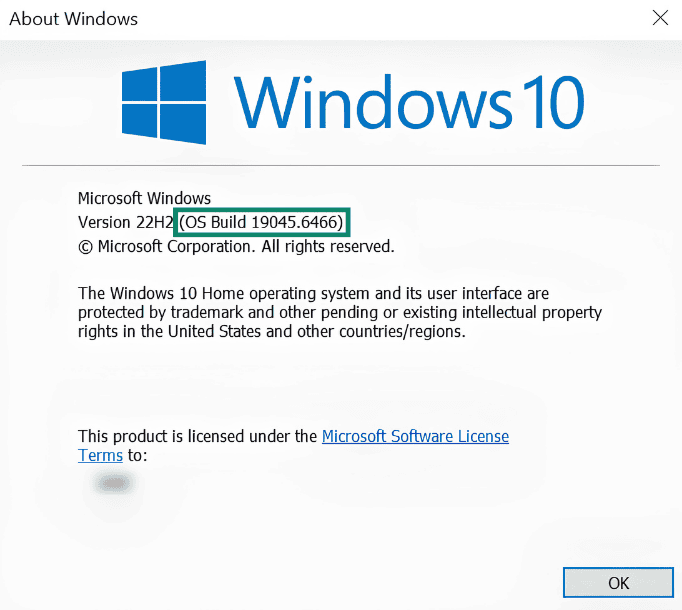
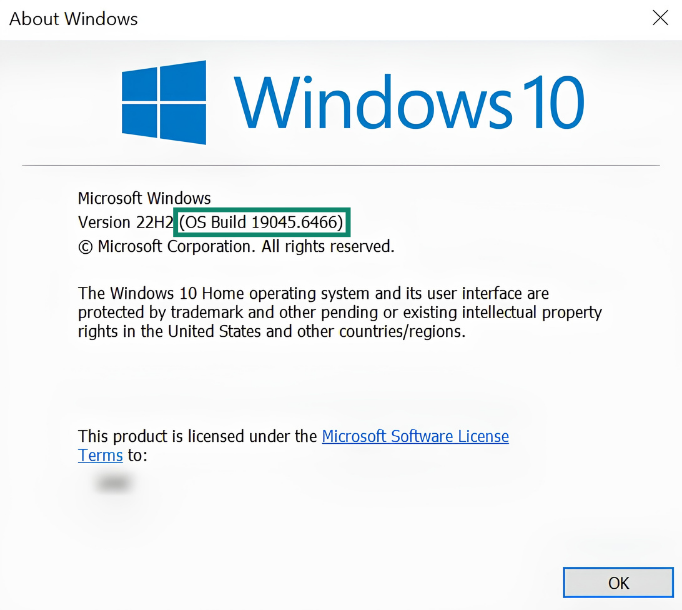
- This opens the About Windows page. You can see the Windows build at the top, right next to the version.

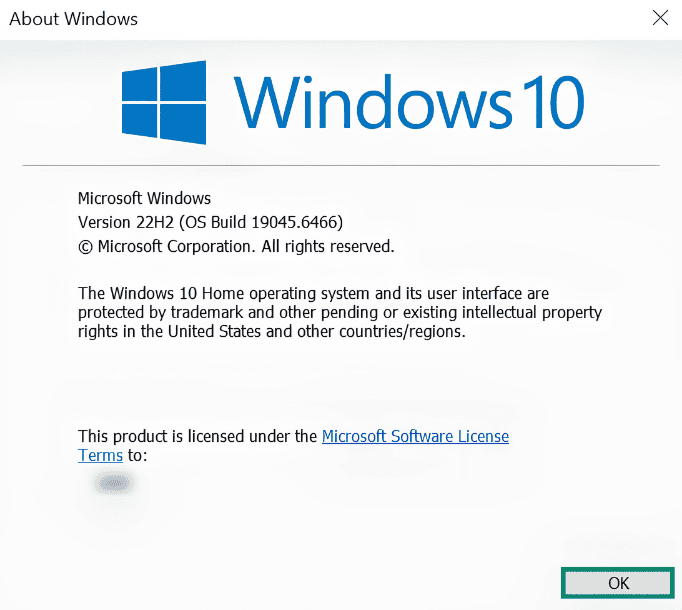
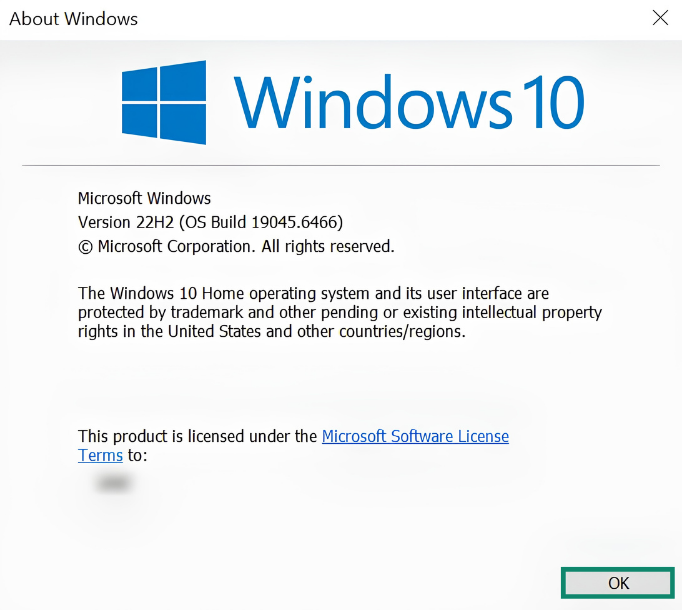
- To close the window, click OK.
Method 2: Use System settings (for detailed information)
To find the build number for your Windows in System settings, follow the instructions here for Windows 10 and Windows 11.
You can see your Windows build next to OS build.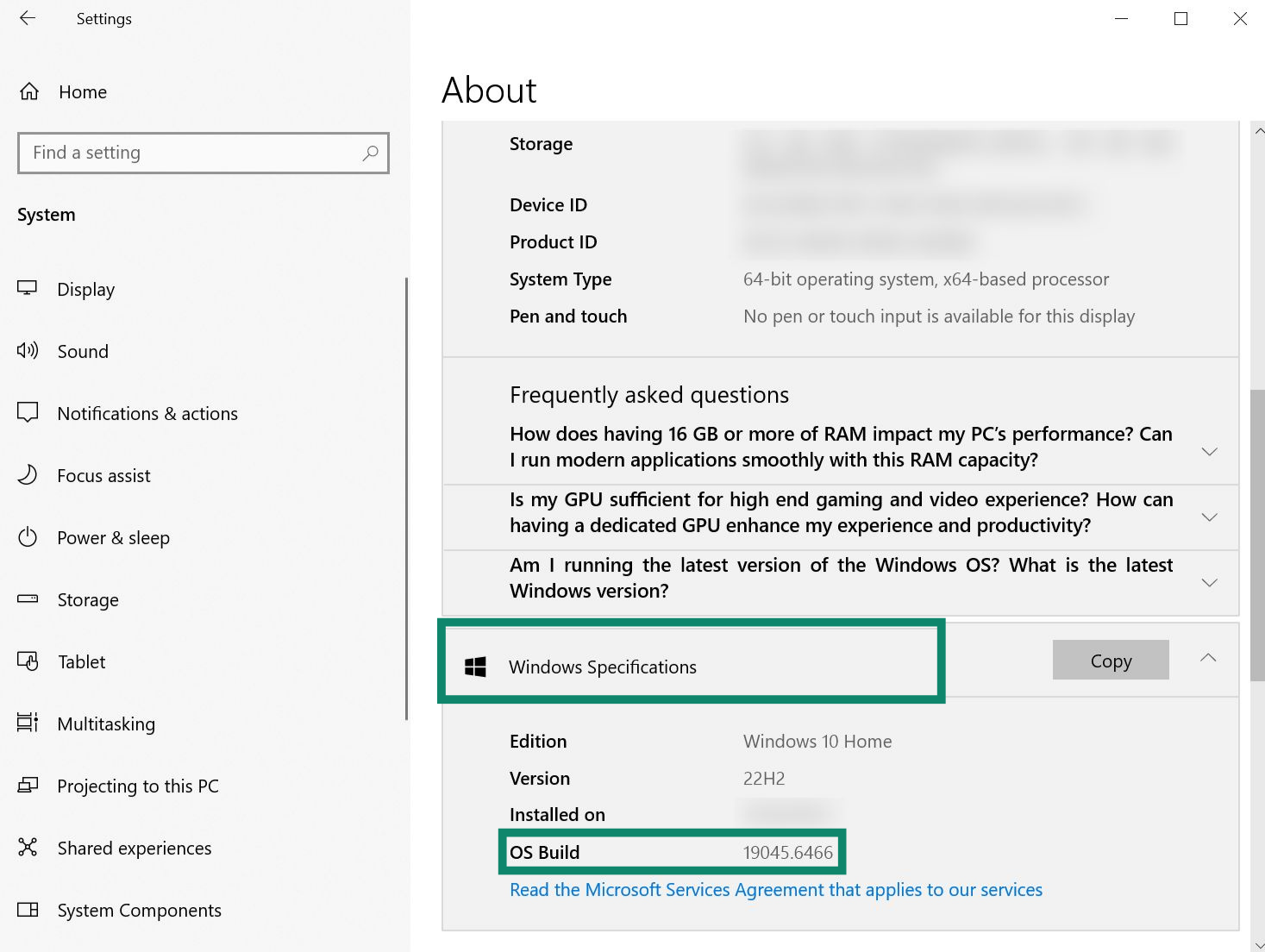
Need help? Contact the ExpressVPN Support Team for immediate assistance.
How to fix the error on Windows 10 1903 or below
The “Installation Failed” error is a known issue on Windows 10 1903 or lower builds and will be fixed in an upcoming update. Until then, try the earlier version of the ExpressVPN Windows app:
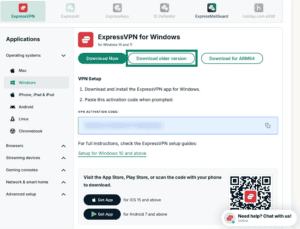
- Go to the ExpressVPN+ setup page and sign into your account if prompted.
- Click Download older version.

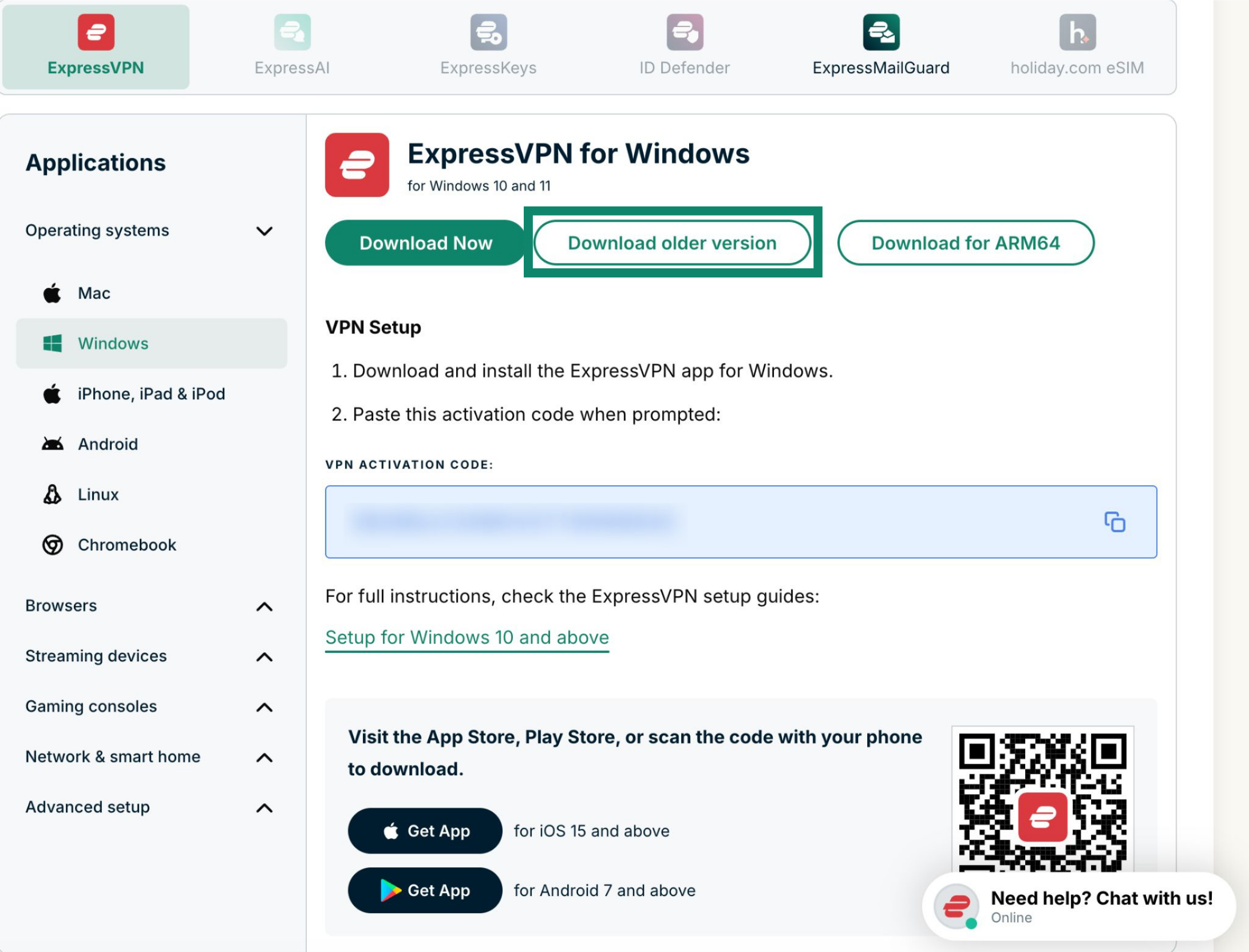
After you download the installer, run it and follow the on-screen instructions to install and set up the ExpressVPN app.
Note: To use the latest version of the ExpressVPN Windows app, you will need to either update to a newer Windows 10 build or upgrade to Windows 11.
Need help? Contact the ExpressVPN Support Team for immediate assistance.
How to fix the error on Windows 10 1909 or higher
If you are seeing the error on a Windows 10 1909 or higher, it might be a case of a corrupt installation. This can happen if a previous installation was not fully removed or if the installation process was interrupted.
To fix it, you will need to reinstall the ExpressVPN Windows app. It is important to perform a clean installation, meaning you have to first uninstall the ExpressVPN app and then download and use the installer from the ExpressVPN website.
To uninstall the ExpressVPN app on Windows, follow the instructions in this guide.
Note: If you are unable to uninstall the ExpressVPN Windows app, it may be because it is running in the background. Close the app, restart your computer, and try uninstalling it again.
After you have uninstalled the Windows app:
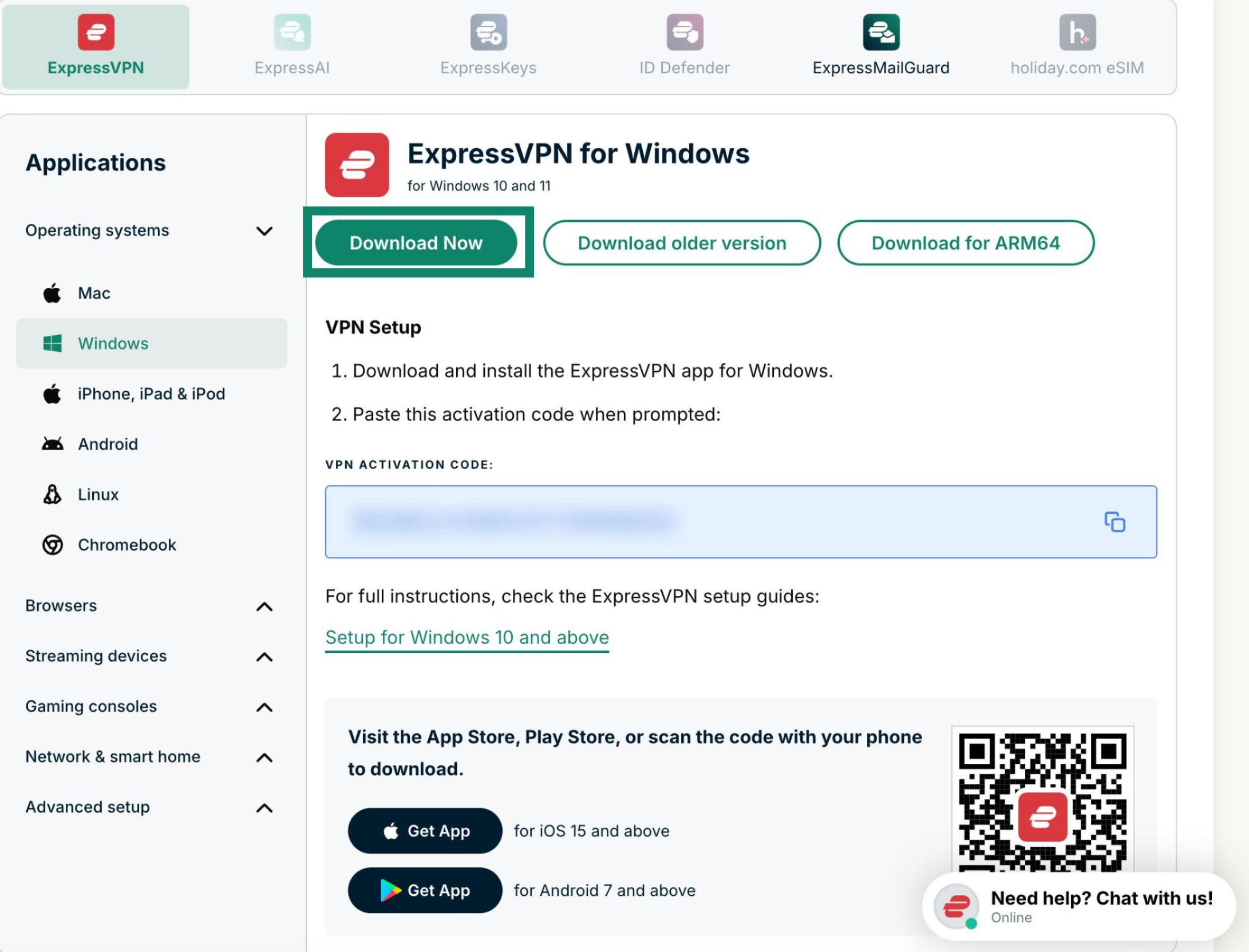
- Go to the ExpressVPN+ setup page and sign into your account if prompted. Then, click Download Now to get the latest version of the Windows app.
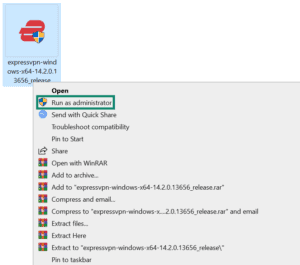
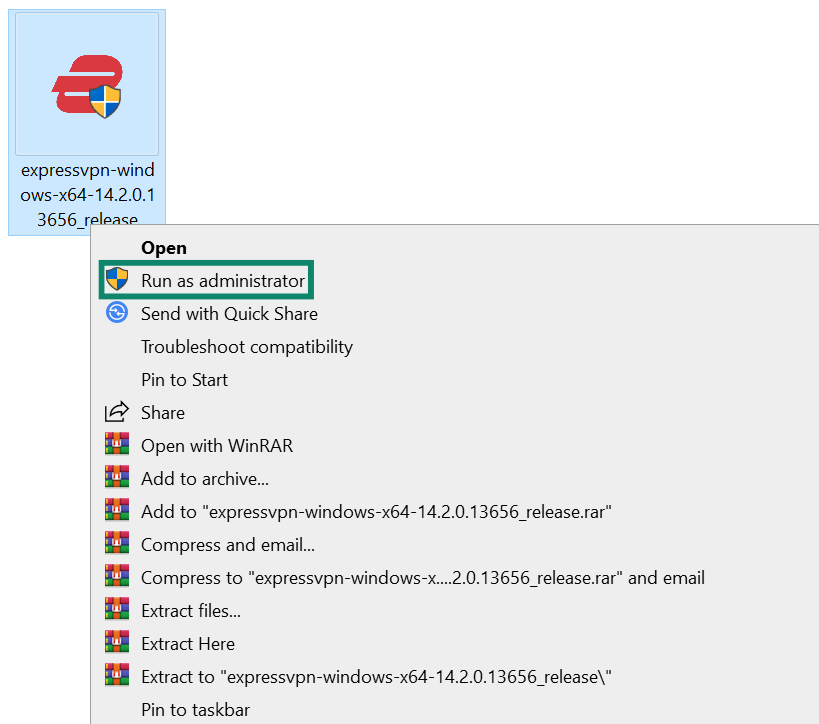
- After the installer is downloaded, right-click it and select Run as administrator.

- Follow the on-screen instructions to install the app.
Need help? Contact the ExpressVPN Support Team for immediate assistance.
If the issue persists
If you still see the “Failed Installation” error:
- Your security software may be interfering with the ExpressVPN installer. Turn it off temporarily to see if this resolves the issue.
- Check if your Windows is up to date. Follow the steps below for Windows 10 and 11:
Windows 10
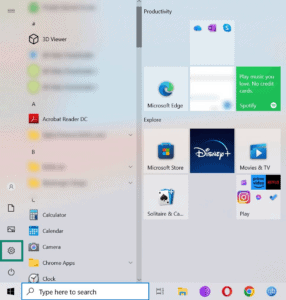
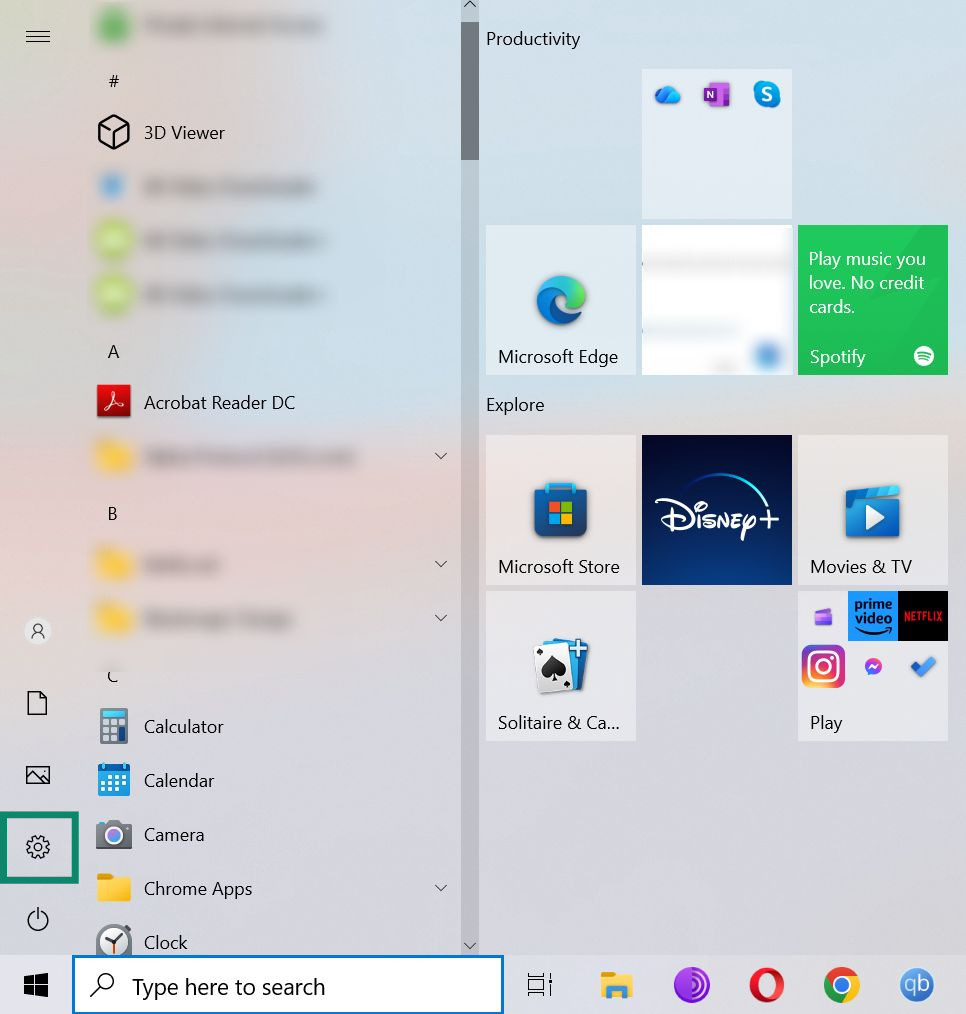
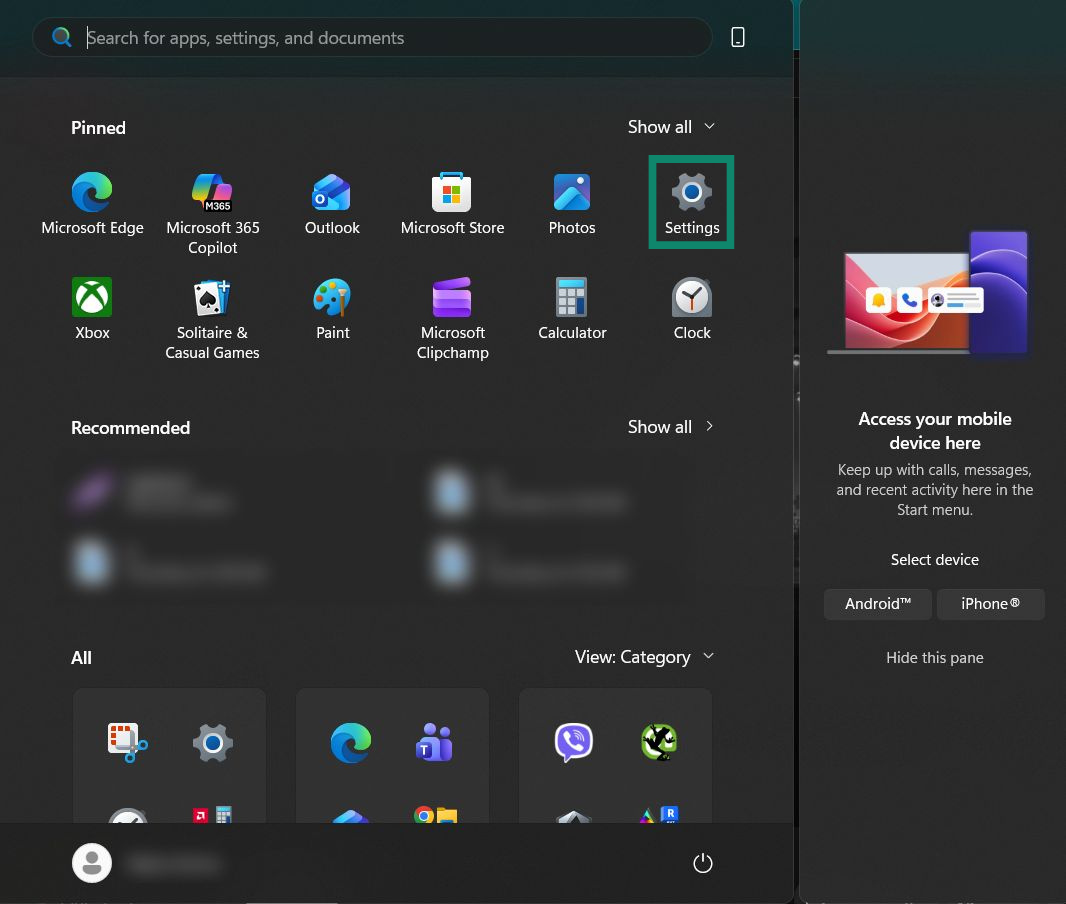
- Open the Start menu and click Settings (the gear icon).

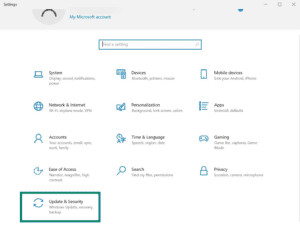
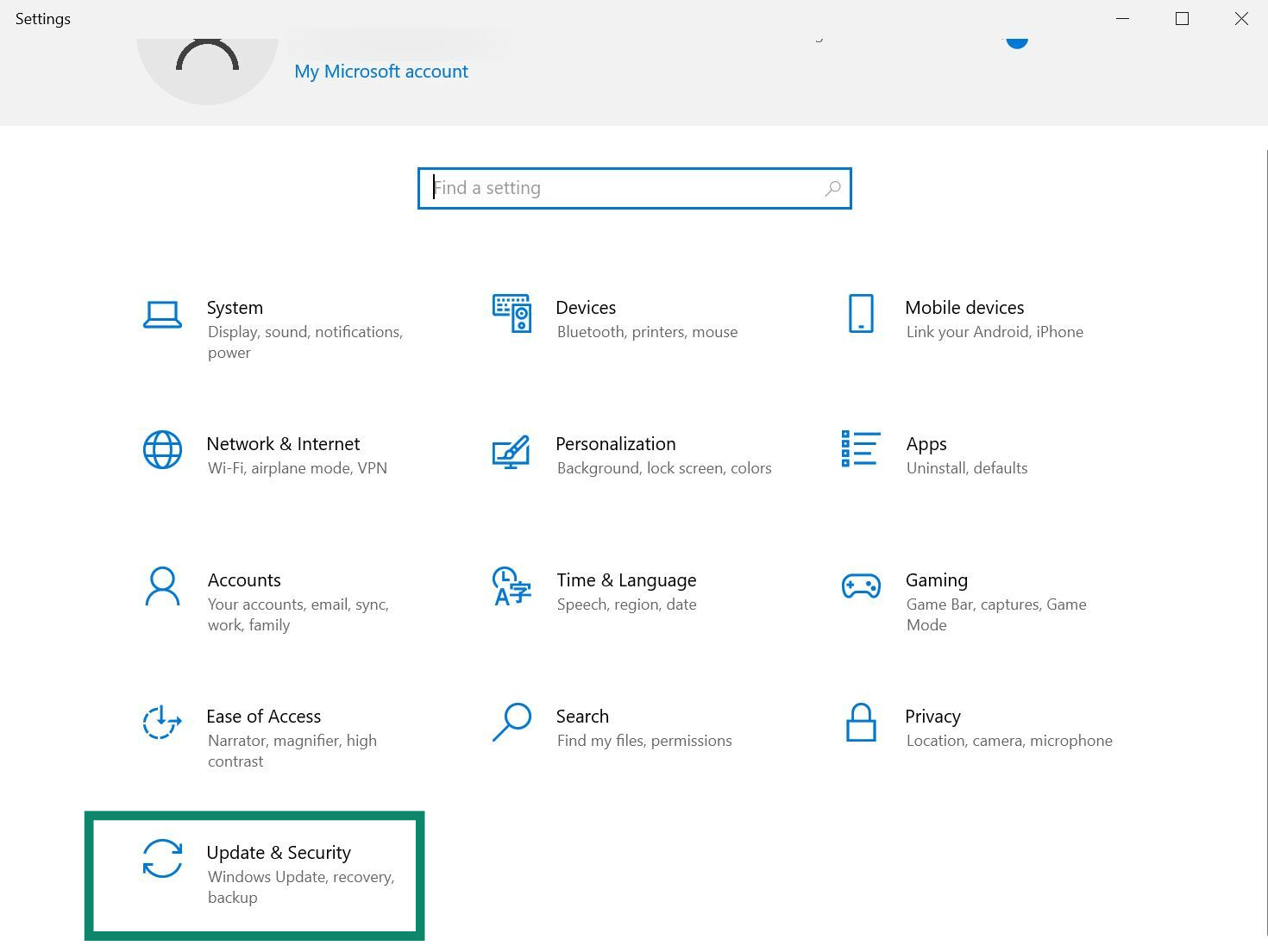
- Click Update & Security.

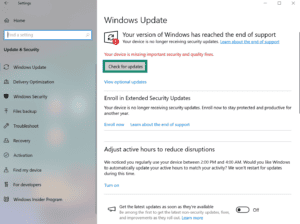
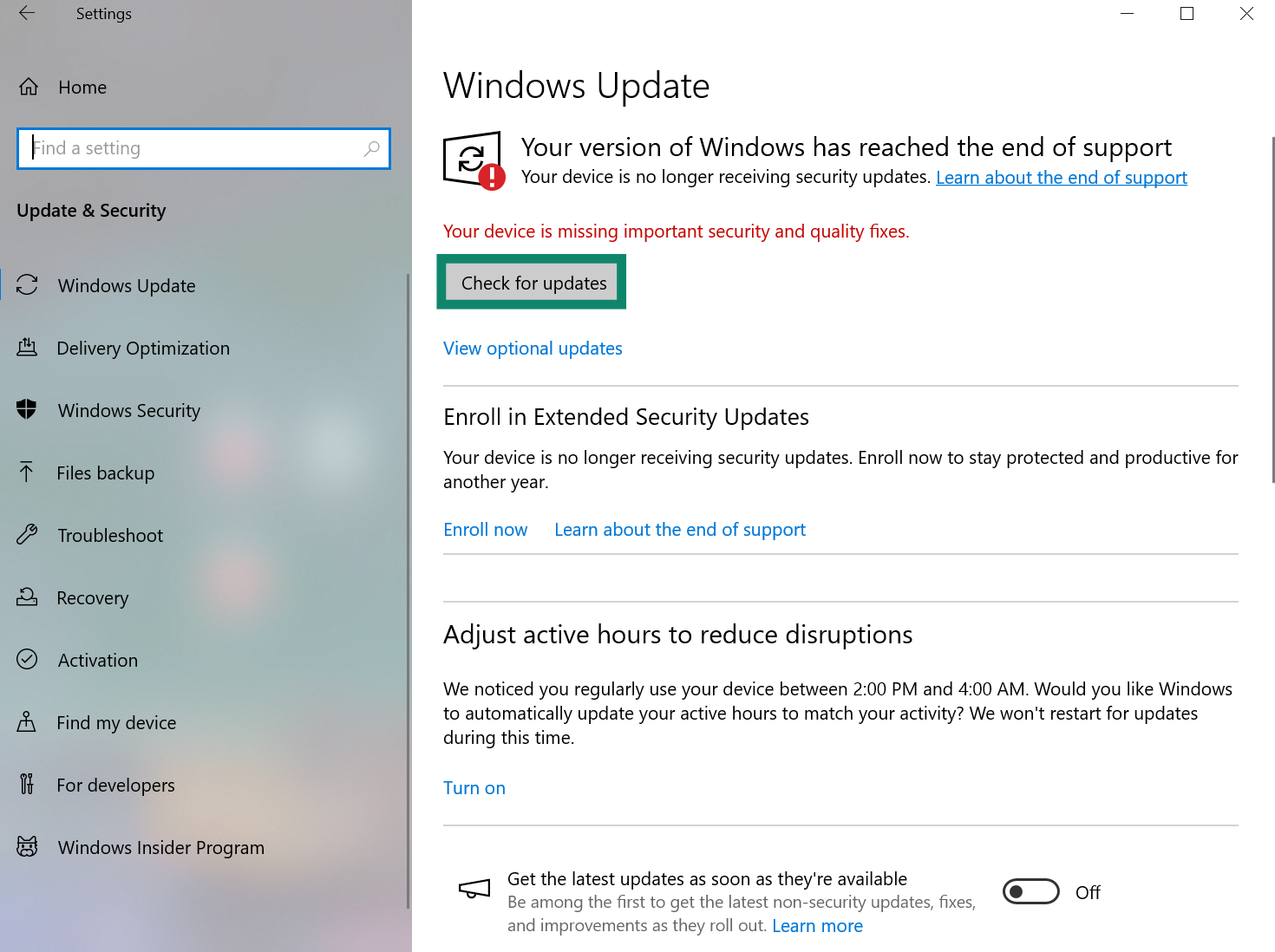
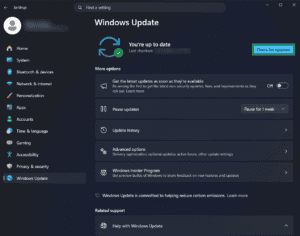
- Click Check for updates and install if there are any.

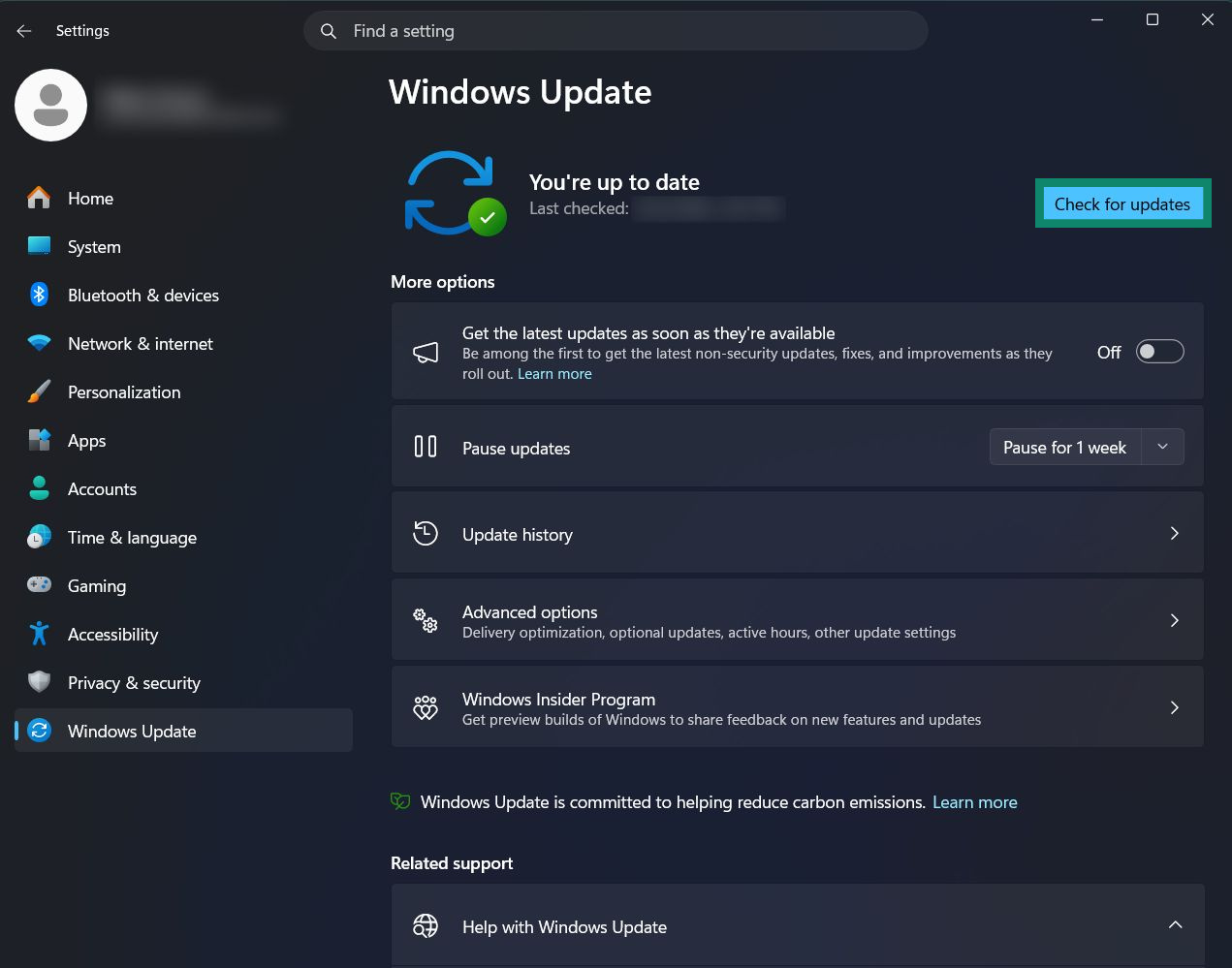
Windows 11
- Access the Settings menu.
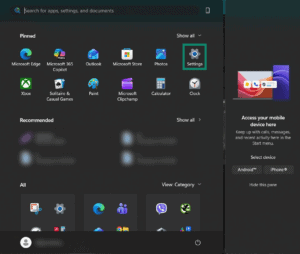

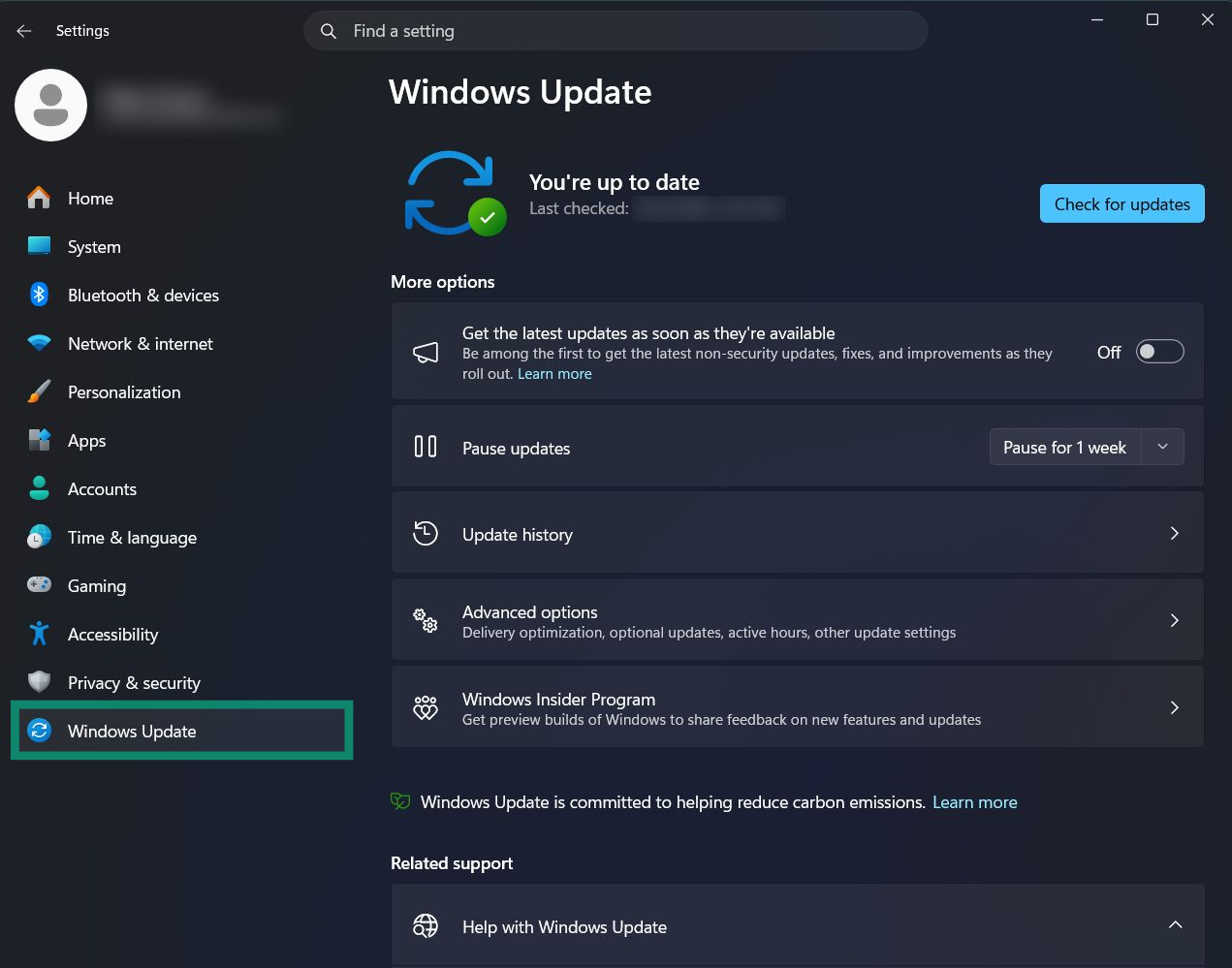
- Click Windows Update on Windows 11 or Update & Security on Windows 10.
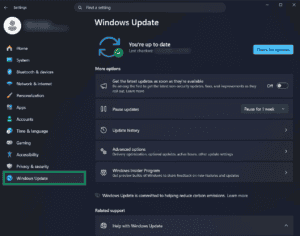

- If you see pending updates, click Install now. Otherwise, click Check for updates and install any new updates.
If this does not fix the “Failed Installation” error, please contact customer support for further assistance.
Need help? Contact the ExpressVPN Support Team for immediate assistance.