



Note: Identity Defender is only available to customers in the U.S.
This guide explains how to subscribe to ExpressVPN directly within the Identity Defender mobile apps on iOS and Android.
When you purchase a subscription through the Identity Defender apps, you’ll get access to the Express Pro plan, which also includes ExpressVPN, ExpressKeys, ExpressMailGuard, ExpressAI, and the holiday.com eSIM.
This subscription is linked to your app store account on the Apple App Store on iOS or Google Play on Android, which means billing, renewals, and refunds are handled directly through that platform. Note that subscriptions purchased through the Apple App Store or Google Play Store are not covered by the ExpressVPN 30-day money-back guarantee. Refunds are issued solely at the discretion of Apple Support or Google Play Support.
For full details on subscription terms, payment, and refunds, refer to our dedicated articles for iOS in-app purchases and Google Play subscriptions.
Jump to…
How to purchase an ExpressVPN subscription in Identity Defender for iOS
How to purchase an ExpressVPN subscription in Identity Defender for Android
How to set up your ExpressVPN account after in-app purchase
How to use your subscription on other ExpressVPN apps and services
How to purchase an ExpressVPN subscription in Identity Defender for iOS
1. Download and install the Identity Defender app on iOS
- Open the App Store on your iOS device, tap Search, and search for “Identity Defender.”
- Tap Get and wait for the app to download and install.
2. Purchase an ExpressVPN subscription on iOS
Once installed, you can purchase an ExpressVPN subscription in the Identity Defender app.
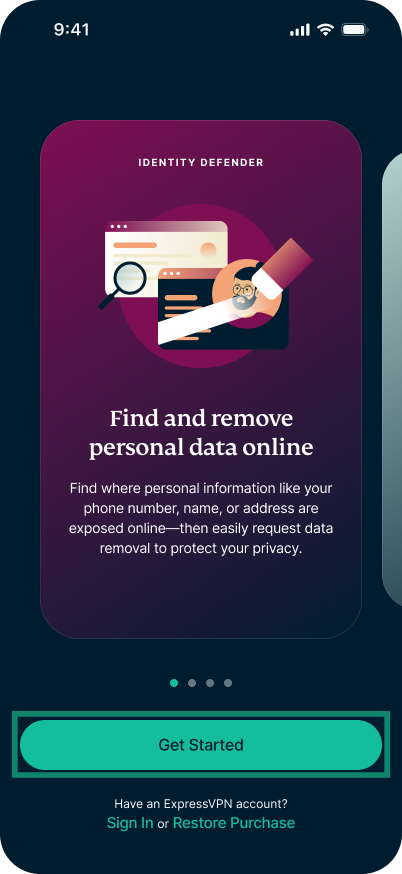
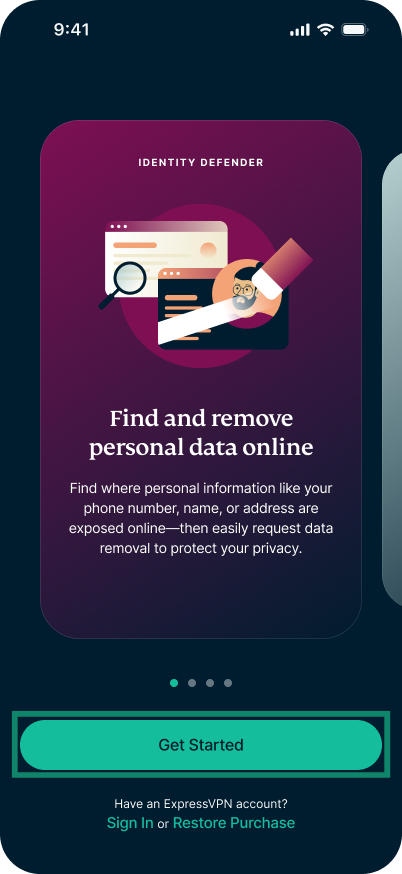
- On the welcome screen, tap Get Started.
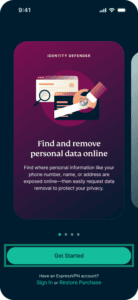

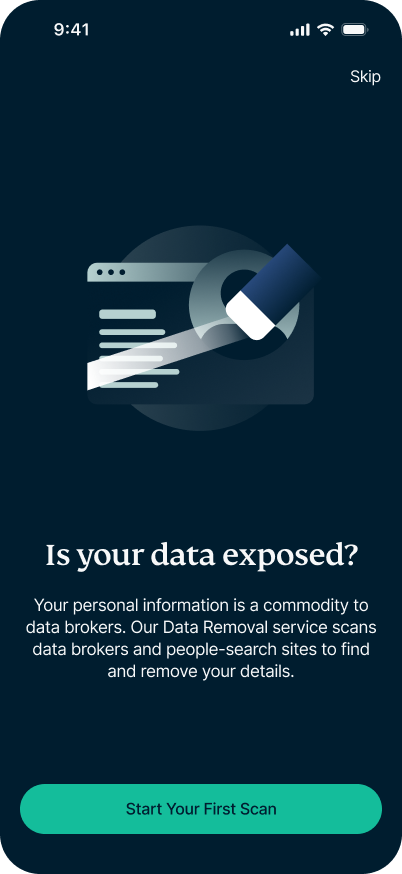
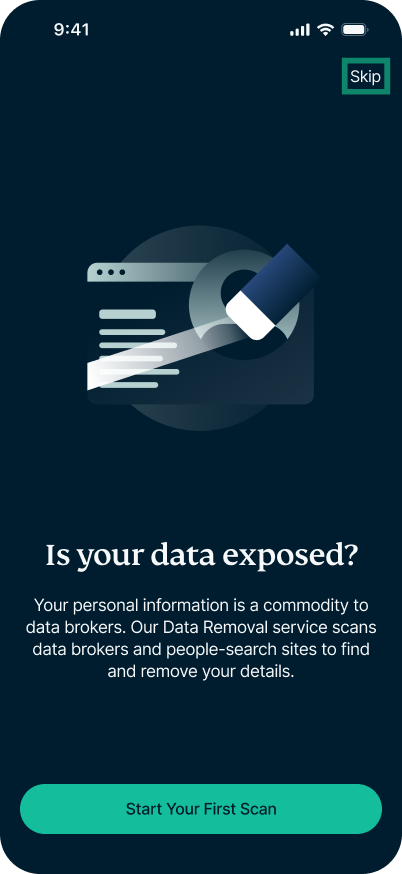
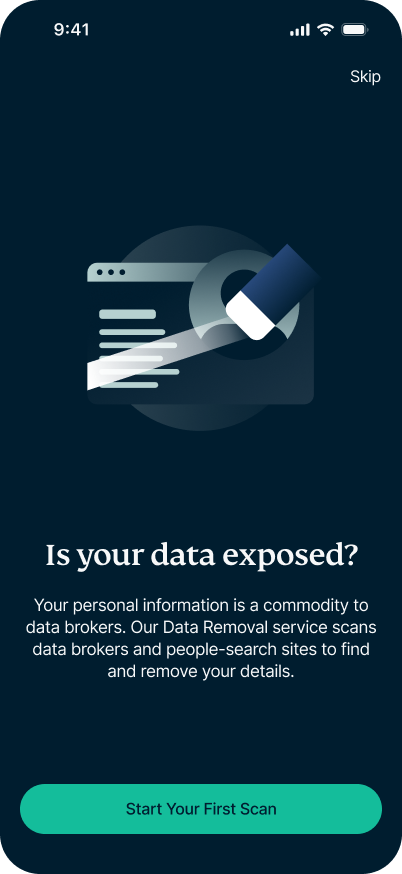
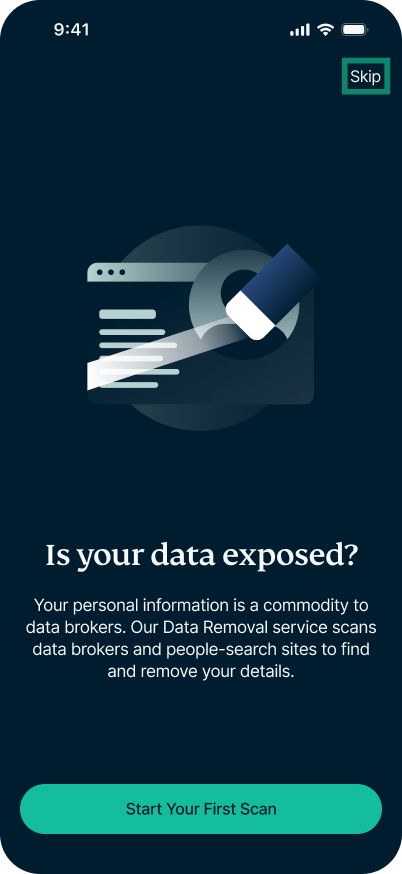
- Next, you will be given the option to perform a free scan.
- To use the free scan: Tap Start Your First Scan and follow the on-screen instructions to complete it.
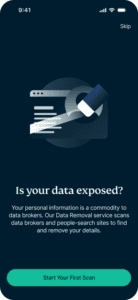
- To skip the free scan: Tap Skip and you will be taken directly to the subscription screen.
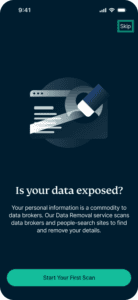
- To use the free scan: Tap Start Your First Scan and follow the on-screen instructions to complete it.
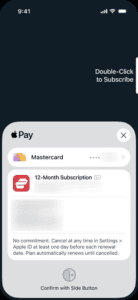
- On the subscription screen, tap Subscribe (or View More Plans to see all available in-app subscription options).
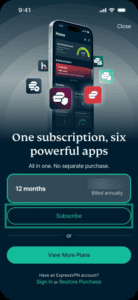
- Confirm your purchase.
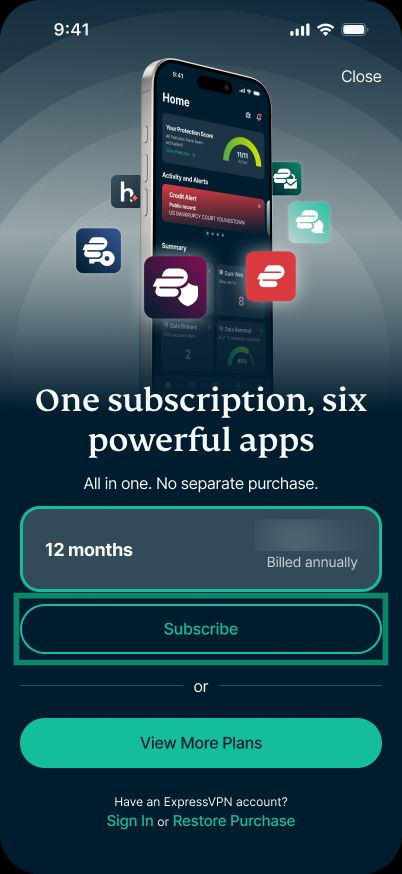
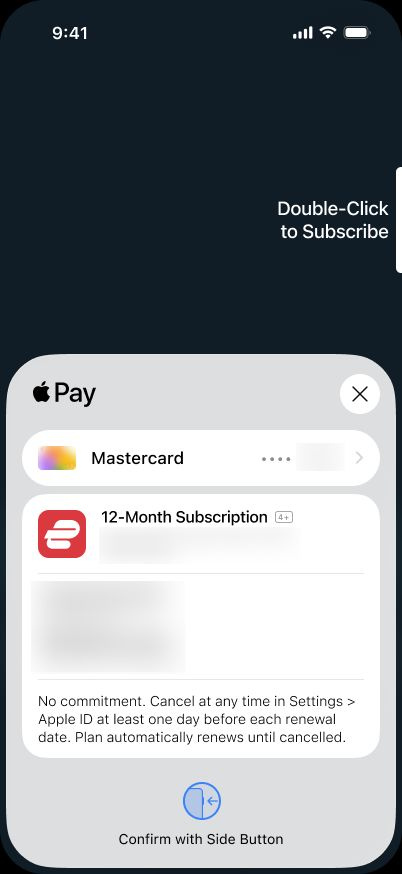
Need help? Contact the ExpressVPN Support Team for immediate assistance.
How to purchase an ExpressVPN subscription in Identity Defender for Android
1. Download and install the Identity Defender app on Android
- Open the Google Play Store app on your Android device and tap Search.
- Search for “Identity Defender” and tap the app.
- Tap Install to download and install the app.
2. Purchase an ExpressVPN subscription on Android
Once installed, open the Identity Defender app and follow the steps below to purchase an ExpressVPN subscription:
- The welcome screen, tap Get Started.
- Next, you will be given the option to perform a free scan.
- To use the free scan: Tap Start Your First Scan and follow the on-screen instructions to complete it.

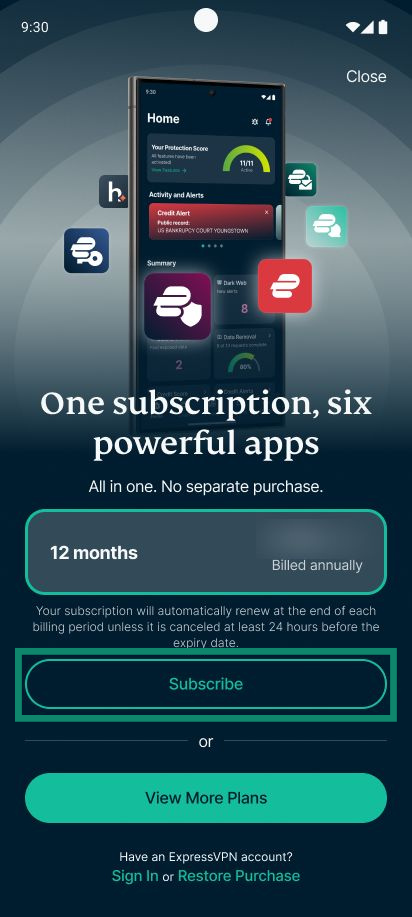
- To skip the free scan: Tap Skip and you will be taken directly to the subscription screen.
- To use the free scan: Tap Start Your First Scan and follow the on-screen instructions to complete it.
- On the subscription page, tap Subscribe (or View More Plans to see all available in-app subscription options).
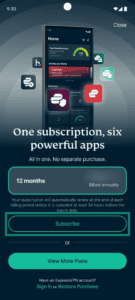

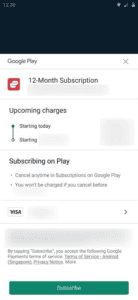
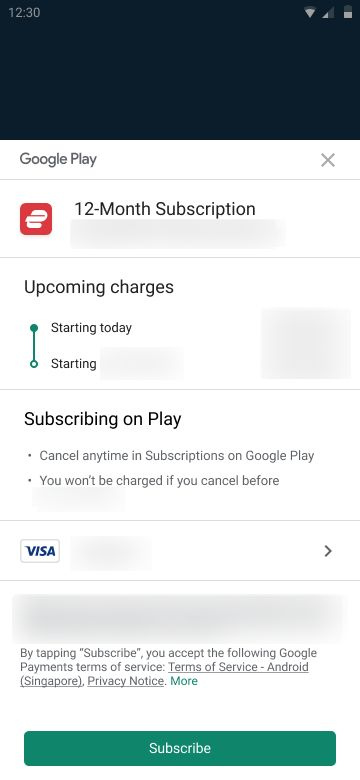
- Tap Subscribe to finalize the payment.

Need help? Contact the ExpressVPN Support Team for immediate assistance.
How to set up your ExpressVPN account after in-app purchase
After completing your purchase, you’ll be prompted to create an ExpressVPN account to access your subscription.
The steps for creating an ExpressVPN account are the same on iOS and Android.
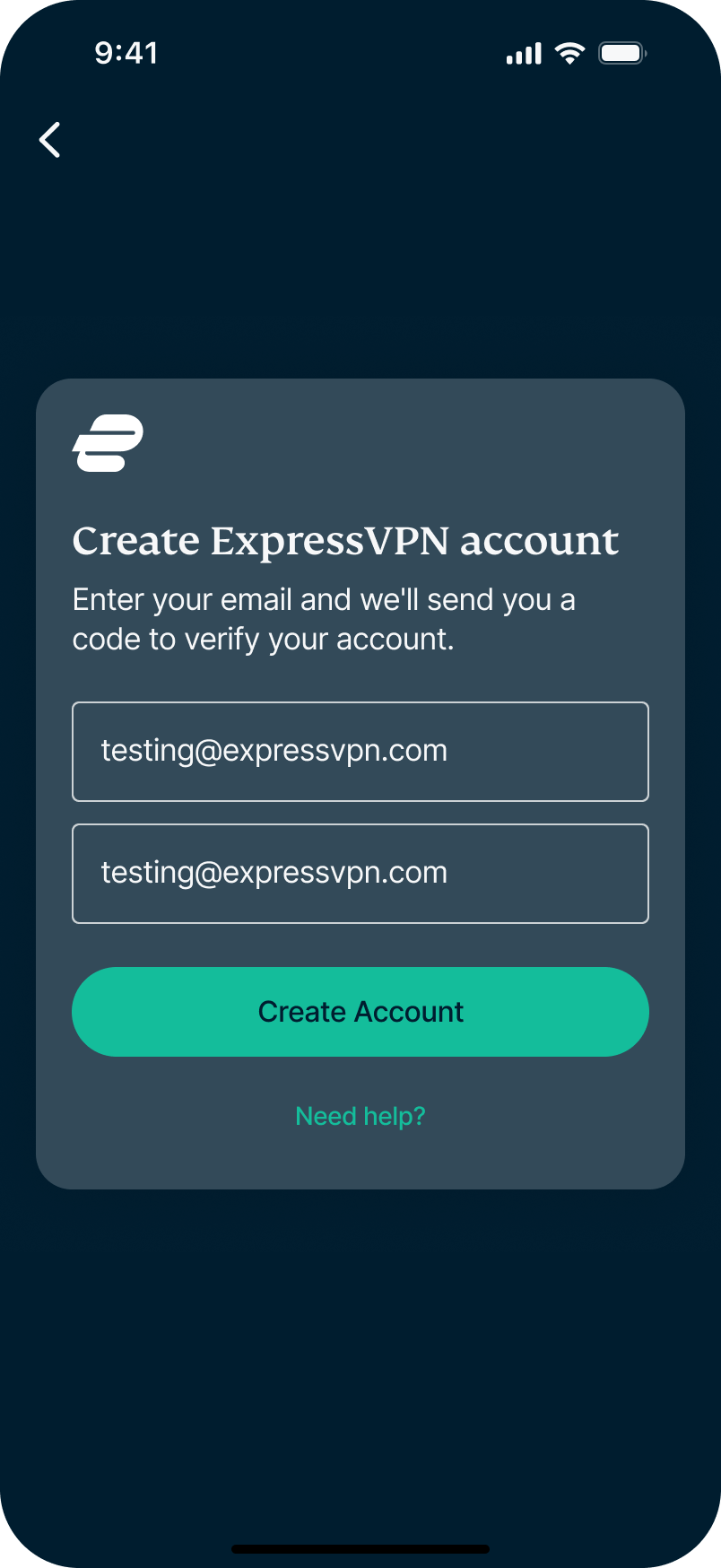
- When prompted, enter your email address twice and tap Create Account.

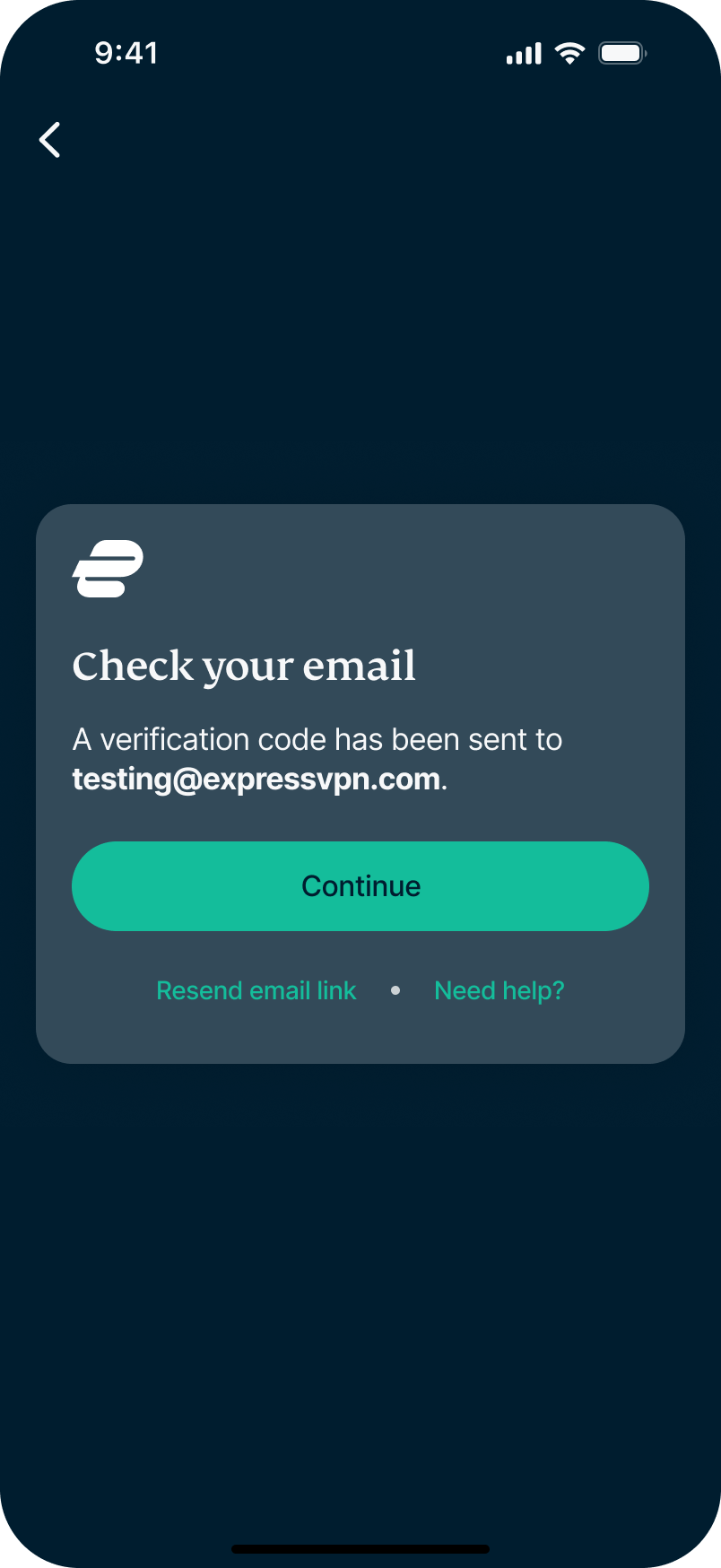
- A verification code will be sent to your email. Select Continue.
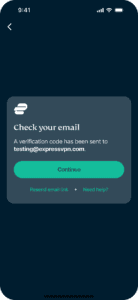
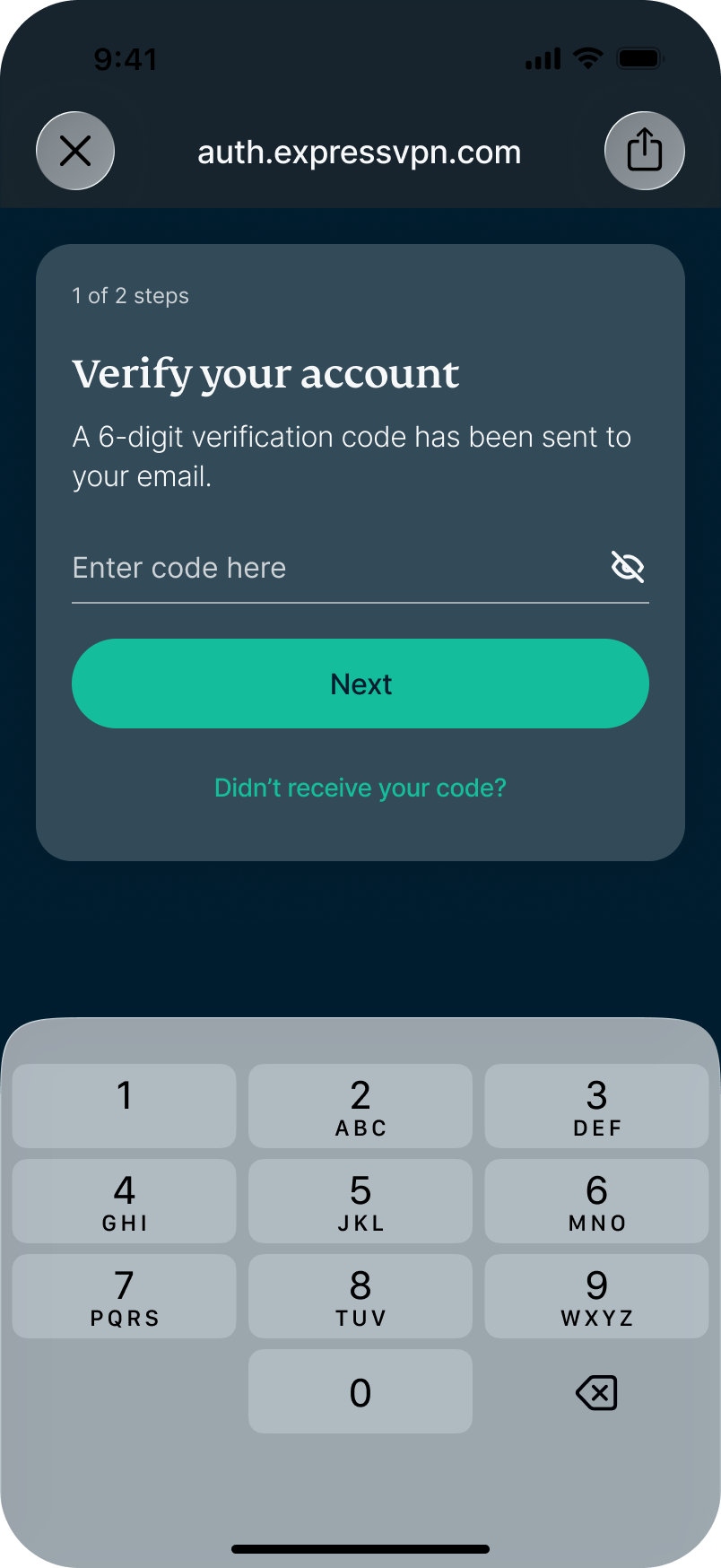
- Check your email for the code, enter it, and tap Next.
You now have an ExpressVPN account and can continue setting up and using Identity Defender from here. Follow these instructions to set up Identity Defender.
What to do if you dismissed the account setup
If you dismissed the account setup prompt or closed the app before completing it, open the Identity Defender app, and on the welcome screen, tap Restore Purchase. This tells the app store to check your purchase history and restore your subscription in the app.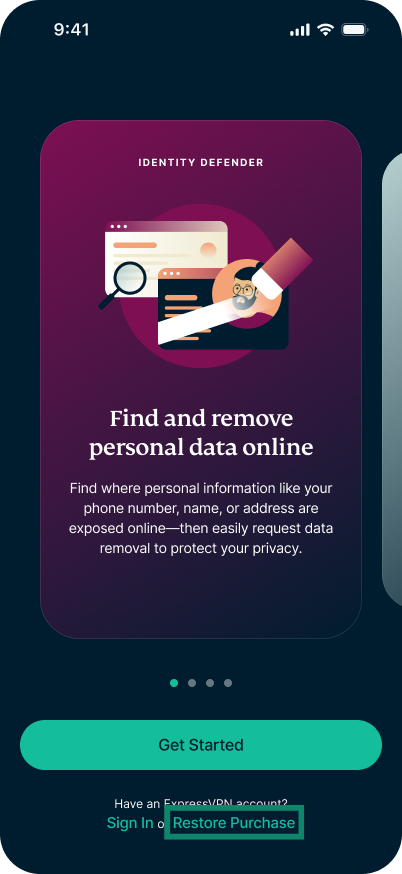
Once done, you’ll see a confirmation that your subscription has been restored, and you’ll be prompted to set up your account.
Need help? Contact the ExpressVPN Support Team for immediate assistance.
How to use your subscription on other ExpressVPN apps and services
In addition to Identity Defender and ExpressVPN, your subscription to the Express Pro plan gives you access to a suite of apps at no extra cost, including:
- ExpressKeys: A password manager built by the same ExpressVPN team, protected by the same security. Set up ExpressKeys on iOS, Android, or via the Chrome browser extension.
- ExpressMailGuard: A private email forwarding service that helps protect your real inbox from spam and data leaks with anonymous aliases. Get started with ExpressMailGuard.
- holiday.com eSIM: A travel eSIM that gives you mobile data abroad in 200+ countries. Learn more in our holiday.com eSIM FAQs.
- ExpressAI: A private-by-design AI platform that lets you chat, upload files, and run prompts across multiple AI models and doesn’t use your data for training. Here’s how to access ExpressAI.
Need help? Contact the ExpressVPN Support Team for immediate assistance.