How to protect your phone from juice jacking attacks


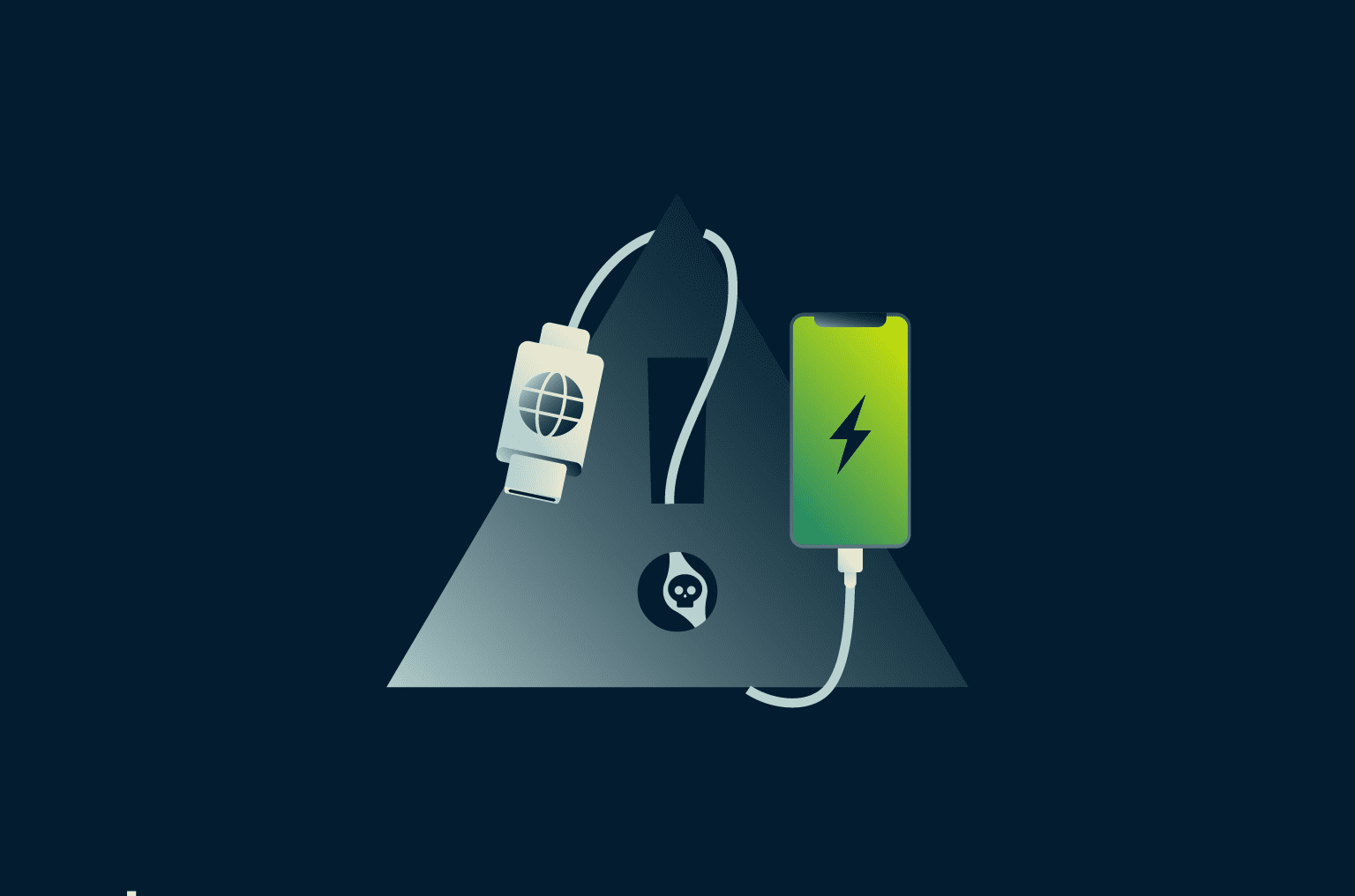
It’s inevitable: phones need regular recharging, and sometimes that means topping up in public. Security researchers have shown that it's theoretically possible to compromise a phone through a process known as juice jacking.
In this post, we’ll explain what juice jacking is and how it might work in practice. We’ll also cover why it’s usually not a major concern for everyday users, especially on up-to-date devices, and what simple precautions still make sense. Finally, we’ll address a more common (and very real) public-charging risk: leaving your phone unattended.
What is juice jacking?
Juice jacking is the practice of trying to access a device or infect it with malware via a compromised USB port, charger, or cable. At the 2011 DEF CON hacking conference, a well-known proof-of-concept kiosk demonstrated the idea by showing that a USB “charging station” could do more than provide power, flashing a warning message when someone plugged in, to highlight the risk of treating unknown USB connections as “charge-only."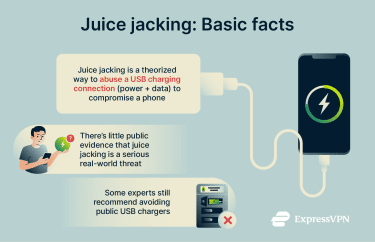
In 2025, ChoiceJacking, a set of techniques where a charger can spoof input to approve a data connection prompt, first came to public attention. Both iOS and Android are theoretically vulnerable, but this method also has pitfalls and might not work on locked phones. It would likely require a very specific set of circumstances to execute, which would be incredibly difficult to pull off in practice.
Even though there are still no confirmed cases of juice jacking via public charging stations on modern phones, that doesn't mean it's impossible. Leaving a phone unattended can still expose it to real risk (theft, tampering, or opportunistic access if it’s unlocked). A strong password or PIN code meaningfully reduces what an attacker can access on a lost or unattended device, because many protected data classes remain inaccessible without the passcode.
Juice jacking: Theoretical vs. real-world security risk
Some cybersecurity groups and government bodies continue to warn the public about the potential threat. Notably, the FBI's Denver office issued a warning in 2023 advising people to avoid free public charging stations, and America’s Transportation Security Administration (TSA) has also warned travelers about the risks of plugging directly into public USB ports at airports.
Over time, major mobile platforms added mitigations, including prompts for user consent before establishing a USB data connection. For example, Apple requires you to unlock your iPhone or iPad before most USB accessories can communicate with it.
Considering this, pulling off a true “juice jacking” compromise against a fully up-to-date phone is generally difficult, and it typically requires at least one of the following:
- Social engineering: The device owner is somehow tricked into approving prompts for deeper permissions.
- Pre-existing vulnerabilities: The device is missing security patches or already has malware installed, making it more susceptible to compromise.
However, the idea of juice jacking persists because USB remains both a power and data interface. Still, for most people using a current, fully patched phone, the risk of compromise is low if you avoid approving unexpected prompts and use trusted chargers/cables, especially compared with more common threats like theft or tampering when a phone is left unattended.
Who might be targeted by juice jacking?
On the other hand, a lack of public evidence does not guarantee that initial fears about juice jacking were entirely unfounded. It is possible that governments or highly capable criminal groups could develop, or already have, tools that aren’t widely known. And researchers continue to demonstrate ways a malicious charger could bypass consent safeguards in certain scenarios.
It’s reasonable to assume that only a very narrow set of individuals would be highly targeted, such as political figures, celebrities, senior business leaders, journalists/activists, or anyone handling sensitive information. Should the technology exist and become widespread, a wider group might be at risk, but in that event, the threat would almost certainly be publicized first.
Risks of leaving your phone unattended
It’s unclear what a real-world juice-jacking incident would look like at scale. Outcomes such as data theft, malware delivery, and ongoing surveillance have been discussed, but documented, confirmed cases are hard to find. 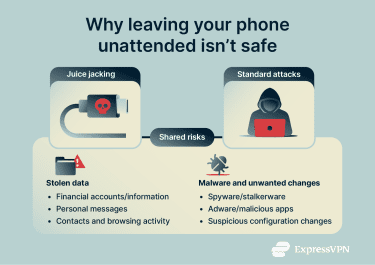
That said, an attacker doesn’t need to rely on juice jacking to seriously compromise a phone that they have physical access to. For that reason, leaving your phone unattended on a public charger can be risky.
Why a screen lock is not perfect
In most everyday situations, a strong screen lock significantly limits what someone can do with your phone. Many sensitive files become inaccessible shortly after the device is locked, because decryption keys are protected by the passcode.
The problem is that there are still ways around this protection. For example, close friends or family members may already know your passcode. In public, it’s also possible to observe someone entering a passcode (shoulder surfing), and common PINs (like birthdays) are easier to guess.
Beyond that, specialized unlocking and extraction tools exist, but they’re less likely to be used opportunistically and often depend on the device model, OS version, and whether the phone has been unlocked since reboot.
While Apple says it has never created a backdoor or master key for its products or services, highly sophisticated exploits can still exist and may be used in targeted scenarios.
Data theft and compromised privacy
Whether through juice jacking or simple snooping, someone with physical access to your device and the ability to unlock it can view a wide range of personal information. Depending on your setup (and what's already logged in), they may be able to access your messages, email, contracts, and other sensitive data, which can enable follow-on attacks like targeted phishing or fraud.
Armed with their own device, an attacker could simply take photos of this information for later use.
Silent malware installation
Similarly, if someone can access and unlock a phone, they may be able to make unwanted changes, such as installing a malicious app, adding a configuration/profile, or enabling settings that weaken security. This could include adware or spyware, and in some cases, stalkerware (monitoring apps installed to track someone’s activity), and, more rarely, mobile ransomware. Installing something can give them ongoing access until it’s noticed and removed.
How to prevent juice jacking and other threats
Following general cybersecurity best practices can help keep you safe from some of the dangers, but it's best to avoid leaving your phone unattended in places where others can access it.
How to safely use public charging stations
For most people, juice jacking does not pose a significant risk. But anyone who uses a public charging station should continue to monitor their device and be cautious of:
- Requests to enable data transfer mode while charging.
- Strange or unexpected UI behavior without user input.
- Notifications regarding data transfer requests or progress.
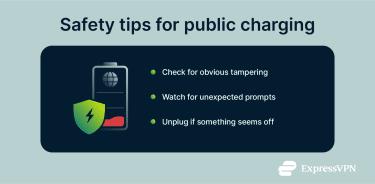 If your device starts acting strangely or you grow worried, unplug it right away. It won’t necessarily undo a compromise if one already occurred, but it can stop an ongoing connection.
It’s also reasonable to check whether a charging station looks tampered with. There aren’t definitive visual signs, but obvious damage, loose ports, or unfamiliar add-ons are worth avoiding. Stations with protected or enclosed ports may reduce casual tampering, though they aren’t a guarantee against it.
High-profile individuals or anyone who believes they might be targeted by organized groups should take extra precautions. The risk of juice jacking may be low, but the safest option is to avoid public USB charging stations altogether and use your own charger or a power bank.
Use a USB data blocker (a.k.a. USB condom)
Safer USB chargers (often marketed as USB condoms) do exist and may offer some protection against juice jacking. These cables include power lines but do not have data-transfer connections. In principle, this should make most theorized juice jacking techniques impossible.
The downside is that some setups may not fast-charge as expected when data pins are blocked, so charging speed can vary depending on your device/charger.
Charge with a power bank instead
Using your own power bank reduces reliance on unknown USB hardware in public spaces. Since most power banks lack internal storage or computing components, charging them on public infrastructure poses no risk of compromise.
Switch to power outlets over USB ports
Researchers have yet to demonstrate the viability of using power outlets for juice jacking attacks. Using public power outlets with USB ports or your own personal charger is therefore theoretically safer than a charging kiosk.
Disable data transfer while charging
Most smartphones today default to charge-only behavior when connecting to new devices, but settings vary.
- iPhone: Go to Settings > Privacy & Security > Accessories (or Wired Accessories), then choose a stricter option, such as Always Ask, so new accessories require approval.
- Android: Search for USB settings and keep the default set to Charging phone only or no data transfer, where available.
What to do if you suspect a juice jacking attack
Juice jacking via public charging stations appears to be extremely uncommon, and there are no widely documented real-world cases on modern phones. That said, many more common issues can be mistaken for juice jacking.
Signs your phone might be compromised
Whether juice jacking or a more conventional attack occurred, compromised phones can show similar symptoms, but none of these are definitive on their own:
- Unfamiliar apps appear on the device.
- Apps requesting excessive or unusual permissions.
- Persistent pop-ups, overlays, or unexpected system prompts.
- Unexplained battery drain or overheating.
- Sudden spikes in mobile data usage.
- Changes to security settings you didn’t make.
- Sluggish performance or frequent crashes.
Immediate steps to secure your device
If you notice some of the above symptoms or have reason to believe that your phone has been targeted, take the following steps:
- Uninstall unwanted apps: Review your app list and remove anything suspicious or that you don't recall installing.
- Refresh passwords: Using a device that you believe to be secure, change passwords for sensitive accounts such as your email, bank accounts, and social media.
- Stay alert: Watch for suspicious activity on your accounts, especially email or financial apps.
Mobile security software exists for both Android and iOS, but their capabilities differ. You may want to consider installing an app from a reputable cybersecurity provider. These can streamline the removal of suspicious apps and provide other utilities.
A virtual private network (VPN) can help protect your internet traffic from interception on untrusted networks, but it won’t remove malware or stop spyware that’s already on your device from accessing data on the device.
FAQ: Common questions about juice jacking
Is juice jacking real or just a security myth?
Juice jacking is technically possible, but how much of a real-world threat it poses, especially at public charging stations, remains uncertain. Researchers have demonstrated proof-of-concept attacks showing how a malicious charger could try to access data or abuse the USB connection in controlled scenarios, and newer research continues to explore consent-bypass techniques under certain conditions.
However, modern mobile platforms have added mitigations that make opportunistic attacks harder, and there are no widely documented, confirmed cases of juice jacking via public charging stations on modern phones.
Can juice jacking affect both iPhones and Android devices?
Yes, most proposed juice jacking techniques could theoretically work on both iOS and Android devices. However, both operating systems have added mitigations (such as requiring user approval before establishing USB data connections), which makes opportunistic attacks harder.
Is charging your phone in hotel rooms or public places safe?
Generally, yes, especially if you use your own charger and cable. While there are no widely documented, confirmed cases of juice-jacking via public charging stations on modern phones, leaving your phone unattended still carries certain risks (theft, tampering, or someone gaining access if it’s unlocked).
In public, keep your phone with you while it charges. In hotel rooms, basic precautions help, too: avoid leaving it unattended in shared areas, and consider using the room safe when you’re out. Using your own charging hardware (plugged into a wall outlet) is generally safer than relying on public USB charging ports.
What does a USB data blocker do?
A USB data blocker, or USB condom, is a small adapter that blocks the data connection while still allowing power to flow for charging. Because it prevents data transfer, it can help protect against many proposed juice jacking scenarios that rely on a USB data link. That said, using one may reduce fast-charging speeds depending on your phone, charger, and cable.
What’s the safest way to charge a phone in public?
In public spaces, the safest option is to use a personal power bank (or your own wall charger and cable) and avoid public USB charging ports. More importantly, don’t leave your phone unattended as it charges. Even if juice jacking isn’t a realistic threat for most people, physical access still raises the risk of theft, tampering, or unwanted changes, especially if someone can access an unlocked phone or obtain your passcode.
Are wireless chargers safer than USB ports?
Perhaps. Some researchers have experimented with using wireless technologies, such as chargers or near-field communication (NFC) signals, to control devices. But as with conventional juice jacking, there’s little actual proof that this method could be used to steal data or infect a phone with malware.
Take the first step to protect yourself online. Try ExpressVPN risk-free.
Get ExpressVPN















 Support Center
  FAQ
FAQ  VPN Setup Tutorials


