



You may be able to retrieve your access code directly from the ExpressVPN app on any device where you’ve previously set up or unlocked your dedicated IP.
Jump to…
Retrieve your dedicated IP access code on mobile
Retrieve your dedicated IP access code on desktop
If you can’t retrieve your access code
Retrieve your dedicated IP access code on mobile
To retrieve your dedicated IP access code on a mobile device you have set up or unlocked your dedicated IP on:
- Open the ExpressVPN app.
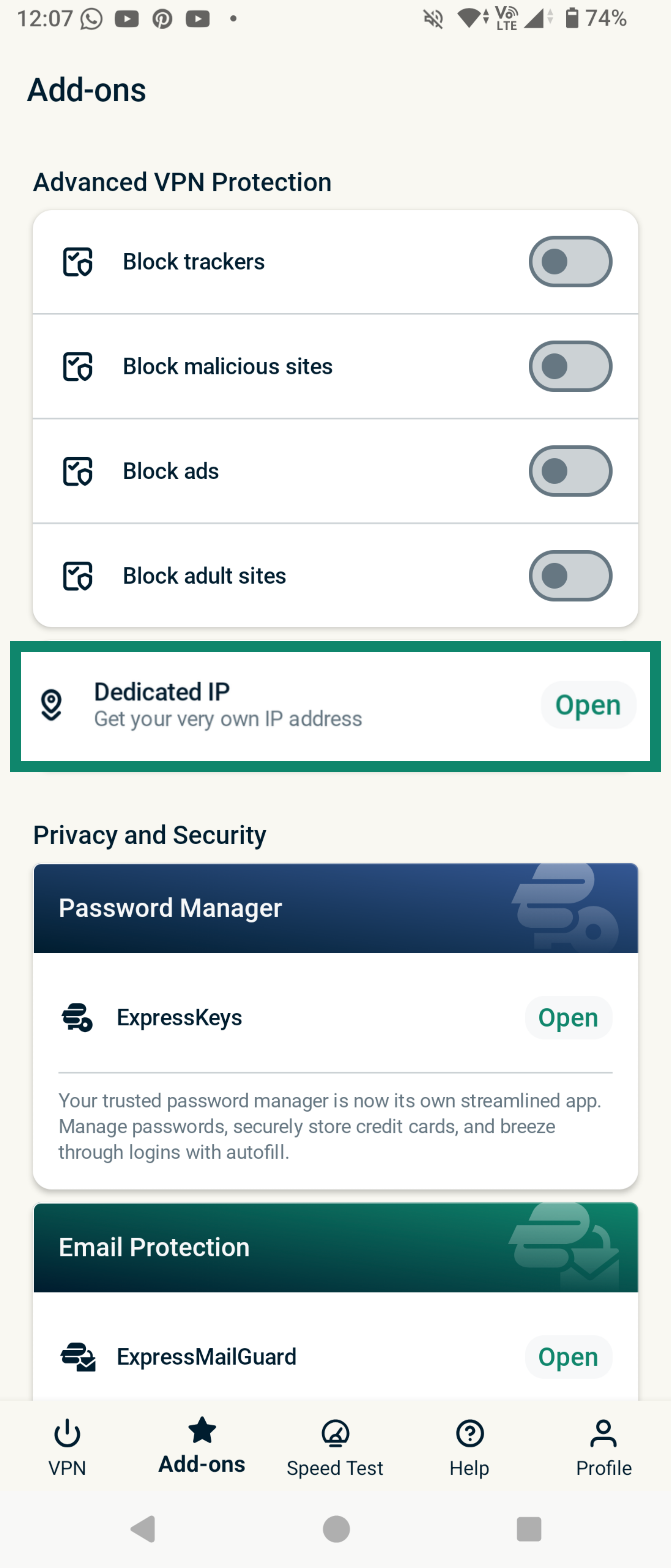
- Tap the Add-ons tab.
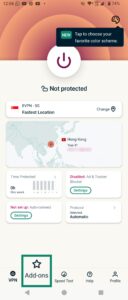

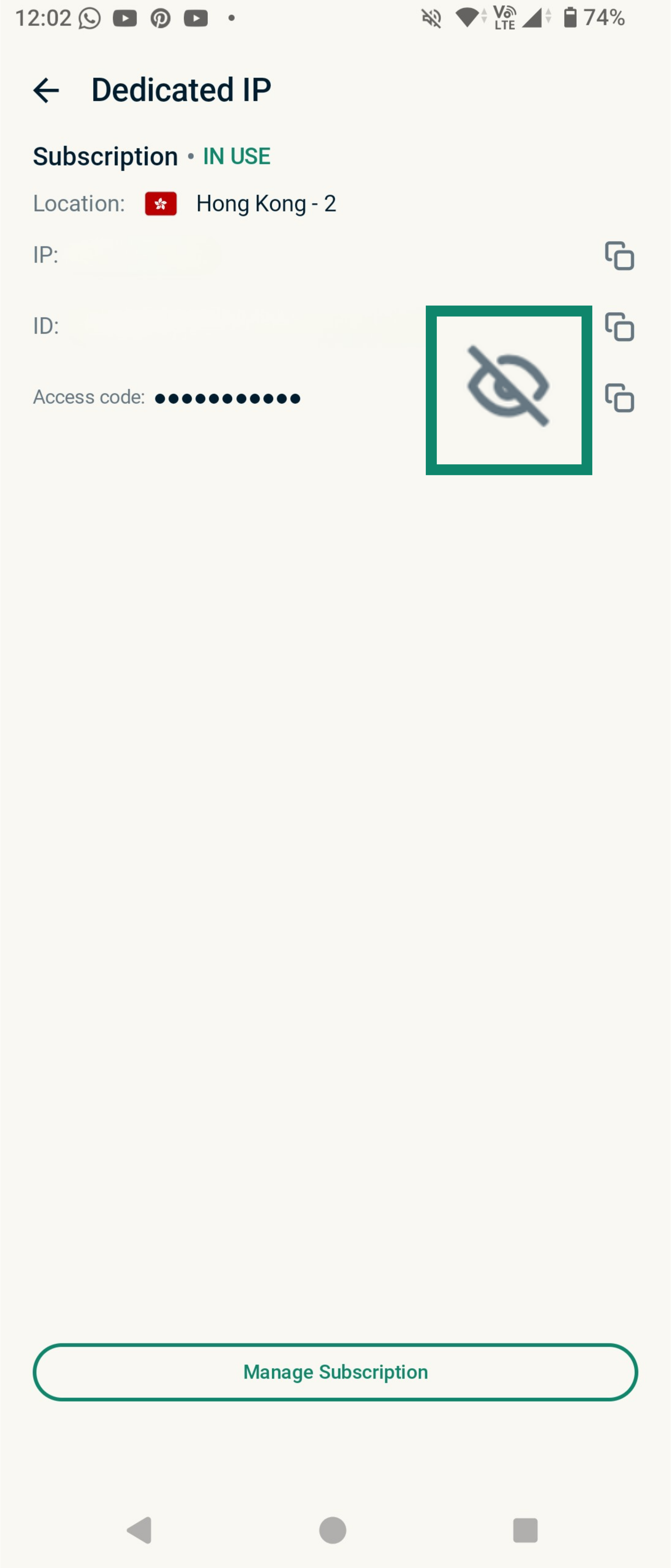
- Tap Dedicated IP.
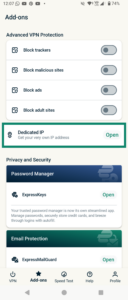
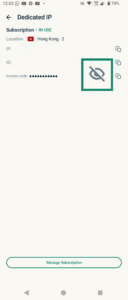
- Tap the Eye icon to reveal your access code.
Need help? Contact the ExpressVPN Support Team for immediate assistance.
Retrieve your dedicated IP access code on desktop
To retrieve your dedicated IP access code on desktop devices you have set up or unlocked your dedicated IP on:
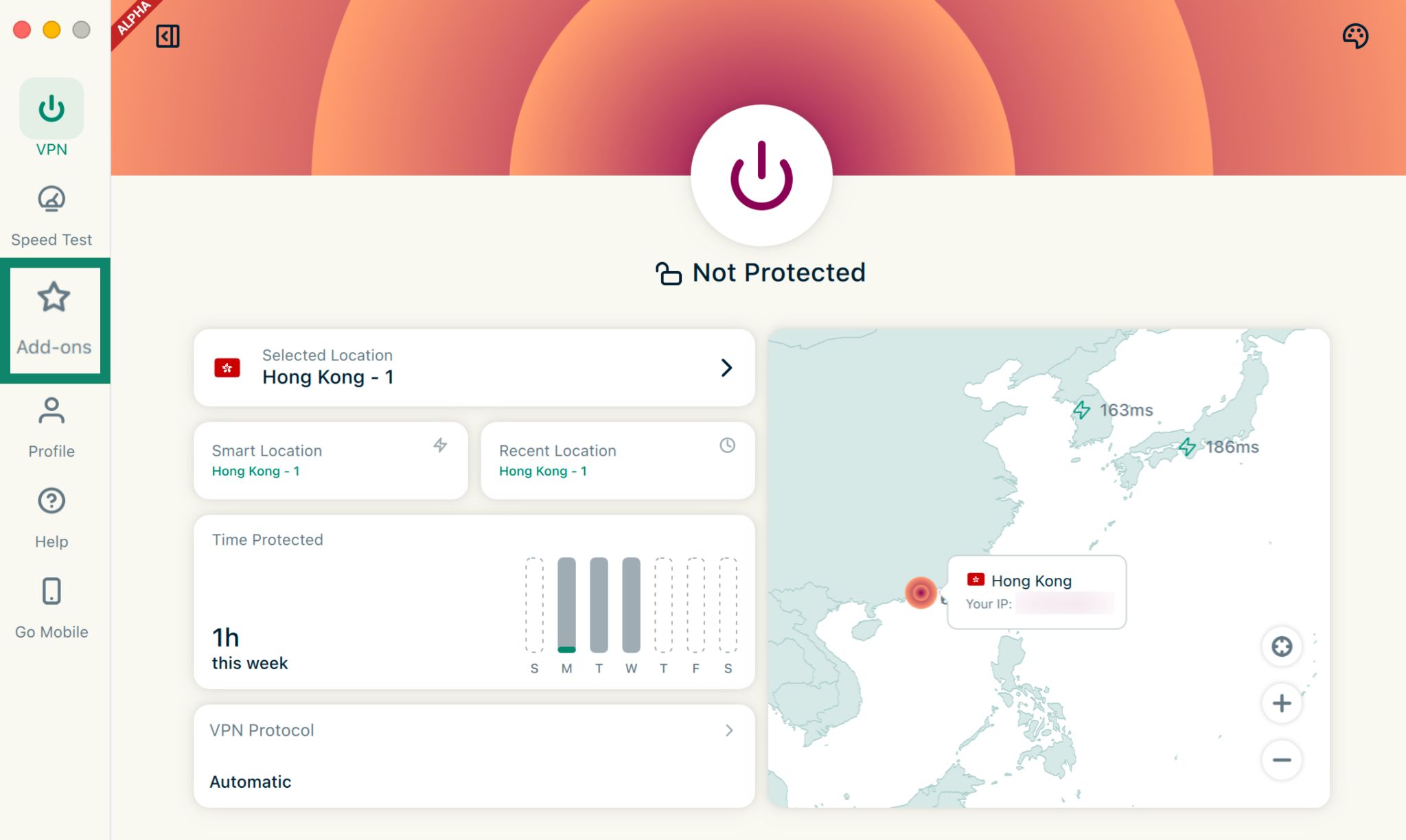
- Open the ExpressVPN app.
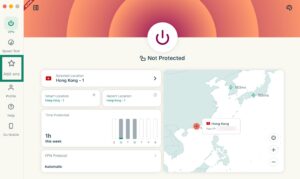
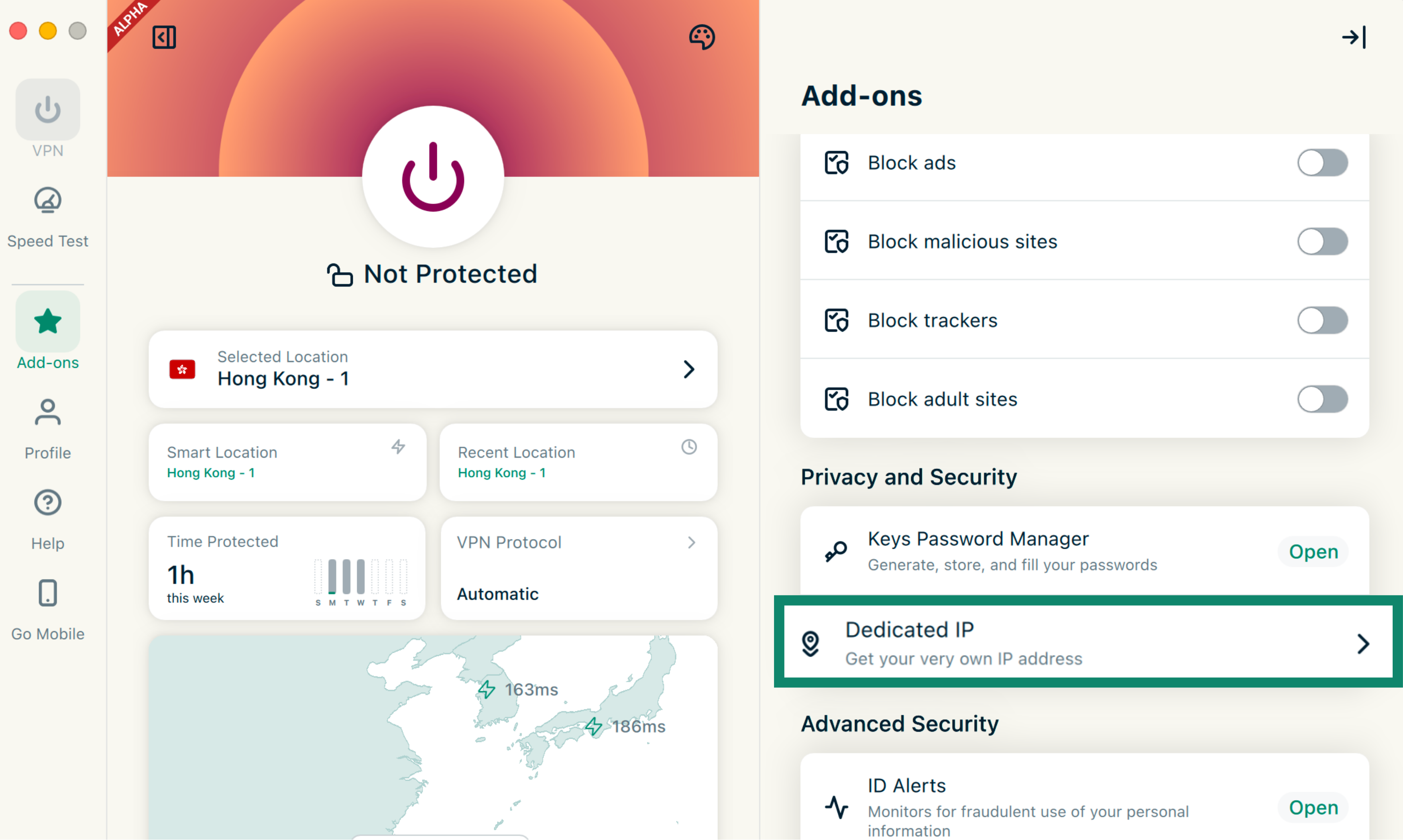
- Click the Add-ons tab.

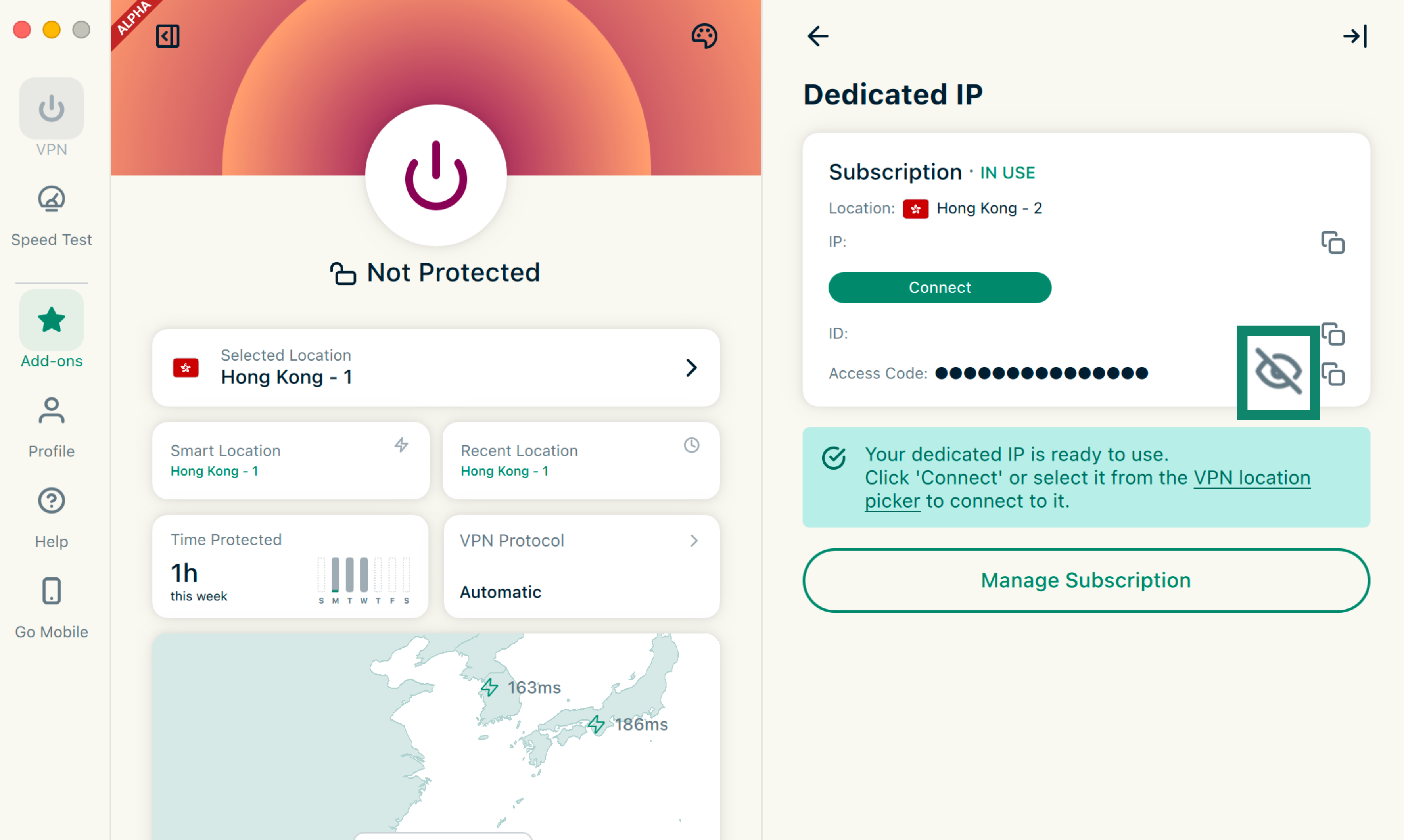
- Under Privacy and Security, click Dedicated IP.
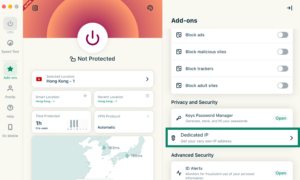

- Click the Eye icon to reveal your access code.
Need help? Contact the ExpressVPN Support Team for immediate assistance.
If you can’t retrieve your access code
Contact our Support Team and we will do our best to help. Note that as part of our commitment to your privacy, we cannot view or retrieve your access code directly, even with your authorization.
In some cases, we may be able to perform a one-time reset of your dedicated IP subscription.