This article will help you retrieve the access code for your dedicated IP.
Jump to…
Retrieve your dedicated IP access code on mobile
Retrieve your dedicated IP access code on desktop
Retrieve your dedicated IP access code on mobile
To retrieve your dedicated IP access code on a mobile device you have set up or unlocked your dedicated IP on:
- Open the ExpressVPN app.
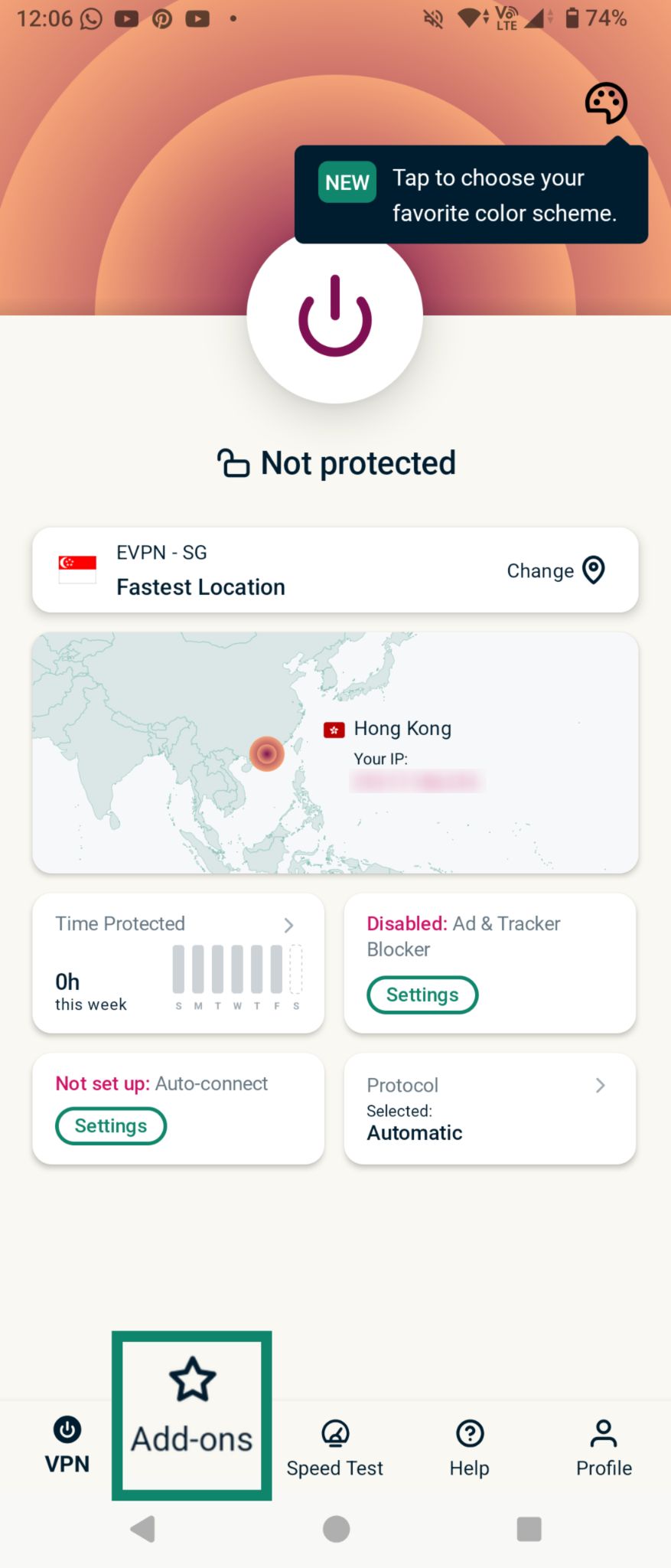
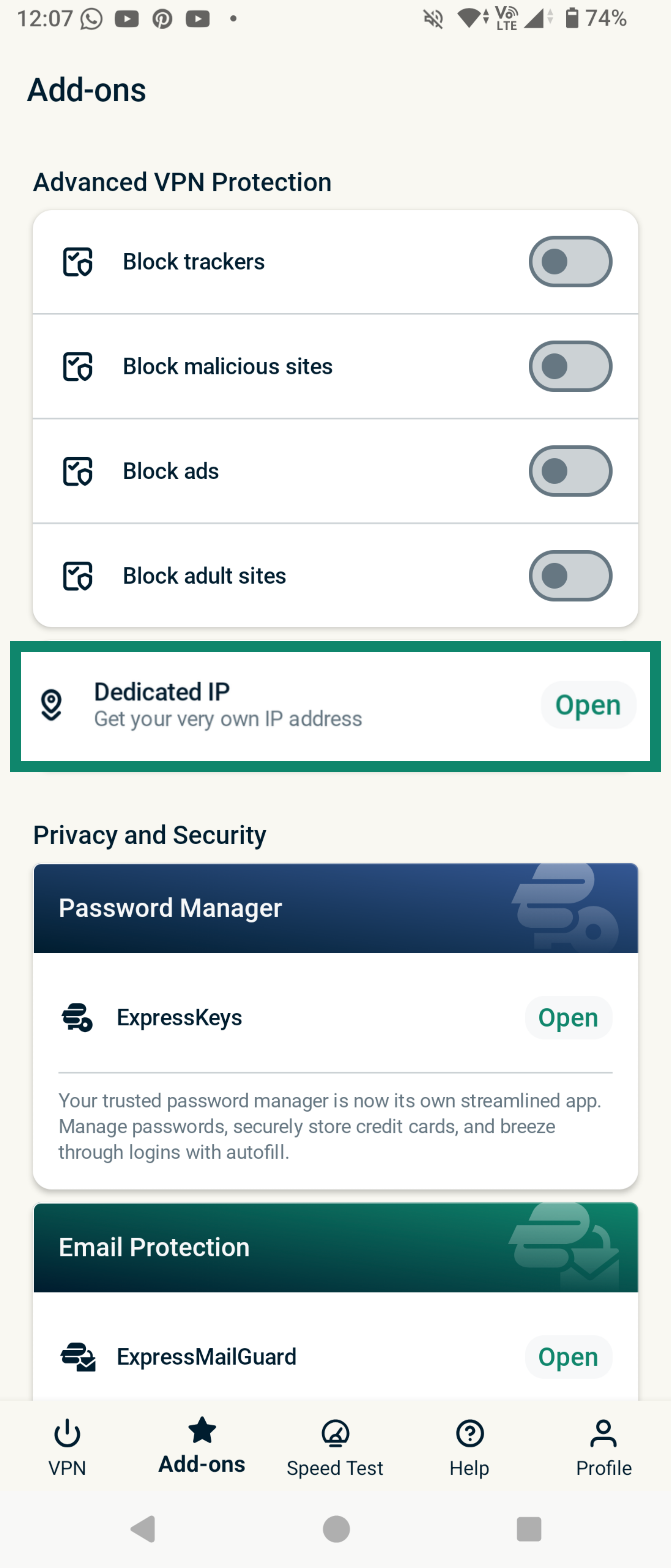
- Tap the Add-ons tab.
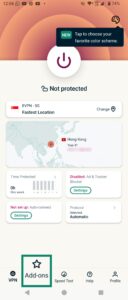

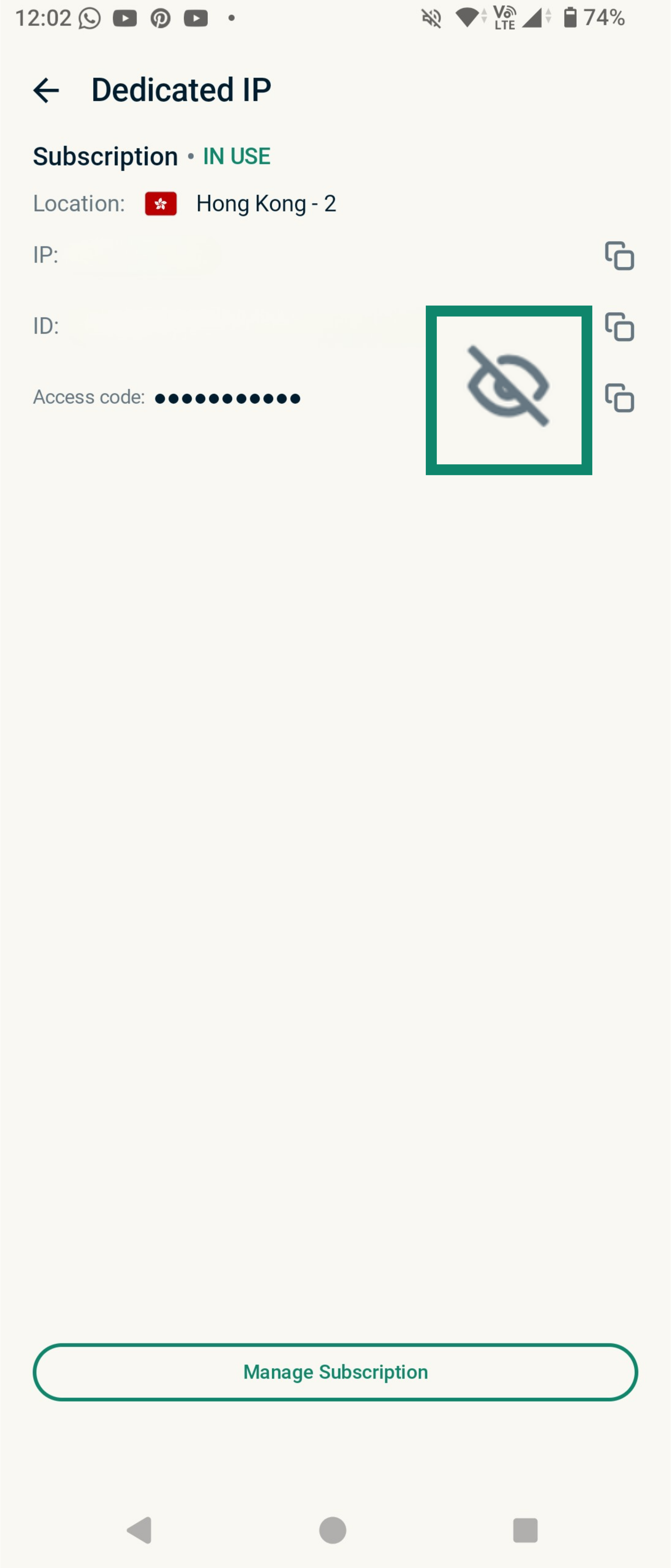
- Tap Dedicated IP.
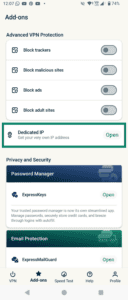
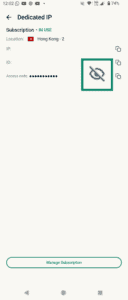
- Tap the Eye icon to reveal your access code.
If you are unable to retrieve your access code, you will need to contact our Support Team. We’ll do our best to help, but as part of our commitment to protecting your privacy, we cannot view or retrieve your access code—even with your authorization.
Retrieve your dedicated IP access code on desktop
To retrieve your dedicated IP access code on desktop devices you have set up or unlocked your dedicated IP on:
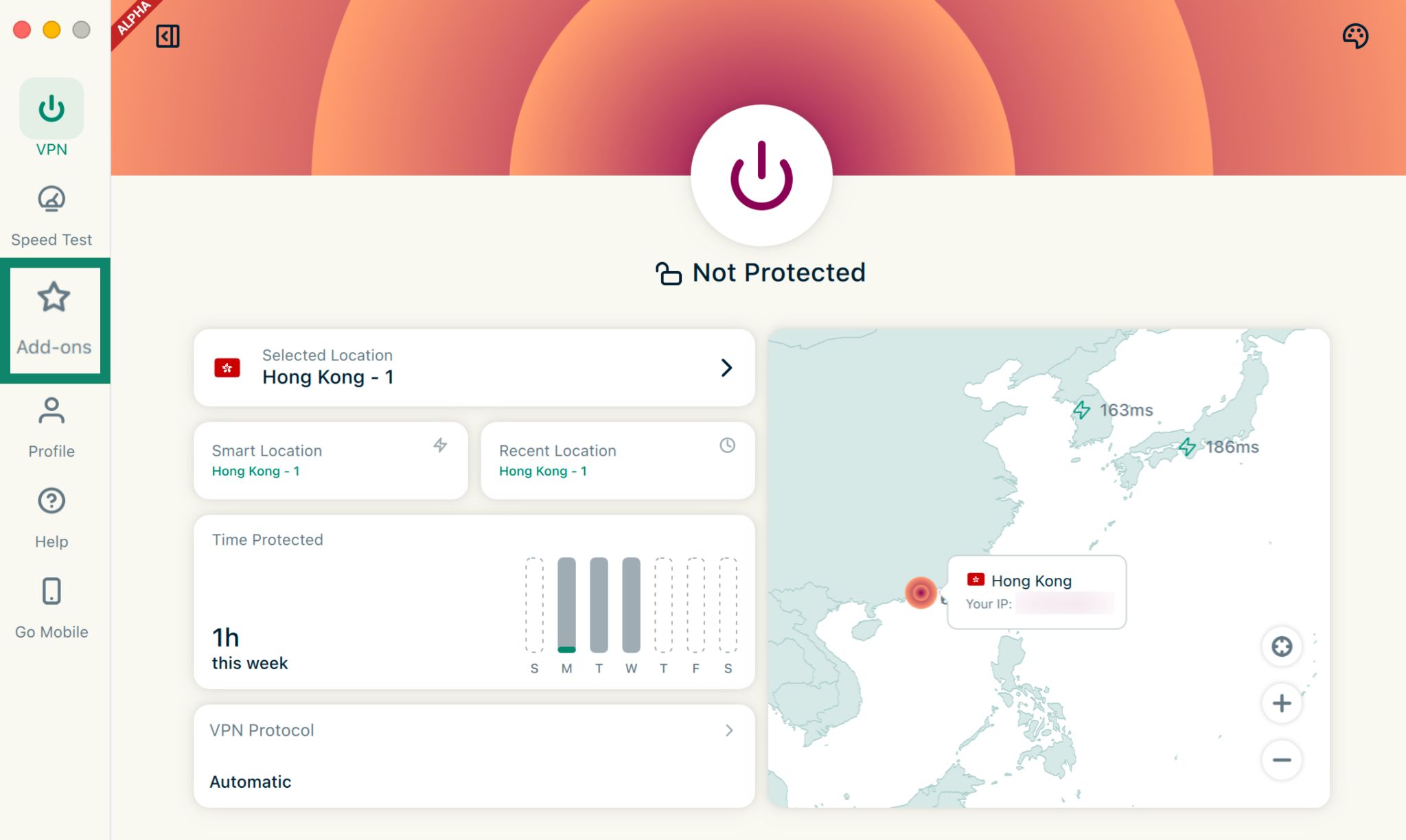
- Open the ExpressVPN app.
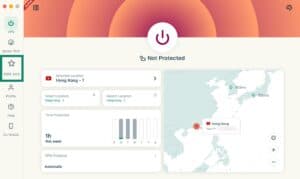
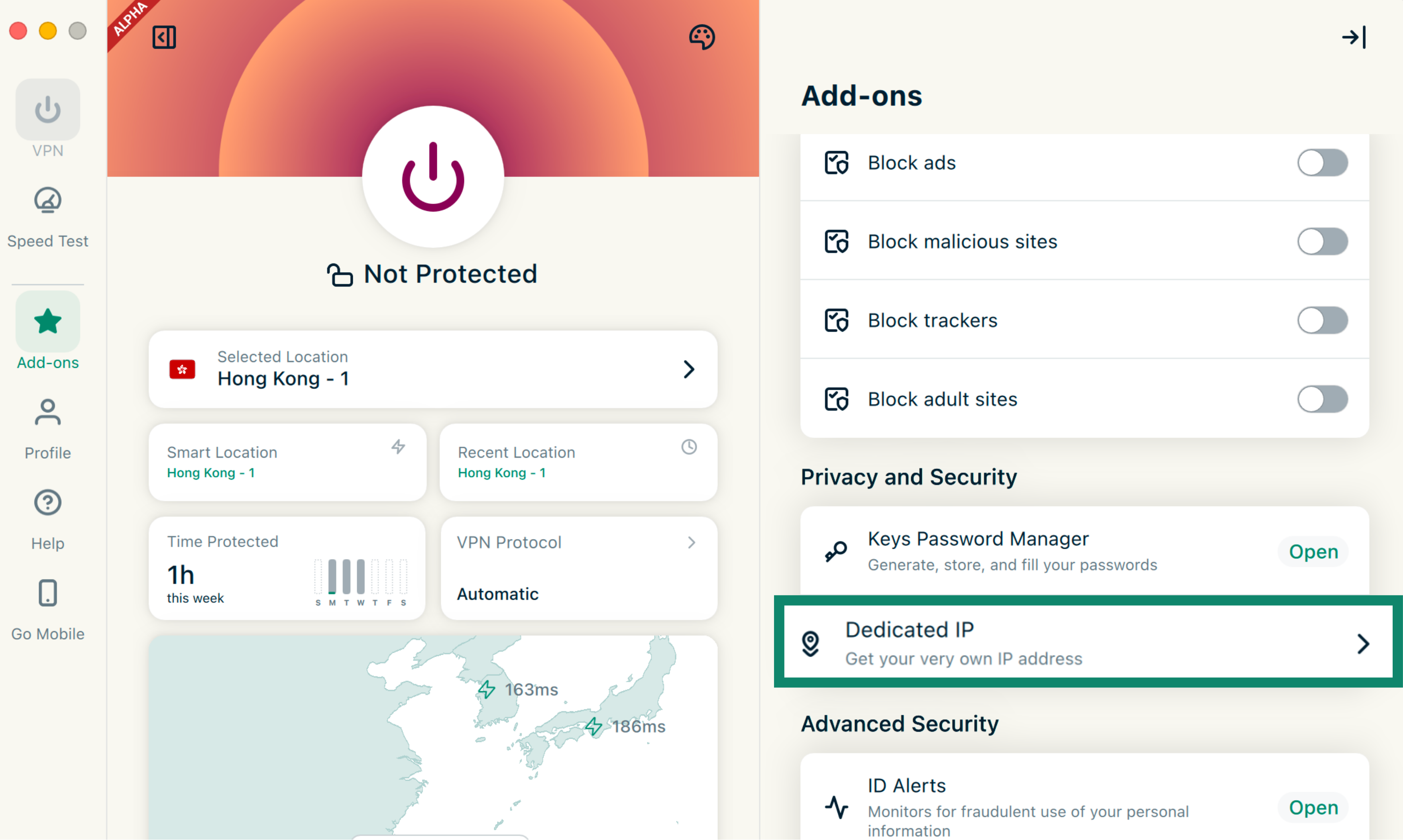
- Click the Add-ons tab.

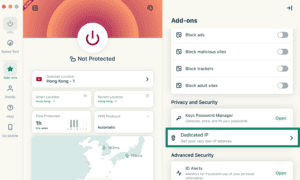
- Under Privacy and Security, click Dedicated IP.

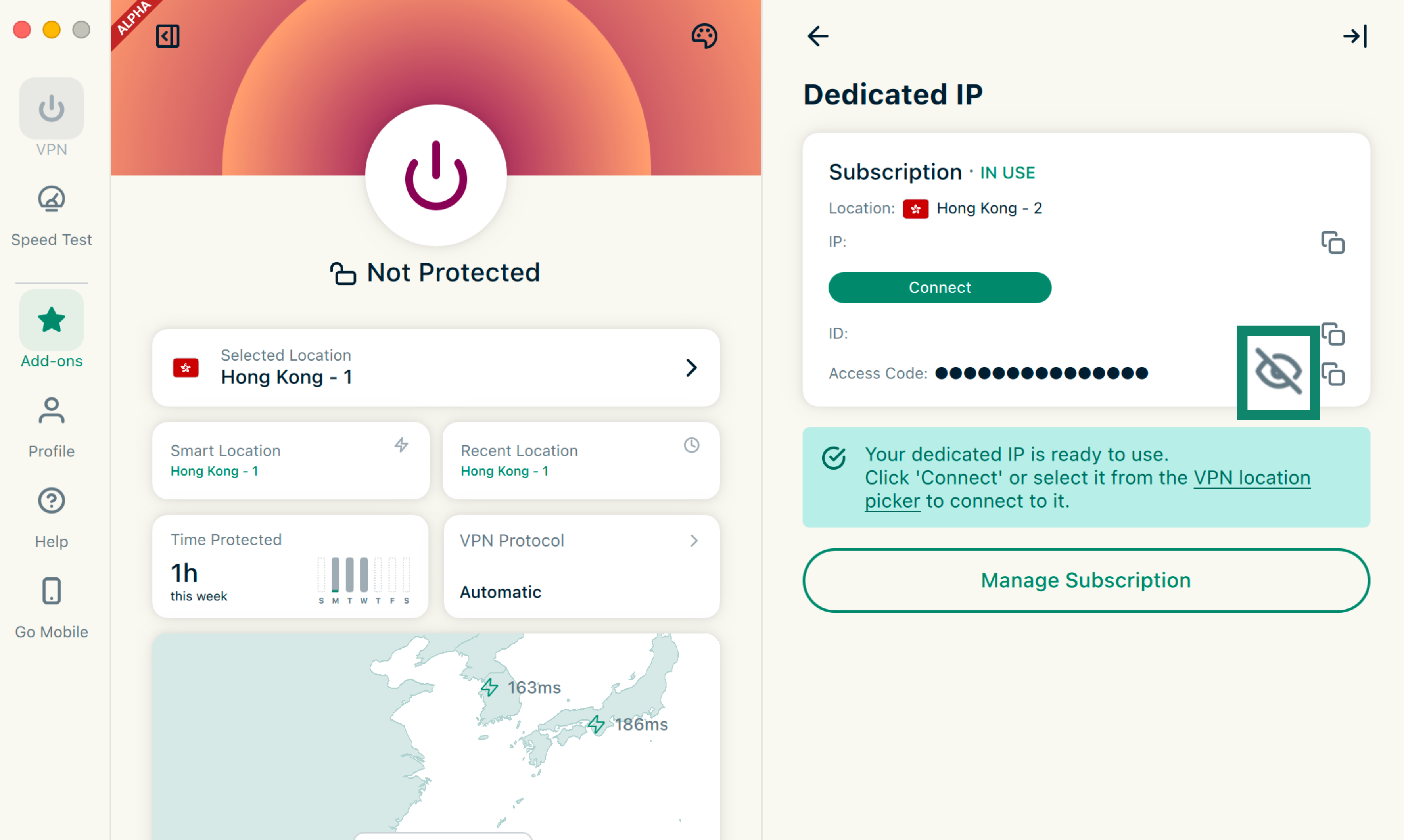
- Click the Eye icon to reveal your access code.
If you are unable to retrieve your access code, you will need to contact our Support Team. We’ll do our best to help, but as part of our commitment to protecting your privacy, we cannot view or retrieve your access code—even with your authorization.