



Identity theft can be emotionally and financially stressful. ID Theft Insurance reimburses you for eligible losses if your identity is fraudulently used by someone else. Learn more about ID Theft Insurance.
The Identity Fraud Expense Reimbursement benefit is underwritten and administered by American Bankers Insurance Company of Florida, an Assurant company, under group or blanket policies issued to Policyholder or its respective affiliates for the benefit of its Members. Please refer to the actual policies for terms, conditions, and exclusions of coverage. Coverage may not be available in all jurisdictions. Review the Summary of Benefits for the $3 Million USD (Advanced) and $5 Million USD (Pro) coverage plans.
Jump to…
How to get ID Theft Insurance
How to set up ID Theft Insurance
How to cancel ID Theft Insurance
How to make a claim
How to get ID Theft Insurance
Currently, ExpressVPN users in the U.S. who purchase an Advanced or Pro subscription plan have access to ID Theft Insurance as part of the Identity Defender suite. Coverage scales depending on your plan:
- Advanced Plan: Includes up to $3 million USD in coverage.
- Pro Plan: Includes up to $5 million USD in coverage.
To get started:
- Go to the Order page and choose an Advanced or Pro ExpressVPN plan.
- Select the button on the plan to proceed.
- Complete your order by entering your email address and payment details.
Need help? Contact the ExpressVPN Support Team for immediate assistance.
How to set up and use ID Theft Insurance
You can set up your ID Theft Insurance in the Identity Defender mobile apps for iOS and Android or via the ExpressVPN+ dashboard.
In the Identity Defender mobile app:
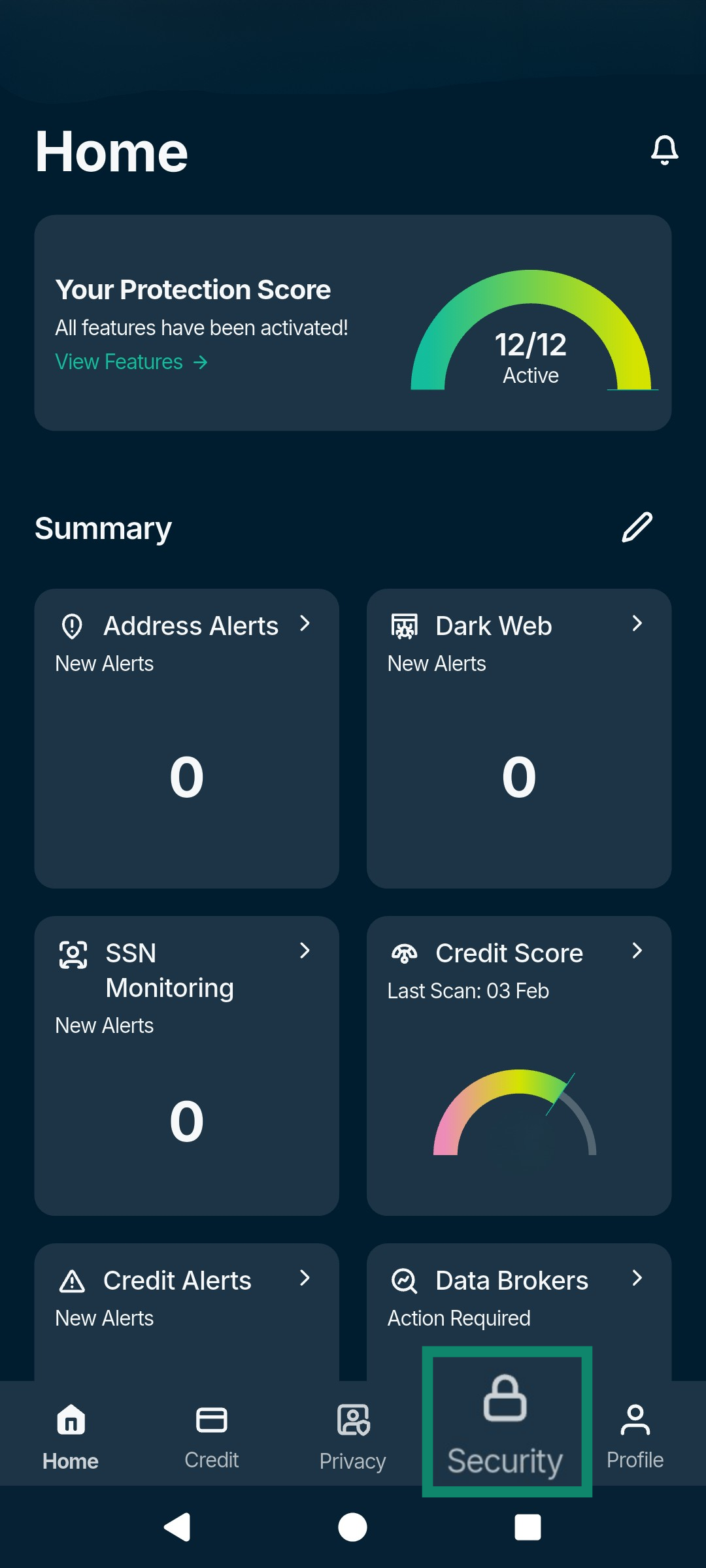
- Tap the Security tab.
- You’ll be prompted to enter your personal information.
- Fill out the mandatory fields, then select Continue to submit your information.
In the ExpressVPN+ portal:
- Go to portal.expressvpn.com and sign in with your ExpressVPN account credentials.
- Click Identity Defender > Activity Hub in the left sidebar.
- Scroll down to General personal information and fill out the mandatory fields.
- Click Set Up Now to submit your information.
Once submitted, we will confirm your identity. Once your identity is confirmed, your Identity Defender account will be set up, and you can go ahead and use all the services you have access to on your subscription plan, including ID Theft Insurance.
Need help? Contact the ExpressVPN Support Team for immediate assistance.
How to cancel ID Theft Insurance
To cancel your ID Theft Insurance subscription, stop automatic renewal of ExpressVPN on the My Subscription page. This cancels all services within your ExpressVPN account, including ID Theft Insurance.
For more information, read our full guide to canceling your ExpressVPN subscription.
Need help? Contact the ExpressVPN Support Team for immediate assistance.
How to make a claim
If you suspect your identity has been compromised and you need to file a claim, you can easily find your information on the ExpressVPN+ dashboard or the Identity Defender app.
Find your ID Theft Insurance information on the ExpressVPN+ dashboard
- Log into the ExpressVPN+ dashboard.
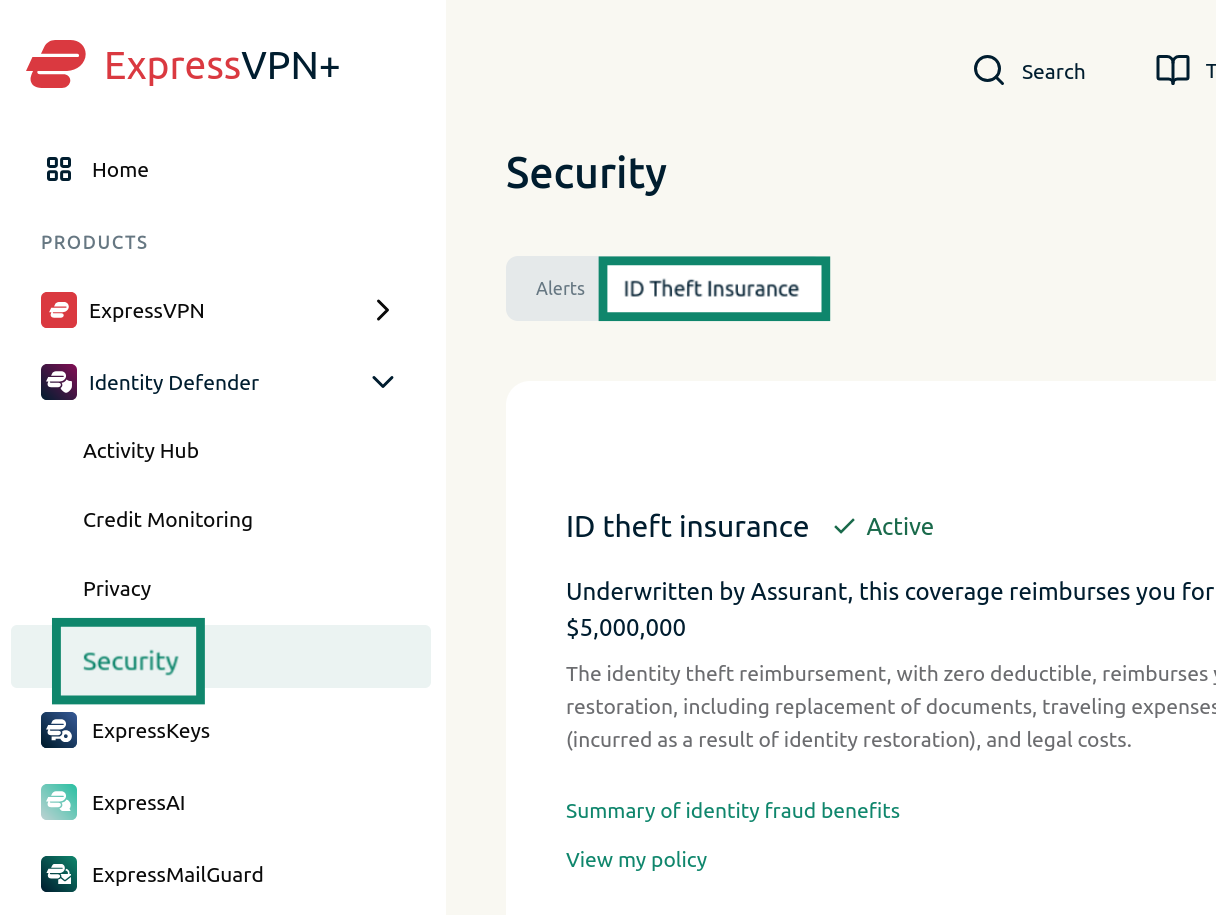
- Select Security under the Identity Defender menu on the left, then click ID Theft Insurance.
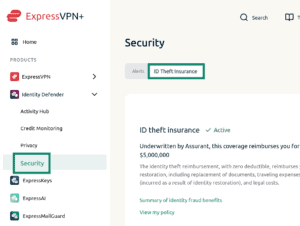

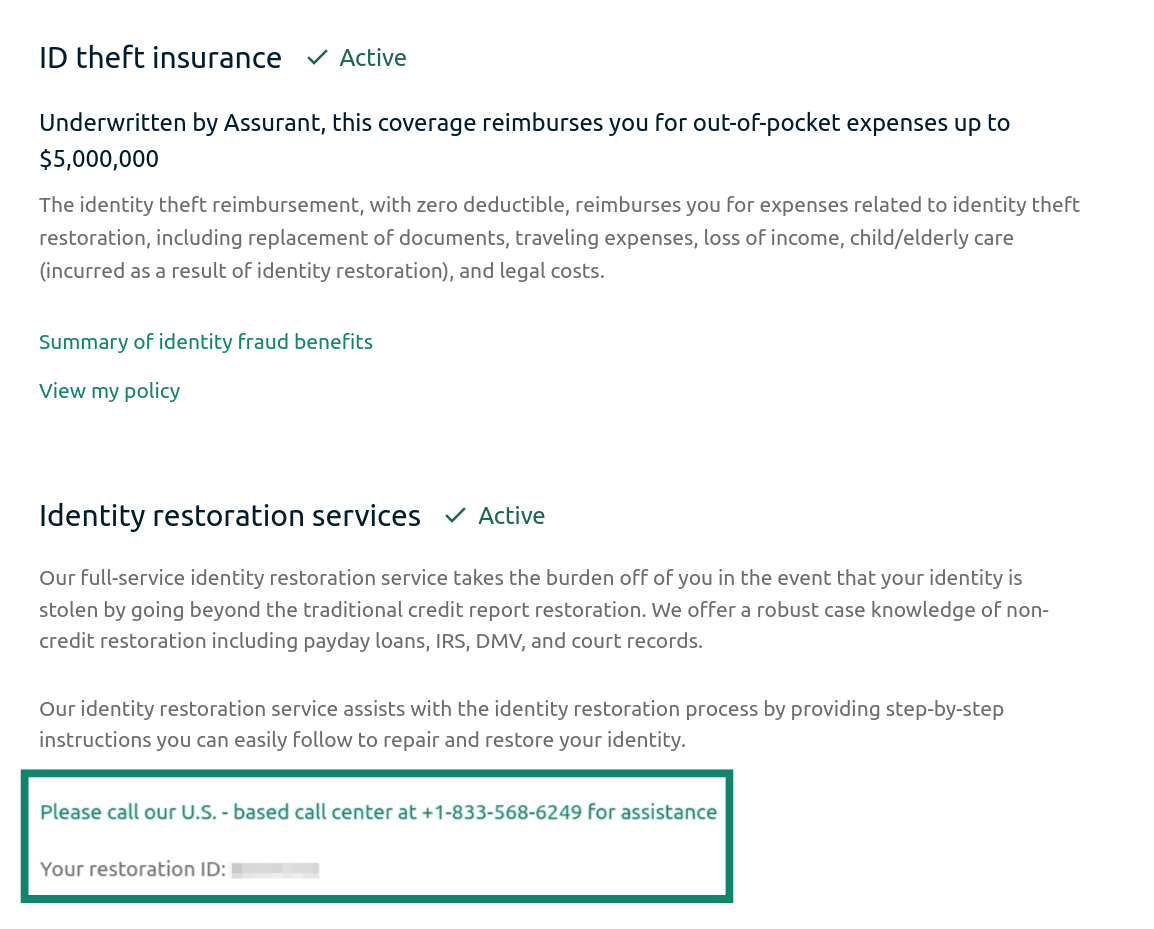
- You will find your unique restoration ID and the claim number you can call in the Identity restoration services section.


Find your ID Theft Insurance information in the Identity Defender mobile app
In the Identity Defender app, follow these steps to make a claim:
- Open the Identity Defender app.
- Tap the Security tab.
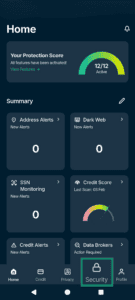

- Select Services in the dropdown menu.

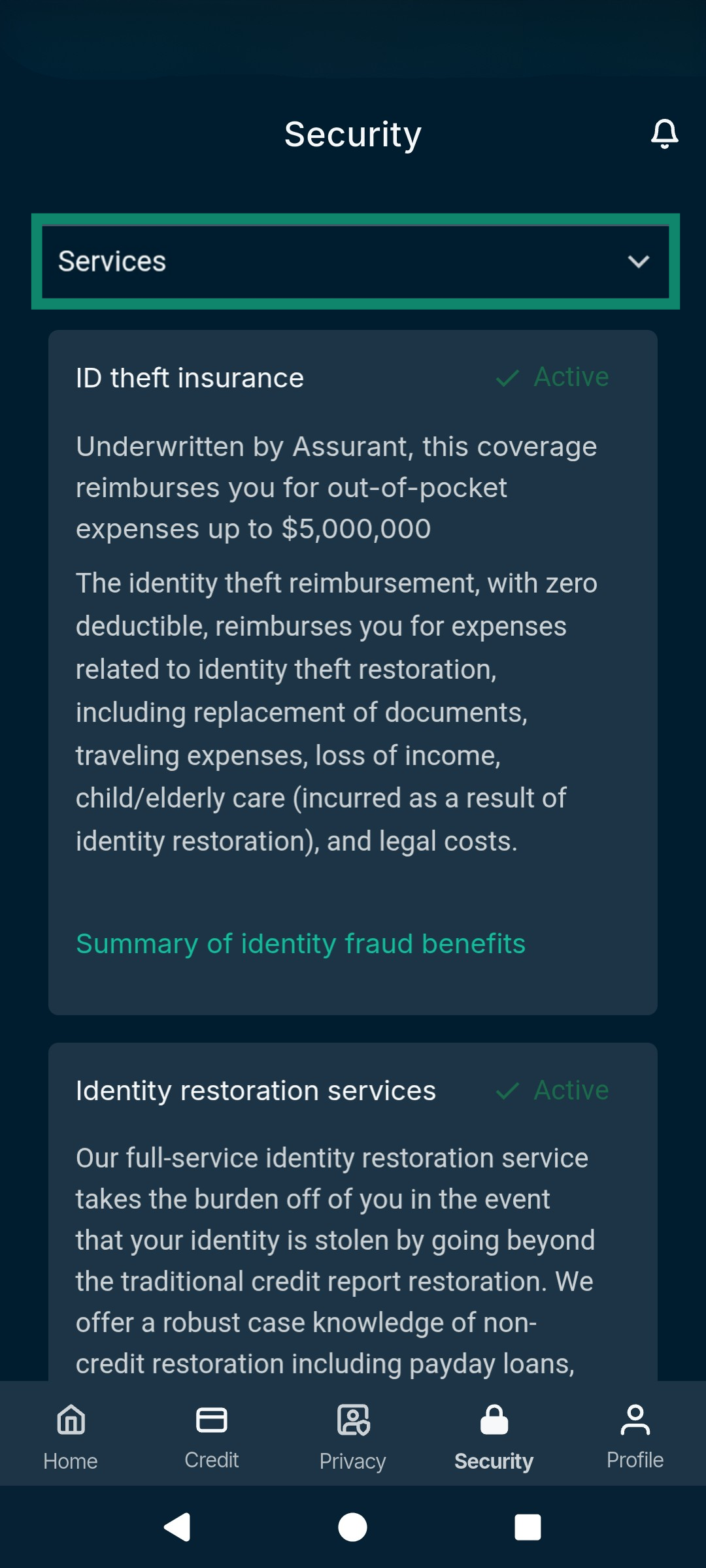
Here, you will see your unique restoration ID number and the dedicated phone number to call for claim and full-service restoration assistance.
Need help? Contact the ExpressVPN Support Team for immediate assistance.