
Expressvpn Glossary
Discretionary access control (DAC)
What is discretionary access control?
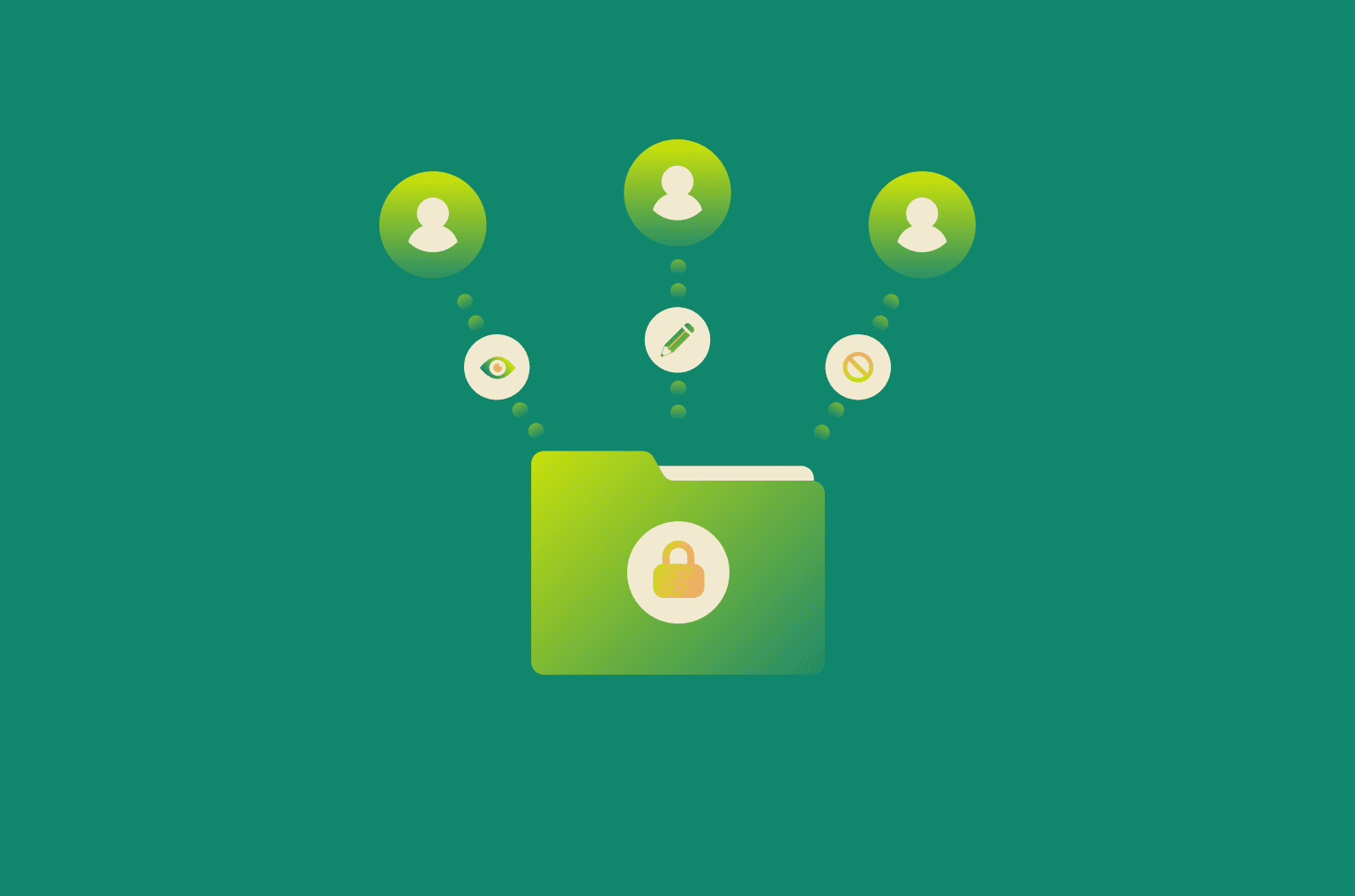
Discretionary access control (DAC) is a model where the owner of a resource decides who can access it and what actions they’re allowed to perform. The resource may be a file, folder, or other system object, and permissions are typically granted to specific users or groups.
DAC is designed to support everyday sharing and collaboration. It allows access to be immediately granted or revoked directly, without relying on centrally managed rules. This makes it more practical for routine use rather than strict policy enforcement.
How does discretionary access control work?
When access is configured under DAC, the resource owner sets which users or groups are allowed to perform specific actions on the resource. These actions commonly include reading, modifying, executing, or deleting.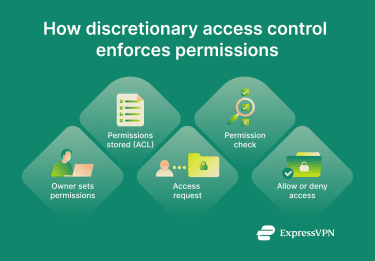 The operating system keeps a record of the permissions, usually in the form of an access control list (ACL). Each time a user or process attempts to access a resource, the system checks the ACL and either allows or blocks the request.
The resource owner can change the stored permissions at any time.
Benefits of DAC
- Easy to manage: DAC allows access to be controlled directly at the resource level. It doesn’t require strict policies to be followed or administrator involvement, making it suitable for routine access management of low-risk resources.
- Supports everyday collaboration: Access privileges can be adjusted as needed. This makes DAC practical for environments where permissions need to change frequently.
- Enables immediate access changes: Permissions can be granted and revoked quickly. This is useful for short-term projects that only require certain users to gain temporary access.
- Fits personal devices and small teams: In settings with limited scale and clear accountability, DAC can provide sufficient control without the complexity of enterprise access models.
Risks and limitations
- Can lead to excessive permissions: Because users control access privileges themselves with no overarching policy enforcement, it’s possible for resources to be mistakenly left with overly broad or outdated access permissions. This can lead to situations where one compromised user account can expose a wide array of resources to cybercriminals and/or malware.
- Not suited to strict or regulated environments: DAC doesn’t enforce uniform rules across an organization. This limits its usefulness when consistent, centrally enforced controls are required.
- Becomes harder to manage at scale: As the number of users and resources increase, discretionary permissions can become more difficult to track and standardize.
Real-world examples of DAC
- Shared device file permissions: Operating systems like Windows, Unix, and Linux implement DAC through file permissions. When someone creates a document or folder, they can decide which other user accounts on the device have permission to access it or make changes.
- Corporate networks: DAC allows employees on the same network to collaborate on resources via shared files or folders.
- Cloud storage: Remote access to cloud resources can be managed with DAC.
DAC vs. other access control models
Different access control models are designed to solve different problems. The key difference between them lies in who makes access decisions and how consistently those decisions are enforced.
| Access control model | How access is defined | What it’s best suited for | Key limitation |
| Discretionary access control (DAC) | Individual users set permissions on resources they control | Personal devices, small teams, flexible collaboration | Permissions can become inconsistent or overly broad |
| Mandatory access control (MAC) | Centrally enforced rules based on classifications or labels | High-security or regulated environments | Limited flexibility for everyday sharing |
| Role-based access control (RBAC) | Permissions are assigned based on predefined roles | Larger organizations with defined job functions | Roles can become too broad if not carefully maintained |
Further reading
- Cybersecurity lessons: A PATH vulnerability in Windows
- How to control internet access at home
- What is phishing-resistant MFA, and why does it matter?



