A closer look at ExpressVPN’s new Qt desktop experience


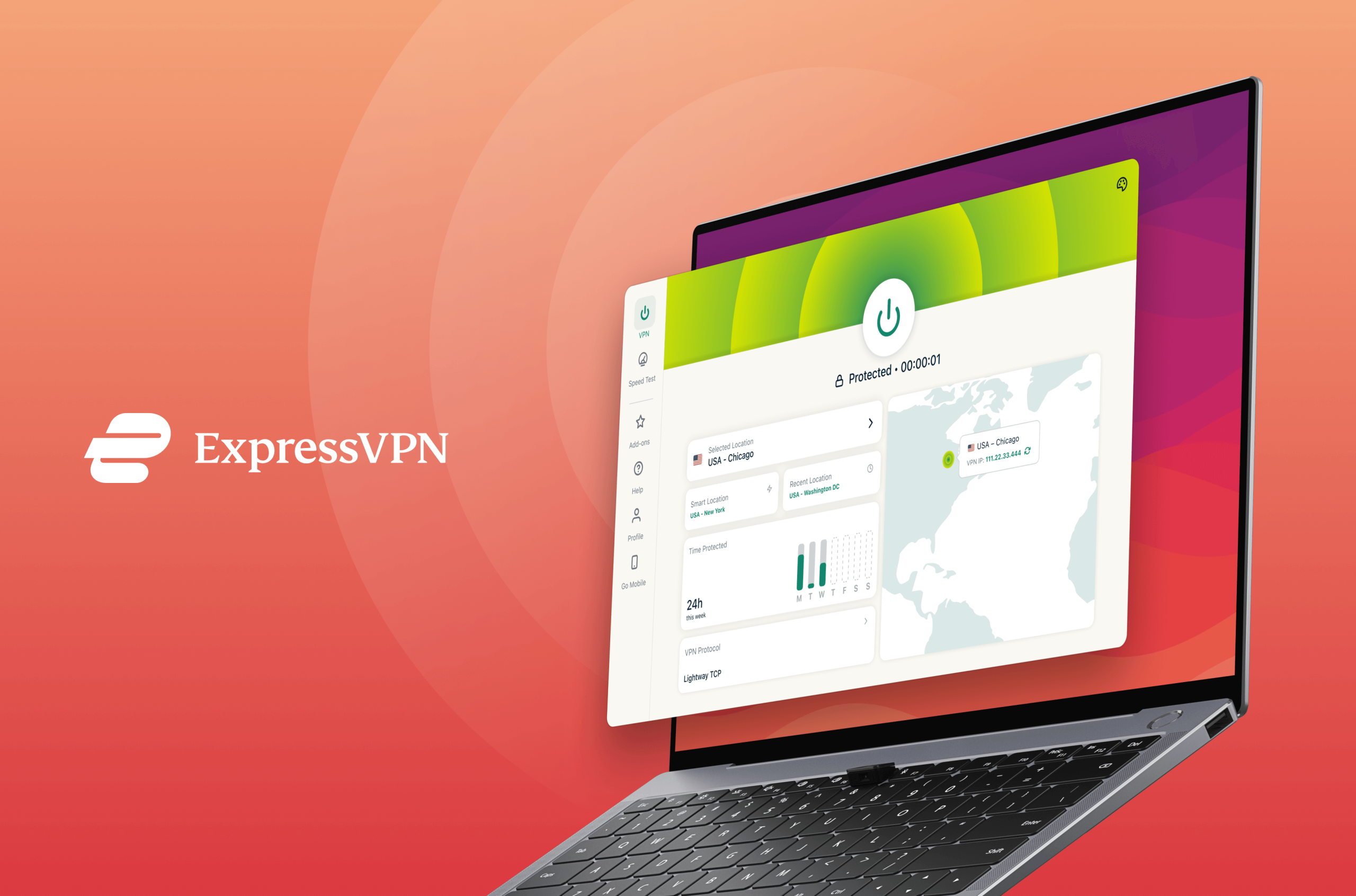
Software rarely changes all at once. It evolves in layers, shaped by legacy decisions, platform constraints, and the unglamorous realities of engineering roadmaps. Over time, those layers turn into small but persistent differences between platforms: the Linux app gains a tool the macOS version doesn’t; macOS gets a new interface while Linux stays familiar. None of this breaks the experience, but it creates a sense that the apps grew up in different households. This release begins to close that gap.
ExpressVPN is moving its desktop apps to a shared foundation built on the Qt framework (pronounced “cute,” and essentially a shared toolkit that helps us build desktop features once instead of rebuilding them for every platform).
The first version arrives on Linux, with macOS entering beta and Windows coming soon. Qt isn’t something users will notice directly, but it reshapes how these apps will develop over the next few years. Features can be built once instead of multiple times, design choices can travel across platforms without drift, and updates that used to move unevenly across operating systems can finally align.
The result is a more consistent experience from the moment the app opens, no matter which desktop environment you prefer or how you’ve customized it.
Why this shift matters
Cross-platform development has always required trade-offs. Linux distributions rely on different libraries and release cycles. macOS enforces its own networking rules that, at times, run counter to how VPNs traditionally operate. Windows adds another layer of architectural expectations. Building features across all three platforms has meant maintaining separate implementations that slowly diverged over time.
Qt consolidates the work while giving the engineering team a clearer path to bring major features (including some long-requested ones) to each platform without having to repeat the same build three times. From the user’s perspective, this translates into an app that behaves more predictably and evolves at a steadier pace.
What’s new on Linux
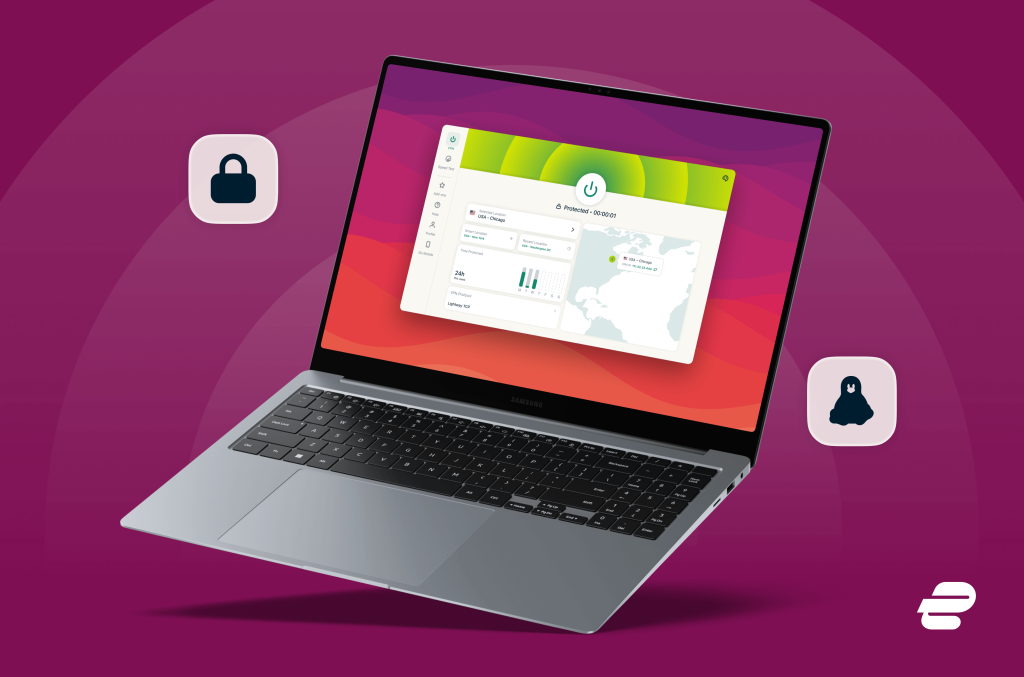
The Linux version is the first to showcase this shift. The interface has been rebuilt around clearer navigation and a layout that puts the essentials like connection status, locations, and protocol details front and center. It looks cleaner, but it also handles the small moments better: switching servers, checking performance, or jumping into settings now feels more intuitive whether you prefer graphical user interface (GUI) or command line interface (CLI).
Several new tools make their first appearance here. Speed test gives a real view of how your connection performs with and without the VPN, measured in the same session. Dedicated IP can now be unlocked and managed directly within the Linux client, bringing it in line with other platforms. Installation is lighter on dependencies, which matters if you’re deploying the app on servers, containers, or stripped-down environments.
This update also raises the minimum supported distributions to those based on Debian 11 or newer, including Ubuntu 24.04+, Fedora 35+, and RHEL/CentOS 9+, a shift driven by modern Qt libraries.
A closer look at the Linux additions
Speed test
Speed test runs two measurements: a baseline check through your ISP connection, followed by the same test routed through the VPN. Seeing both results side by side gives a clearer sense of how your network performs under different conditions and helps diagnose issues without guesswork.
Dedicated IP
Dedicated IP is now available directly from the Linux app. Unlocking, viewing status, and switching between sessions all happen within the interface, removing the need to move between devices.
Redesigned interface
The dashboard adopts a card-based layout that surfaces commonly used information without feeling crowded. Favorites sit where they naturally belong, the map responds more fluidly and also allows users to manually refresh the VPN's IP address, and settings now live in a slide-in panel that keeps the main view focused.
Improved headless installation
For anyone installing ExpressVPN in server or minimal environments, the reduced dependency footprint makes deployment cleaner and more straightforward.
WireGuard
WireGuard joins Lightway and OpenVPN as a third protocol option, built with post-quantum security to protect against future threats. Users can switch between protocols based on their specific needs.
What’s available on macOS beta
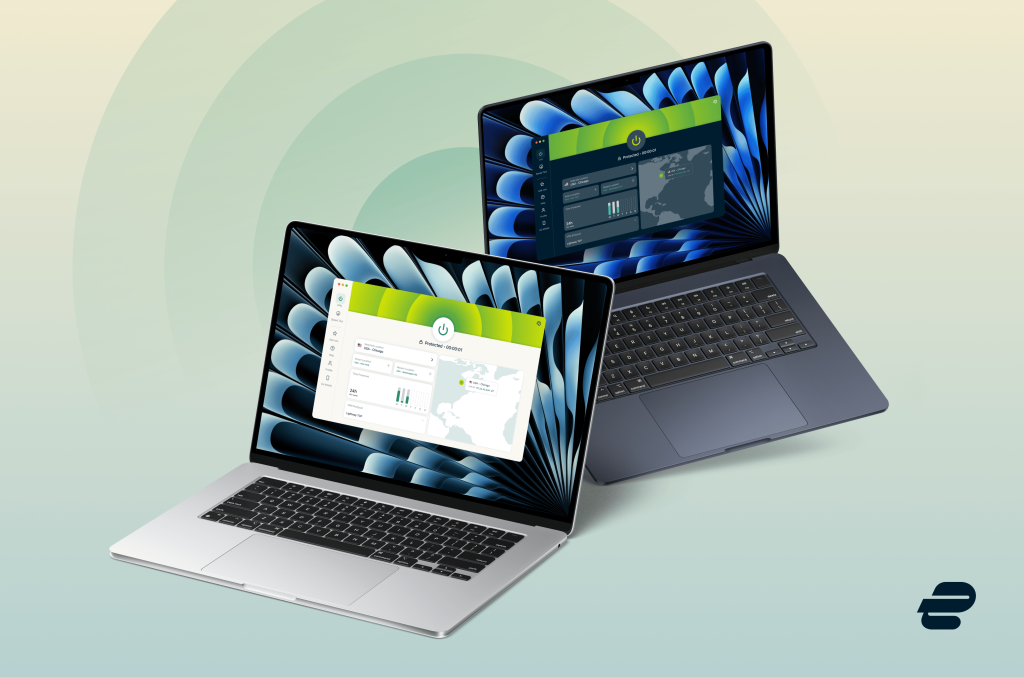
The Qt macOS beta is the one shaped most visibly by long-standing requests from users. Split tunneling returns for modern macOS, bringing fine-grained control over how traffic moves on the network. While some apps go through the VPN tunnel, others are left to run on the local connection. It’s a small change with a big effect, especially for anyone who relies on local printers, file shares, or tools that only behave properly on a home network.
The new macOS version also adds WireGuard alongside Lightway and OpenVPN, giving users three distinct protocol options with different strengths for speed, stability, and security. For everyday use, Lightway remains the default. But for anyone who wants to experiment with performance profiles or is working in environments with unpredictable routing, having access to all three protocols makes the app more adaptable.
Another addition is expressvpnctl—a full command-line interface for macOS. Power users have asked for deeper control for years, and the CLI opens the door to automating VPN tasks, integrating ExpressVPN into scripts, or managing sessions from the terminal. Developers and sysadmins will appreciate the ability to run the app quietly in the background while keeping precise control over connection rules.
Network automation also makes its debut on macOS. It lets users set up rules that respond to different environments: auto-connect on public Wi-Fi, stay idle at home, or behave differently on a trusted office network. It turns manual habits into predictable behavior, which is exactly what good security tooling should do.
The new beta macOS app requires macOS 11 (Big Sur) or newer, reflecting the modern framework beneath it. The Qt-based macOS app is available exclusively through the beta channel of the ExpressVPN website.
What's coming to Windows
The Qt-based Windows app enters beta in the coming weeks for users on Windows 10 and 11. It carries over the same design thinking that shaped the Linux and macOS releases: clearer navigation, a more unified structure, and tools that surface useful information without clutter.
It comes with an integrated speed test that runs a dual measurement, comparing your baseline ISP performance against your VPN connection. It's a straightforward way to see what's actually happening with your network rather than guessing when something feels slower than usual.
Advanced Network Lock strengthens traffic protection beyond the standard kill switch to keep your connection secure even when you're not connected to ExpressVPN, adding an extra layer of defense when network conditions change.
On top of all that, network automation adds intelligence to how the app responds to different environments—be it auto-connecting on public Wi-Fi, staying idle on trusted networks, or adapting based on rules you define. It removes the friction of managing the VPN manually as you move between locations.
We're releasing the Qt app as an open beta for users to get early access to this new version. As we further develop the app, we'll be releasing additional features and refinements.
A foundation that will matter over time
Moving to Qt brings the majority of ExpressVPN’s desktop roadmap into one place. Engineering teams can now build features that propagate across platforms with far less friction. Design changes no longer need parallel implementations, and updates can roll out with more predictability instead of platform-by-platform delays.
For users, this means a more consistent VPN experience across macOS, Windows, and Linux. The apps will evolve at a steadier, more predictable pace, with features and design updates moving in closer alignment across all three platforms.
For users, the shift will surface over time. Updates will land more predictably across macOS and Linux, and the apps will start to feel more aligned in both pace and design—even as each platform keeps the quirks that make it distinct.
What this means for Linux and Mac users right now
Linux gets a sizable jump in capability and usability. Everyday users see a cleaner interface and better diagnostics. Power users get the tools they’ve been asking for, including a meaningful speed test, efficient headless installation, and Dedicated IP support.
Mac users will see split tunneling, more protocols, automation, and a fully modern interface bring them macOS much closer to the experience found on other platforms. The CLI alone will likely change how many people use ExpressVPN day-to-day.
However, while Qt won’t make all three desktop platforms identical—each operating system still has its own rules, restrictions, and quirks—it does solve many long-standing challenges and gives ExpressVPN a clearer foundation…one that lets future updates move faster without losing what makes each platform feel distinct.
Take the first step to protect yourself online. Try ExpressVPN risk-free.
Get ExpressVPN










 Support Center
  FAQ
FAQ  VPN Setup Tutorials


