



To use our apps and configurations, please sign up for an ExpressVPN account first.
To reset a lost or forgotten password, you can visit our reset password page. The instructions below outline how to change your password from there.
If you remember your ExpressVPN account password and want to change it, visit our guide on how to change your password.
Jump to section
Change your password via email
Change your password via the ExpressVPN app
Change your password via email
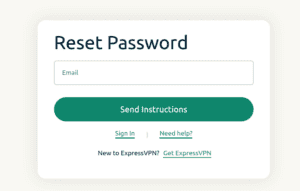
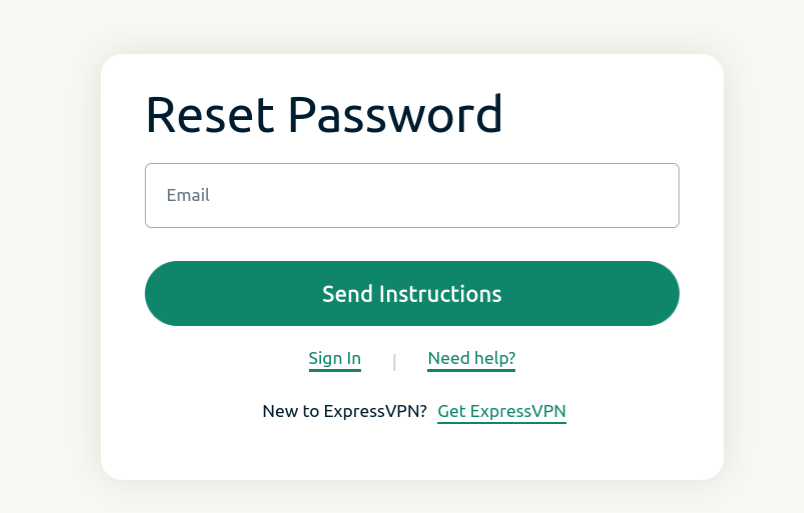
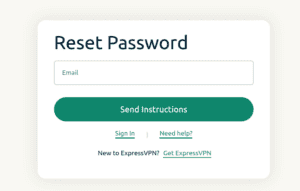
- Visit the password reset page and enter the email address associated with your account. Click Send Instructions.

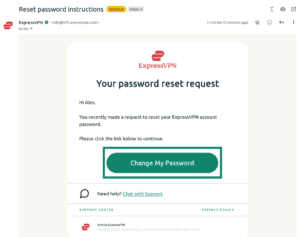
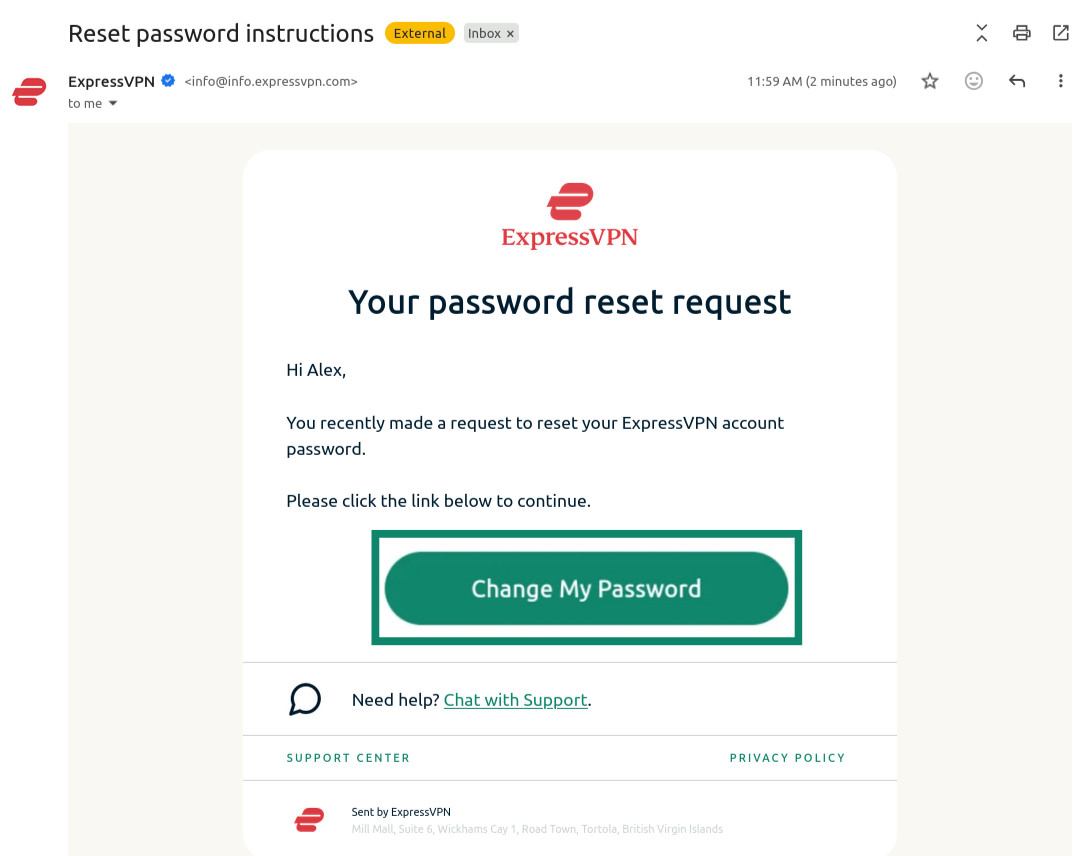
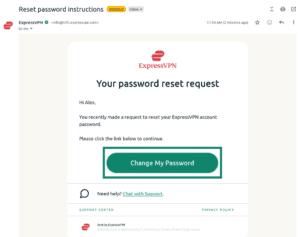
- Open the new email you received and click the Change My Password button.

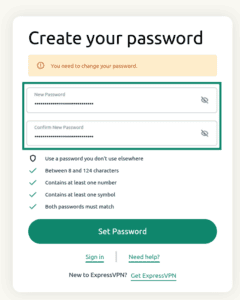
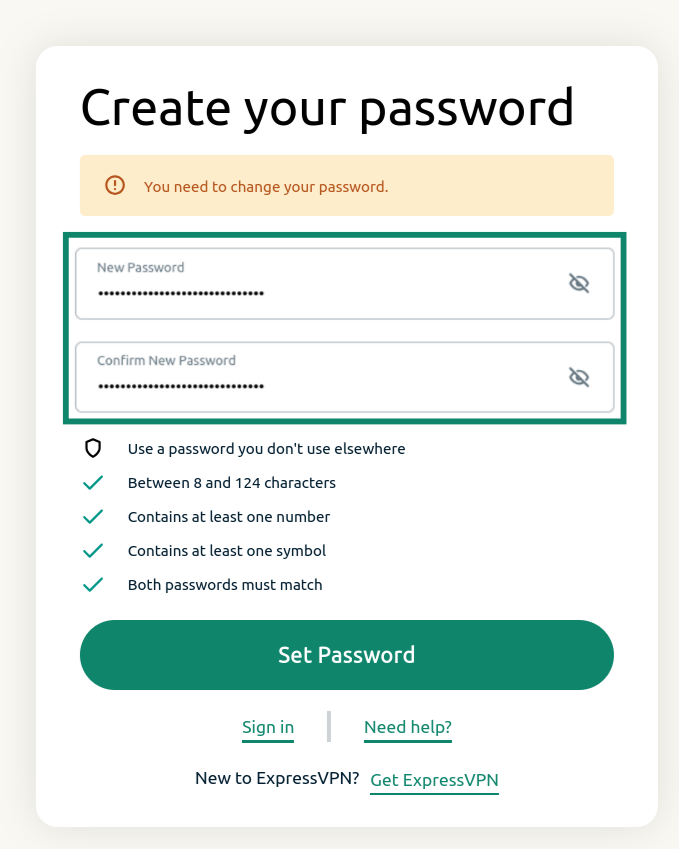
- Enter a new password, confirm it, and click Set Password.

You will receive a notification saying that your account has been updated. Your password should now be reset.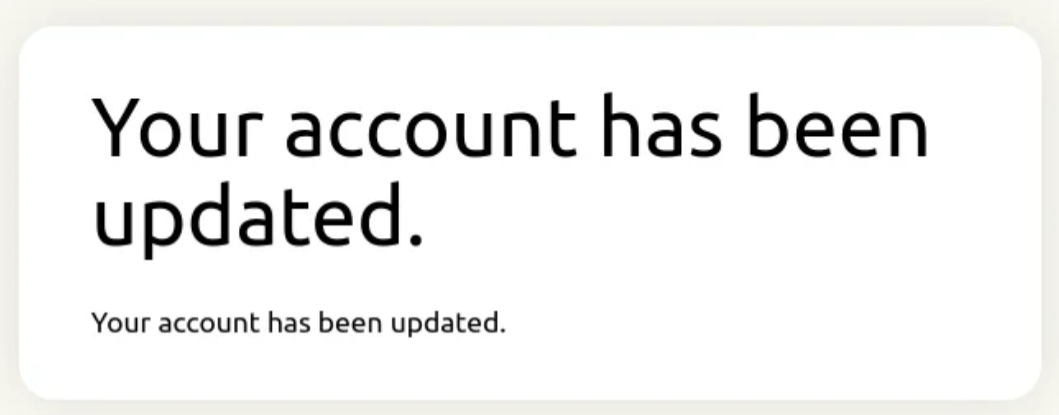
Need help? Contact the ExpressVPN Support Team for immediate assistance.
Change your password via the ExpressVPN app
Follow the steps for your device below:
On desktop
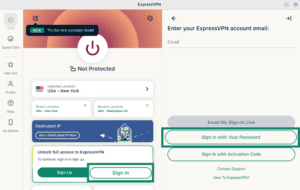
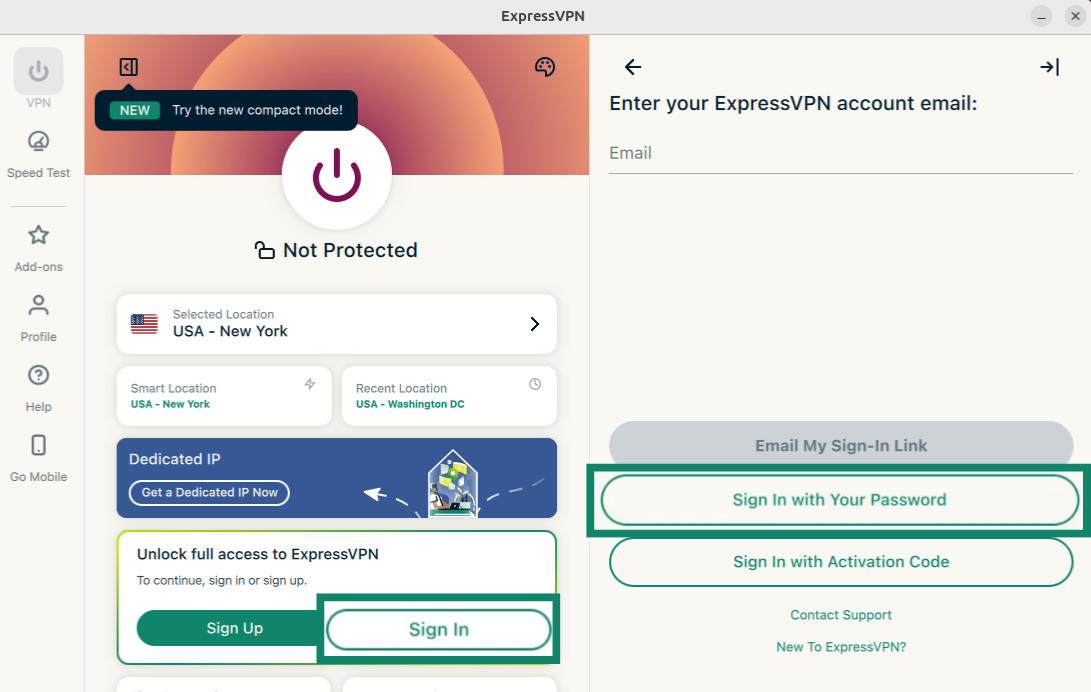
- Open the ExpressVPN app and select Sign In.
- Select Sign in with Your Password.

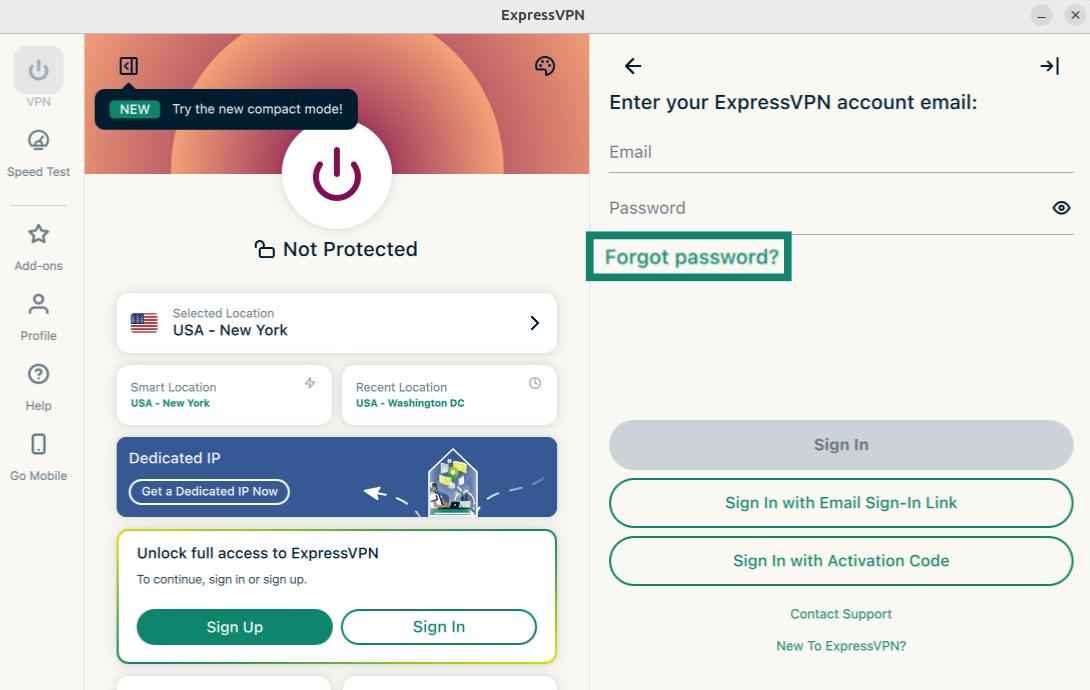
- Click Forgot password?
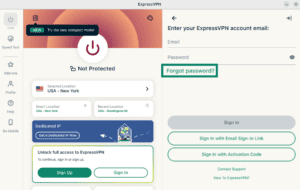

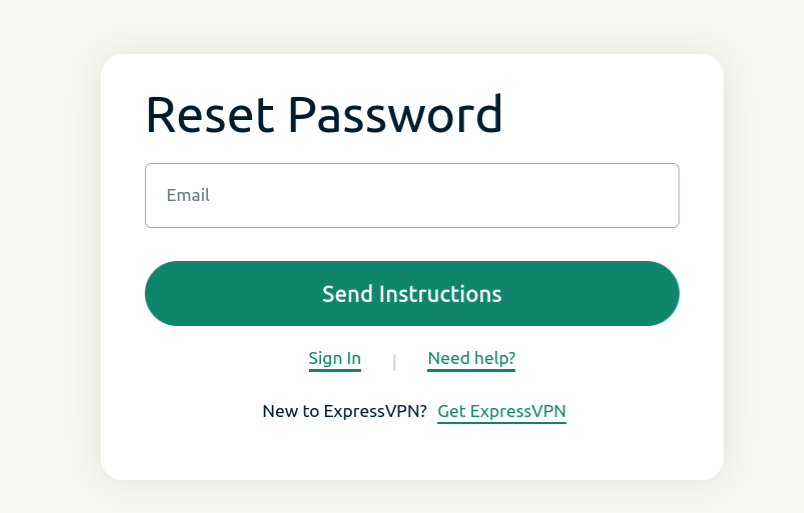
- The password reset page will open. Enter the email address associated with your ExpressVPN account and click Send Instructions.
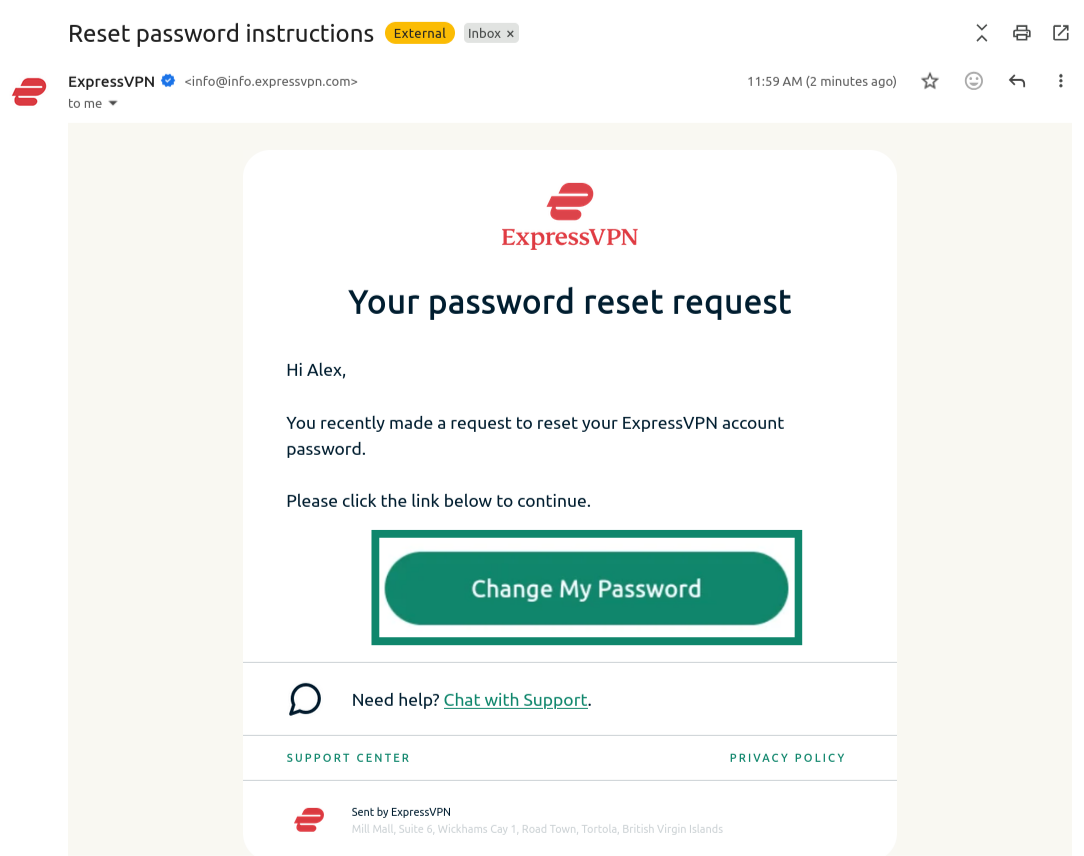
- Open the new email you received and click the Change My Password button.
- Enter a new password, confirm it, and click Set Password.
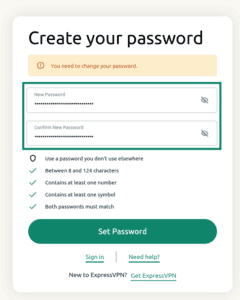
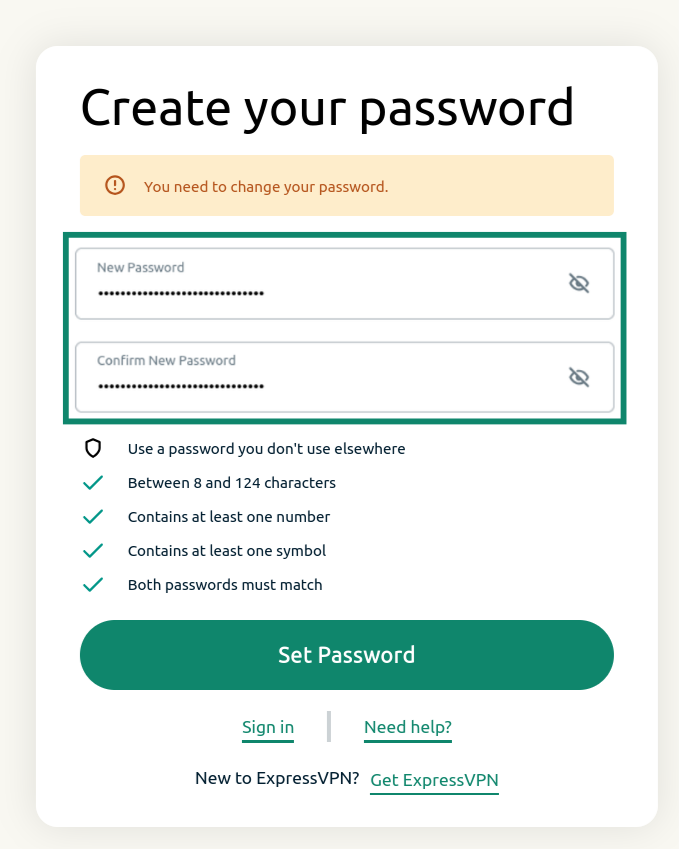
Your password should now be reset.
Need help? Contact the ExpressVPN Support Team via Live Chat for immediate assistance.
On iOS
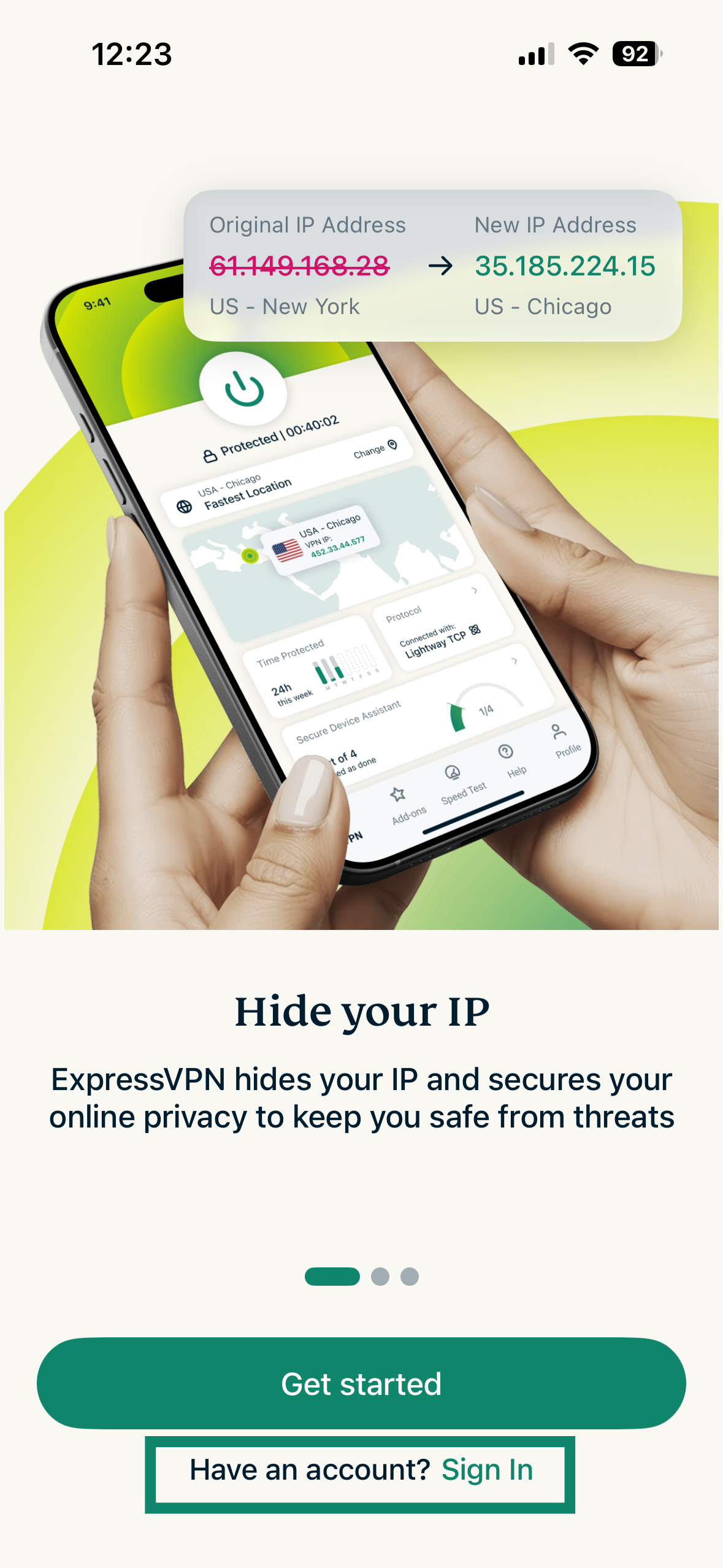
- Open the ExpressVPN app, and select Sign In.
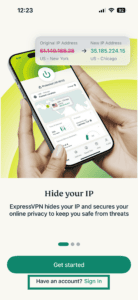

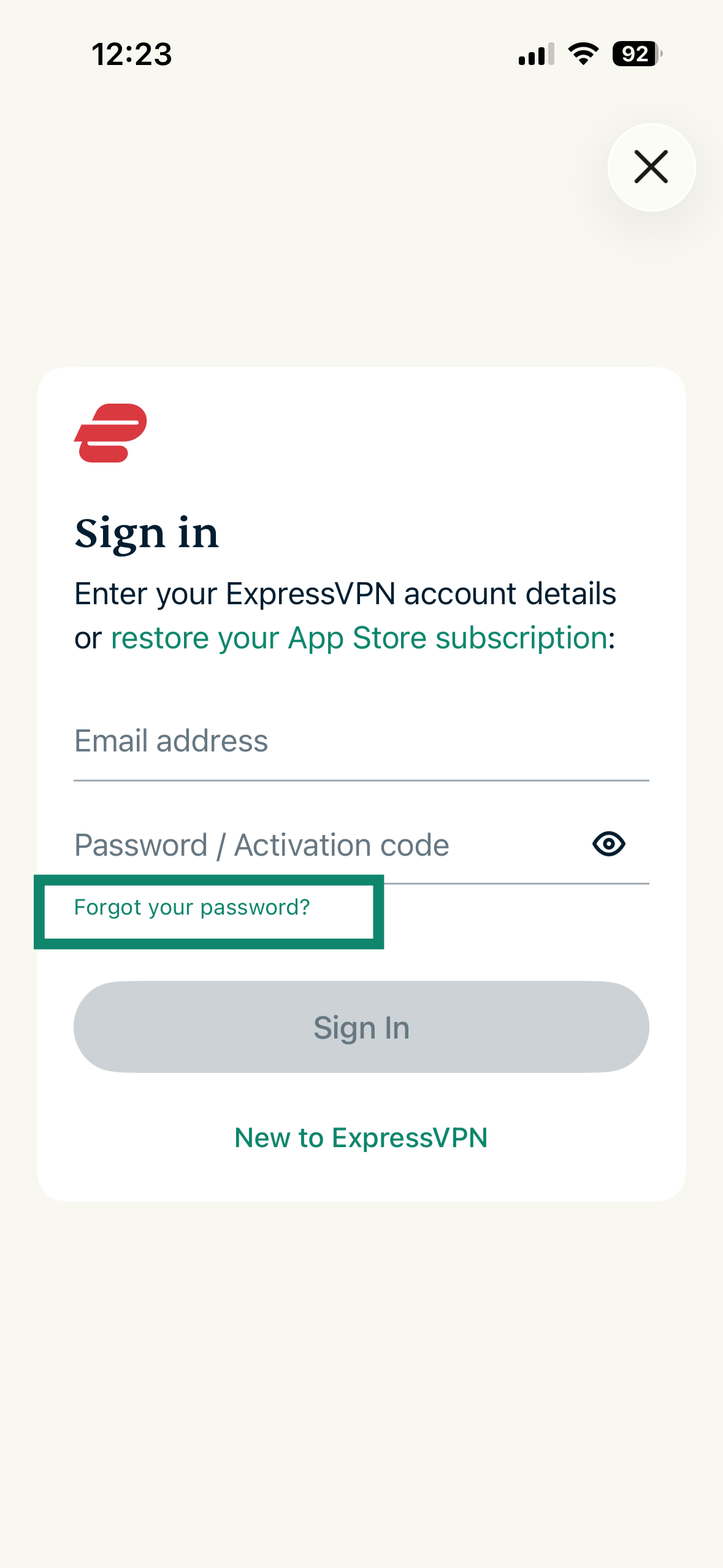
- On the sign-in screen, tap Forgot your password?
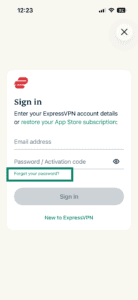
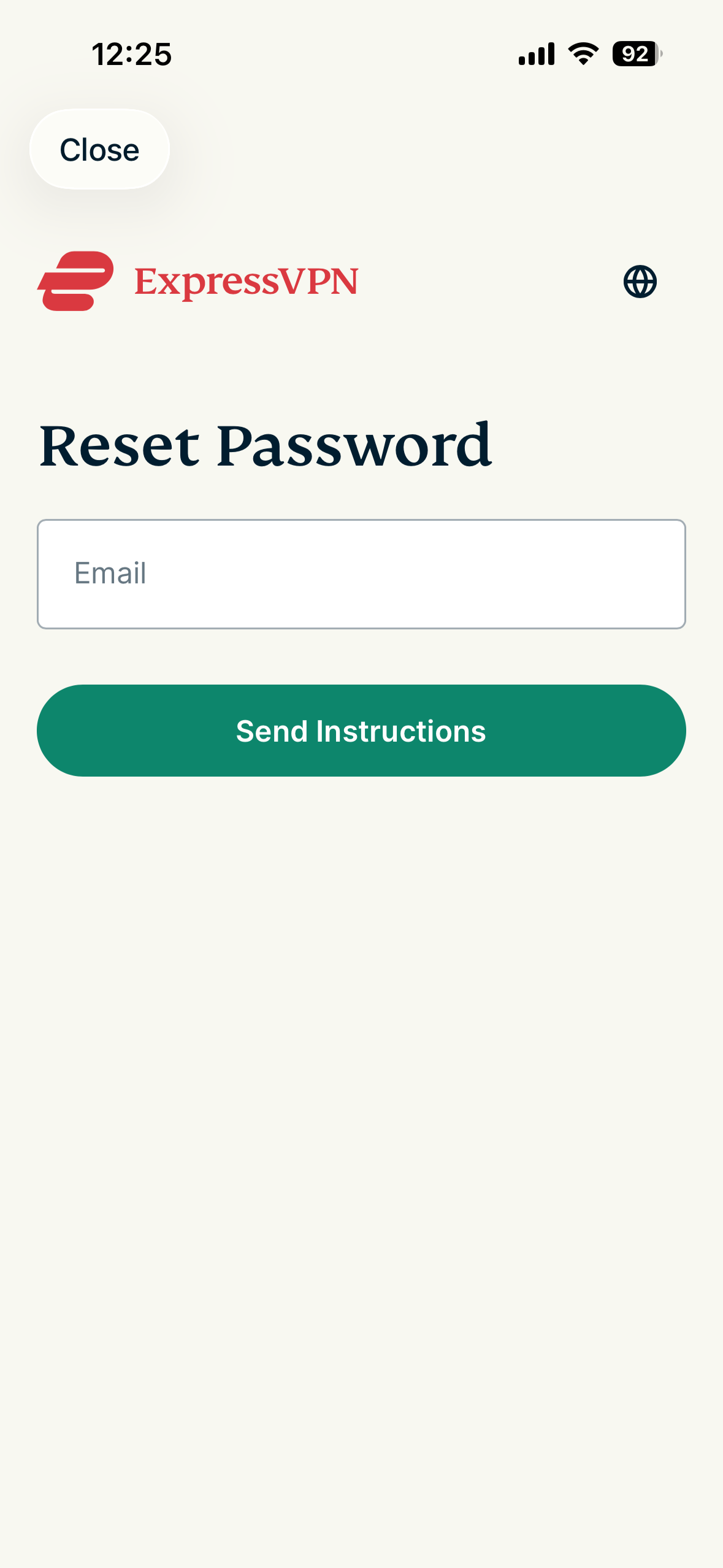
- Enter the email address linked to your ExpressVPN account in the Email field and tap Send Instructions.
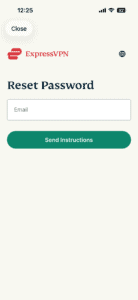
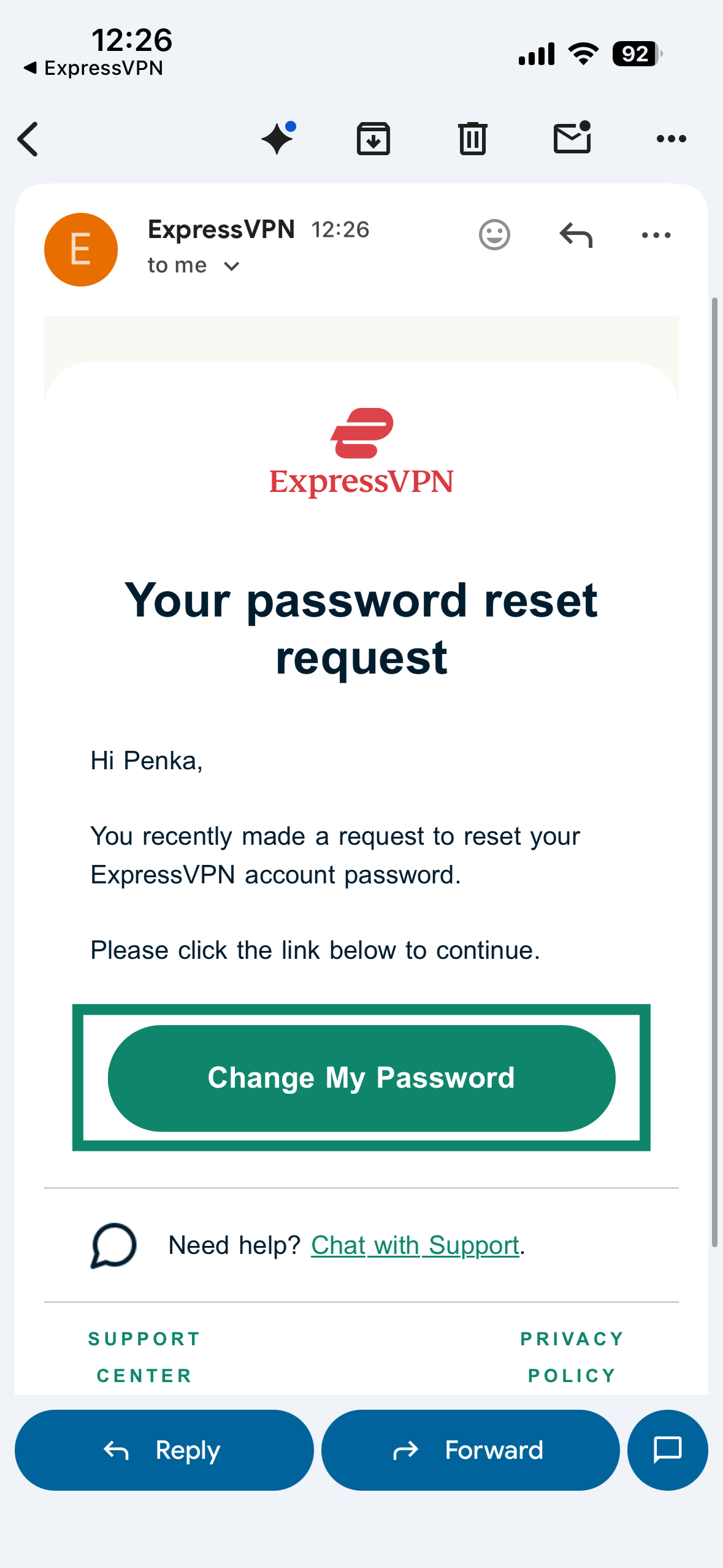
- Go to your inbox, open the email you received, and tap Change My Password.
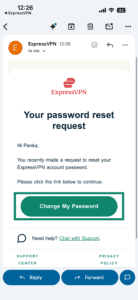
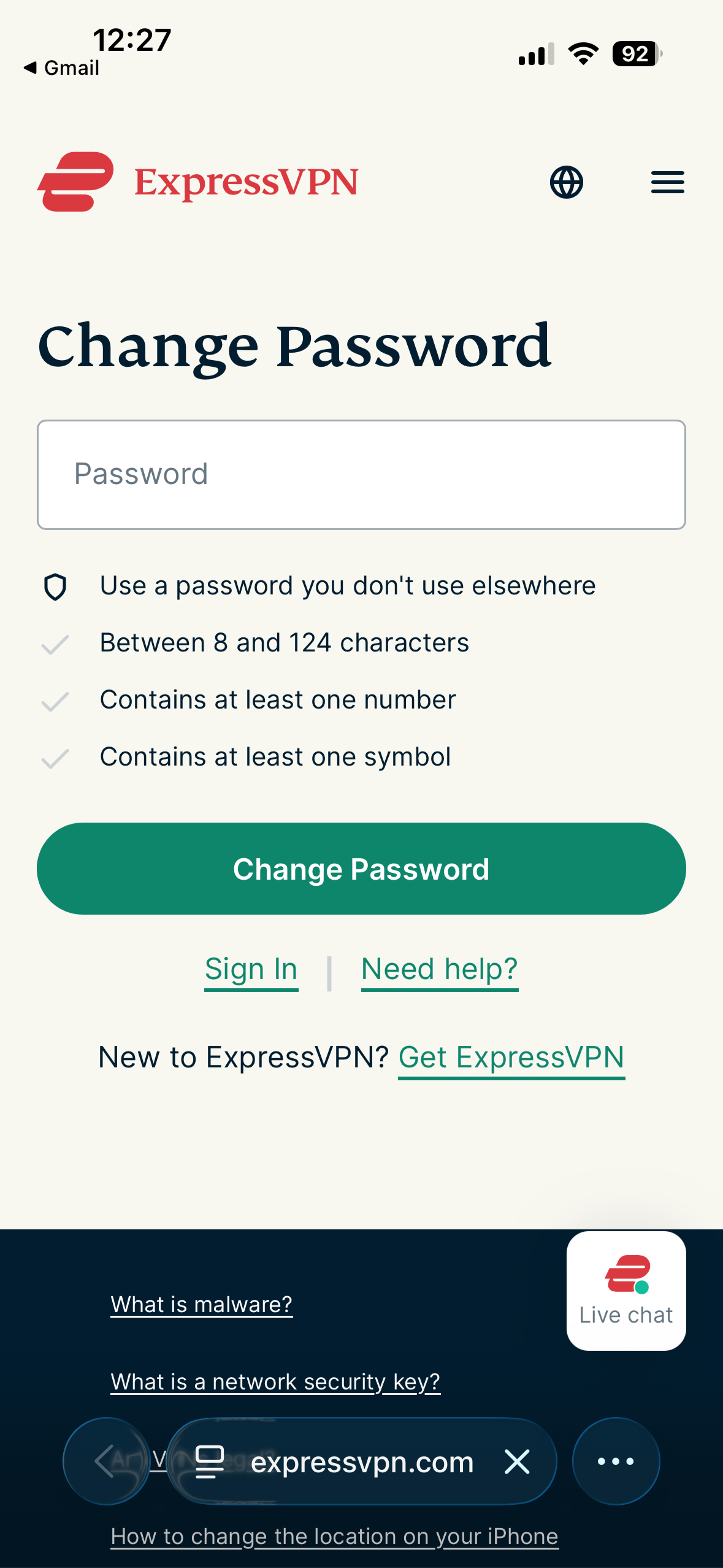
- Enter your new password and tap Change Password when done.
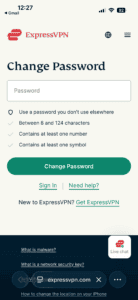
- Your password should now be reset.
On Android
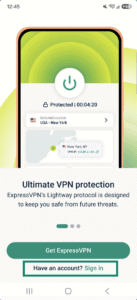
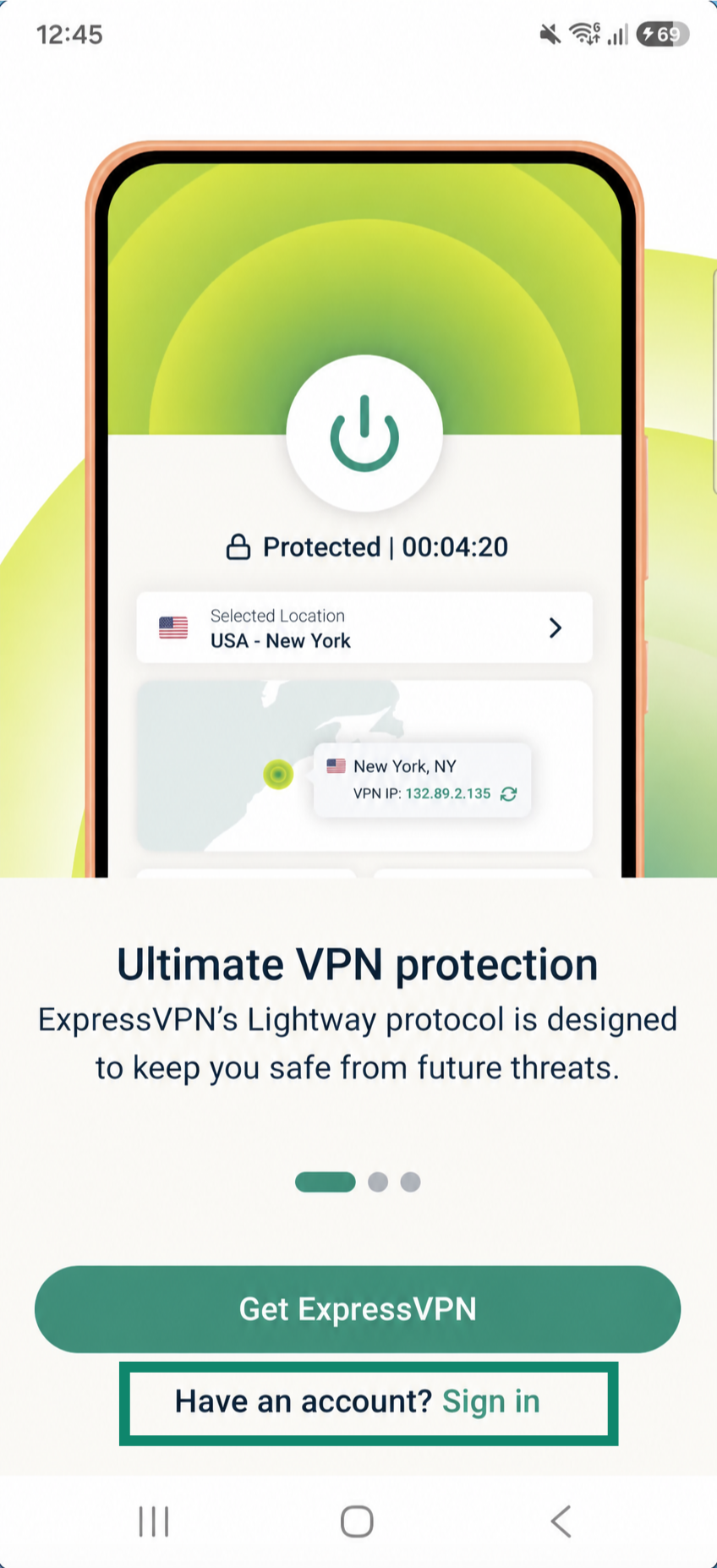
- Open the ExpressVPN app, and select Sign in.

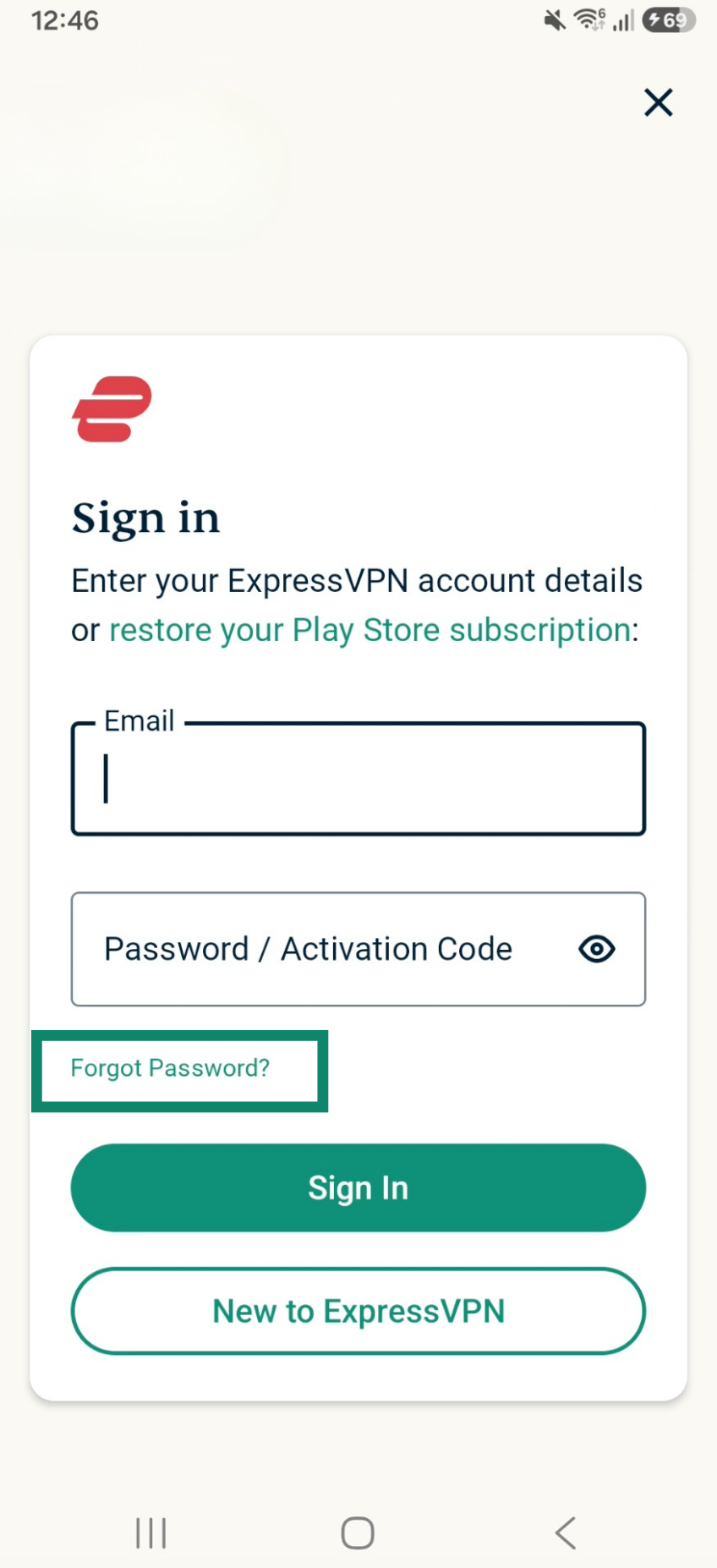
- Select Forgot password?
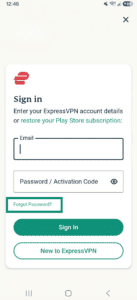
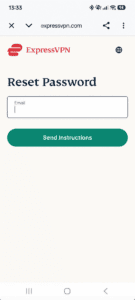
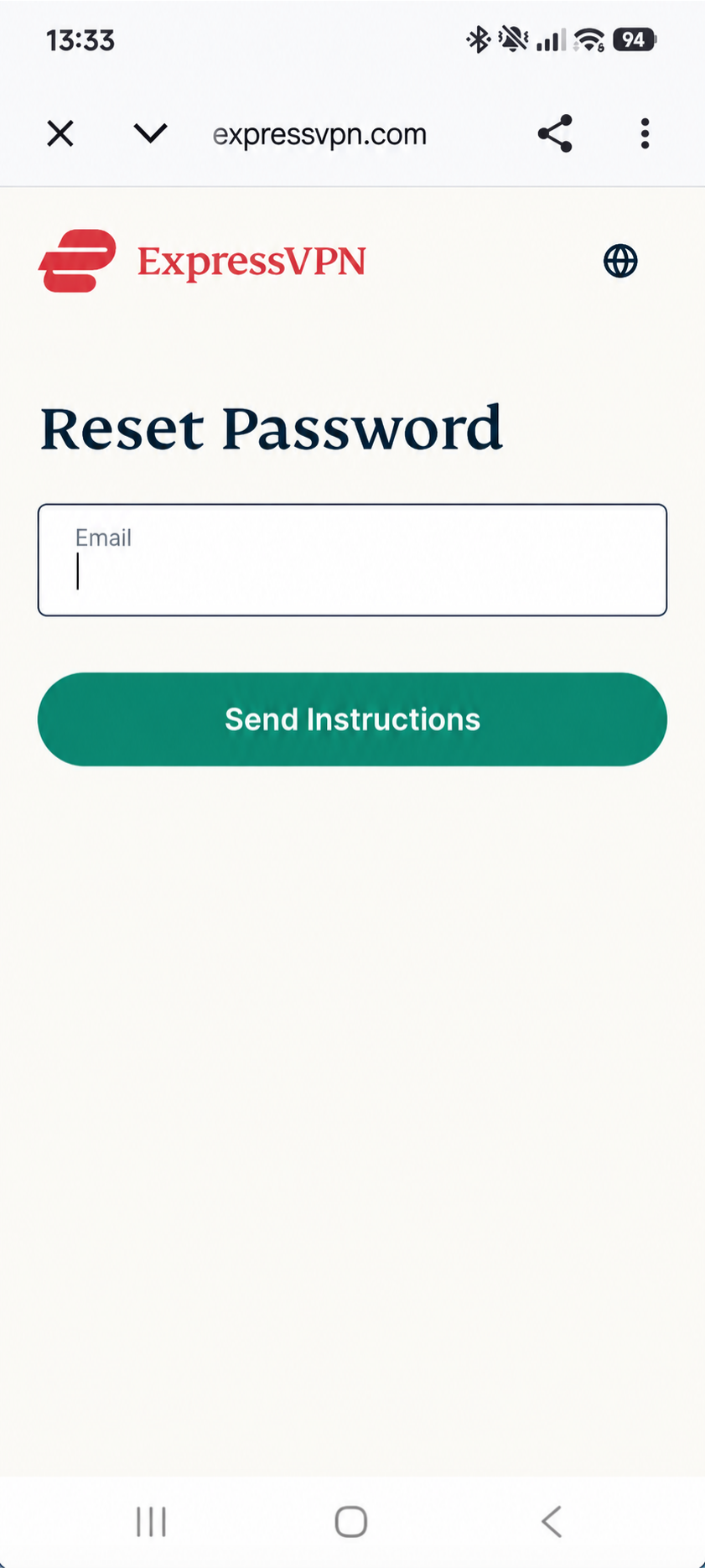
- Enter the email address linked to your ExpressVPN account and tap Send Instructions.

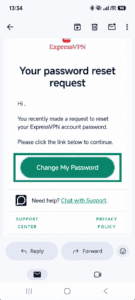
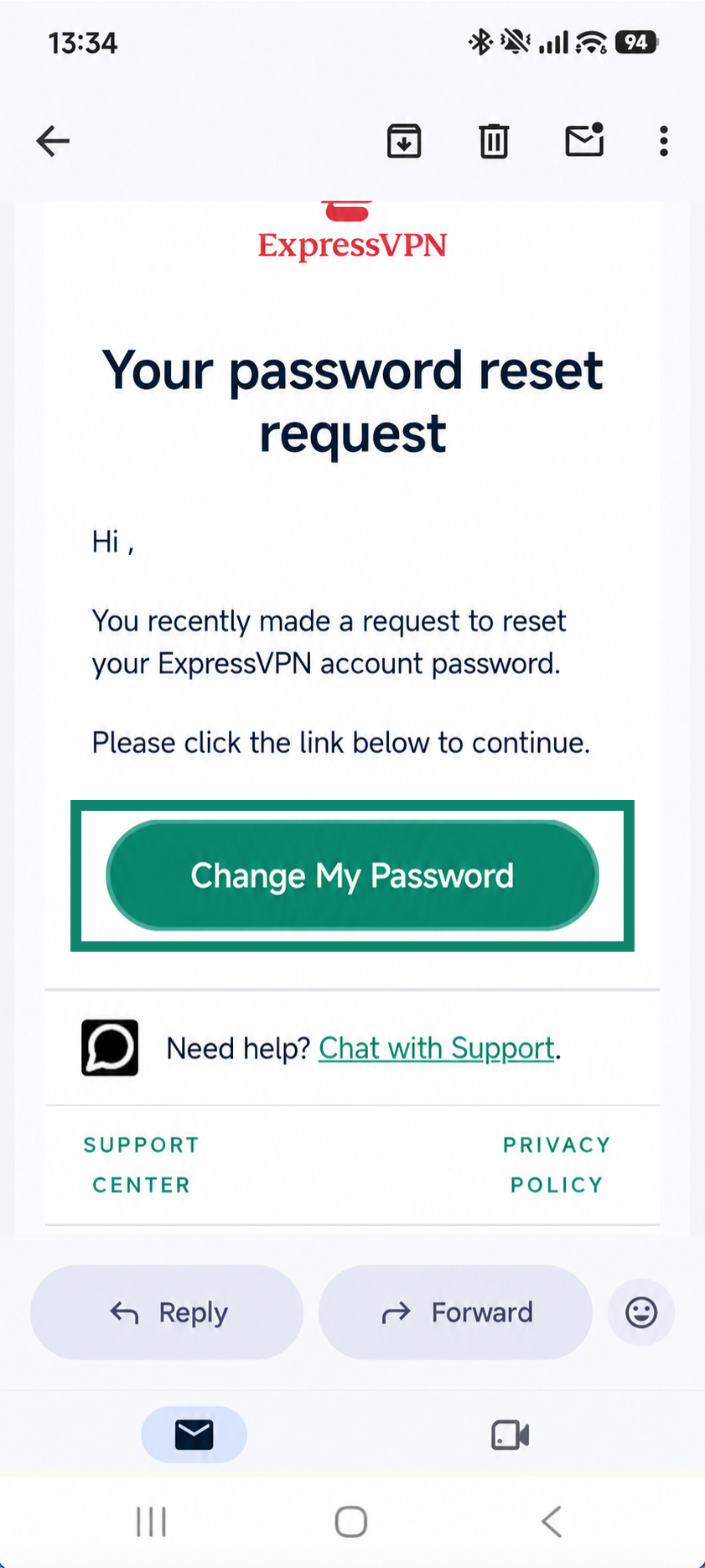
- In the email you received, tap Change My Password.
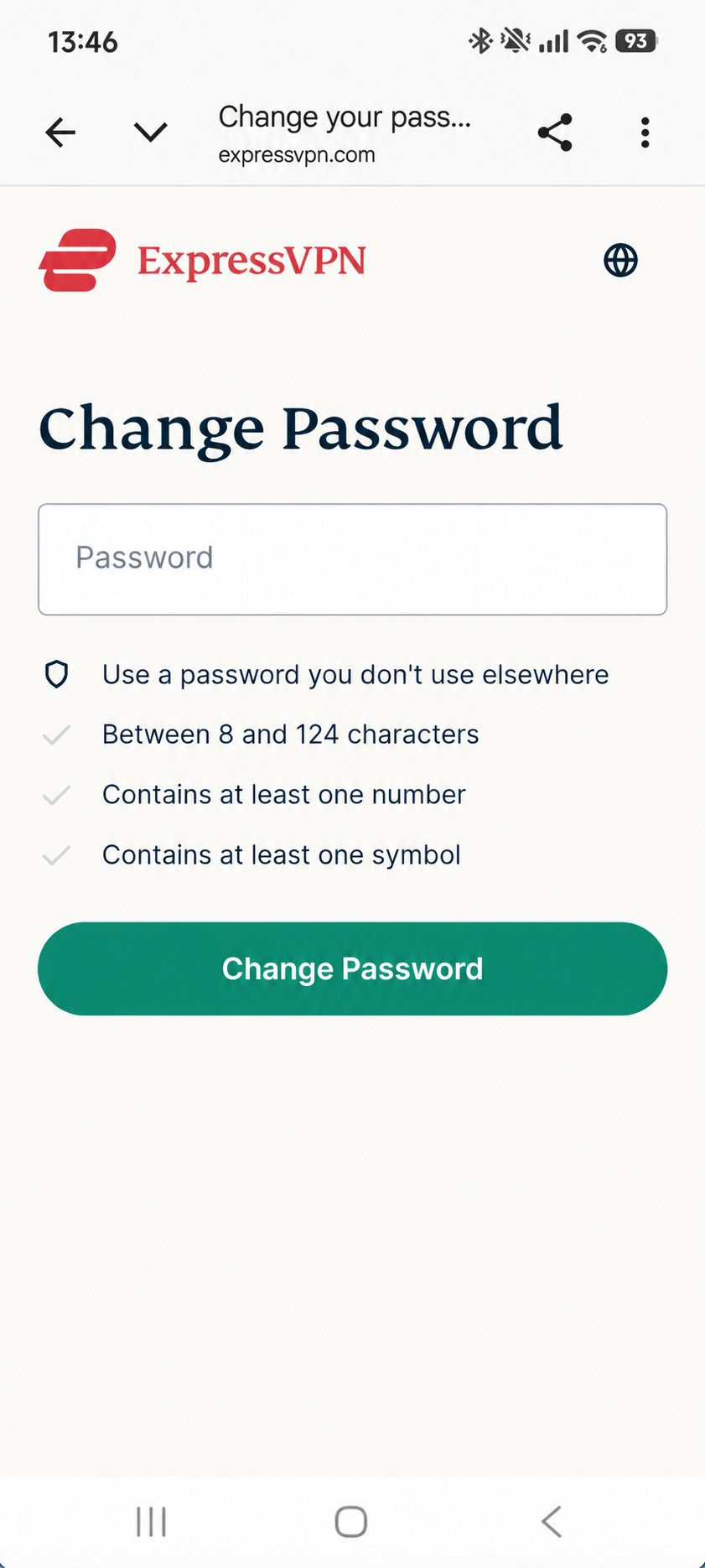
- Enter your new password and tap Change Password.
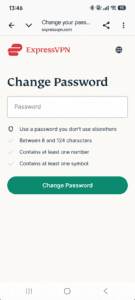
- Your password should now be reset.
Need help? Contact the ExpressVPN Support Team via Live Chat for immediate assistance.