



The ExpressKeys app for iOS and Android is available in 18 languages. This guide explains how to switch to your preferred language within the app.
The steps to change the language on ExpressKeys are the same on both Android and iOS:
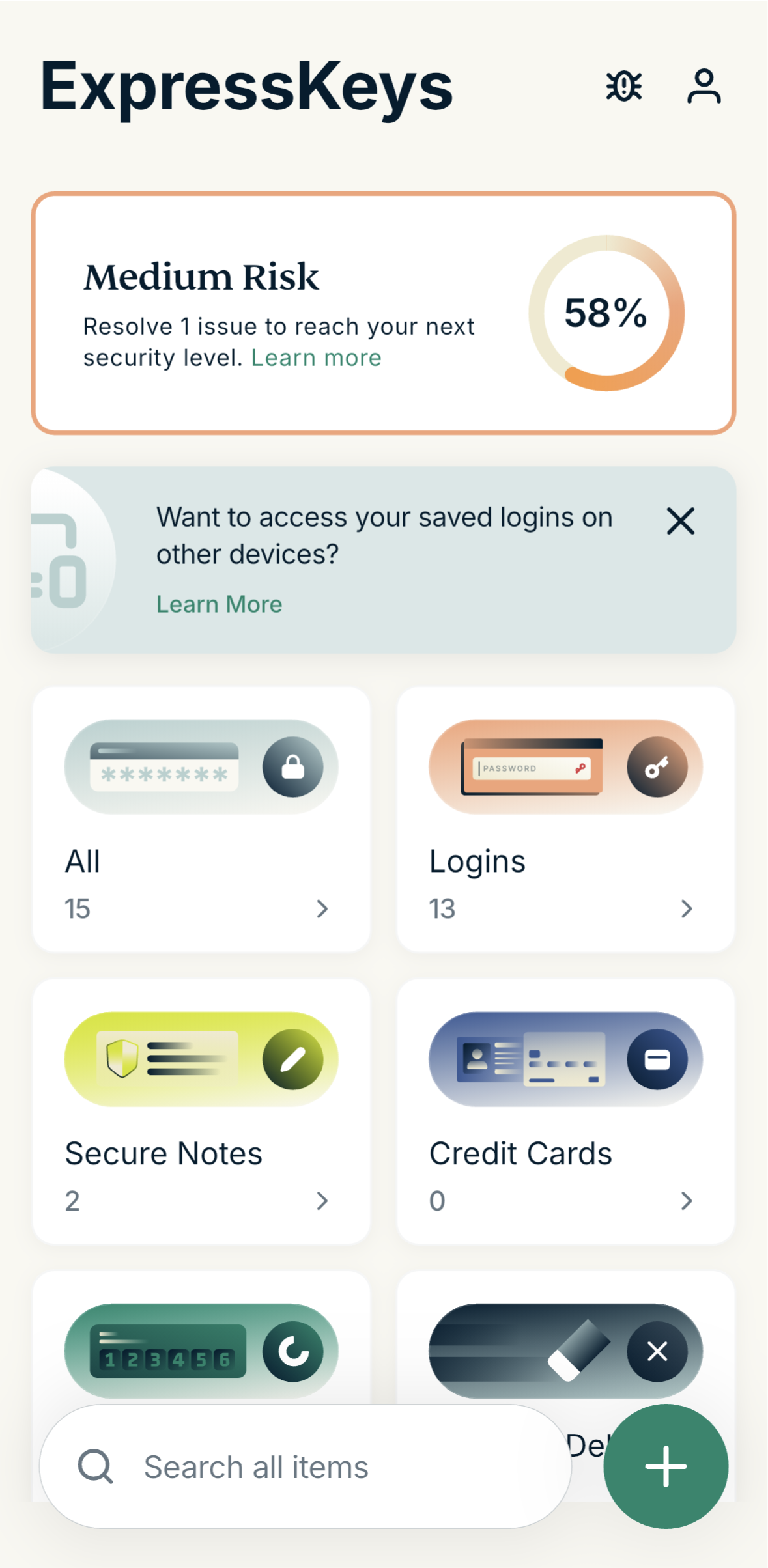
- Open the ExpressKeys app and sign in.
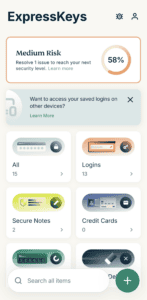

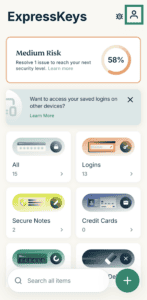
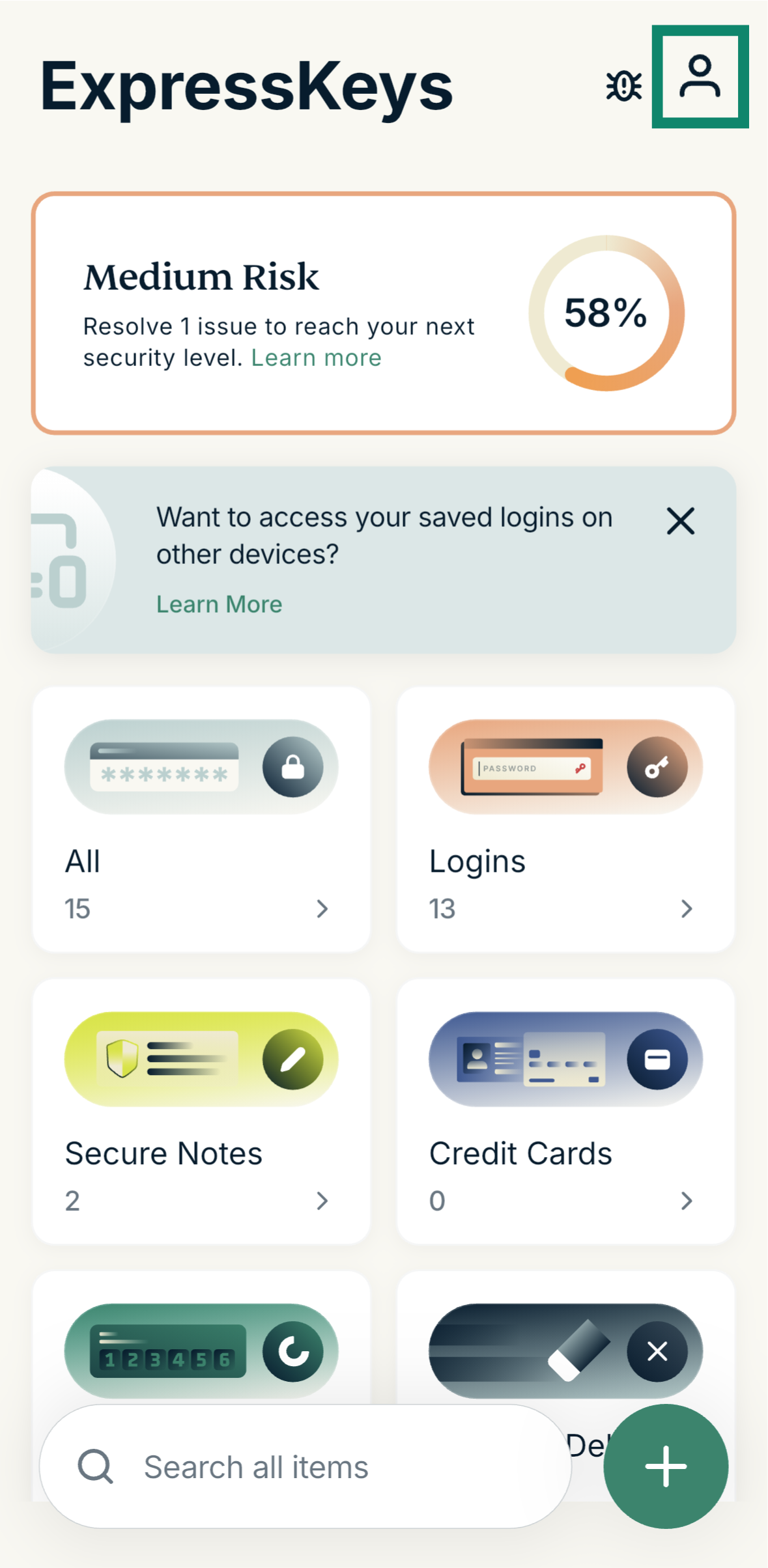
- Tap the Account menu icon at the top-right.
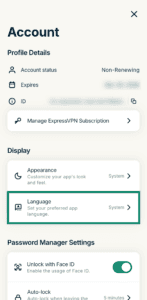
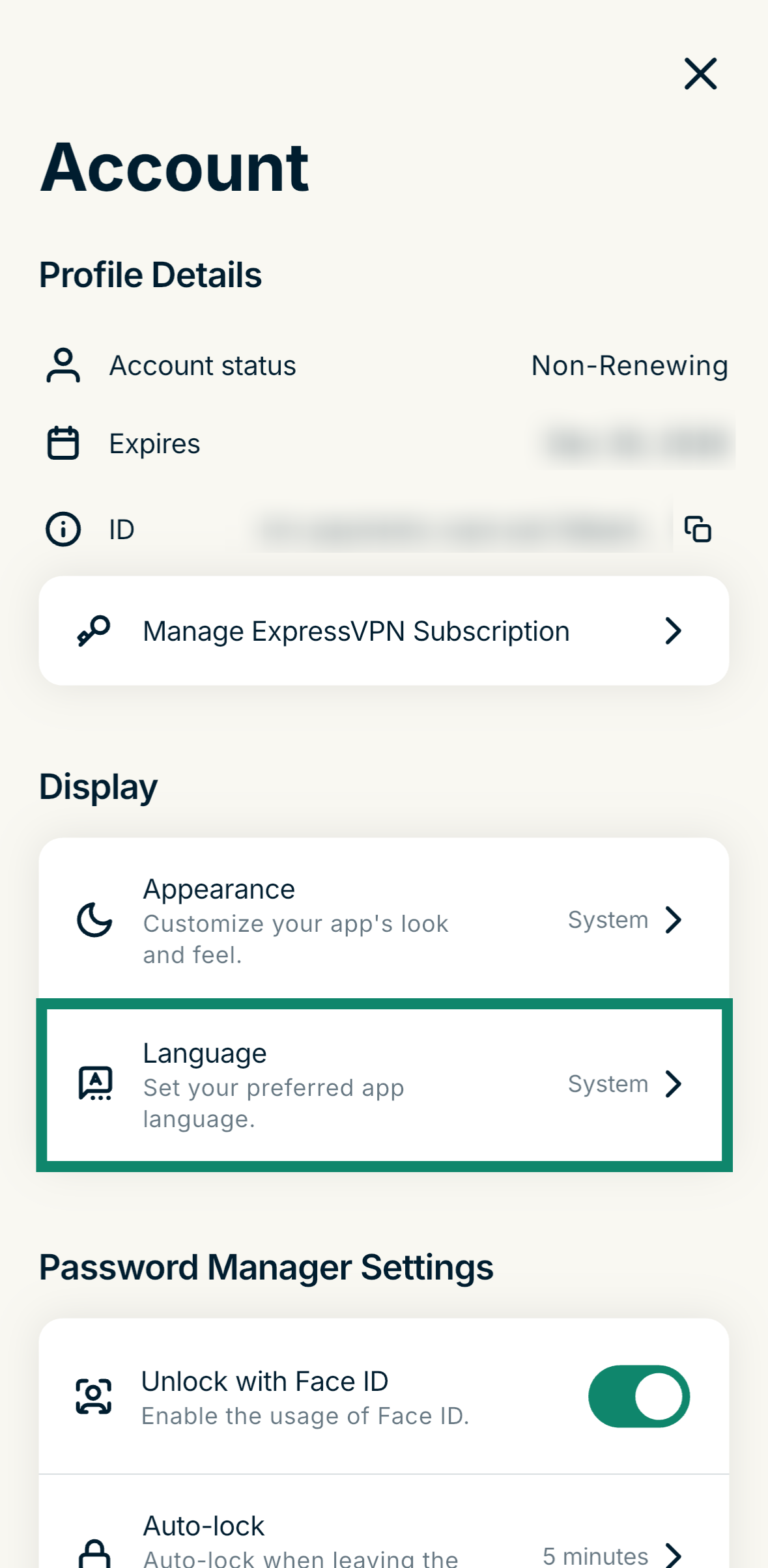
- Tap the Language option.
- Tap the language you want to switch to.
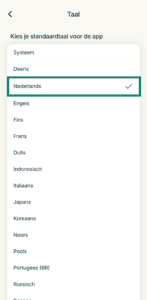
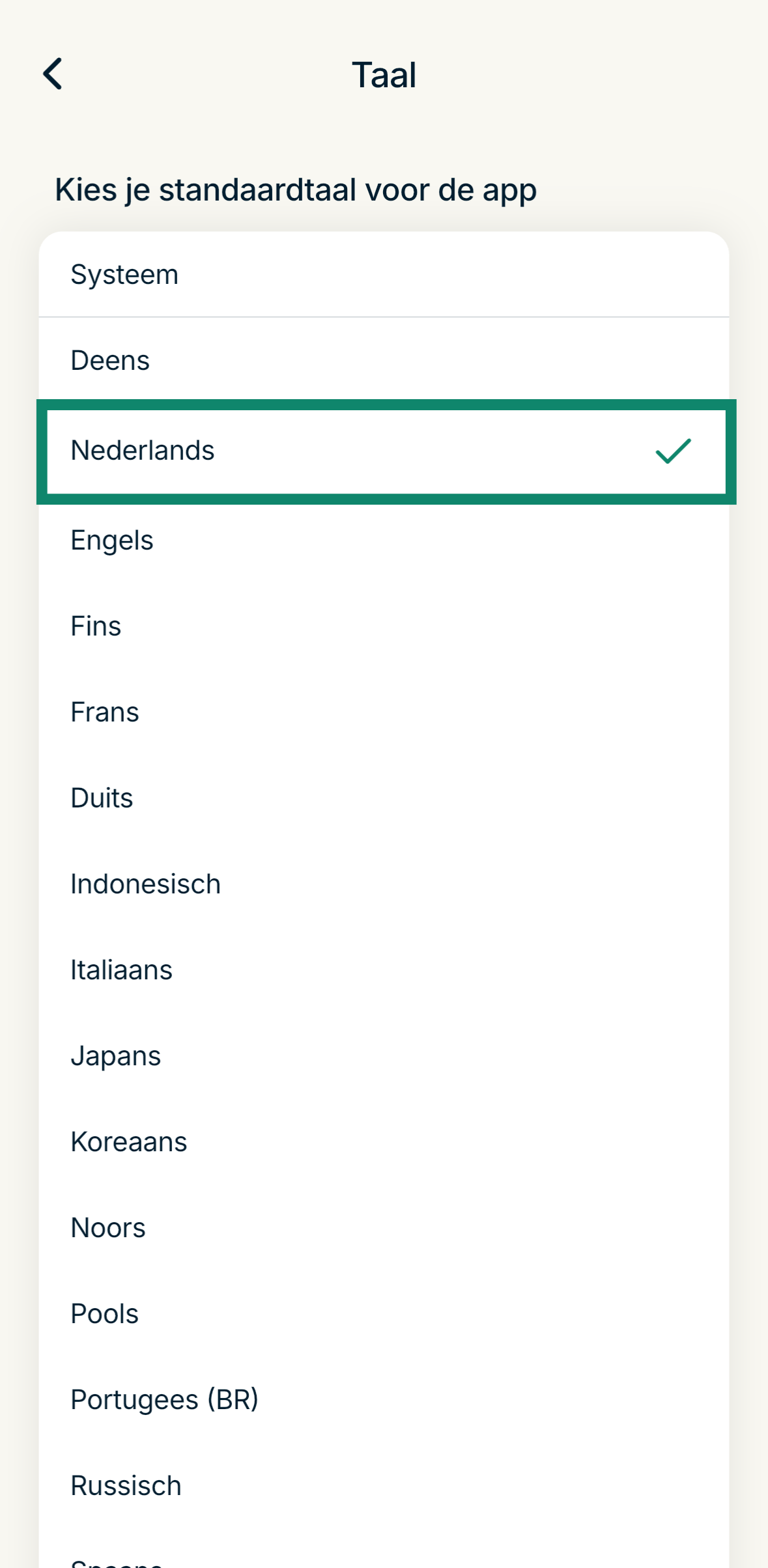
The app will immediately change to your chosen language.
Need help? Contact the ExpressVPN Support Team for immediate assistance.