Expressvpn Glossary
Role-based access control (RBAC)
What is role-based access control?
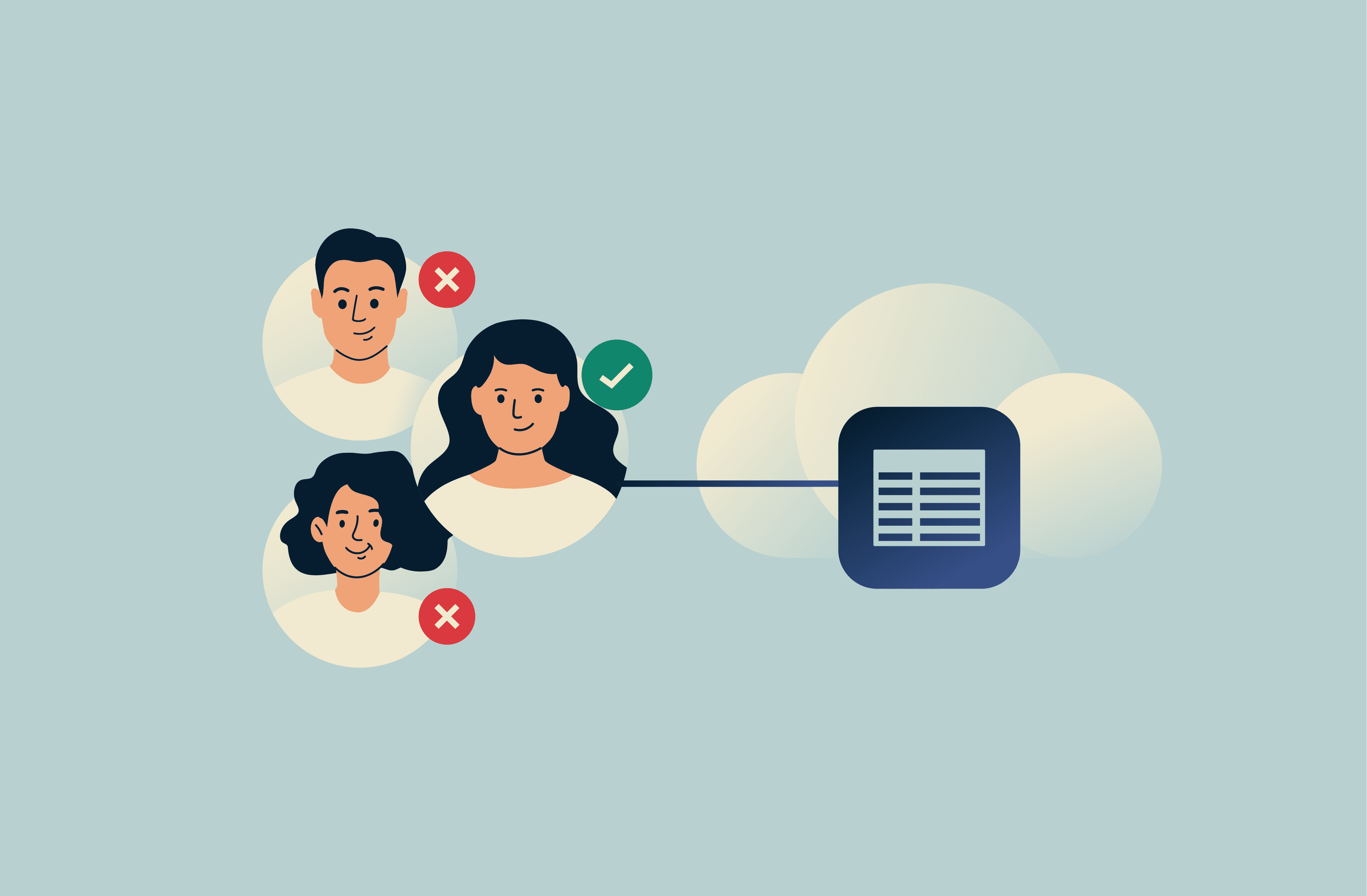
Role-based access control (RBAC) is a security framework that restricts access to systems and data based on a person’s role within an organization.
Instead of assigning permissions to individuals, RBAC groups users by their job functions and applies permissions across these defined roles. In practice, it allows administrators to streamline access controls while still ensuring employees only have access to the resources required to perform their duties.
How does role-based access control work?
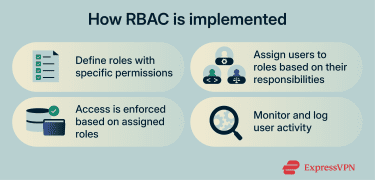 In an RBAC system, administrators define roles such as employee, manager, or IT administrator and set permissions for each one. Users are then assigned to relevant roles, with access to the necessary resources being granted automatically.
RBAC systems are typically implemented alongside logging mechanisms that keep a record of who accessed specific resources and when, supporting auditing, monitoring, and regulatory compliance efforts.
Key principles of RBAC
Most RBAC frameworks are designed to adapt as organizations grow and change. The following principles are often followed to keep role-based access models consistent and manageable:
- Least privilege: Roles are designed with only the permissions needed for routine tasks.
- Separation of duties: Sensitive actions can be split across multiple roles, so no single role has full control over critical processes.
- Role hierarchies: Higher-level roles can inherit permissions from lower-level ones, with additional access to resources layered on as required.
- Auditing and compliance: All access changes and role permissions can be reviewed regularly to spot irregularities and meet compliance standards.
Why is role-based access control important?
RBAC simplifies access management and improves security, especially across larger systems. Here’s how:
- Improves visibility: Every action ties to a defined role, making activity easier to track and review.
- Simplifies user management: A role-based approach allows administrators to update or revoke access for multiple users at once.
- Reduces risk: Least-privilege permissions restrict how much damage a compromised or misused account can cause.
- Streamlines onboarding and offboarding: Standardized roles make it easier to grant or remove access as personnel change.
- Supports compliance: RBAC can help organizations meet the General Data Protection Regulation (GDPR), Health Insurance Portability and Accountability Act (HIPAA), and International Organization for Standardization (ISO) 27001 standards and align with modern identity and access management (IAM), along with zero-trust frameworks.
RBAC vs. attribute-based access control (ABAC)
Both RBAC and ABAC can control access to systems and data, but they rely on different decision models. RBAC grants access based on predefined roles, while ABAC evaluates attributes such as department, device, operating system, network type, location, and/or time to determine the access rights of a given user.
Typically, RBAC is well suited to organizations with stable roles and clear hierarchies. ABAC, on the other hand, is often used in dynamic, cloud-based, or “bring your own device” environments due to its flexibility and ability to assess how secure a given device and its local network is before granting access.
RBAC common use cases
| Use case | How RBAC is used |
| Corporate IT | Roles define access for HR, finance, and IT employees. |
| Financial institutions | Banks separate permissions by function, such as teller, auditor, and manager. |
| Healthcare systems | Doctors and staff can be given permissions based on their particular discipline, ward, or department. |
| Large international organizations | RBAC integrated through IAM tools helps unify access control across global teams. |
Security and privacy considerations
RBAC effectiveness depends on how roles and permissions are maintained over time. Common security and privacy considerations include:
- Role accuracy: Roles may become less defined as teams and individual employees change responsibilities. This can eventually lead to employees having access to sensitive data and resources that are irrelevant to their actual role.
- Timely access removal: Delays in disabling or updating access can leave unnecessary permissions in place.
- Administrative privilege scope: Broad or persistent admin access can allow attackers access to large data sets and sensitive resources if such accounts are compromised.
Further reading
- Cybersecurity tips for small businesses
- Zero-trust cloud security explained
- How to implement zero trust



