
Expressvpn Glossary
Network adapter
What is a network adapter?
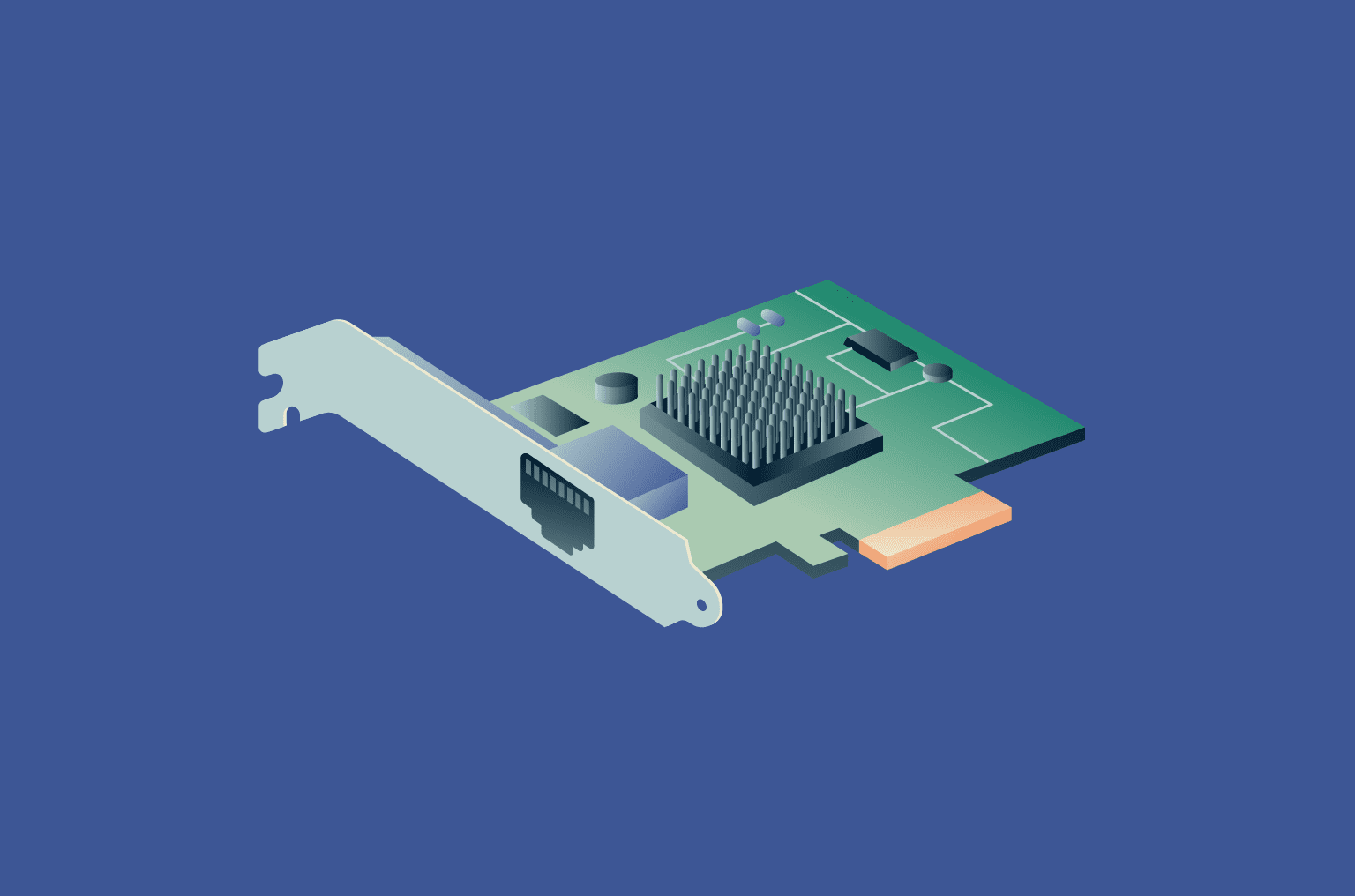
A network adapter is a physical or virtual component that lets a device connect to a network. It’s the interface between the device and the data transmission medium (such as an Ethernet cable or a Wi-Fi signal). Without a network adapter, the device can’t send or receive network traffic or access the internet.
How does a network adapter work?
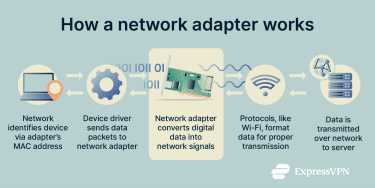 Network adapters are involved across several steps in the data transmission process:
- Addressing: Each physical network adapter has a unique Media Access Control (MAC) address that identifies interface on the local network, ensuring incoming data reaches the correct destination.
- Device driver: The OS uses a device driver to detect the adapter and control how it operates. This includes its speed and power use.
- Signal conversion: The adapter converts digital data from the computer into signals to be sent across the network and turns incoming signals back into data that the device can process.
- Communication protocols: Adapters follow networking standards such as Ethernet and Wi-Fi so that data is sent and received in a format that other devices accept.
Types of network adapters
There are several types of network adapters, each designed for different connection methods:
- Ethernet adapter: Provides a wired connection for high-speed and stable data transfer. It's commonly used in desktops, laptops, and servers.
- Wi-Fi adapter: Connects wirelessly to networks via radio signals, enabling mobility. Like Ethernet adapters, it’s usually found in laptops, tablets, and smartphones.
- USB network adapter: An external plug-and-play option that connects through a USB port. It’s useful for quickly adding network connectivity to laptops or desktops that lack an internal adapter.
- Bluetooth adapter: Supports short-range wireless communication between devices such as keyboards, mice, headphones, and phones.
- Fiber-optic network adapter: Connects devices to fiber-optic networks by converting electrical signals into light signals and vice versa.
- Virtual network adapter: Functions similarly to a physical network adapter, but entirely in software. Common types include TUN and TAP adapters, which are typically used by virtual private network (VPN) services to securely tunnel data.
Security and privacy considerations
While network adapters are required for network access, they can introduce security risks:
- Hardware tampering: Physical network adapters can be reprogrammed or replaced with a malicious adapter by cybercriminals attempting to intercept or manipulate traffic.
- Network adapter vulnerabilities: A compromised adapter or a related driver can create a weak point in the system. This can allow attackers to run malicious code, escalate their access privileges, or disable the network interface to cause outages.
- Wireless eavesdropping: Wireless adapters broadcast radio signals that attackers can intercept using network monitoring tools. This potentially allows them to access sensitive information and identify behavior patterns. Proper Wi-Fi encryption can prevent such traffic from being readable.
- MAC spoofing: Every network adapter uses a MAC address as its unique identifier. Attackers can change the MAC address of an adapter they control and impersonate a trusted one, gaining unauthorized access to a network.
Common issues with network adapters
Users may encounter connectivity issues due to:
- Drivers: Outdated, missing, or corrupt drivers can often cause connection failures.
- Hardware: Faulty components, damaged ports, or loose cables can cause adapter malfunctions.
- Network configuration: Wrong IP, router, and Domain Name System (DNS) settings or multiple active adapters can block access to network resources and the internet, even when the hardware is operating correctly. Adapters can also be disabled by the OS, BIOS/UEFI, or power-saving settings.
Further reading
- Internet infrastructure: What it is and how it works
- What is cybersecurity? A simple guide for beginners
- What is a firewall, and how does it work
FAQ
What is the difference between a network adapter and a network card?
The terms often overlap. A network interface card (NIC) originally meant a separate expansion card that plugs into a motherboard slot. A network adapter is a broader term that covers NICs, USB network dongles, and network hardware built into the motherboard or a system-on-a-chip.
Do I need a separate adapter for Wi-Fi?
Most modern laptops, tablets, and smartphones have a built-in wireless network adapter. Many desktop computers need either a Peripheral Component Interconnect Express (PCIe) Wi-Fi card or a USB Wi-Fi adapter if Wi-Fi support isn’t already built into the motherboard.
Can a VPN work without a network adapter?
A VPN can’t operate without an active internet connection, as it relies on at least one physical network adapter that can facilitate a connection with Ethernet, Wi-Fi, or mobile data. The VPN client adds a virtual adapter that routes encrypted traffic, but it still relies on the physical one to send and receive packets.
Why does my adapter keep disconnecting?
Frequent network adapter disconnections are often caused by outdated drivers, power-saving settings turning the adapter off, radio interference (if you’re relying on Wi-Fi), or failing hardware.



