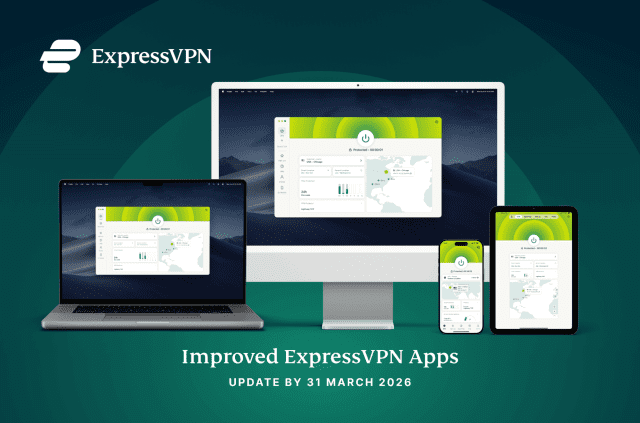
Click here for the latest ExpressVPN software for Windows
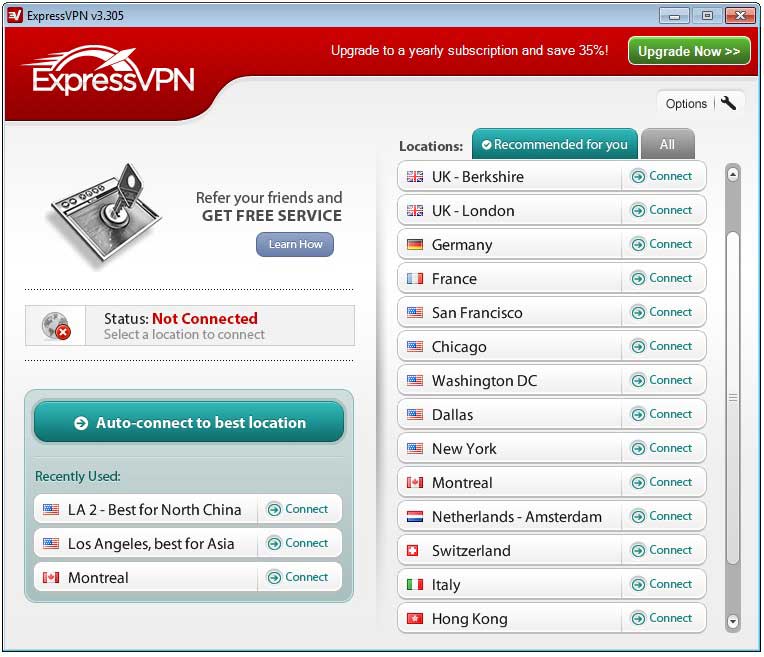
ExpressVPN for Windows 3.305 includes an exciting new feature: automatic protocol selection. We've made this the default option for new installs.
ExpressVPN lets you choose between OpenVPN (UDP or TCP), L2TP/IPSec, or SSTP. For most users, OpenVPN over UDP is the fastest and most secure option. It may, however, be blocked, depending on where you are connecting from. The automatic selection feature solves that problem by selecting an alternative protocol without any additional steps.
To manually set the protocol, just click the "Options" button on the app. It is worthwhile to play around with the selection to figure out which protocol works best for you.
ExpressVPN v3.305 also loads much faster than before.
To upgrade just click the "New Version" link in your existing ExpressVPN software.
Take the first step to protect yourself online. Try ExpressVPN risk-free.
Get ExpressVPN