This guide will show you how to download the legacy version of the ExpressVPN apps for Windows, Mac, and Linux.

Important: We recommend you use the latest versions of the ExpressVPN apps and avoid downgrading in order to get the best possible privacy and security experience. You can find the latest ExpressVPN app releases here.

To download the legacy version of the ExpressVPN app:

  1. Go to the ExpressVPN download page.
  2. If prompted, enter your ExpressVPN credentials, select Send Code, and enter the code sent to your email to sign in.ExpressVPN sign-in page
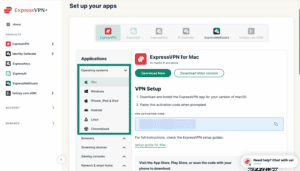
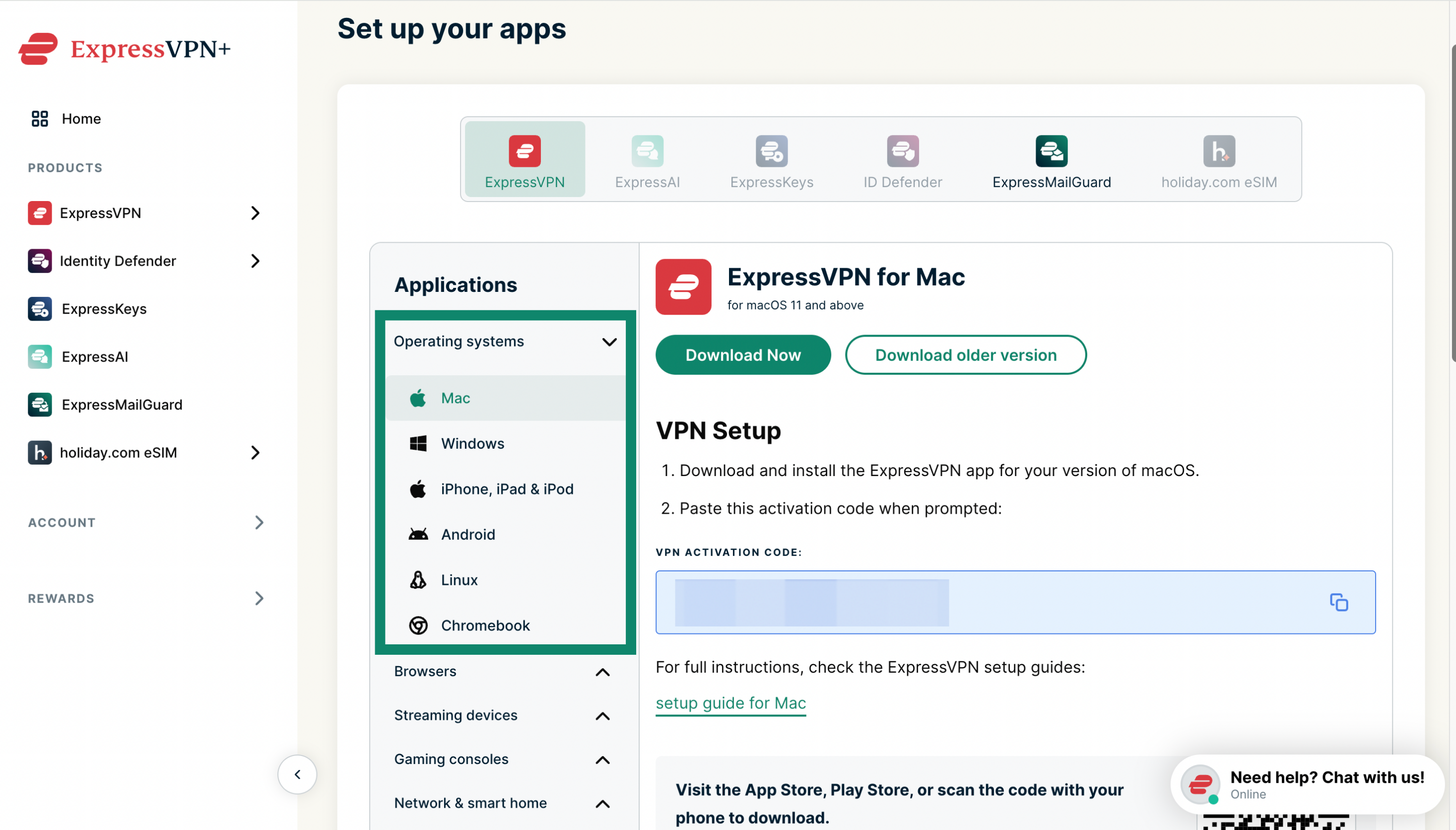
  3. Select your chosen device.
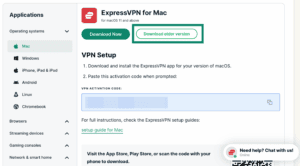
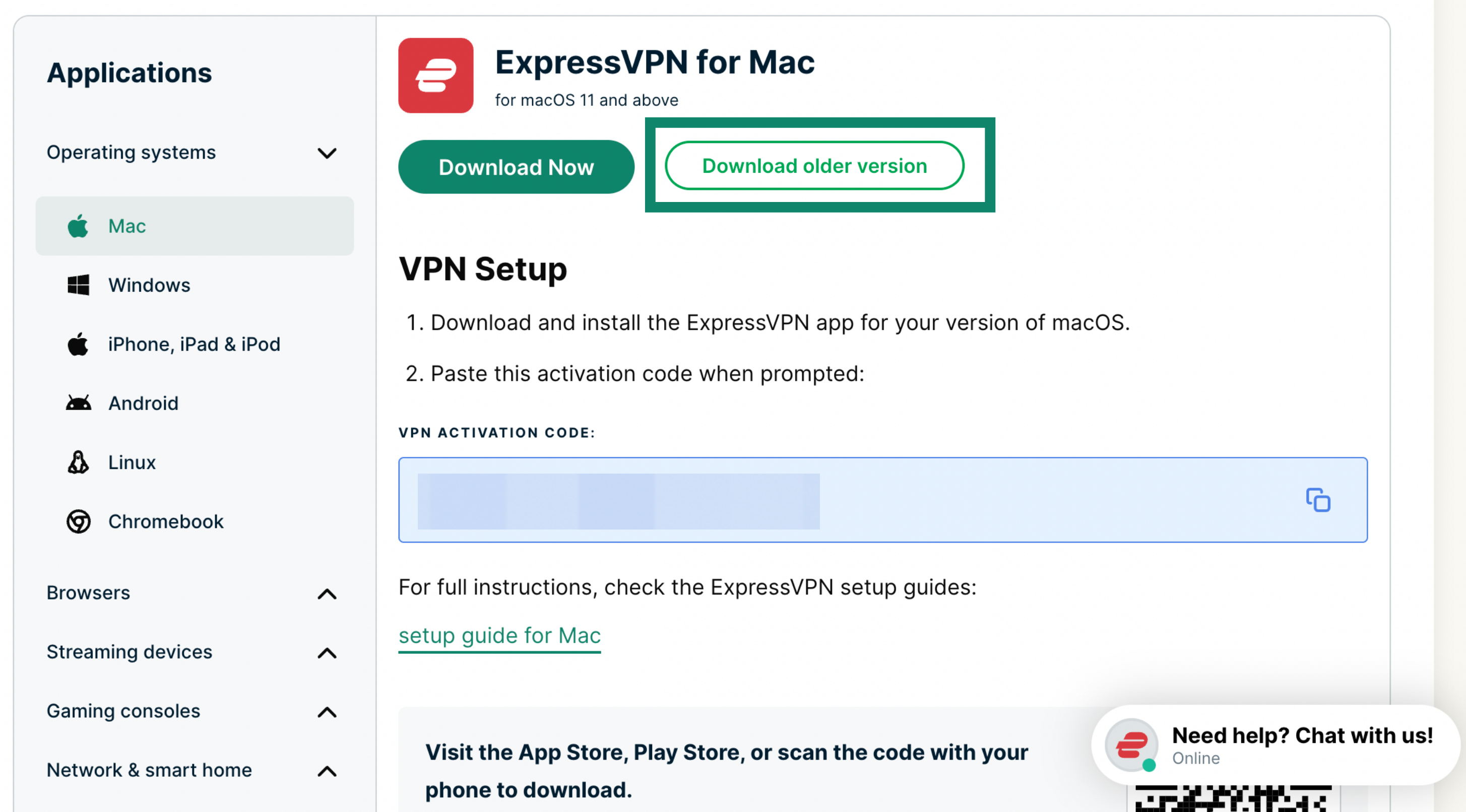
  4. Select Download older version on the right-hand side to download the legacy version of the app.

Need help? Contact the ExpressVPN Support Team for immediate assistance.

Back to top

Was this article helpful?

We're sorry to hear that. Let us know how we can improve.

A member of our Support Team will follow up on your issue.