



This guide will show you how to download the legacy version of the ExpressVPN apps for Windows and Mac.
To download a legacy version of the ExpressVPN app:
- Go to the ExpressVPN+ setup page. If prompted, log into your ExpressVPN account.
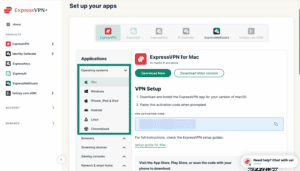
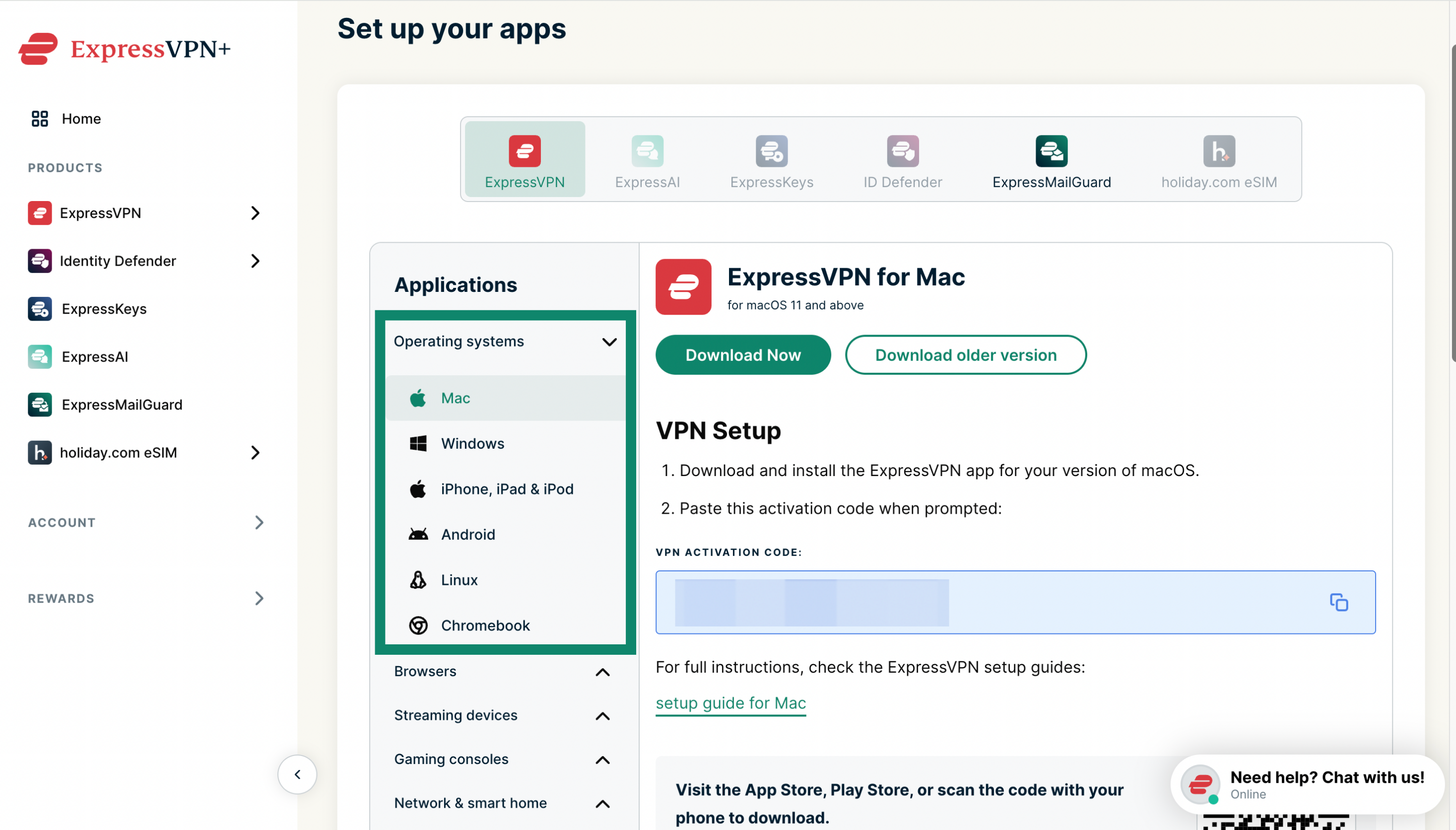
- Under Applications (or Show other devices), click Mac or Windows.

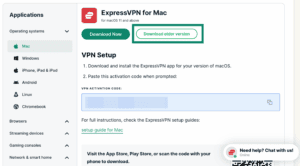
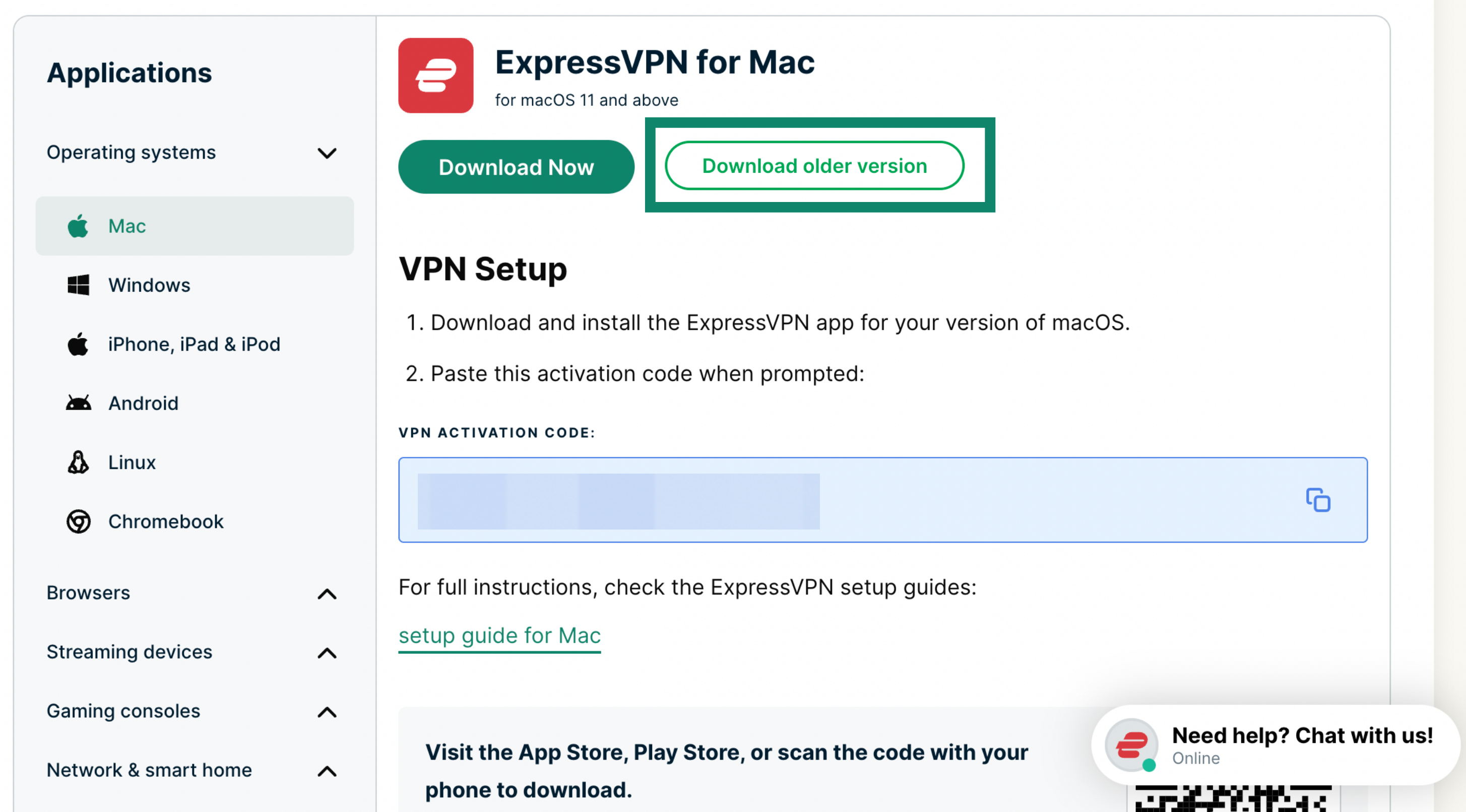
- Select Download older version.

Need help? Contact the ExpressVPN Support Team for immediate assistance.