
Expressvpn Glossary
Post Office Protocol (POP)

What is the Post Office Protocol (POP)?
Post Office Protocol (POP) is an email retrieval protocol that email clients use to download messages from a mail server to a device. In modern use, this refers to POP3, the current standard supported by most email services. POP downloads messages to a device, typically removing them from the server in the process.
How does POP work?
POP is an application-layer, request-response protocol in which a mail app connects to a server, retrieves messages, and then ends the session.
- Connects to the mail server: The email client connects using port 110 (standard) or 995 (secure), and the server sends a response.
- Sends login details: The client provides credentials, which the server authenticates before approving the connection.
- Checks mailbox status: The client queries for available messages before downloading them.
- Downloads emails to the device: Each message is retrieved from the mailbox and written to the client’s local mail store for later access.
- Marks emails for deletion (optional): Emails may be flagged for removal from the server or kept as copies.
- Ends the session and applies changes: When the client disconnects, local copies remain on the client device while the server deletes flagged emails.
What are the benefits of POP?
Although there are newer email protocols, POP is still used for various reasons. Free from the need to constantly sync with a distant server, POP brings users a number of benefits: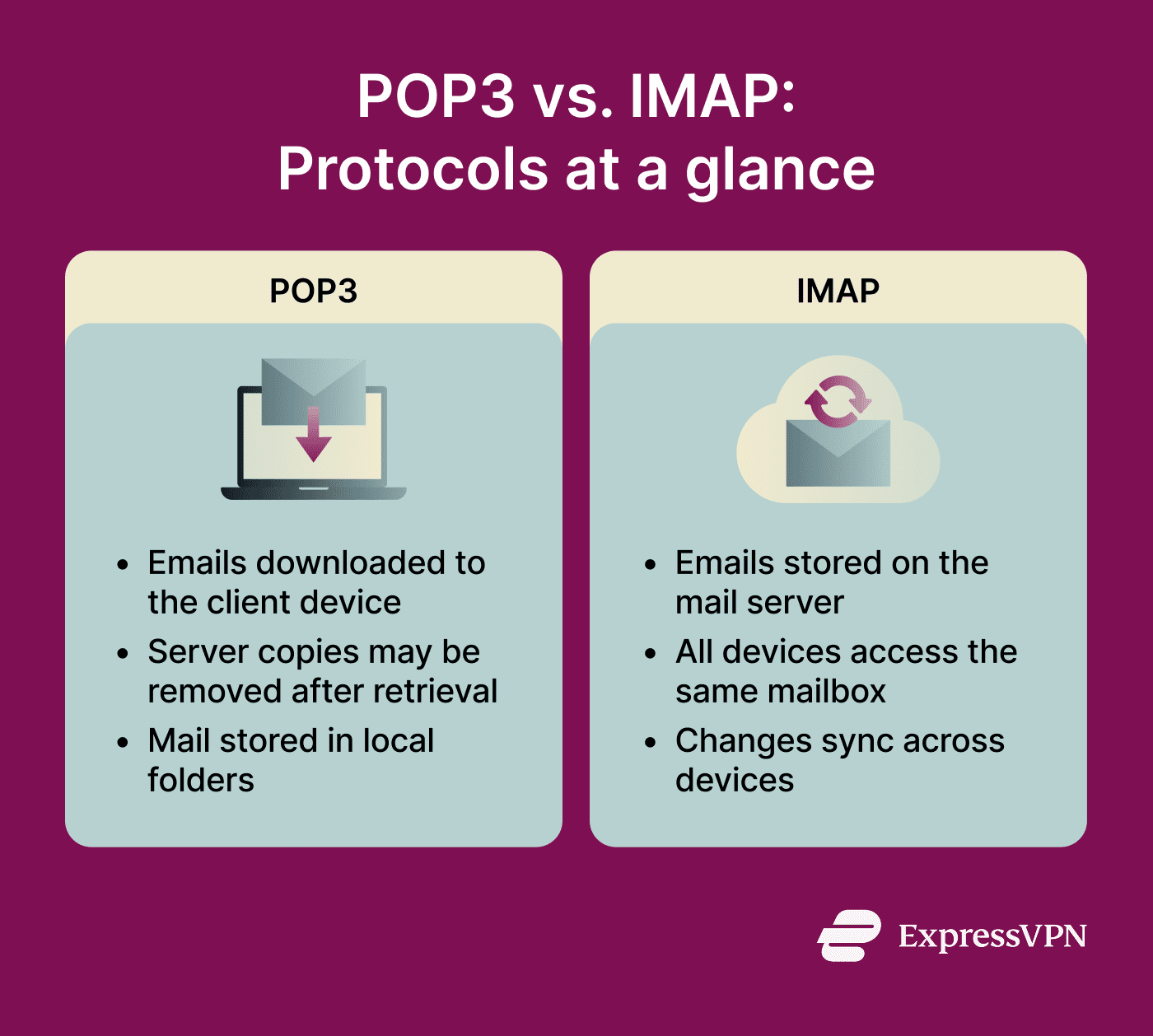
- Supports offline access to emails: After retrieval, the mailbox remains readable even when the device is offline or the connection drops.
- Reduces server storage usage: Emails are often removed from the server once downloaded by the client, freeing up server space.
- Gives users local control: POP gives users a local copy of their mail, which they can manage through their own device-based storage and archiving practices.
- Works well in low-connectivity environments: A lack of constant syncing makes POP ideal where internet speeds are slow or unreliable.
- Provides a simple, low-overhead system: POP consumes few client-device resources, largely due to the lack of syncing.
Where is it used?
POP is still used in environments that prefer local mail access or need compatibility with services and clients that continue to support POP.
- Desktop email applications.
- Small organization mail environments.
- Legacy email infrastructures.
- Low-bandwidth network settings.
- Personal email archiving setups.
Risks and privacy concerns
Using POP carries with it certain downsides. Those running the protocol should be aware of the following risks:
- Unencrypted setups expose credentials: If POP is used without Transport Layer Security (TLS) encryption, login details can be intercepted in transit.
- Downloaded mail increases device risk: Because POP stores mail locally, a lost or stolen device can expose those messages if the device is not adequately protected.
- Limited recovery: If the server copy is not kept after retrieval, recovery depends heavily on the device copy and any separate backups.
- Risk of account compromise: Given that POP natively supports fairly basic authentication methods, some implementations may be less secure if not configured correctly.
- Shared devices raise privacy concerns: Shared or public devices introduce privacy risks if emails remain consistently accessible.
Further reading
- What is the SMTP protocol, and how does it work
- How to protect your email: Step-by-step guide
- What is email tracking? How it works and how to stop it
- Google Shielded Email: What it is and alternatives you can use today
- How to create a free anonymous email account







