
Expressvpn Glossary
Mobile application security testing

What is mobile application security testing?
Mobile application security testing is the process of evaluating mobile applications for security vulnerabilities, weaknesses, and misconfigurations that could be exploited by attackers.
Typically, testing occurs across the client app, device environment, network, and backend.
How does mobile application security testing work?
Testing typically moves from analysis to execution, and then to validation, following these stages: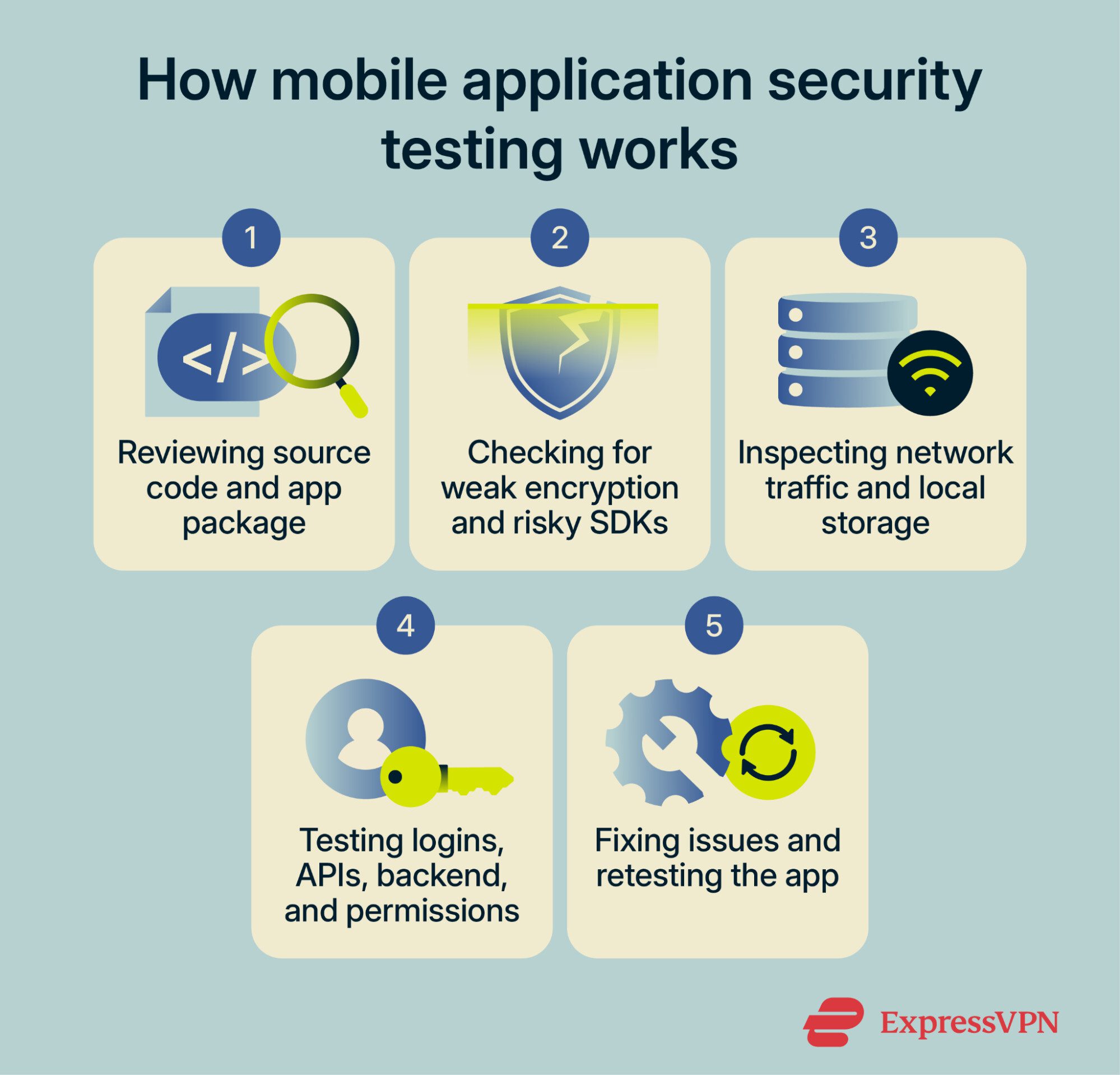
- Reviewing source code or the app binary for weak encryption, exposed secrets, or risky third-party libraries.
- Inspecting network requests, local storage, and device behavior for sensitive data leaks.
- Testing authentication and session handling for unauthorized access risks.
- Reviewing APIs, backend connections, and app permissions such as camera, microphone, or location.
- Fixing findings and retesting to confirm issues are resolved.
Types of mobile application security testing
Mobile application security testing combines several techniques, each targeting a different layer of the application. The exact mix depends on the app, its risk level, and whether testers have access to the source code.
- Static Application Security Testing (SAST): Examines source code, bytecode, or binaries without running the app.
- Dynamic Application Security Testing (DAST): Tests the app while it’s running to uncover real-world behavior and attack paths.
- Interactive application security testing: Observes the running app from the inside and combines elements of static and dynamic testing.
- Manual penetration testing: Uses human testers to find logic flaws and chained issues that automated tools can miss.
- Fuzz testing: Sends unexpected or random inputs to trigger crashes, errors, or unsafe behavior.
- API and backend testing: Checks the server-side services the app depends on.
- Configuration and permission review: Looks at platform settings, entitlements, and permission requests that affect what the app can access on a device.
Why is mobile application security testing important?
Mobile apps often handle login tokens, personal data, payment details, device permissions, and constant API communication. If those controls are weak, it can result in a data breach and exposure, account takeover, fraud, or app tampering. Common mobile risks include insecure data storage, weak authentication, unsafe network handling, and poor resilience against reverse engineering or modification.
Regular security testing helps teams catch those issues before release, support safer app updates, and meet internal or regulatory security requirements.
Further reading
- The ultimate guide to phone security
- Cybersecurity vulnerabilities explained
- What is ethical hacking, and how does it support cybersecurity?







