
Expressvpn Glossary
Digital switch
What is a digital switch?
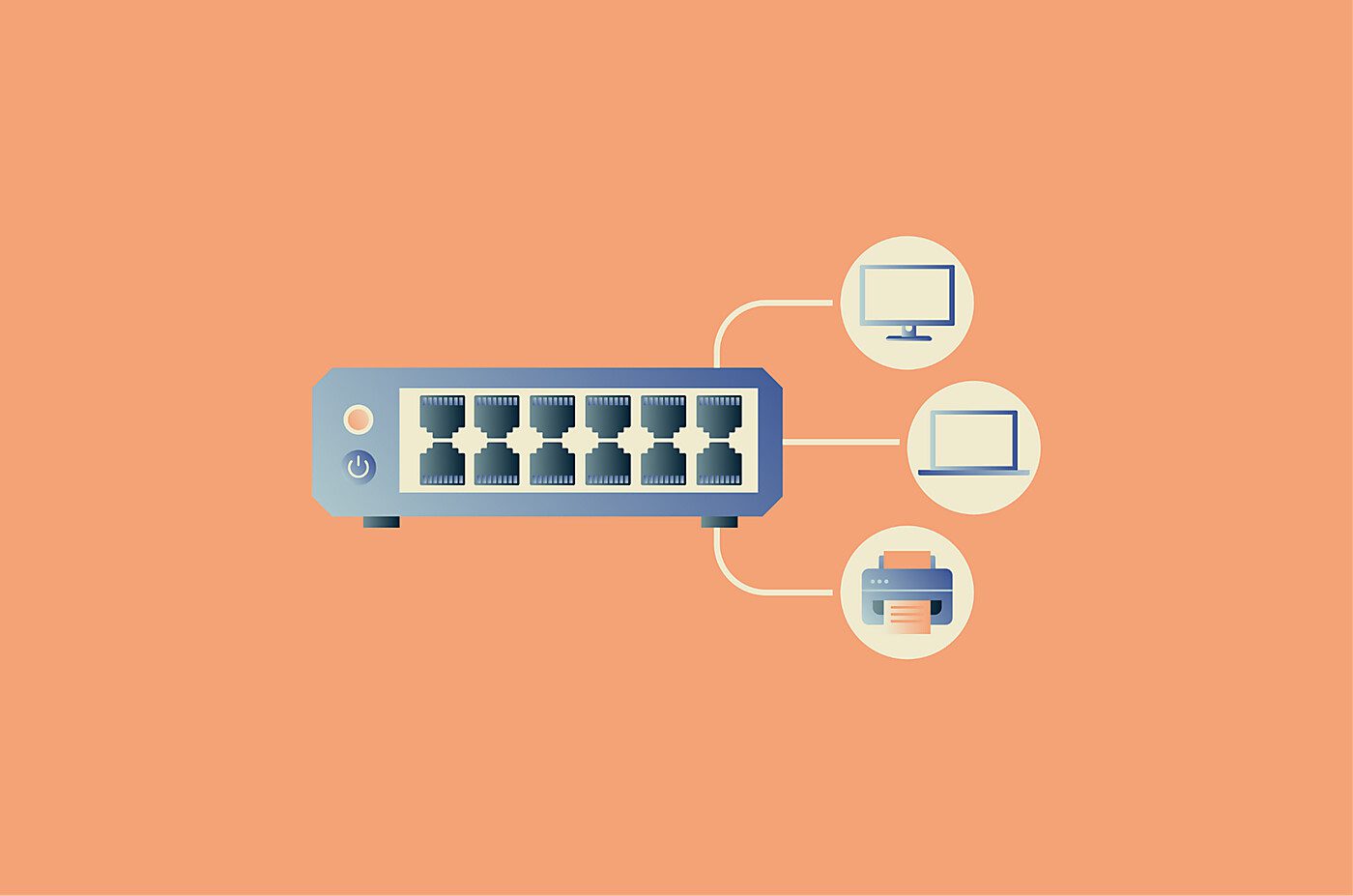
A digital switch, more commonly called a network switch or Ethernet switch, is a hardware device that connects multiple devices on the same local area network (LAN) and directs traffic between them.
A digital switch differs from a router. A switch handles traffic within a local network, while a router connects that network to other networks or to the internet.
How does a digital switch work?
A digital switch receives data on one port and checks the destination information attached to it, usually the destination Media Access Control (MAC) address. It then forwards that data only to the correct port once it knows the destination device, rather than sending all traffic to every connected device.
Some digital switches are unmanaged, meaning they require little or no manual setup. Others are managed, which means administrators can configure them and monitor network behavior more closely.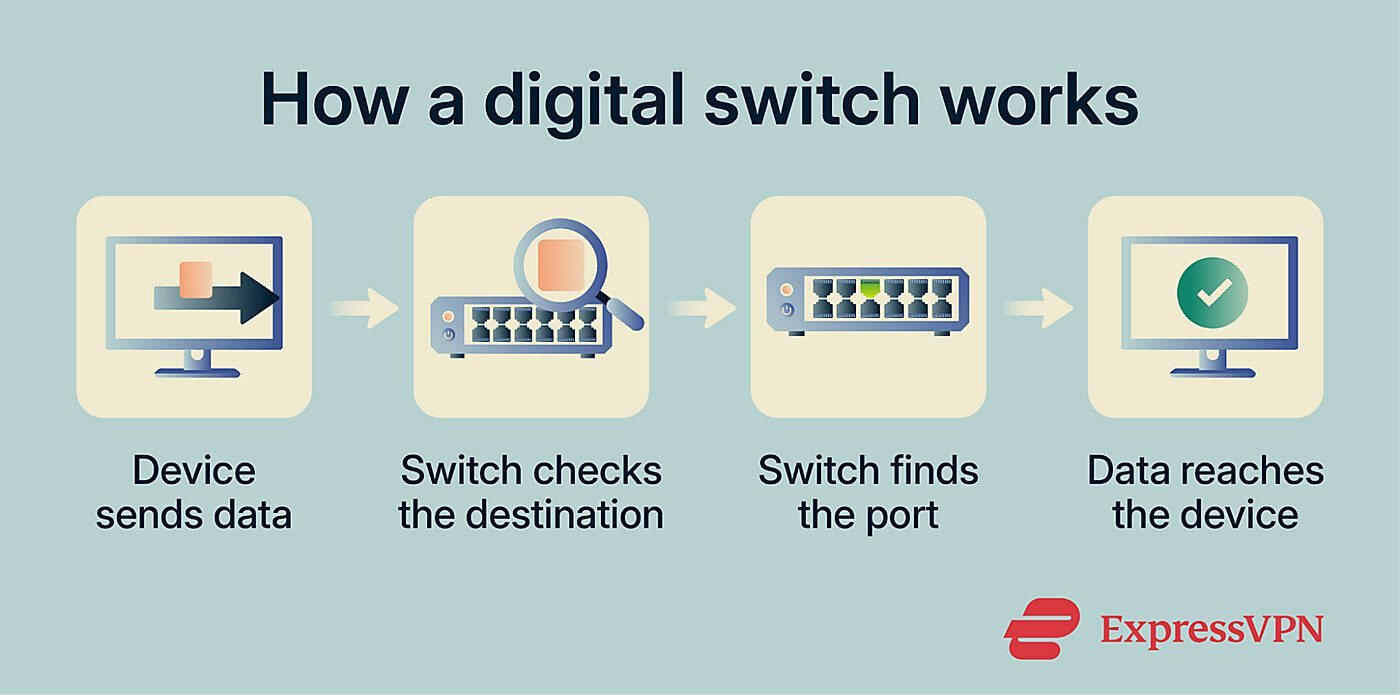
Why is a digital switch important?
A digital switch helps devices on the same network communicate more efficiently. By forwarding traffic only where it needs to go, it reduces unnecessary network traffic and supports more connected systems as networks grow.
Managed switches give administrators control over how they separate and monitor network traffic. In business environments, this supports segmentation, improves visibility, and makes the network easier to manage.
Where is a digital switch used?
Common use cases of digital switches include:
- Office and campus networks: Switches connect computers, servers, printers, and access points across departments or buildings.
- Data centers: Support communication between servers, storage systems, and network infrastructure.
- Smart homes and Internet of Things (IoT) environments: Connect wired devices such as IP cameras, smart hubs, access points, and home automation systems.
- Schools and hospitals: Enable reliable communication between systems, devices, and administrative networks.
- Retail and industrial environments: Support point-of-sale (PoS) systems, monitoring devices, and operational equipment.
Some switches also support Power over Ethernet (PoE), which delivers data and power over the same Ethernet cable. PoE is commonly used for devices such as IP cameras, Wi-Fi access points, and Voice over Internet Protocol (VoIP) phones, reducing the need for separate power adapters or nearby outlets.
Risks and privacy concerns
Digital switches can introduce security and privacy risks if administrators don’t properly configure or manage them. Some risks apply to networking equipment broadly, while others target switches specifically.
- MAC flooding: Attackers send a flood of fake MAC addresses to overwhelm the switch's MAC address table. Once the table is full, the switch may default to broadcasting traffic to all ports, allowing attackers to capture data meant for other devices. Administrators can mitigate this risk through port security features that limit the number of MAC addresses each port can learn.
- Address Resolution Protocol (ARP) spoofing: Attackers send forged ARP messages to associate their own MAC address with another device's IP address, intercepting or redirecting traffic. Managed switches can defend against this using dynamic ARP inspection, which validates ARP packets against trusted IP-to-MAC address bindings.
- Unauthorized access and lateral movement: Weak configurations or missing network segmentation can let attackers move between systems once they're on the network. Managed switches can help reduce the risk through access control lists, virtual LAN (VLAN) segmentation, and 802.1X port-based authentication.
- Limited visibility: Unmanaged switches lack monitoring, logging, and access controls, making it harder for administrators to detect suspicious activity. Managed switches support port mirroring, flow monitoring, and integration with security tools.
Further reading
- What is computer networking and how VPNs fit in
- Network architecture: Building secure and modern networks
- What is a VLAN? A complete guide to virtual LANs
- What is a subnet? A complete guide to subnetting
- Network topology: Best practices for modern networks