



This guide will show you how to find and adjust your privacy preferences on the ExpressVPN apps for iOS and Android.
Jump to…
What are privacy preferences?
What types of information can you choose to share?
How to find privacy preferences in the ExpressVPN apps for iOS and Android
How to enable or disable privacy sharing
What are privacy preferences?
Privacy preferences lets you choose whether the ExpressVPN app shares certain information, such as analytics and marketing data, to help improve the app and your experience. You can change your preferences at any time.
What types of information can you choose to share?
The table below explains what each type of information is used for.
| Information type | Description |
| Essential | Essential information is required for the app to function properly. You can’t turn off Essential information sharing as it’s required for the app to function. |
| Analytics | Helps ExpressVPN understand how you interact with the app so we can improve performance and usability. |
| Marketing | Helps ExpressVPN show content and offers that are more relevant to your interests. |
Note: For more information about how ExpressVPN handles your data and the type of information it collects, read the ExpressVPN Privacy Policy.
How to find privacy preferences in the ExpressVPN apps for iOS and Android
To find your privacy preferences in ExpressVPN mobile apps:
- Open the ExpressVPN app.
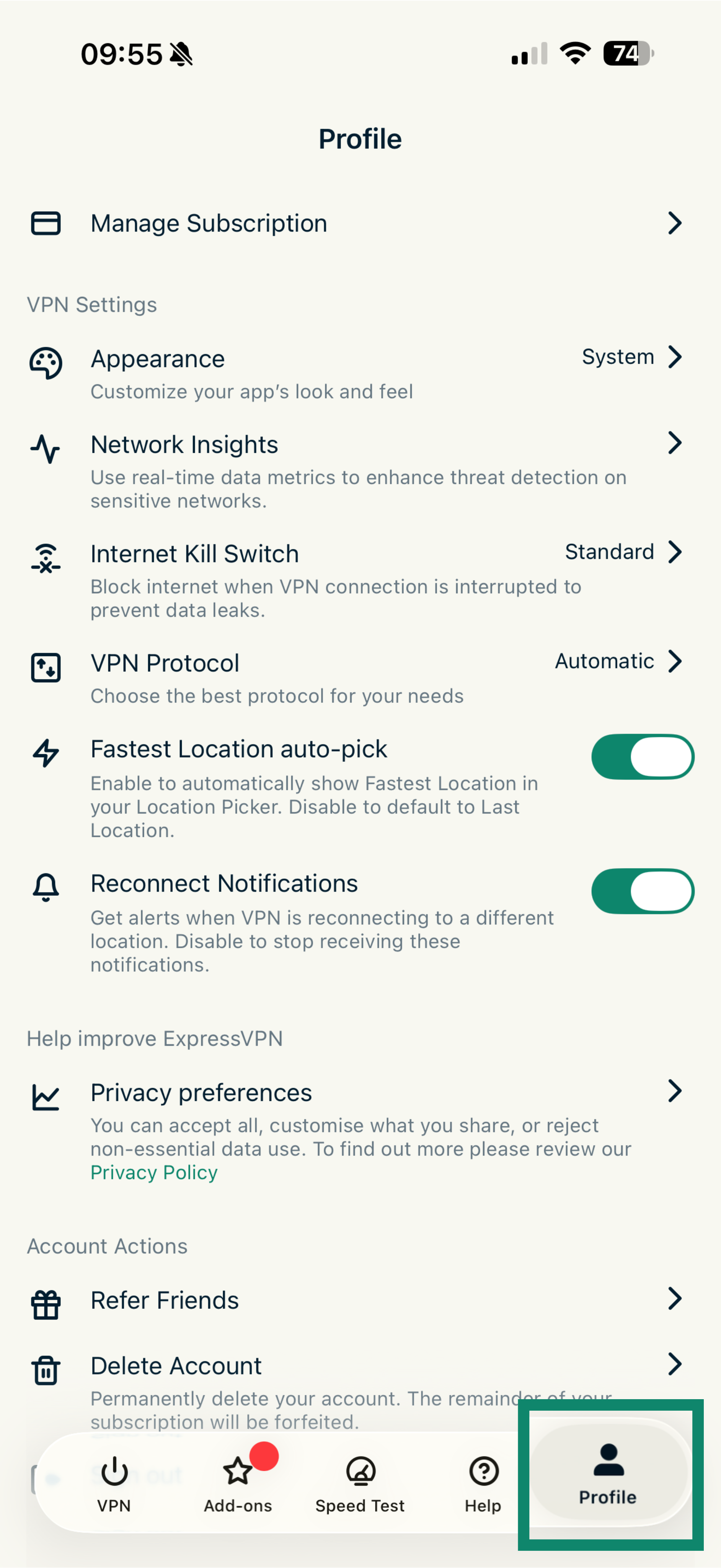
- Tap Profile in the bottom-right corner of the screen.


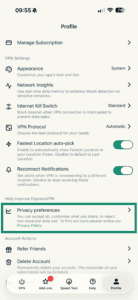
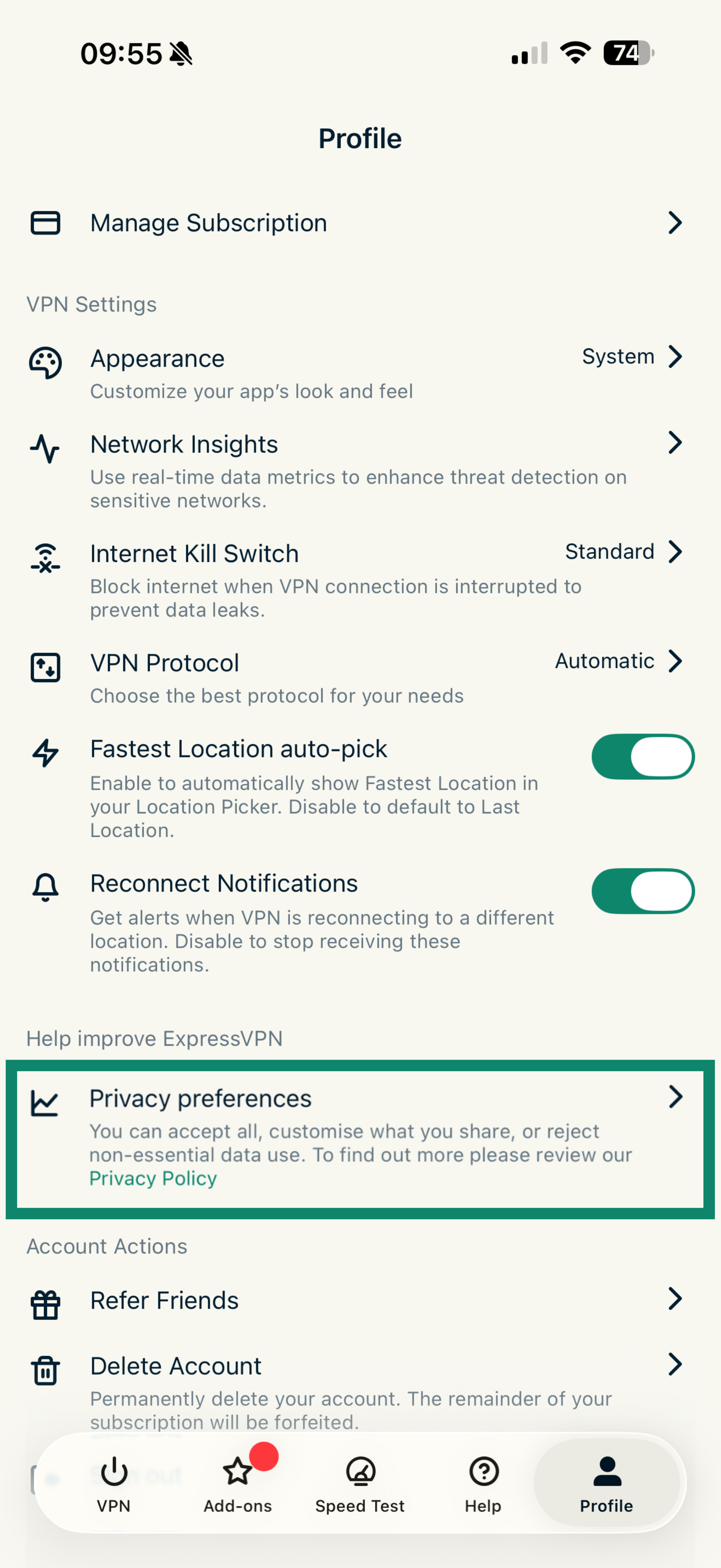
- Tap Privacy preferences.
How to enable or disable privacy sharing
To adjust your privacy sharing settings:
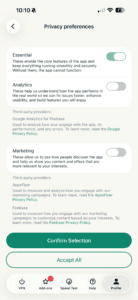
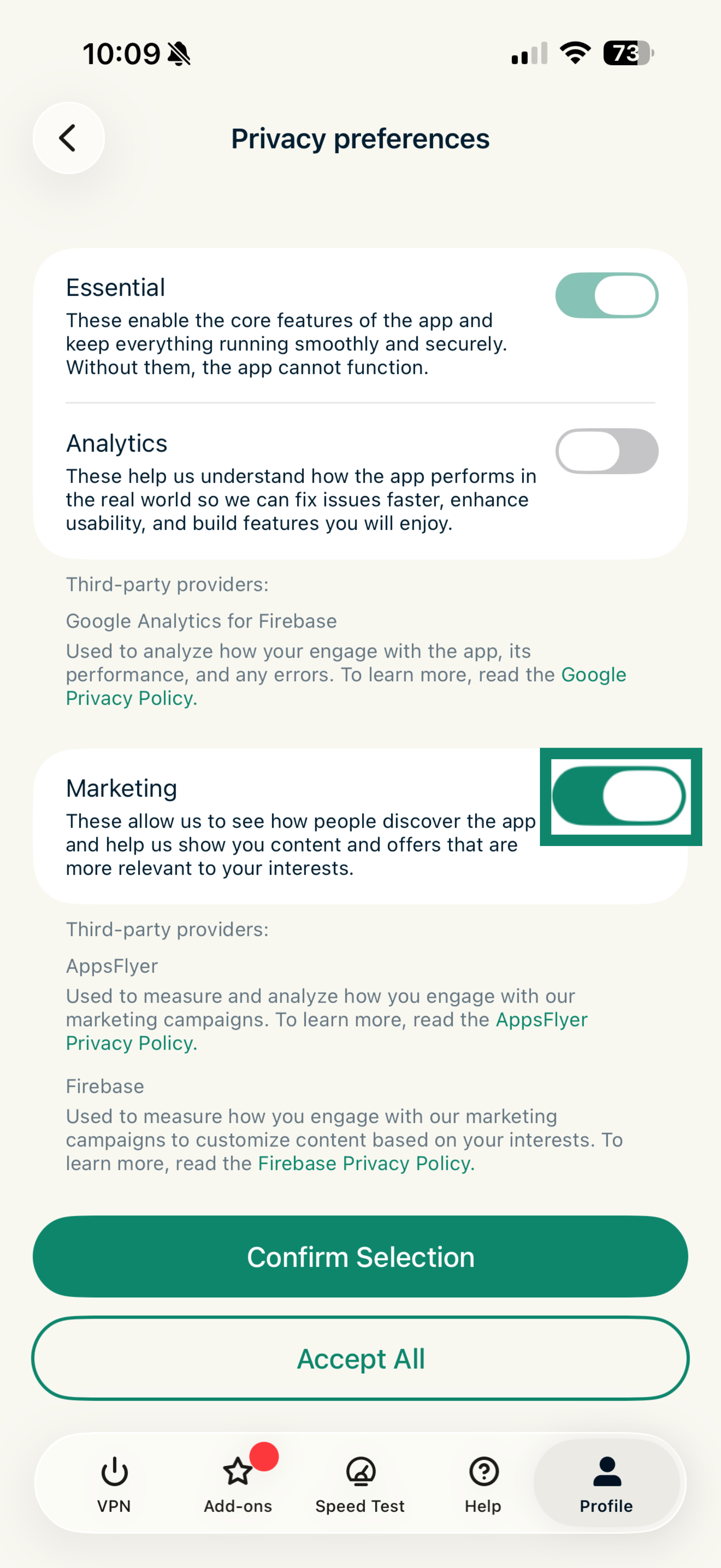
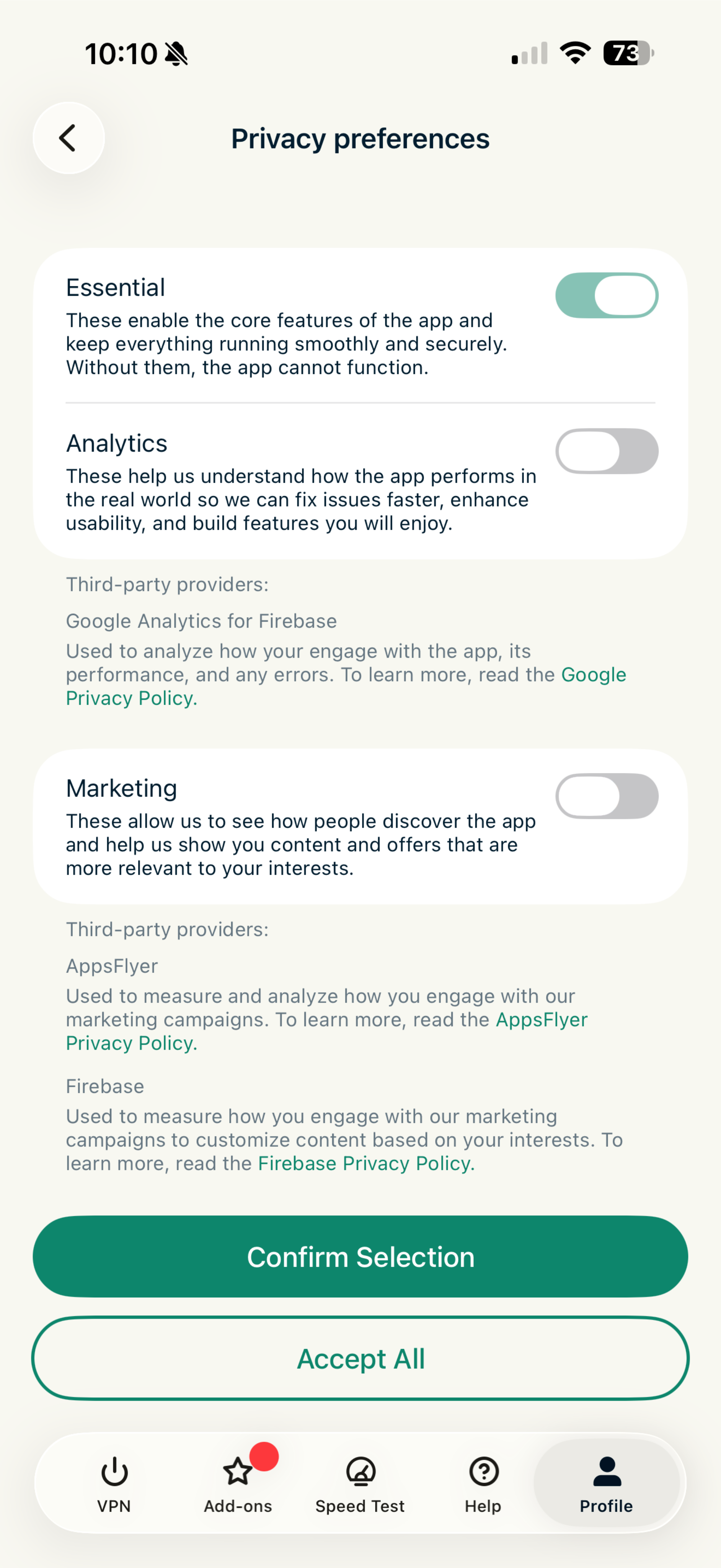
- In Privacy preferences, find the type of information you want to change.
- Toggle the setting on or off to choose whether to share that type of information.
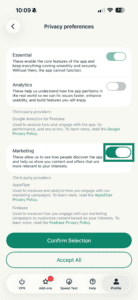
- Tap Confirm Selection to save your changes.
Note: Your changes take effect immediately. You can’t turn off Essential information sharing as it’s required for the app to function.