
Identity Defender introduces Caller Identification to help protect Android users from scam calls


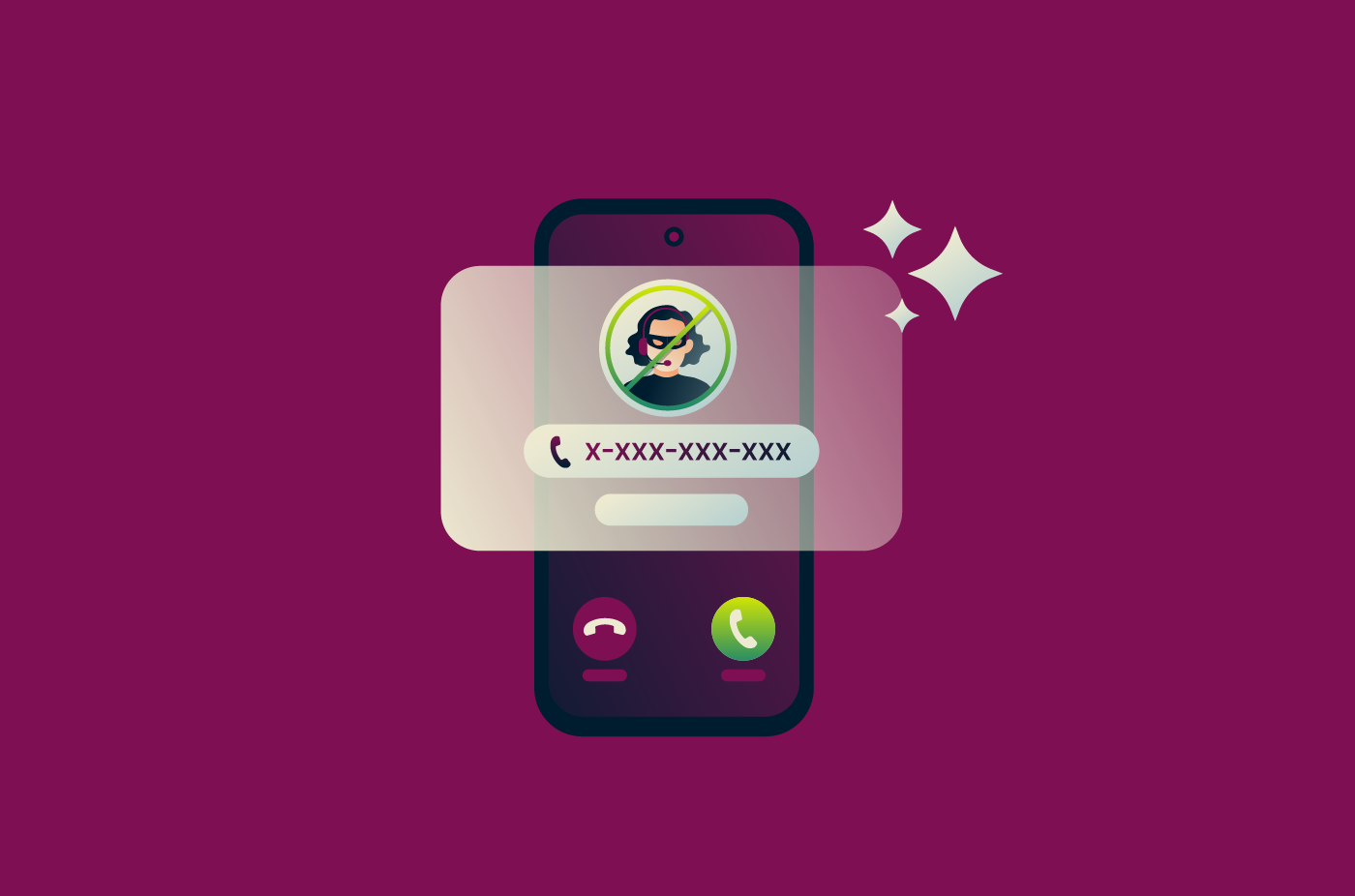
We're extending Identity Defender's scam protection from your inbox to your phone with Caller Identification, a new scam call protection feature. It checks incoming calls against a database of reported and suspected spam and scam numbers, then warns you or blocks the call, depending on how you set it up.
Express Pro plan users in the U.S. can now access Caller Identification at no additional cost through the Identity Defender app on Android, with iOS support coming soon.
Identity Defender’s Caller Identification at a glance
- Availability: Included at no additional cost for Express Pro subscribers in the U.S. using the Identity Defender Android app.
- Incoming call checks: Checks numbers against a database of reported and suspected spam and scam numbers.
- Three protection levels: Choose warnings, blocking reported spam and scams, or blocking all suspected spam and scams.
- Adjustable settings: Change your protection level or turn off call protection at any time.
Protection against scam and spam calls
Unwanted calls can range from persistent telemarketing to more serious scams impersonating banks, government agencies, delivery companies, or even friends and family members.
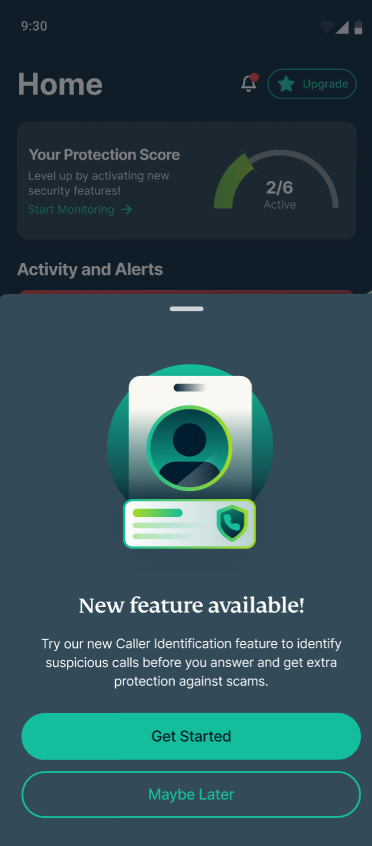
Caller Identification flags potentially suspicious or unwanted calls, helping you decide whether to answer. When a call comes in, Caller Identification checks the number's reputation and shows you what it finds before you pick up. Numbers that have been reported as spam or scams are flagged clearly. This includes robocalls, telemarketers, and more.
Depending on your settings, suspicious calls can still ring with a warning or be blocked before they disturb you. You can also view numbers you’ve blocked directly in the Identity Defender app.
Choose your level of protection
Not everyone wants suspicious calls handled in the same way. Some people may prefer to see a warning and decide whether to answer, while others may want known suspected spam and scam calls blocked automatically.
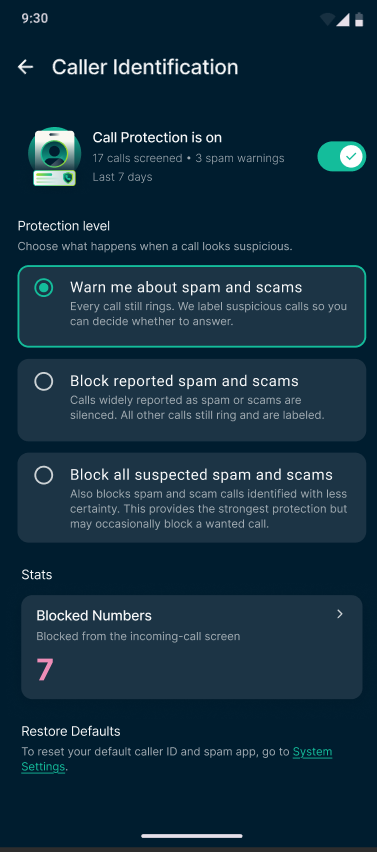
Scam call protection offers three levels of protection:
- Warn me about spam and scams: Get an on-screen warning when a caller is suspected of spam or scams, without preventing the call from coming through.
- Block reported spam and scams: Automatically silence calls from numbers that have been reported as spam or scams, while flagging other suspicious callers.
- Block all suspected spam and scams: Block any call Identity Defender considers potentially suspicious, even if the number hasn’t been widely reported.
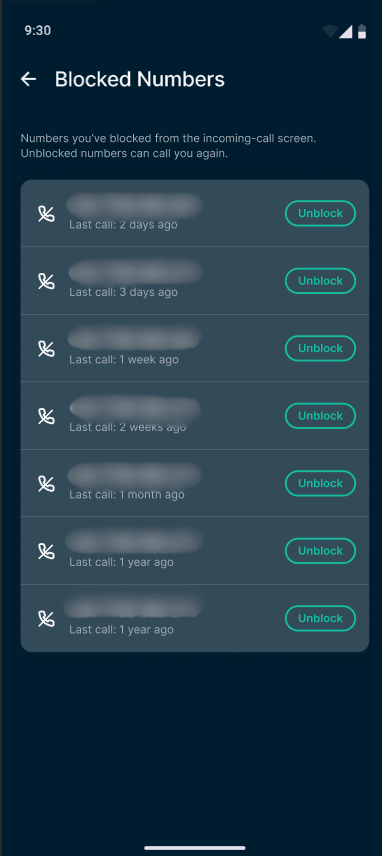
The strongest setting offers broader protection, but it may occasionally block a call you wanted to receive. You can change your protection level or turn off call protection at any time in the Identity Defender app.
Why scam call protection matters
Scam calls are designed to catch you off guard. They may use spoofed numbers, convincing language, or personal information found online to appear legitimate. A caller might claim that your account has been compromised, a payment is overdue, or immediate action is required to pressure you into sharing sensitive information or sending money.
By adding call protection to Identity Defender, we’re helping you spot potential scams earlier and make more informed decisions about when to answer or engage.
The new feature is available exclusively to Express Pro subscribers using the Identity Defender Android app in the U.S. Open or download the Identity Defender app on Android to start using Caller Identification.