
ExpressKeys now lets you attach files to your vault


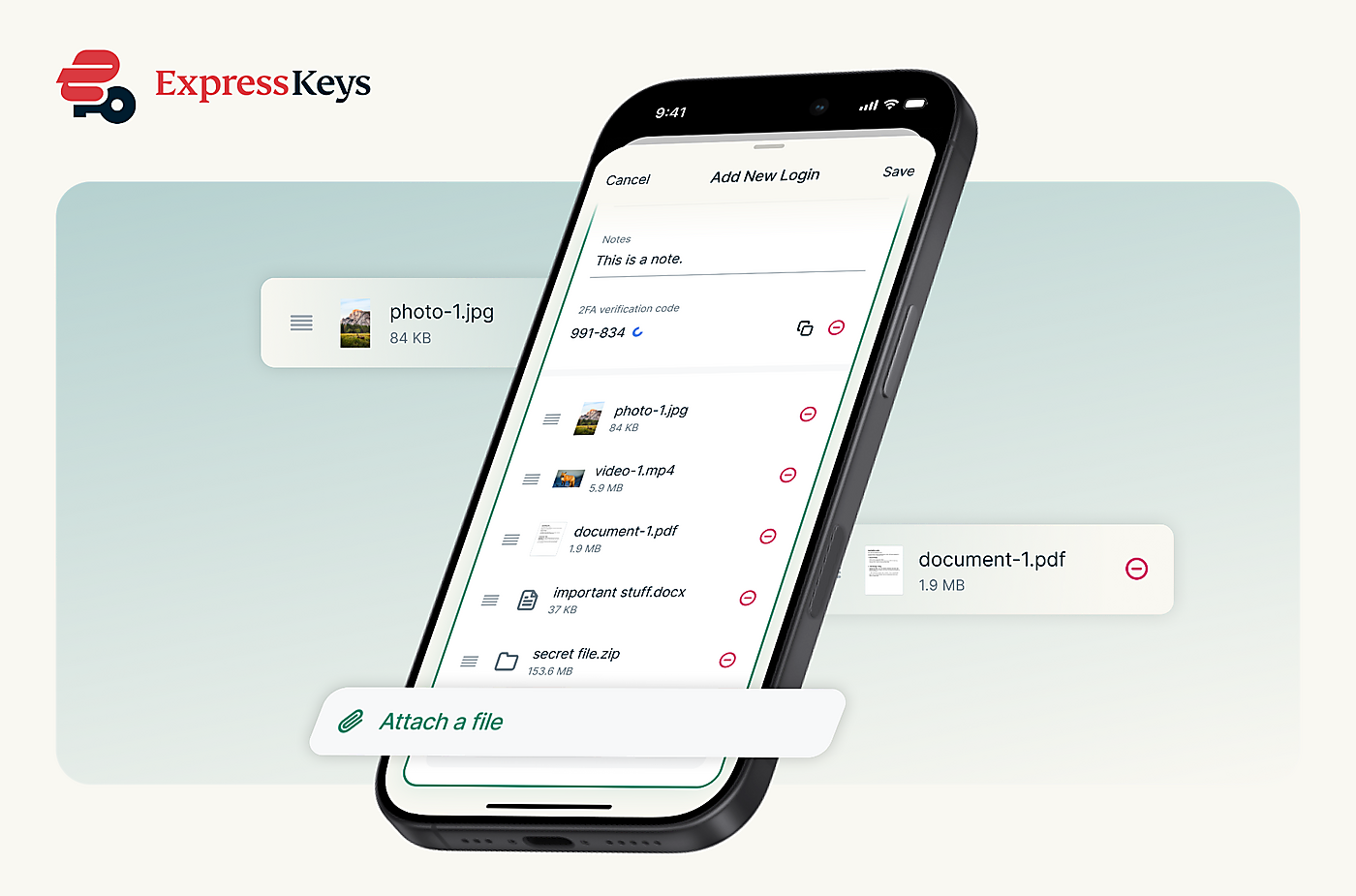
You can now attach documents, photos, videos, and other files directly to any item in your ExpressKeys vault, keeping everything related to an account or identity securely stored together in one encrypted place. File attachments are now available to all ExpressKeys users.
ExpressKeys file attachments at a glance
- Any file type: Attach documents, photos, videos, and other files to any vault item.
- Storage by plan: Pro subscribers get 10GB of attachment storage. Advanced subscribers, users who subscribe through the ExpressKeys mobile apps, and legacy subscribers get 5GB.
- In-app previews: View supported text, PDF, image, and video files directly in ExpressKeys.
- Selective sharing: Choose whether to include attachments when sharing a vault item, and exactly which ones.
What you can store
You can attach any file type to a vault item, from a PDF or a Word document to a photo, a video, or a compressed archive. There’s no limit on individual file size, within your plan’s available storage
Whether it's a passport attached to a travel account, recovery phrases stored alongside a login, or warranty documents linked to an online purchase, your vault now keeps the complete record, not just your credentials.
Storage depends on your subscription plan. Pro subscribers get 10GB of attachment storage, while Advanced subscribers, users who subscribe through the ExpressKeys mobile apps, and legacy subscribers get 5GB. This storage is shared across all items in your vault.
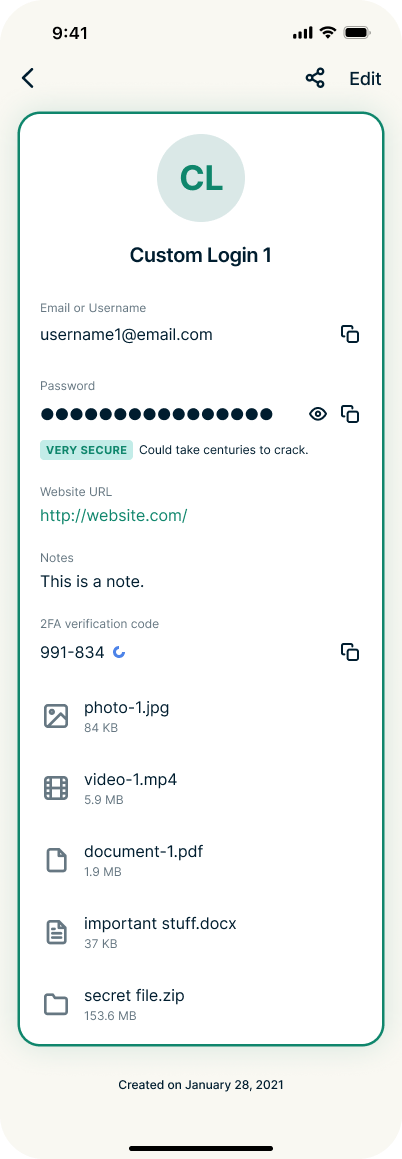
Supported text, PDF, image, and video files can be previewed directly inside the ExpressKeys app, so you can check a document without leaving ExpressKeys or downloading anything first. Files in other formats remain securely encrypted and can be downloaded whenever you need them.
Adding attachments takes seconds
Open any vault item, then tap Attach a file at the bottom of the screen. ExpressKeys gives you three ways to add one: take a new photo with your camera, choose an existing photo from your library, or select a file from your device.
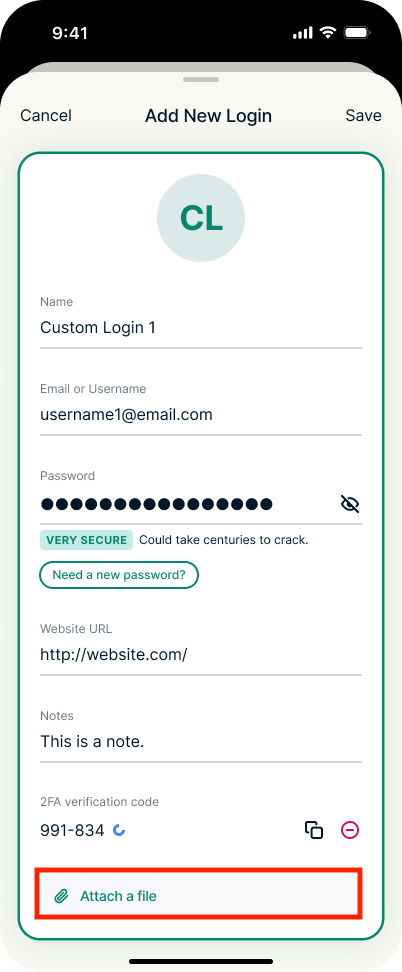
Selected files appear in a list on the item, where you can rename or remove them before saving. Attachments upload when you save the item, not before, so nothing leaves your device until you're ready.
Share only the attachments you want
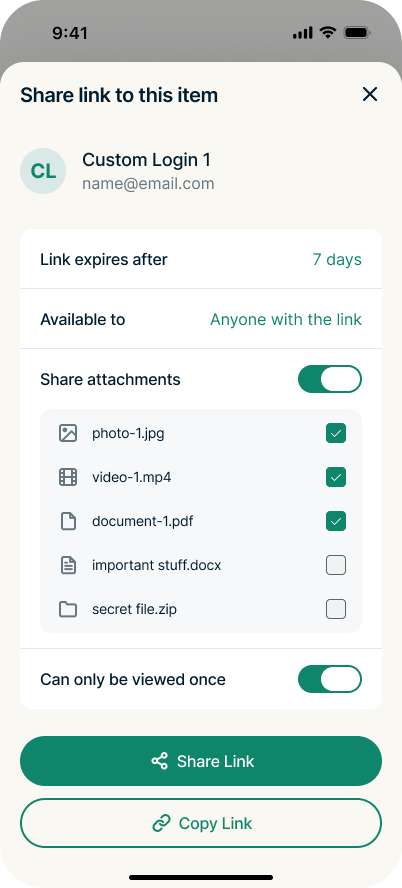
File attachments also work with the secure item sharing introduced earlier this year. When you share a vault item, you can now choose whether to include its attachments, and exactly which ones. That means you can send a login together with the document someone needs, while keeping more sensitive files private.
You also retain the existing controls over the shared link itself. You decide how long the link stays active, whether the recipient has to verify their email address, and whether it expires after a single view. Shared access can be reviewed and revoked from the original item at any time.
More recent ExpressKeys upgrades
Secure sharing is one of several upgrades from the last major ExpressKeys release. If you haven't caught up since the standalone app launched, here's what else is new:
- Full passkey support: Generate, store, and manage passwordless credentials directly in your vault.
- Direct imports: On iOS, move credentials from Apple Passwords, Google Chrome, and other managers through the FIDO Credential Exchange standard, without creating a plain-text export.
- Card scanning: On iOS, point your phone's camera at a physical card and let the app fill in the details.
- Recently Deleted: A 30-day window to recover items removed by mistake.
The standalone ExpressKeys app has also undergone an independent security assessment by Cure53, which took ExpressVPN's published independent audit total to 28, more than any other VPN provider. You can read the full breakdown in our ExpressKeys feature and audit update.
Get started with ExpressKeys
Existing ExpressKeys users can open any vault item in the app and tap Attach a file to add their first attachment.
For new users, ExpressKeys is included with ExpressVPN Advanced and Express Pro, or available as a separate subscription through the Google Play and App Store.