
VPN for LinkedIn: Stay connected and secure
Connect safely to LinkedIn from home or abroad, and get comprehensive VPN protection across all your devices
- Use LinkedIn securely on any public Wi-Fi network, globally
- Browse with a dedicated IP address to reduce CAPTCHAs and login verifications
- Protect your sensitive information with advanced encryption
30-day money-back guarantee for new subscribers

Why use a VPN for LinkedIn
Get stable and reliable connections with a VPN for LinkedIn
-
![Keys Password Manager@2x 7]()
Protect your activity on shared or restricted networks
Keep your LinkedIn messages, job applications, and profile activity secure on public Wi-Fi or shared networks.
If you’re wondering how a VPN works, it encrypts your connection and masks your IP address, keeping your data and location private and safe from prying eyes.
-
![Dns Results@2x 1]()
Reduce exposure to tracking and profiling
A quality VPN hides your activity from ISPs and network administrators by encrypting your connection. Extra features like ad blocking and threat-prevention tools can add additional layers of privacy and help keep unwanted monitoring at bay.
How to use ExpressVPN for LinkedIn safely
Install the best VPN for LinkedIn with the click of a finger
-
![How to sign up for ExpressVPN]()
-
![Get A Private Ip Address@2]()
Step 2
Connect to a secure VPN server location
Select a server location or let Smart Location choose automatically.
-
![Download App@2x 5]()
Step 3
Open LinkedIn as usual
Connect to LinkedIn on any network with a VPN IP address.

What to look for in a VPN for LinkedIn
Get top privacy and fast, reliable, performance with a LinkedIn VPN
-
![Data Exposed@2x 4]()
Transparency around data logging and privacy
Worried about your LinkedIn activity being monitored? A VPN with a strict no-logs policy doesn’t track the sites you visit, store your login details, or keep records of your activity. This keeps your browsing, messages, and other sensitive information private and secure.
-
![10gbps Servers@2x 7]()
Consistent performance on work-related sites
Frustrated by slow connections or sudden drops while using work platforms? A reliable LinkedIn VPN uses secure, optimized protocols to keep your connection fast and stable. Whether you’re on office Wi‑Fi or using public hotspots while traveling.

ExpressVPN features that support LinkedIn users
Tools to stay connected, secure, and productive with a VPN for LinkedIn
No activity logs, independently audited
ExpressVPN follows a strict no-logs policy, independently audited by firms like KPMG and PwC.
These audits and other transparency measures confirm we don’t collect, store, or monitor your browsing activity, IP address, and connection data.
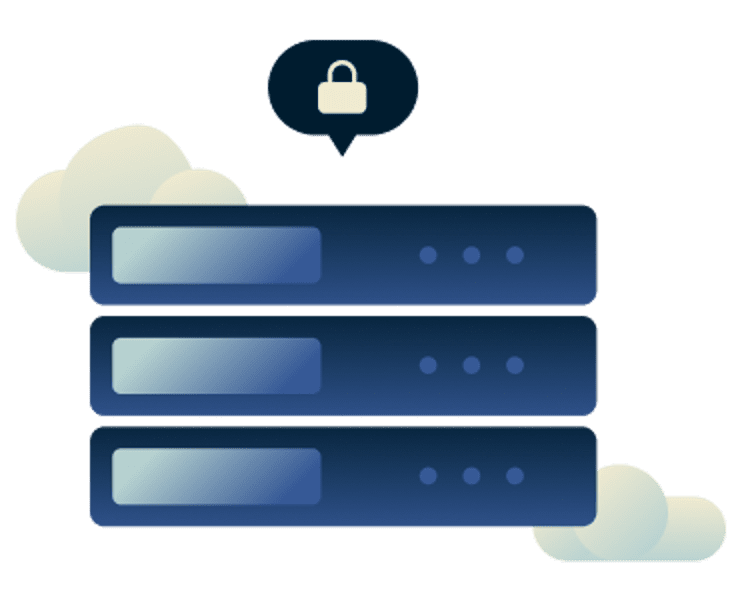
TrustedServer tech ensures every reboot wipes data
With ExpressVPN’s TrustedServer technology, all operations run on volatile memory (RAM-only servers), eliminating the possibility of data being written to disk or retained after reboot.

Optimised for high-speed, stable connections around the globe
Use LinkedIn quickly and safely by connecting to any of ExpressVPN's optimized servers across 113 countries. With unlimited bandwidth and our proprietary Lightway protocol, you get fast, reliable connections on all your devices with minimal battery use.
From checking candidate profiles on airport Wi-Fi to applying for jobs from the comfort of home, you can stay productive and securely connected wherever life takes you.
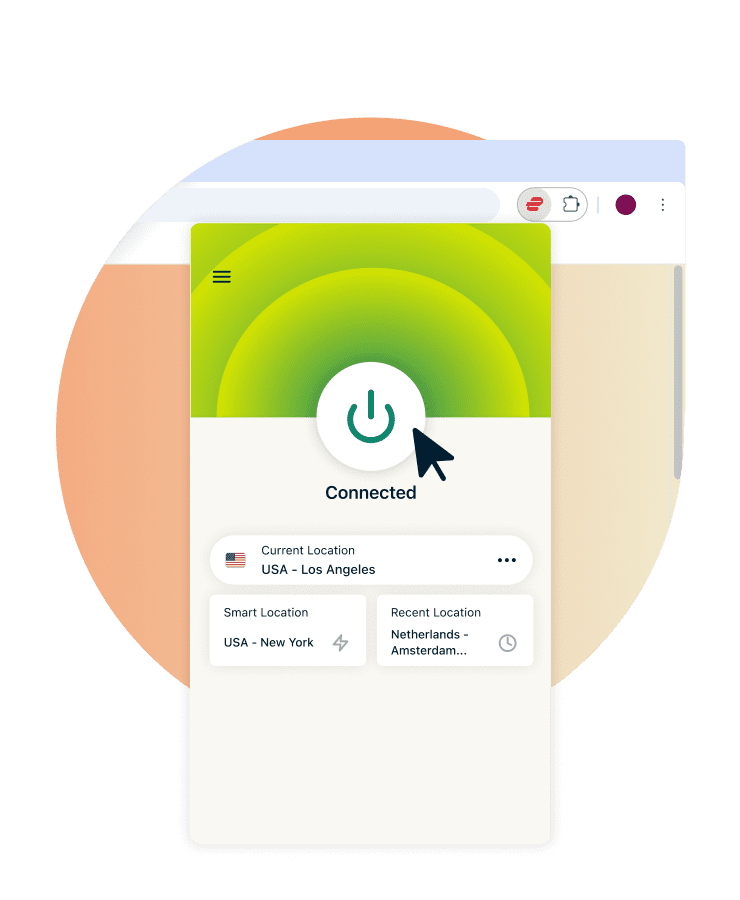
Native apps and browser extensions for every platform
ExpressVPN for LinkedIn offers easy-to-use apps for all major devices—including Windows, Mac, iOS, and Android—letting you connect with just one tap.
Plus, with a single subscription, you can protect up to 14 devices simultaneously, so your activity stays secure across your phone, laptop, and more.

24/7 support and a guaranteed refund policy
ExpressVPN offers live 24/7 customer support, and it’s always just a click away. Our multilingual team can help with setup, troubleshooting, or any questions you may have.
Plus, first-time users can try ExpressVPN for LinkedIn risk-free with our 30-day money-back guarantee. If you’re not satisfied, contact support to request a refund.
Is it safe and legal to use a VPN with LinkedIn?
What you need to know about LinkedIn VPN usage
LinkedIn’s policy on VPN connections
LinkedIn’s User Agreement doesn’t explicitly ban VPNs, and many people use them legitimately. However, LinkedIn monitors IP and location data for security, so frequent or unusual VPN changes can trigger extra verification requests or temporary restrictions.
As long as your activity follows LinkedIn’s terms, using a VPN is generally allowed — just keep your IP location consistent to avoid being flagged.

Tracking VPN usage on LinkedIn
LinkedIn doesn’t specifically block VPN connections, and professional users often rely on them for online safety.
With a no-logs VPN, your browsing, messages, and job applications remain private from network snoops. LinkedIn cannot link your activity back to your real IP address either, helping you maintain confidentiality while using the platform.

Safer connection methods during network restrictions
Using a VPN on LinkedIn can sometimes trigger security alerts if your login location appears unusual.
To reduce disruptions, ExpressVPN can use obfuscation technology to disguise your traffic to look like regular internet activity. A dedicated IP address can help provide a consistent IP location. Together, these features help you maintain privacy and minimize verification prompts.
What people are saying about ExpressVPN
Discover why ExpressVPN’s customers are satisfied
I have ExpressVPN on all my devices - phone, laptop, tablet, AppleTV, etc., and absolutely love it.


* A sample of reviews from our most satisfied customers
Got an account with @expressvpn yesterday. Great decision for traveling out of the country!
@D_Geiger

* A sample of reviews from our most satisfied customers
With its consistent performance and reliable security, ExpressVPN is the best VPN out there.

* We sometimes pay expert sites for customer referrals
FAQs: About VPN’s and LinkedIn
All you need to know about a VPN for LinkedIn
What is the best VPN for LinkedIn?
ExpressVPN is the best VPN for LinkedIn, offering ultra-fast, secure servers in 113 countries. It is compatible with all major platforms, and you can connect up to 14 devices at once with a single subscription. It's ideal for staying protected wherever you work or travel.
Why can’t I use LinkedIn on my current network?
Some regions restrict LinkedIn, and workplaces or schools may use firewalls. Use ExpressVPN to maintain secure, reliable connections to LinkedIn using a private IP address and encrypted device traffic.
My VPN isn’t working with LinkedIn. What should I do?
If LinkedIn isn't working with your VPN, try choosing a different ExpressVPN server location. If this fails, contact our multilingual 24/7 Support Team for instant, live chat.
Can I use a free VPN with LinkedIn?
Free VPNs may cost nothing upfront, but they may track your activity, show intrusive ads, or expose you to security risks. No free VPN matches ExpressVPN’s speed, privacy, or protection—and first-time users can try it risk-free for 30 days with our money-back guarantee.
Try ExpressVPN for professional peace of mind
First-time subscribers can try ExpressVPN risk-free with our 30-day money-back guarantee.*
*Contact support to request a refund. Limited to first-time subscribers.