Data Removal is one of Identity Defender’s services that aims to further improve users’ privacy. It searches for the user’s personal information on data brokers and people-search sites, then sends deletion or opt-out requests on the user’s behalf. It also continuously monitors these sites to ensure the data is successfully taken down and doesn’t reappear.
Jump to…
How to get Data Removal
How to set up Data Removal
How to cancel Data Removal
How to get Data Removal
Currently, Data Removal is included for new and existing ExpressVPN users in the U.S. who purchased an Advanced or Pro subscription plan. Availability for other regions will be confirmed later.
To subscribe:
- Go to the Order page. Data Removal is included in the Advanced and Pro plans.
- Select the button on the Advanced or Pro plan of your choice to proceed.
- Complete your order by entering your email address and payment details.
How to set up and use Data Removal
You can set up and use Data Removal in the Identity Defender apps for iOS and Android.
To set up and use:
- Open the Identity Defender app.
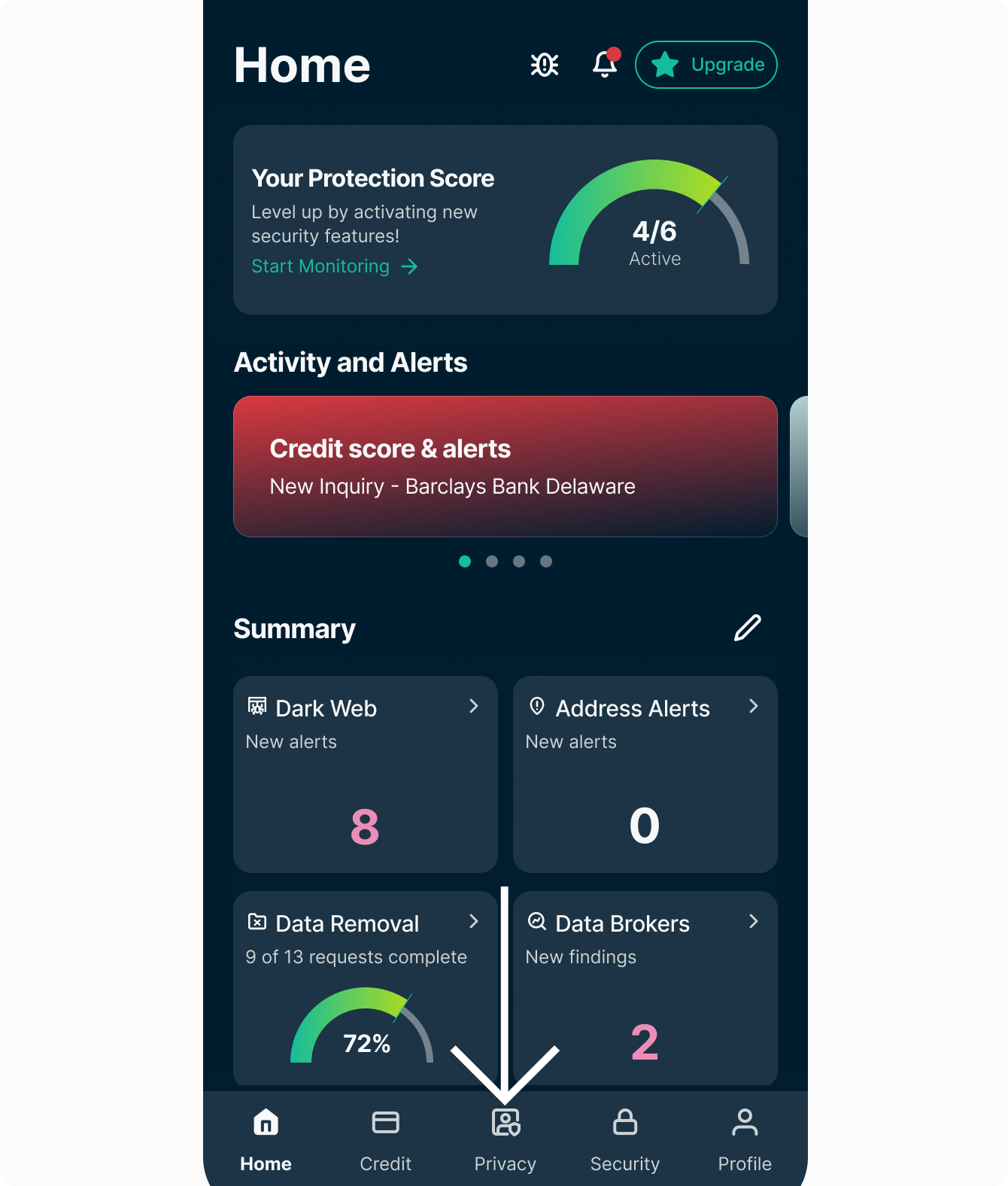
- Tap the Privacy tab.
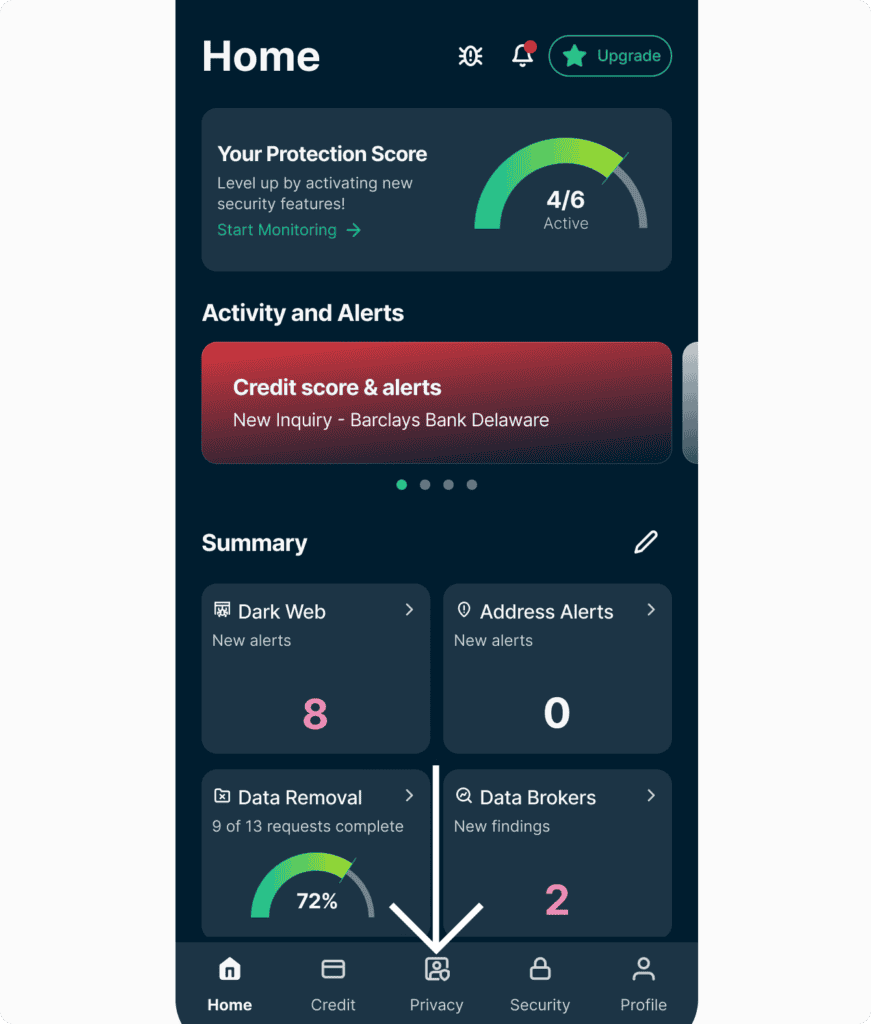

- You will be asked to enter your personal information. If you have previously set up an Identity Defender service, you won’t have to re-enter the same information.
- Tap the toggle button to agree to the Identity Defender Privacy Policy, then tap Continue.
- “Scanning” will appear on the screen.
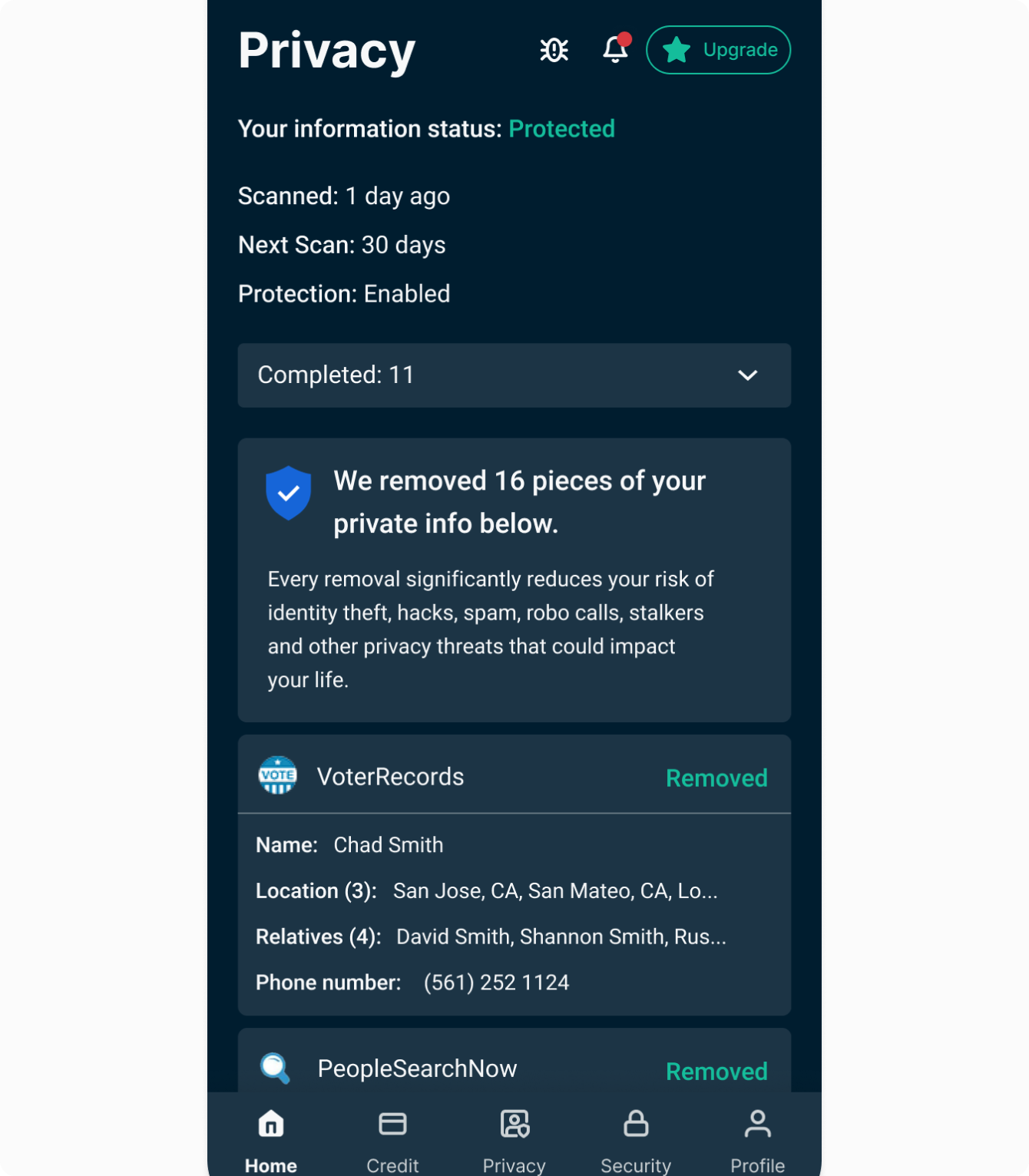
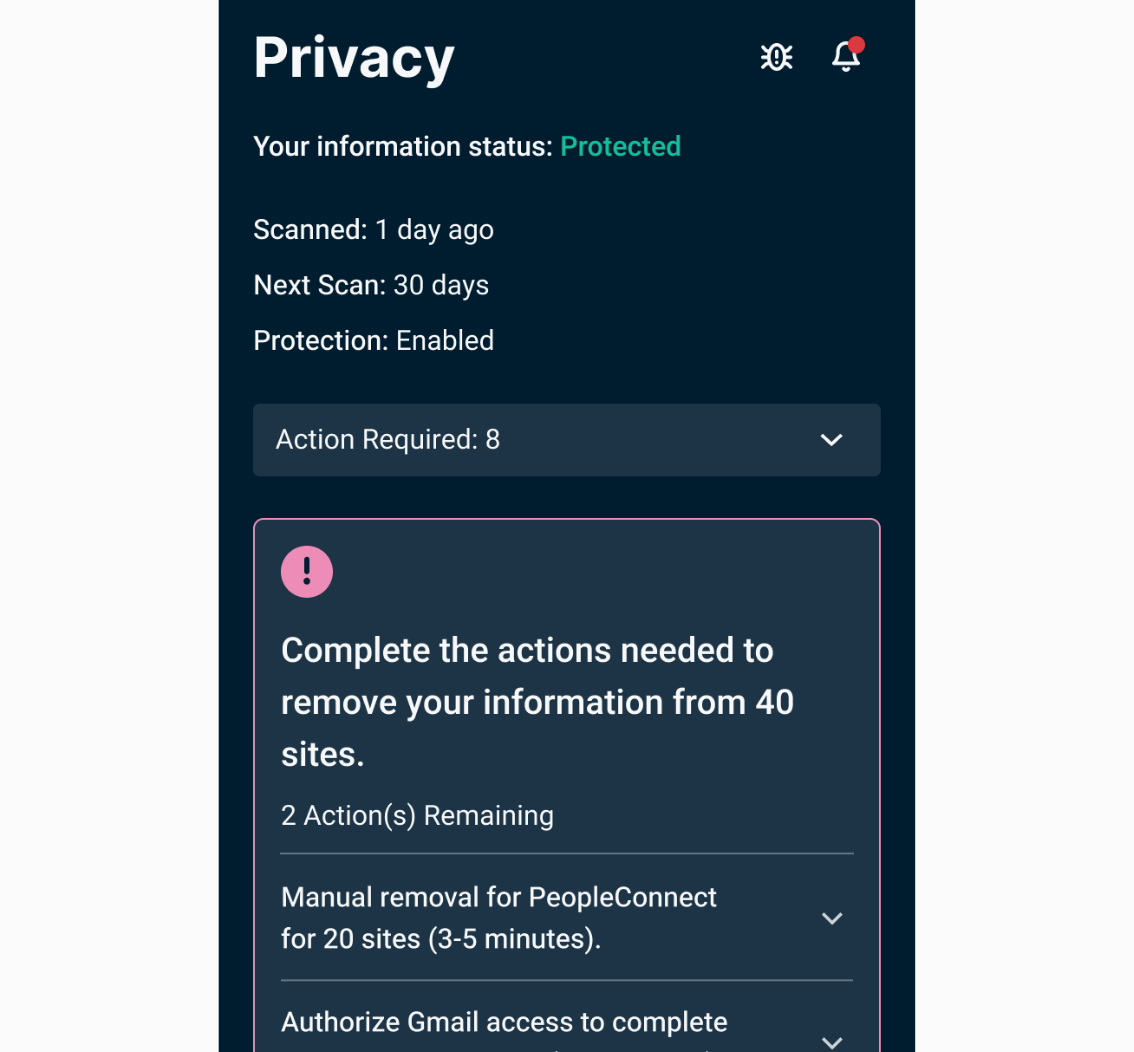
- After scanning is complete, you’ll see a dashboard showing where your info was found and the status of each deletion or opt-out request from these data brokers and people-search sites.
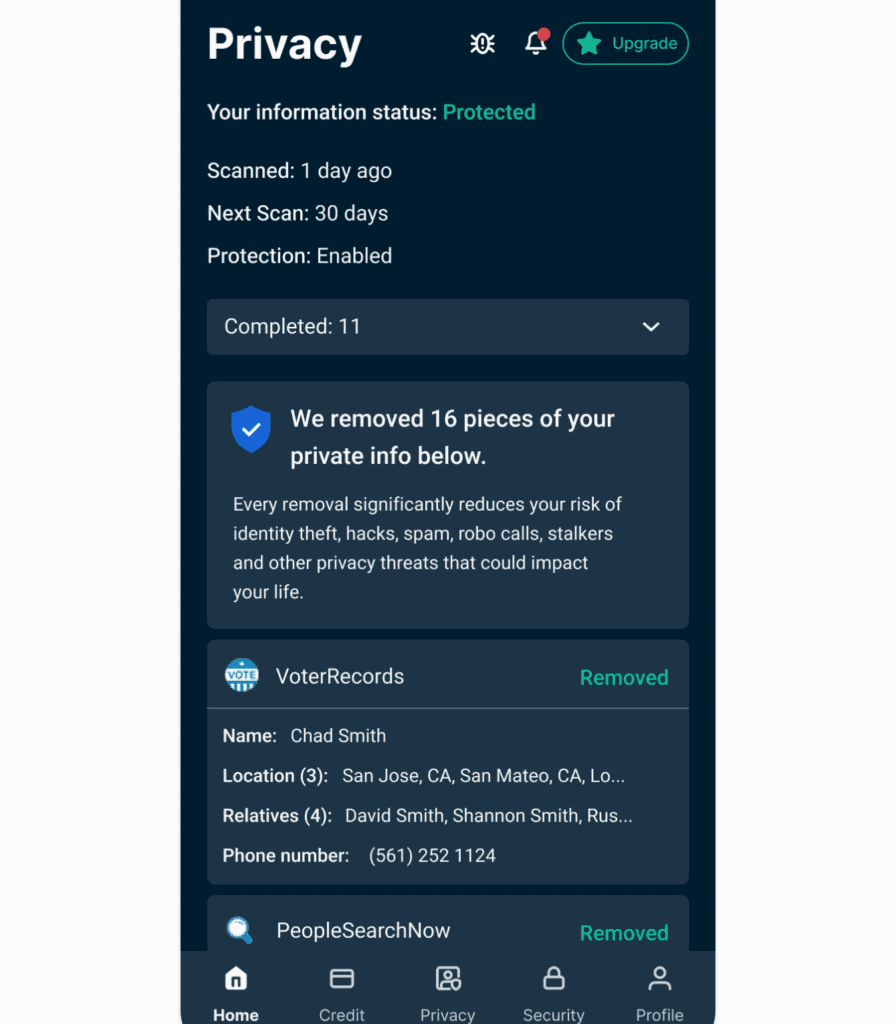

Handling manual removal requests
While Identity Defender handles most requests automatically, some sites require you to take additional steps to remove your information. If a site requires manual intervention, you will see it in the Privacy tab, followed by Action Required in the dropdown menu. We will provide you with clear guidance on how to complete the removal.
Ongoing monitoring
After your data is removed, the service will scan the sites again to ensure your information doesn’t reappear on data brokers and people-search sites. This will be done on a regular basis automatically. You can check the progress of your removals and scans at any time within the Privacy tab.
How to cancel Data Removal
To cancel your Data Removal subscription, turn off auto-renewal of ExpressVPN on the My Subscription page. This cancels all services within your ExpressVPN account, including Data Removal.
Need help? Contact the ExpressVPN Support Team for immediate assistance.