What is tailgating in cybersecurity?


Some organizations invest heavily in digital defenses but underestimate the importance of enforcing physical security. Tailgating is a strategy that exploits this weak point, allowing bad actors to gain access to restricted areas and undermine the protections surrounding digital systems.
This article examines how tailgating attacks work, why they pose serious risks to organizations, and what can be done to prevent incidents.
What is a tailgating attack?
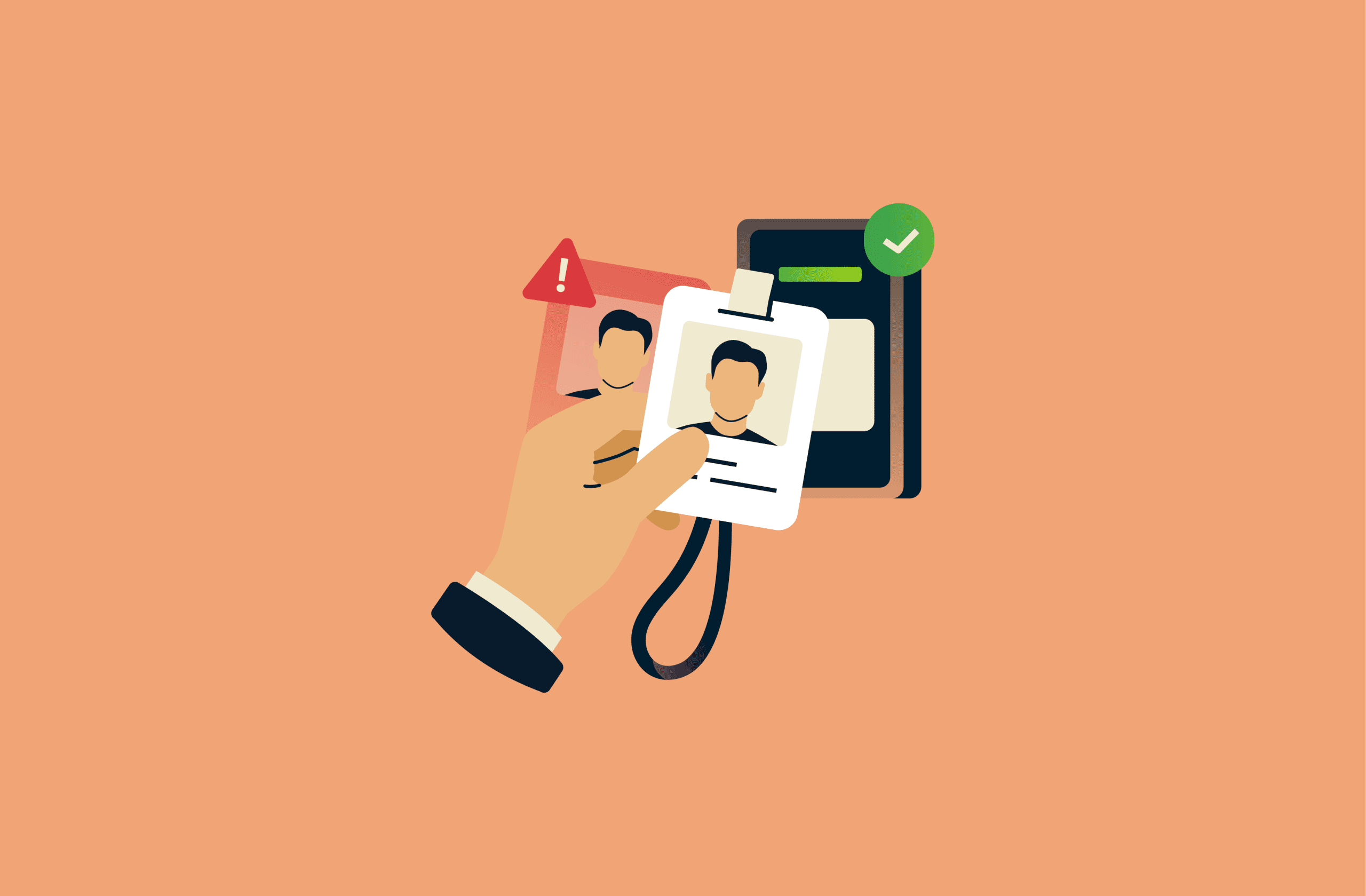
Tailgating in cybersecurity refers to a type of security attack where a bad actor gains unauthorized physical access to a restricted area by following someone with legitimate access. To qualify as tailgating, the person being followed must also be unaware of the intruder’s presence or unaware that the intruder lacks authorization.
How tailgating attacks work
Tailgating attacks often use social engineering by exploiting predictable human behavior and social norms. This includes common tendencies such as holding doors open for others out of politeness or assuming someone belongs in a restricted area based on appearance.
Tailgating can also occur when the intruder simply goes unnoticed by the employee, allowing unauthorized access without any interaction or manipulation.
Physical vs. digital tailgating
Some people distinguish between physical tailgating and digital tailgating.
Physical tailgating is what the term tailgating typically refers to: a security attack where an attacker follows or leverages an authorized individual to bypass physical access controls.
Digital tailgating is when someone gains unauthorized access to digital systems using an authorized user’s session without the user’s awareness.
An example of digital tailgating is a bad actor using an unlocked computer to access sensitive files or internal systems while the authorized user is away from their desk or device. Because the legitimate user is already logged in and authorized, the intruder can bypass authentication controls.
Tailgating vs. piggybacking: What’s the difference?
Tailgating and piggybacking are very similar, and the terms are sometimes used interchangeably, but they’re not the same thing. Piggybacking is a physical security attack where an intruder gains access to a restricted area with the knowledge or consent of someone who has legitimate access.
The main differences between tailgating and piggybacking lie in employee awareness and consent, as well as how unauthorized access is gained. Understanding the differences can help organizations implement more effective access control systems and prevent breaches.
| Feature | Tailgating | Piggybacking |
| Awareness | Employee is unaware of the intruder or unaware that the intruder lacks authorization | Employee is aware that the intruder lacks authorization |
| Consent | No consent | Granted consent (explicitly or implicitly) |
| Mechanism | Relies on distraction, politeness, complacency, or indifference | Exploits trust, familiarity, or perceived harmlessness |
Common tailgating risk scenarios
Tailgating can occur in a variety of environments, from corporate offices to data centers. Below are some common circumstances that illustrate how intruders could exploit physical security lapses.
- Office buildings and corporate facilities: During peak hours, access controls might be weaker due to high volume and familiarity. When larger numbers of people are coming and going, it’s harder to spot people who don’t belong.
- Data centers and restricted facilities: Highly secured locations typically rely on controls such as badges, doors, and turnstiles. If physical access policies aren’t consistently enforced or become lax over time, it may be possible for unauthorized people to enter.
- Small offices and shared workspaces: These environments often prioritize convenience and collaboration. This means there may be informal access controls, shared entrances, or limited visitor oversight, which could reduce the likelihood of identifying strangers.
Why tailgating is a serious security risk
Tailgating can expose organizations to physical and digital security risks, as well as broader organizational consequences.
Physical security breaches
Intruders could steal unattended equipment, damage facilities, or vandalize property. For example, they could potentially disable critical systems like servers. Additionally, they can create safety hazards for employees by starting fires or causing panic through disruptive or threatening behavior.
Cybersecurity and data protection risks
Intruders may use physical access to compromise digital systems. For example, by using unlocked employee computers, they can operate under the legitimate user’s authorization. This might allow them to view or copy sensitive information, such as intellectual property, financial records, or client data. They could also install ransomware or create backdoors that allow continued access to internal networks even after they leave the premises.
Organizational and legal implications
Security incidents caused by tailgating can disrupt normal business operations and lead to unexpected costs. Organizations may need to investigate breaches, repair damaged systems, or replace stolen equipment.
If sensitive data like customer information is exposed, organizations could also face legal or regulatory consequences along with reputational damage.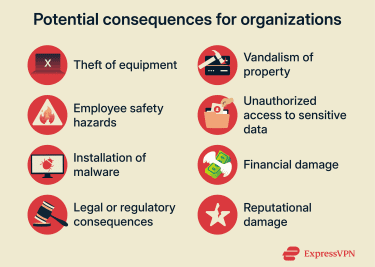
How to prevent tailgating attacks
Reducing the risk of tailgating requires a coordinated approach that combines physical security measures, employee training and awareness, and administrative controls.
Security awareness and employee training
Training staff to recognize and respond to unauthorized entry attempts is critical for maintaining secure entry points. Best practices employees should follow include:
- Follow your organization’s identity verification policy for unfamiliar individuals or visitors (e.g., look for clearly visible badges or credentials).
- Report suspicious behavior to security personnel.
- Notify security personnel of malfunctioning access doors or turnstiles.
Regular refresher training, drills, and reminders help reinforce these practices, helping staff to understand their role in keeping the workplace secure.
Access control and physical security measures
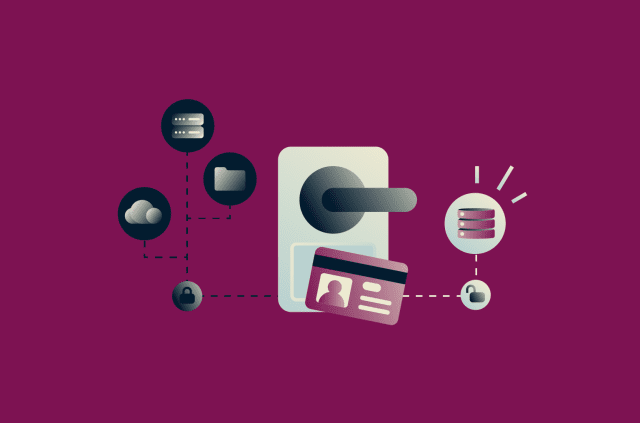
Organizations should implement access control systems that require individual authentication at every secure entry point, such as:
- Badge-controlled access: Ensures only authorized personnel can enter.
- Turnstiles and swiftly closing doors: Reduce the likelihood of intruders from following employees into restricted areas.
- Mantraps and laser sensors: Limit entry to one person at a time.
- Biometric scanners: Help verify identity using fingerprints, palm prints, or retina scans.
- Multi-factor authentication (MFA): Combine access cards or passwords with biometric or numeric verification for high-security areas and devices.
- Video surveillance: Monitor entrances and restricted zones to deter intruders and record incidents.
- Security personnel: Trained staff monitor access points, respond to alarms, and enforce entry policies.
Visitor management best practices
Visitors can create security risks in two ways. They may attempt to access restricted areas themselves. Alternatively, because visitors are often unfamiliar with an organization’s security procedures and physical layout, they can be exploited by a bad actor to gain unauthorized entry.
Proper visitor access management ensures all guests are identified, authorized, and restricted to the areas they are permitted to access, reducing opportunities for tailgating.
Key practices for managing visitors include:
- Visitor registration: Require guests to sign in either before arrival or upon entering the premises, providing a valid ID to confirm their identity.
- Temporary identification: Give visitors clearly dated badges with photos that must be worn visibly while on-site so staff can quickly identify them.
- Supervision and escorting: Assign an employee to accompany visitors whenever they are in secure areas of the facility.
- Monitoring entry and exit: Track visitor check-ins and check-outs using electronic systems, ensuring they remain in authorized areas and can be accounted for at all times.
What to do if you suspect a tailgating incident
If you suspect a tailgating incident, prompt action can stop further unauthorized access, protect organizational assets, and support security investigations.
Steps employees should take include:
- Report the incident: Provide a detailed account to security, including the intruder’s appearance, behavior, time and location of the event, and any unusual items or actions.
- Inform colleagues: Make others aware of the potential threat so they can take precautions.
- Secure sensitive systems: Lock computers, log out of accounts, and secure physical documents or devices that could be accessed by an intruder.
Steps security/IT should take include:
- Review records: Examine surveillance footage and access logs to track the intruder’s movements and identify any areas accessed.
- Assess potential digital risks: Determine whether the intruder accessed unlocked devices, logged-in systems, or sensitive information while inside the facility.
- Strengthen security protocols: Review and update procedures, access controls, and training to address vulnerabilities and reduce future risk.
FAQ: Common questions about tailgating
Can tailgating happen in small offices?
Yes, tailgating can occur in small offices. Tailgating doesn’t rely on high traffic or large crowds. It relies on lax security measures, such as doors that may be left unlocked for convenience, visitors who might not be formally checked in, and multiple businesses that share entry points, making it easier for an intruder to enter unnoticed.
How does tailgating impact cybersecurity?
Tailgating can allow intruders to bypass digital security systems. Once inside, they could access unlocked computers, view or copy confidential data, install malware, or create backdoors for ongoing access.
What legal consequences can result from tailgating incidents?
Organizations may face legal consequences if a tailgating incident results in the exposure of sensitive data, such as personal customer information. Depending on the details of the exposure, this may include fines under data protection laws, mandatory audits, or other enforcement actions by regulatory authorities.
How can employees help prevent tailgating attacks?
Employees play a crucial role in preventing tailgating. They can help by following institutional policies on access controls and identity verification, reporting suspicious behavior, and notifying security of malfunctioning access doors, turnstiles, or other entry controls.
Take the first step to protect yourself online. Try ExpressVPN risk-free.
Get ExpressVPN