Say goodbye to the old ExpressVPN: Get the new, improved apps by 31 March 2026

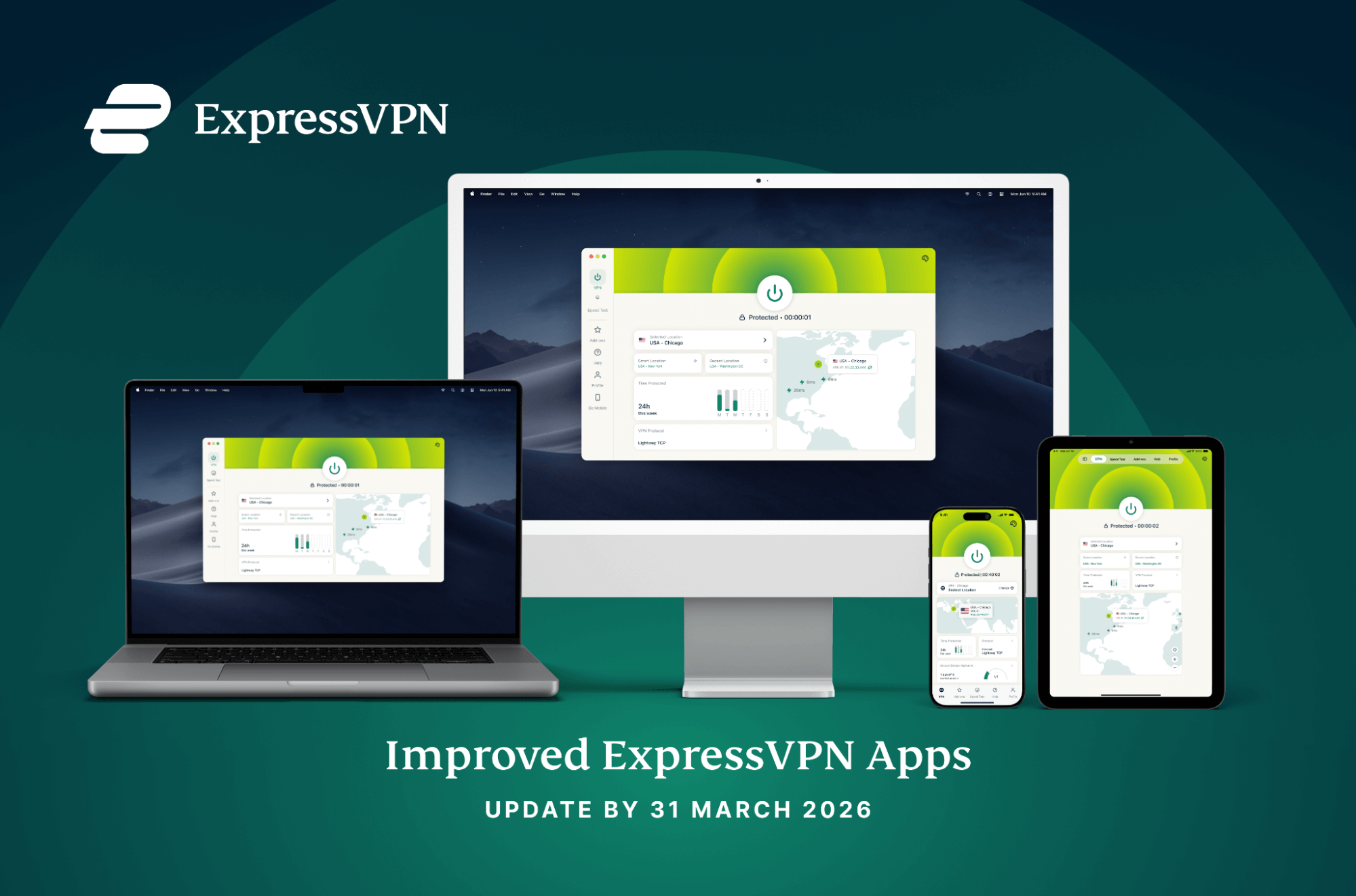
We’ve made significant improvements across all ExpressVPN apps, including enhanced performance and continued Post-Quantum protection. Download the new apps now, as legacy versions reach end of life on March 31.
To enjoy these upgrades and maintain a secure connection to our servers, you must update your app to the latest version by March 31, 2026.
- All legacy app versions will cease to connect after March 31, 2026.
- If you don't update, the VPN will not turn on. Your internet will still work, but you will not have VPN protection until the app is updated.
- Most users simply need to click "Update" when prompted or download from expressvpn.com/latest.
- If your device is too old to support the new version, you can still use ExpressVPN on any other supported device.
To maintain a secure connection after the end of March, please ensure you’re running these versions or newer:
| Platform | App version | Release Date |
| Windows | 12.103.0.22 or newer | June 2025 |
| macOS | v11.70.90675 or newer | June 2025 |
| iOS & iPad | v11.193.0 or newer | February 2025 |
| Android (incl. FireOS, Chromebook, and AndroidTV) |
12.13.0 or newer | June 2025 |
| Linux | 4.0.1 or newer | March 2025 |
| Aircove routers | v5.4.2 or newer | September 2025 |
| Apple tvOS | 12.11.0 or newer | July 2025 |
| Windows ARM64 | 12.104.0.114 or newer | July 2025 |
How this migration affects you as an ExpressVPN user
On March 31, 2026, ExpressVPN will retire older security certificates, which act as the “digital keys” for your app. If you don’t update to the minimum required version by this date:
- Connectivity: Your app will no longer be able to establish a connection to our VPN servers.
- Security risk: If the VPN fails to connect, your traffic will be unprotected, leaving your IP address visible to your ISP and websites.
- Action required: Most users simply need to click “Update” when prompted in-app or visit expressvpn.com/latest.
What you need to do
If you're already using the latest version of ExpressVPN, you're all set. But if automatic updates are turned off, or you haven't updated the app on a specific device in a while, now's a good time to do so.
- Check your app version: Open the ExpressVPN app and go to Help & Support > About ExpressVPN (or check our detailed guide below).
- Update your app: If your version is older than those listed in the table above, update now to ensure you maintain access.
A Note for Linux Users
We’re transitioning our Linux service to a new GUI-based app to provide a more intuitive and feature-rich experience. If you’re using our legacy CLI app, you will need to migrate to the latest GUI version to maintain connectivity. We appreciate your patience as we work toward full feature parity for all advanced settings.
How to find your app version
Not sure which version you’re running? It only takes a few seconds to check:
- Windows & Mac: Open the ExpressVPN app and click the menu icon (three lines) > Help & Support > About ExpressVPN.
- Android & iOS: Tap the Help tab (or the menu icon) and look for your version number under About.
- Linux: Open your Terminal and type “expressvpn--version.”
- Aircove Routers: Log in to your router dashboard, go to Advanced Settings > Software Update.
What about other devices?
- Smart TVs & MediaStreamer: If you use MediaStreamer via DNS settings on your TV, no action is required.
- Third-party routers: Routers flashed with ExpressVPN firmware will receive an automatic update by late 2025.
- Browser extensions: These will remain functional as long as your desktop app is updated to the versions listed above.
Need help?
If your device doesn’t support the latest versions, or if you encounter issues during the update process, our Support Team is available 24/7 via Live Chat to help you find a solution.
FAQ: About ExpressVPN Essential Security Update
Will my internet stop working if I don't update?
No, your internet connection will still work, but the ExpressVPN app will fail to establish a secure tunnel. This means your browsing activity, location, and data will be visible to your ISP and any websites you visit. Your connection will not be protected until you update the app.
Do I have to pay for this update?
No. Security and software updates are included as part of your active ExpressVPN subscription. Always ensure you download updates directly from the ExpressVPN app or our official website to stay safe.
What if my device is too old to support the new version?
If your hardware (e.g., an older iPad or an aging PC) cannot run the minimum versions listed above, the VPN will cease to function on that specific device starting April 1, 2026. You can still use your ExpressVPN account on any other supported device.
Why is this update mandatory?
Security certificates have expiration dates to ensure the highest level of encryption and trust. This update replaces aging certificates with new, more robust credentials that support our latest Post-Quantum security features, ensuring your data remains safe against future computing threats.
I’m a Linux user. Why do I have to switch to the GUI app?
Our legacy Linux app (CLI-only) uses the older certificate infrastructure and will not be compatible after the cutoff. The new Linux GUI app (v4.0+) is required to maintain a connection. While we are still working on adding every legacy feature to the new app, migrating now ensures you stay protected.
I’m currently traveling and can’t update easily. What should I do?
We recommend updating before March 31, 2026. If you’re past the deadline and the app stops connecting, you will need to find a secure Wi-Fi connection to download and install the latest version from our website to restore service.
How do I know if the update worked?
Once you update, follow the "How to find your app version" steps above. If your version number matches or is higher than the version listed in our compatibility table, you are all set, and your connection is secure.
Does this affect ExpressVPN on my router?
- Aircove: These will update automatically if connected to the internet. Please check your dashboard to ensure you are on version 5.4.2 or newer.
- Manual Router Setups: If you manually configured ExpressVPN on a third-party router using OpenVPN or L2TP, you may need to download new configuration files from our website after the migration.
Take the first step to protect yourself online. Try ExpressVPN risk-free.
Get ExpressVPN