

Expressvpn Glossary
Browser hijacker
What is a browser hijacker?
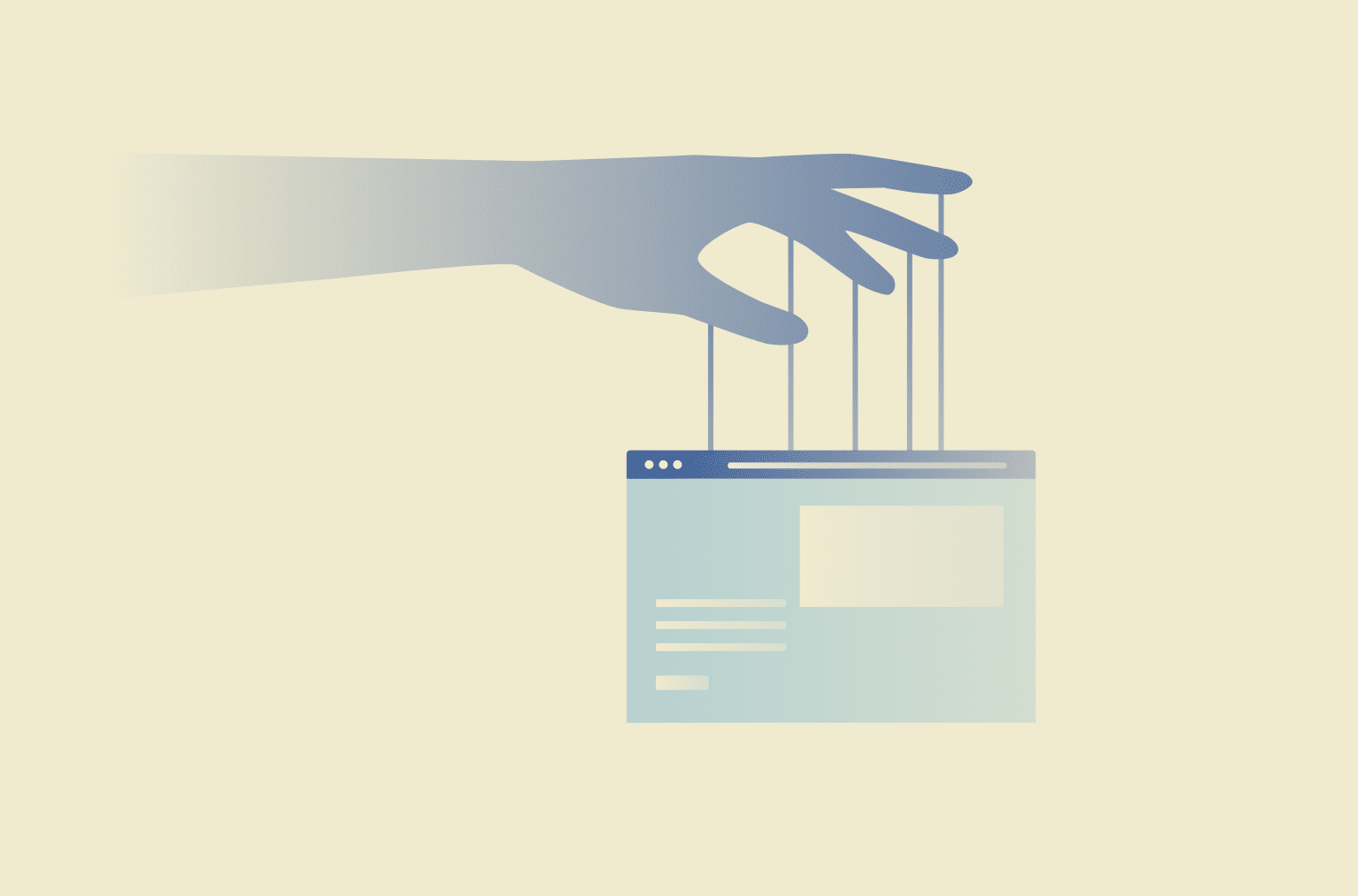
A browser hijacker is a type of malware that modifies a web browser's settings without consent. It may change the homepage or default search engine, install unwanted toolbars or extensions, open new tabs automatically, or redirect traffic to malicious or deceptive websites. It can also inject ads, pop-ups, and sponsored links into browsing sessions to generate advertising revenue for the attacker.
Browser hijackers typically spread through bundled free software, malicious ads or links, and deceptive downloads that trick users into installing unwanted programs.
How does a browser hijacker work?
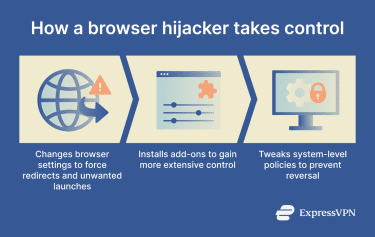
Browser hijackers work by inserting themselves into a browser environment, changing key settings, and preventing users from reversing those changes. Many come bundled with free software and install quietly alongside the program. Once installed, they modify how the browser launches, searches, and loads web pages.
This type of malware typically:
- Alters configuration files and system shortcuts: Hijackers modify browser preference files or desktop/start-menu shortcuts so they always launch to a specific homepage or redirect URL.
- Installs browser extensions with elevated permissions: They may add extensions or toolbars that have broad access, allowing them to change search providers or override user settings.
- Changes registry keys or browser policies: On some systems, hijackers modify registry entries or browser policies to lock in changes and prevent users from restoring original settings.
Types of browser hijackers
Browser hijackers can be grouped into categories based on how they gain control of a browser and what settings they modify. These categories include:
- Search redirect hijackers: These hijackers reroute searches and tabs to unwanted sites or malicious search engines.
- Ad-injection hijackers: These threats insert intrusive ads, pop-ups, and sponsored links into legitimate web pages.
- Malicious extension-based hijackers: These hijackers disguise themselves as browser extensions or add-ons and request broad permissions that allow them to control or modify browser settings.
- Policy-enforced settings hijackers: Some browser hijackers enforce browser policies that make it harder for users to undo changes.
Why is a browser hijacker dangerous?
Some of the key dangers of a browser hijacker include:
- Exposes browsing activity and personal identifiers: A hijacker can track the sites a user visits, what they search for, and more.
- Increases exposure to phishing and scams: By redirecting users to malicious sites, hijackers make it easier for scammers to trick users into giving away sensitive info.
- Enables further malware installs: Once a browser hijacker gains a foothold, it can create conditions for other malicious software, such as keyloggers, ransomware, or spyware, to install on the device.
- Impacts performance and reliability: Hijackers often overload browsers, causing slow page loading times and reducing overall device responsiveness.
Where are browser hijackers used?
Browser hijackers can be used against any system with a web browser, including Windows and macOS devices. They often target popular browsers like Google Chrome, Microsoft Edge, Mozilla Firefox, and Apple Safari. Users might encounter them on personal laptops, school computers, office systems, or shared devices.
How browser hijackers are prevented
There’s no guaranteed way to prevent browser hijackers, but several measures can reduce the risk.
- Regular software updates: Operating system and browser updates often patch security vulnerabilities that hijackers attempt to exploit. Keeping software current reduces the number of exposed entry points.
- Built-in browser security features: Many browsers include threat detection systems that flag unsafe websites and suspicious downloads before they load. These safeguards help limit exposure to malicious content.
- Security software protections: Antivirus and anti-malware programs can detect and block suspicious files, installers, or scripts associated with browser hijackers.
- Extension review and permission controls: Browser hijackers frequently disguise themselves as extensions. Reviewing an extension’s source, reputation, and requested permissions provides additional visibility into potential risks.
Further reading
- How to stop my search engine from switching to Bing
- Why does my search engine keep changing to Yahoo?
- How to identify and remove grayware from your devices
- Chrome virus scan: How to detect and remove threats quickly